Before paying for any marine navigation app, it makes sense to ask whether you can try it first, and whether there is a free option at all. Navionics is one of the most popular navigation apps in the world, so this is a common question. The short version is that Navionics offers both a free version with basic features and a free trial of its premium charts and features. This guide explains exactly how the free version, the free trial, and the paid subscription fit together, so you know precisely what to expect before you spend anything.
The Short Answer
Navionics offers a free Boating app that you can download at no cost, and it includes a free trial of the charts and advanced features. After the trial period ends, continuing to use the full charts and advanced features requires a paid, auto-renewing yearly subscription. Some basic features and base mapping remain available without a subscription, but the detailed Navionics charts most boaters want are part of the paid experience.
So the answer to “is Navionics free?” is partly yes and partly no. The app itself is free to download, and some functionality remains free. But the full experience, including the detailed charts Navionics is known for, requires a subscription after the trial. Understanding this structure helps set the right expectations and avoid surprises.
How the Free Version Works
What the Free Download Includes
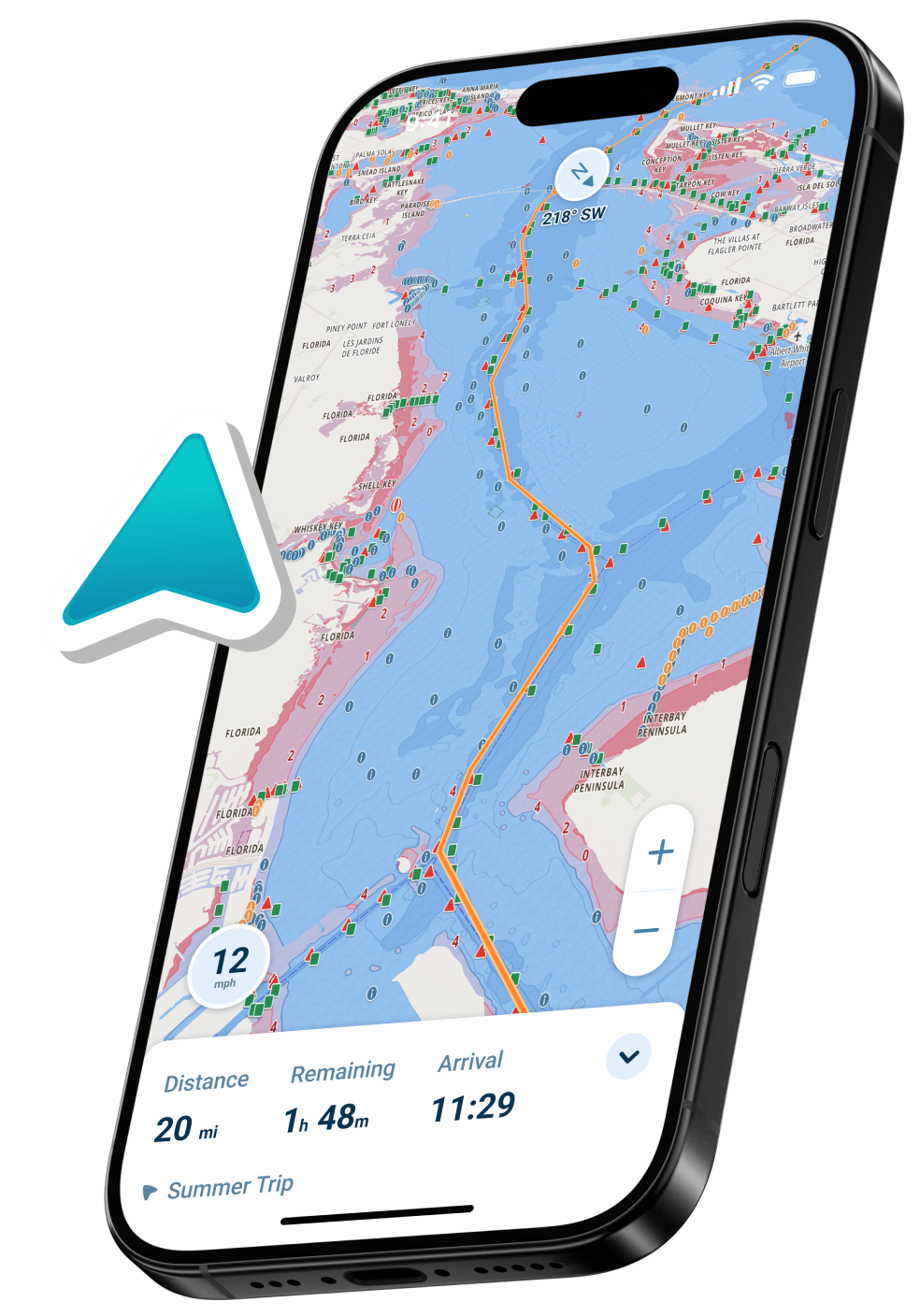
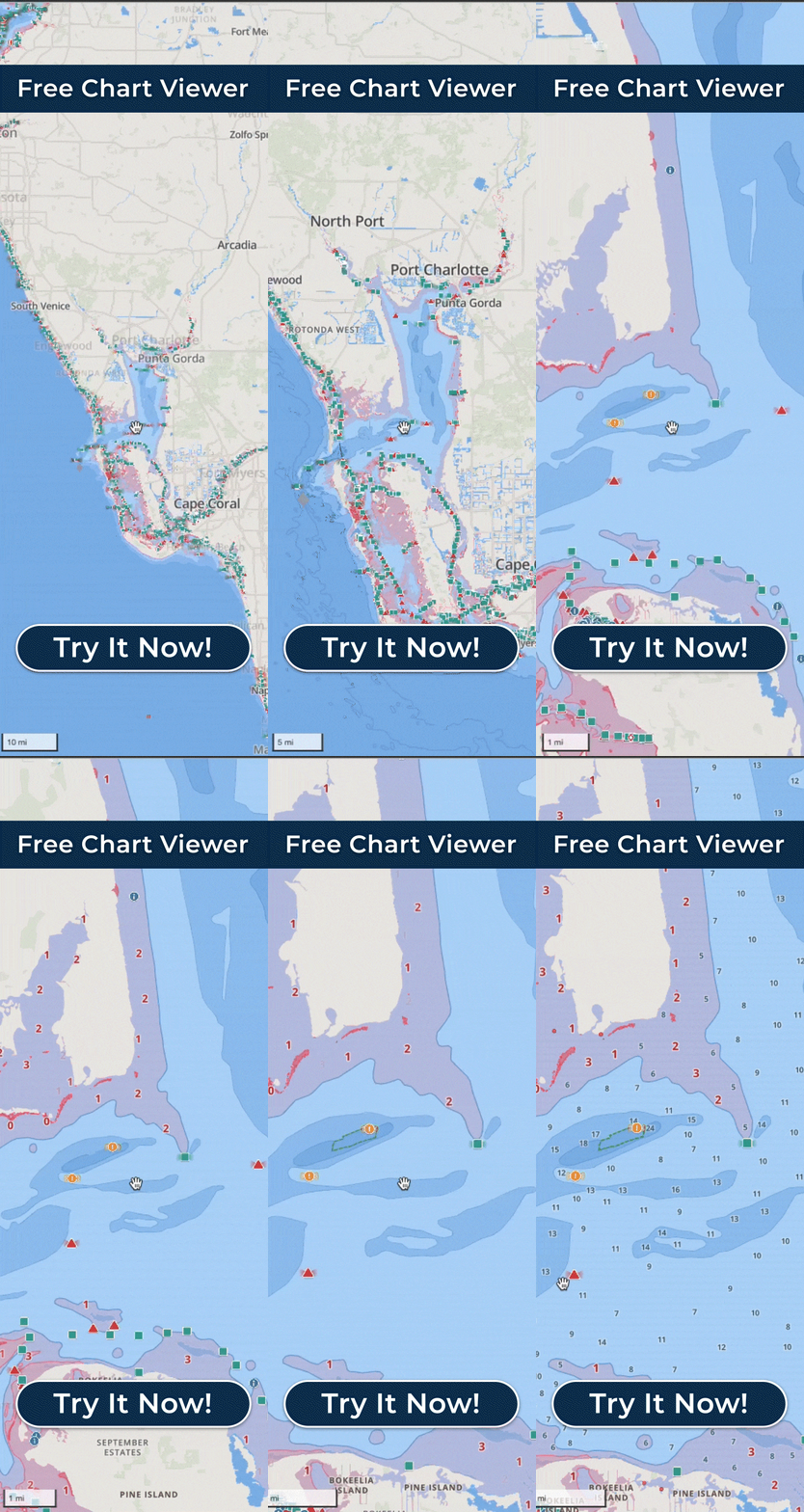
You can download the Navionics Boating app for free on both Apple and Android devices. The free download is not a locked or crippled shell; it includes a set of genuinely usable basic features. These typically include access to U.S. government NOAA charts within their coverage, along with basic functions like tracks, routes, distance measurement, and markers.
For some boaters, particularly those in U.S. waters who are comfortable with NOAA charts and basic functionality, the free version alone can provide usable navigation. It is not the full Navionics experience, but it is more than a mere demo. This makes Navionics genuinely usable at a basic level without paying, which is a meaningful option for occasional boaters or those on a tight budget.
The Limits of the Free Version
The free version’s main limitation is that it does not include the full Navionics charts and advanced features on an ongoing basis. Once any trial of the premium features ends, you are left with base mapping and basic features rather than the detailed Navionics charts, SonarChart HD bathymetry, dock-to-dock autorouting, and other advanced tools that define the paid experience.
For boaters who want the detailed charts Navionics is known for, the free version is a starting point rather than a permanent solution. Whether that matters depends on how much you need those premium features for your boating. If you navigate familiar waters and are comfortable with NOAA charts, the free tier may suffice. If you want the detailed bathymetry and advanced planning tools, you will need the subscription.
How the Free Trial Works
Trying the Premium Features
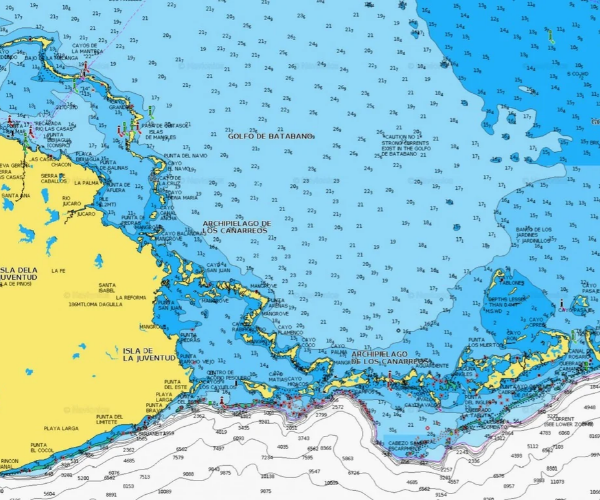
When you download the free app, you also get a free trial of the charts and advanced features, giving you a window to experience the full Navionics offering before deciding whether to pay. During this trial, you can explore the detailed charts, SonarChart bathymetry, autorouting, and other advanced features to see whether they suit your needs.
This trial is genuinely useful, because it lets you evaluate the premium experience on your own waters rather than guessing from descriptions. Making the most of the trial period, by using it on boating trips, gives you the clearest sense of whether a subscription is worth it for you. The trial is your best opportunity to judge the app’s value firsthand at no cost.
What Happens After the Trial
Once the trial period ends, access to the premium charts and advanced features requires a paid subscription. If you choose not to subscribe, you revert to the free version’s basic features and base mapping. You do not lose the app, but you do lose the premium charts and features until you subscribe.
It is also worth knowing that the subscription is auto-renewing. When you purchase, the app typically opts you into automatic renewal, meaning it will renew and charge you each year unless you turn off auto-renew in your account settings. This is standard for many subscription apps, but it is worth being aware of so you are not caught off guard by a renewal charge. If you decide the app is not for you, remember to manage the auto-renew setting.
Timing Your Trial Well
Because the trial is your window to evaluate the premium features, it is best to start it when you will be boating. Starting the trial and then not getting on the water during the trial period wastes the opportunity to properly test what you would be paying for. Plan your trial around a time when you can put the charts and features to a test in your own conditions.
How the Paid Subscription Works
The Subscription Model
To keep access to the full Navionics charts and advanced features after the trial, you purchase a subscription. Navionics operates on a subscription basis, which means ongoing access depends on keeping your subscription active. The subscription runs on an annual basis for a given coverage area, and it renews automatically unless you cancel.
The subscription unlocks the detailed nautical charts, SonarChart HD bathymetry, community edits, dock-to-dock autorouting, tides and currents, and the other advanced features that make up the full Navionics experience. For boaters who want these capabilities, the subscription is the path to them.
Understanding the Cost
Navionics app pricing starts at around $49.99 per year depending on the region you choose, with additional cost for broader coverage across multiple regions. This places Navionics in the mid-range among navigation apps. It is worth noting that this pricing reflects increases in recent years; the app was previously cheaper, and the rise prompted some pushback from long-time users. Knowing the current pricing helps you evaluate the app fairly.
Because Navionics uses a subscription model, it is important to understand that this is an ongoing cost rather than a one-time purchase. Access to updates and premium features continues as long as your subscription is active. If it lapses, you typically retain previously downloaded charts for basic viewing but lose updates and certain advanced features until you renew. This subscription structure is worth factoring into your decision, especially if you prefer owning what you buy.
Making the Most of the Free Options
Use the Free Version to Evaluate Basics
If you are just exploring what Navionics offers, the free download lets you get a feel for the app and its basic features at no cost. This is a low-risk way to see whether the interface and general approach appeal to you before you even start the premium trial. For boaters in U.S. waters, the free NOAA charts alone may reveal whether the app suits your style.
Use the Trial Strategically
Time your free trial for when you will be on the water. The trial is most valuable when you can test the premium charts and features in conditions. Starting the trial and then not boating during the trial window wastes the opportunity to properly evaluate the premium experience you would be paying for.
Compare Against Other Apps
Since most quality marine navigation apps offer free versions or trials, this is a good opportunity to compare. Trying Navionics alongside other apps during their respective free periods helps you find the option that best fits your boating. Different apps emphasize different strengths, with some prioritizing detailed charts, others simplicity, automatic safety features, or predictable pricing. Comparing directly is the smartest way to choose rather than defaulting to the most familiar name.
Watch for the Auto-Renewal
If you try Navionics and decide it is not for you, remember to turn off auto-renew so you are not charged for a subscription you do not want. Managing this setting after your trial or subscription period ensures you only pay for what you intend to use. It is a small step that prevents unwanted charges.
Is the Free Version Enough on Its Own?
A question many boaters ask is whether they can simply rely on the free version indefinitely and skip paying altogether. The answer is that it depends entirely on how and where you boat. For a boater who sticks to familiar U.S. waters, is comfortable reading NOAA charts, and mainly wants basic positioning, tracks, and markers, the free tier can genuinely serve as a usable navigation tool without ever paying.
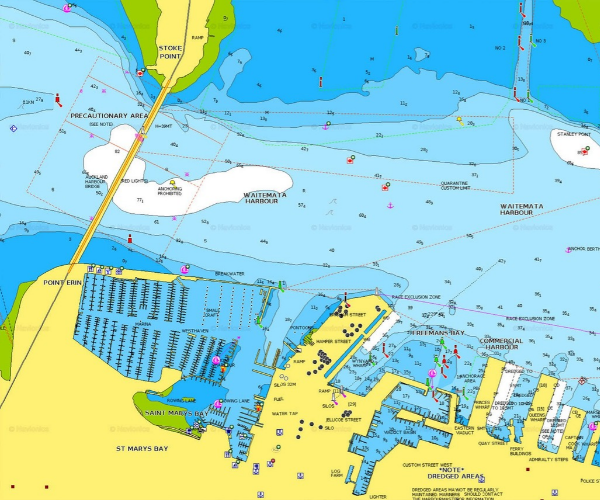
However, for boaters who want the features that make Navionics distinctive, the free version falls short over the long term. The detailed SonarChart bathymetry that anglers prize, the dock-to-dock autorouting that simplifies trip planning, and the ongoing chart updates all sit behind the subscription. If those features matter to your boating, the free tier will eventually feel limiting, and the trial exists precisely so you can decide whether they are worth paying for. The smart approach is to use the free version and trial together to figure out which category you fall into before committing any money.
Comparing the Free Offering to Other Apps
Navionics is not unique in offering a free tier and a trial; this has become a common approach among marine navigation apps. What varies is exactly what each app includes for free, how long the trial lasts, and what the subscription costs afterward. Some apps offer generous free planning features but reserve on-water navigation for paid tiers, while others structure their free and paid offerings differently.
Because of this variation, the free trial period is genuinely valuable as a comparison tool. Rather than committing to Navionics based on its reputation alone, you can run its trial alongside the free periods of other apps and see which one fits your boating and budget best. Boaters who take the time to compare often find meaningful differences in ease of use, pricing, and features that are not obvious from marketing descriptions. Since comparing costs nothing during the free periods, it is well worth the effort before you settle on a navigation app for the season.
The Bottom Line
So, does Navionics have a free trial, and is it free? Both, in a sense. The app is free to download and includes genuinely usable basic features, including NOAA charts, that remain available at no cost. It also includes a free trial of the premium charts and advanced features, so you can evaluate the full experience before paying.
After the trial, the detailed charts and advanced features require a paid, auto-renewing subscription that starts at around $49.99 per year depending on region. The free version and trial make it easy to evaluate Navionics without upfront cost, which is the smart way to decide whether it fits your boating. Take advantage of the free download and trial, test it on your own waters, be mindful of the auto-renewal, and compare it against other options before committing to a subscription. That way, you can be confident you are choosing the navigation app that genuinely fits your needs and budget.