Five Things That Set Wavve Apart

A Chart Shaped by Your Hull
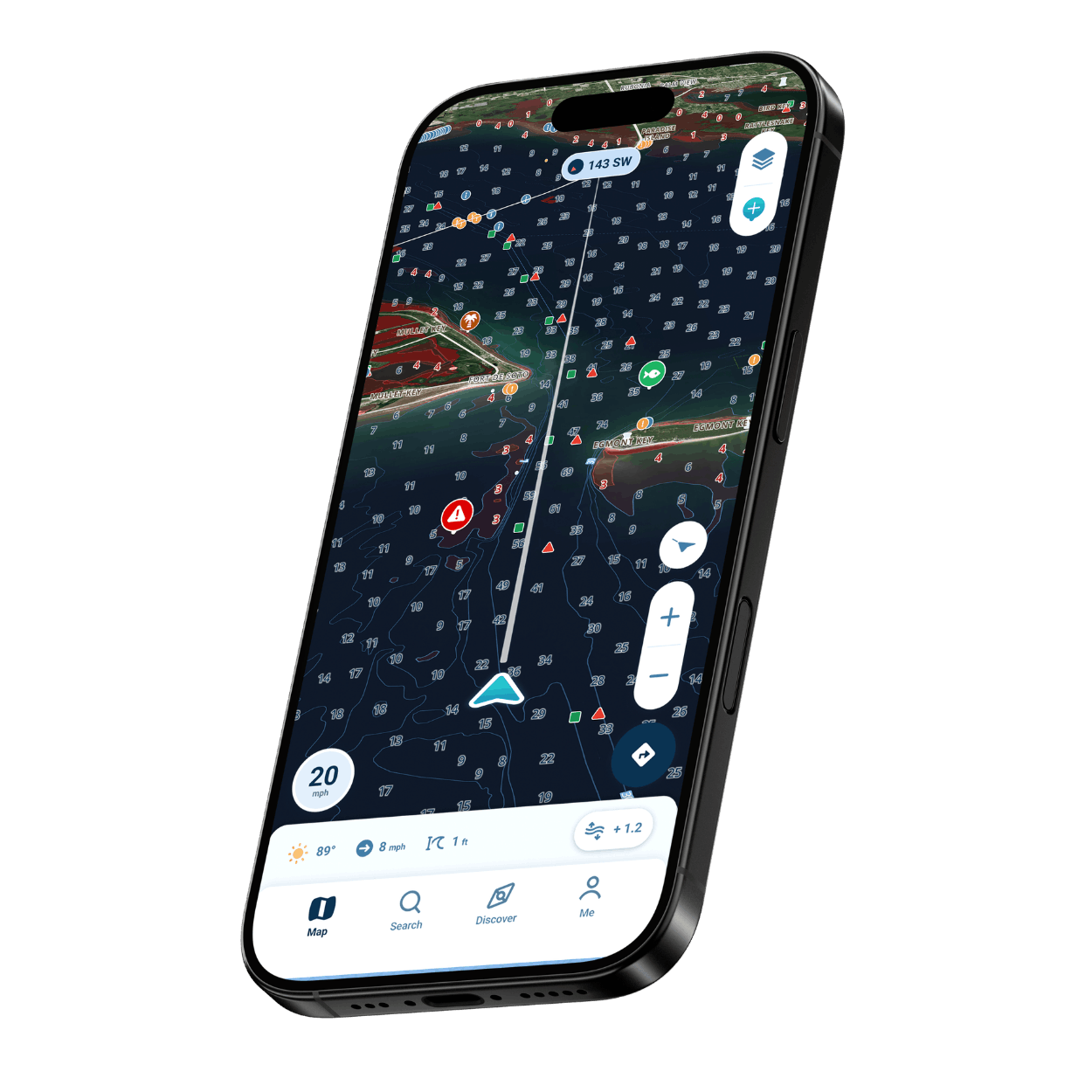
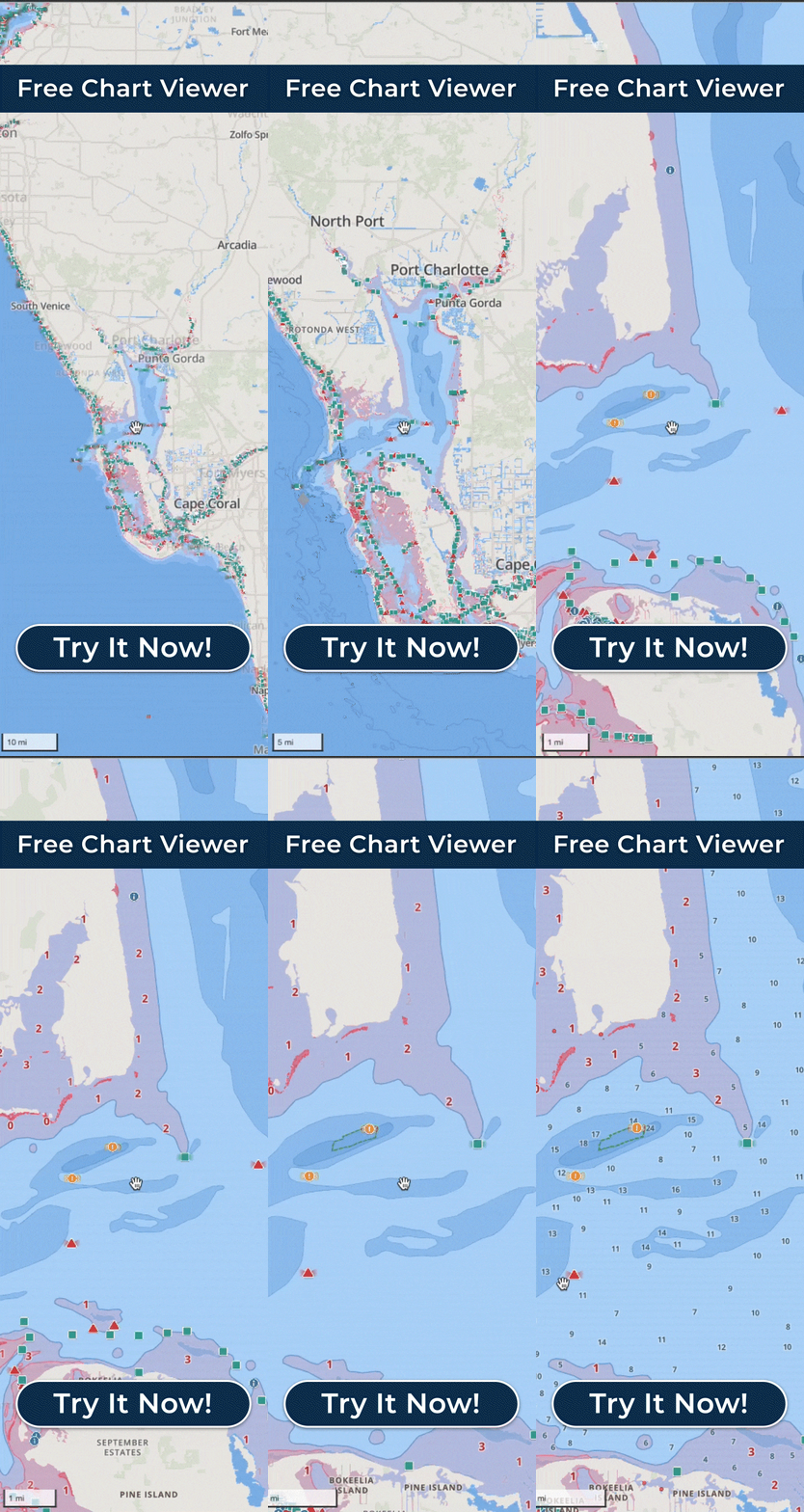
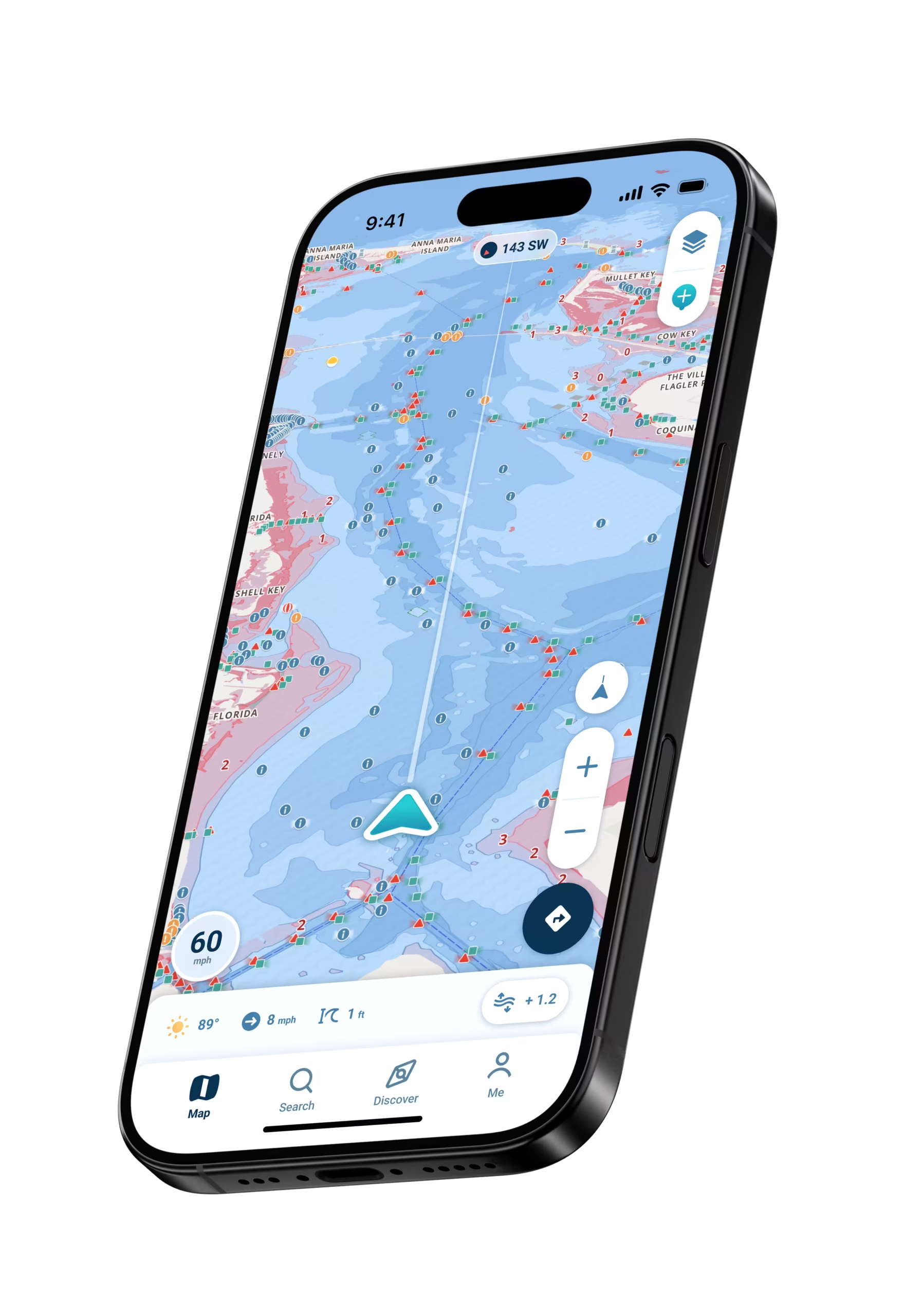
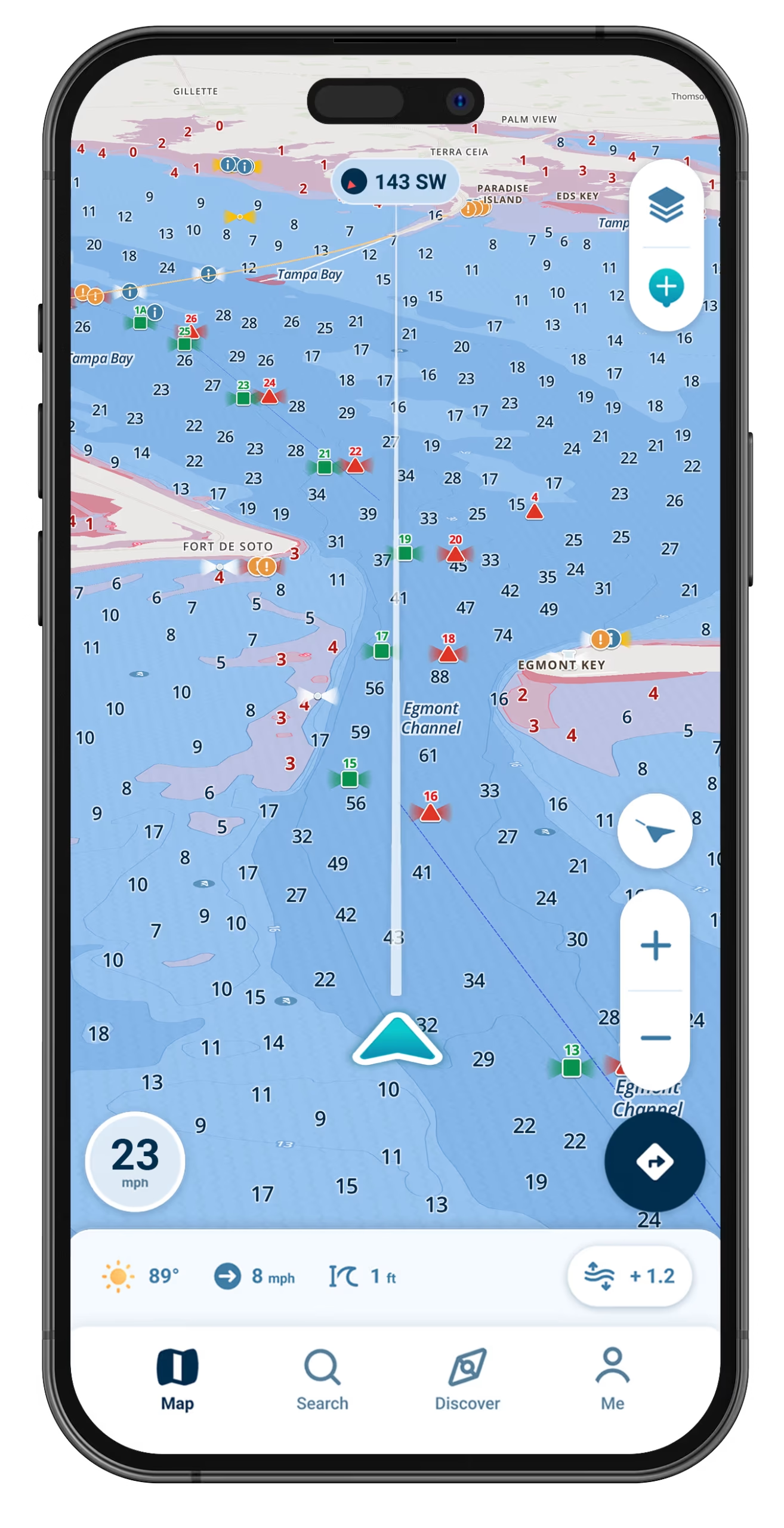
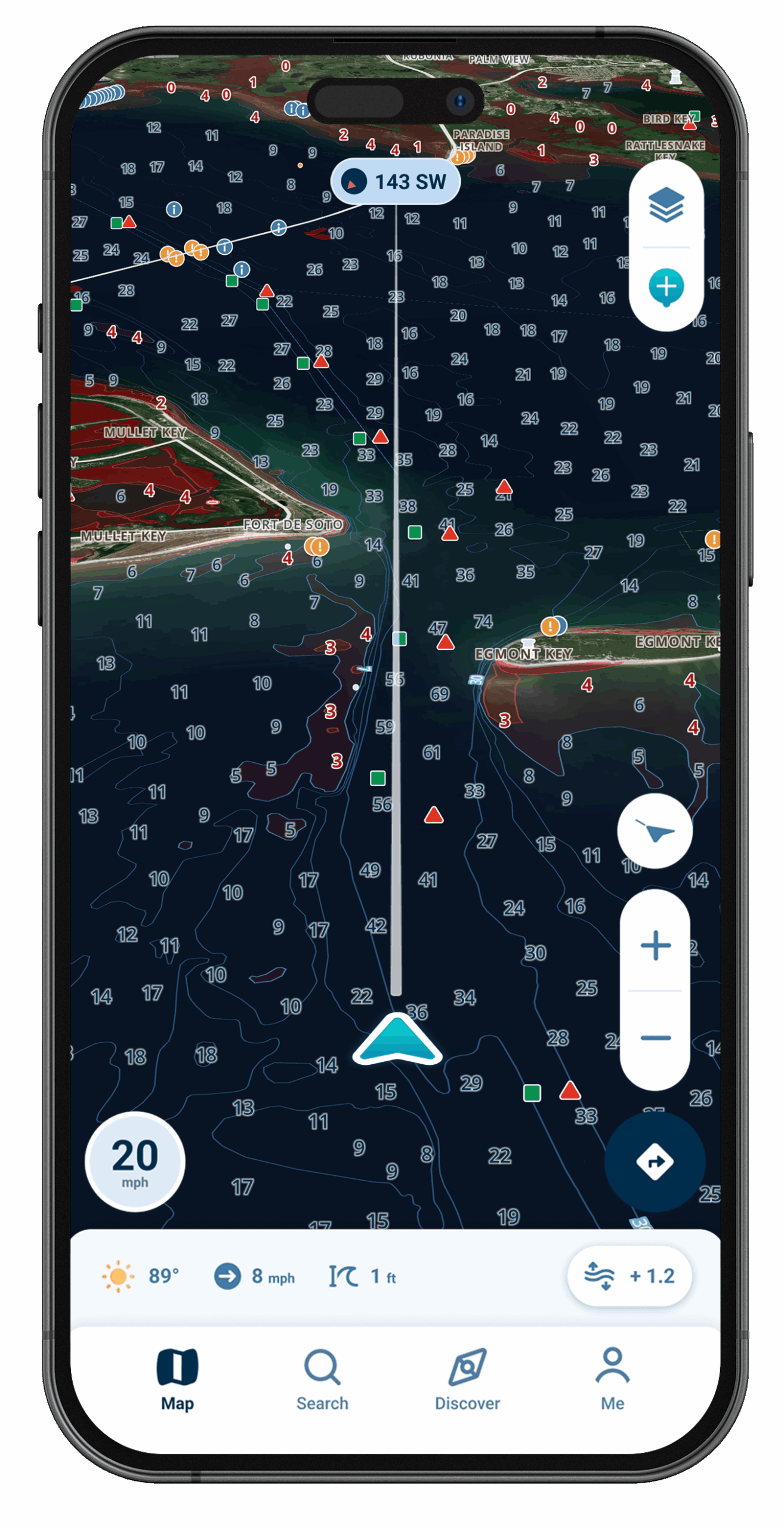
Set your draft and the chart shades water that may be too thin for your boat in red.
A Nudge When Depth Runs Low
Tied to your boat’s draft, the warning gives you a chance to throttle back and choose another line.
One Look Tells You Enough
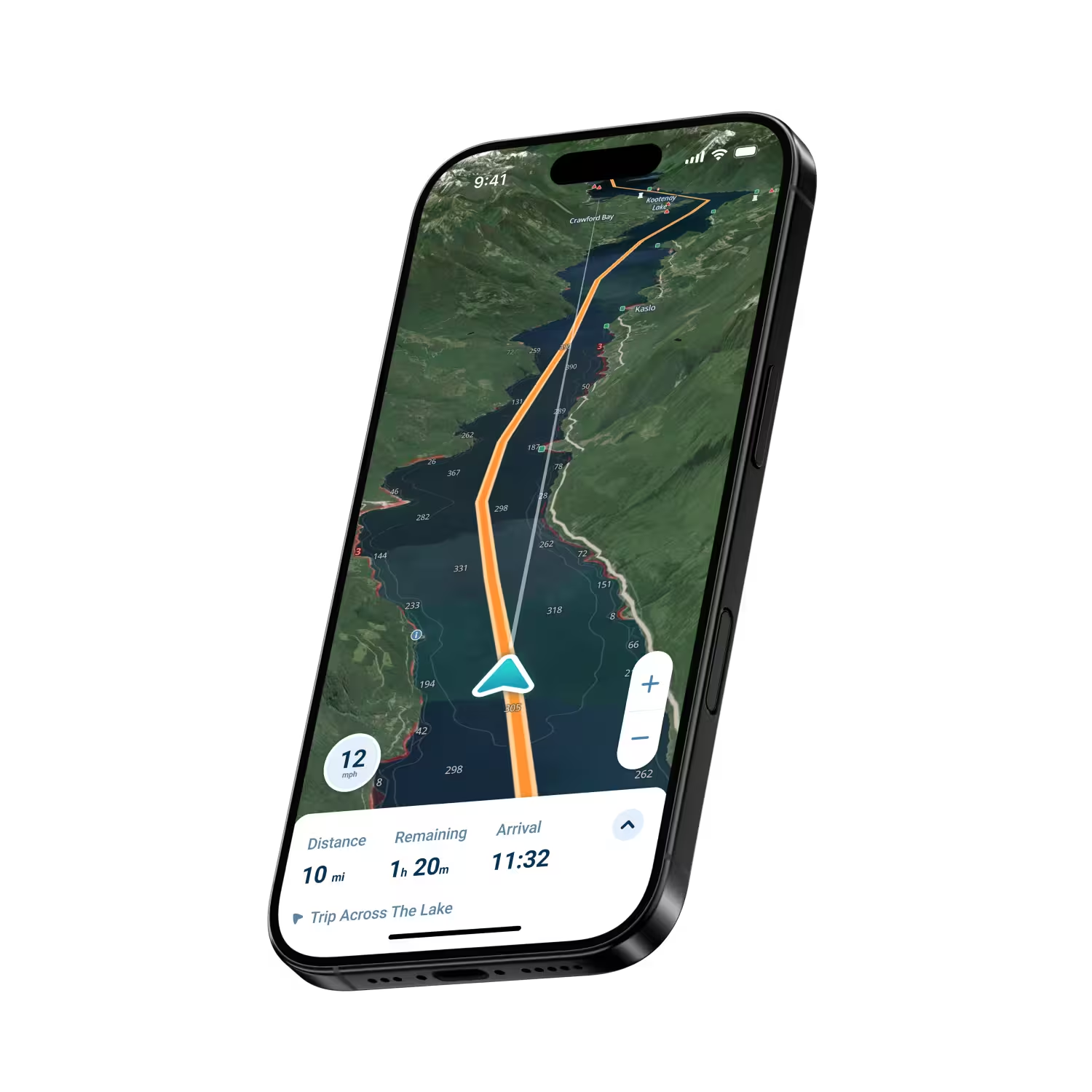
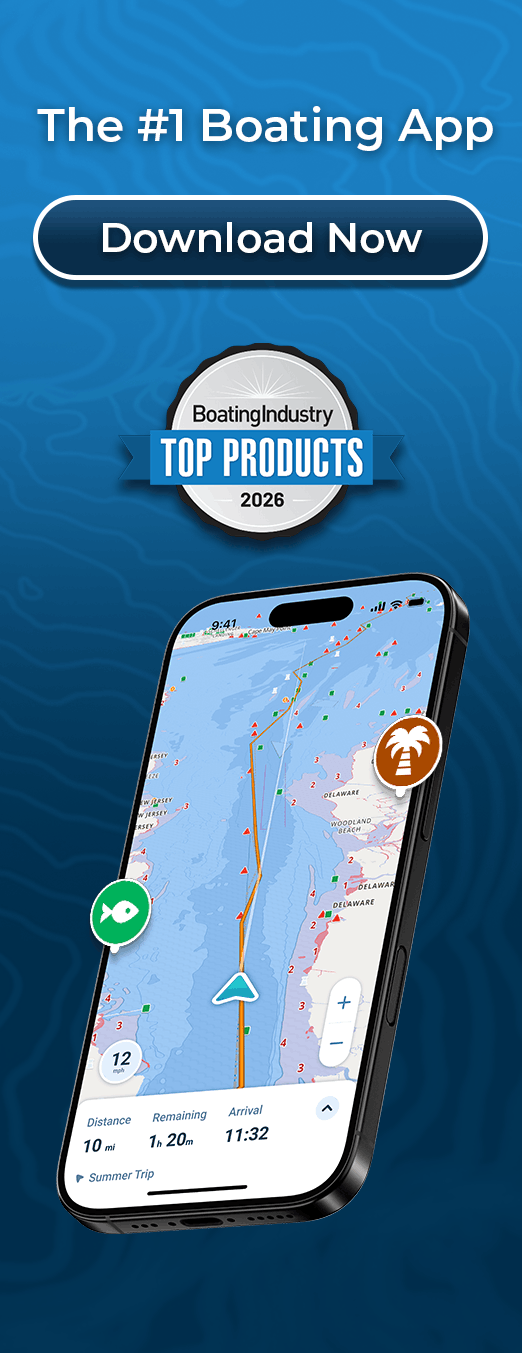
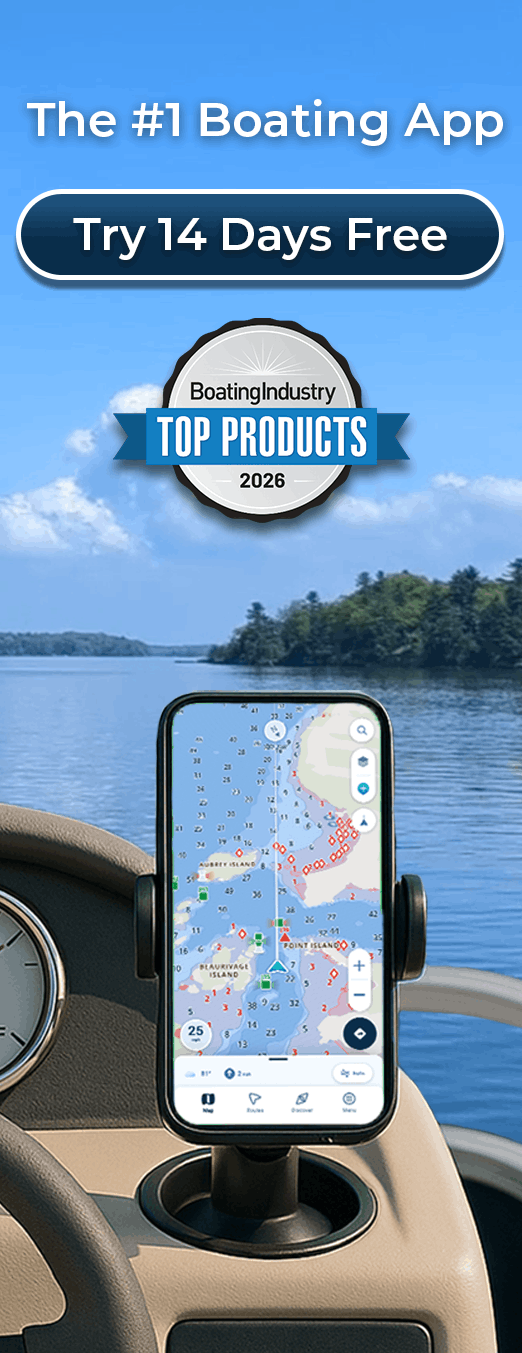
Your position and the water ahead sit front and center on an uncluttered map.
Charts for the Water You Boat
Chart data drawn from more than 20,000 nautical charts, plus thousands of lakes, and coverage keeps growing.
Places Other Boaters Pin
Fellow boaters share Wavve Points that flag fuel docks, ramps, marinas, and hazards worth knowing about.
Confidence That Starts With Your Draft
Wavve runs on the mobile device you carry anyway, so your dash stays as it is, with no new hardware to buy, mount, or wire in. Enter your draft once and any water that may be too shallow for that hull turns red, while Dynamic Depths updates that picture through the day, following the tide and the local water level. The screen stays uncluttered, so a single glance shows your spot on the water and what lies ahead.

Which Boater Are You?

Anglers in the Shallows
Keep your spots private with Wavve Points, and see which skinny water may be too shallow for your boat before you idle in.
Bluewater Fishing Crews
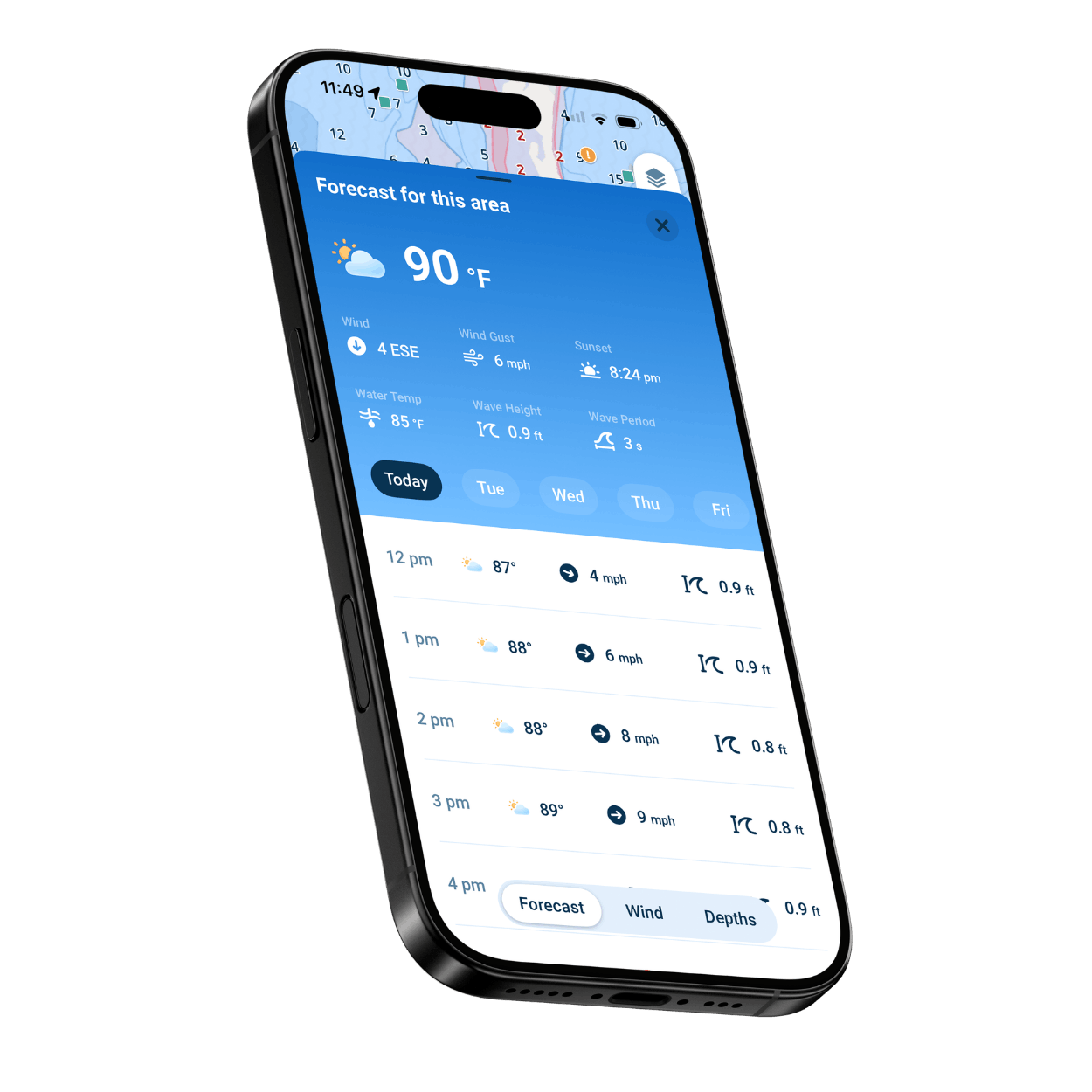
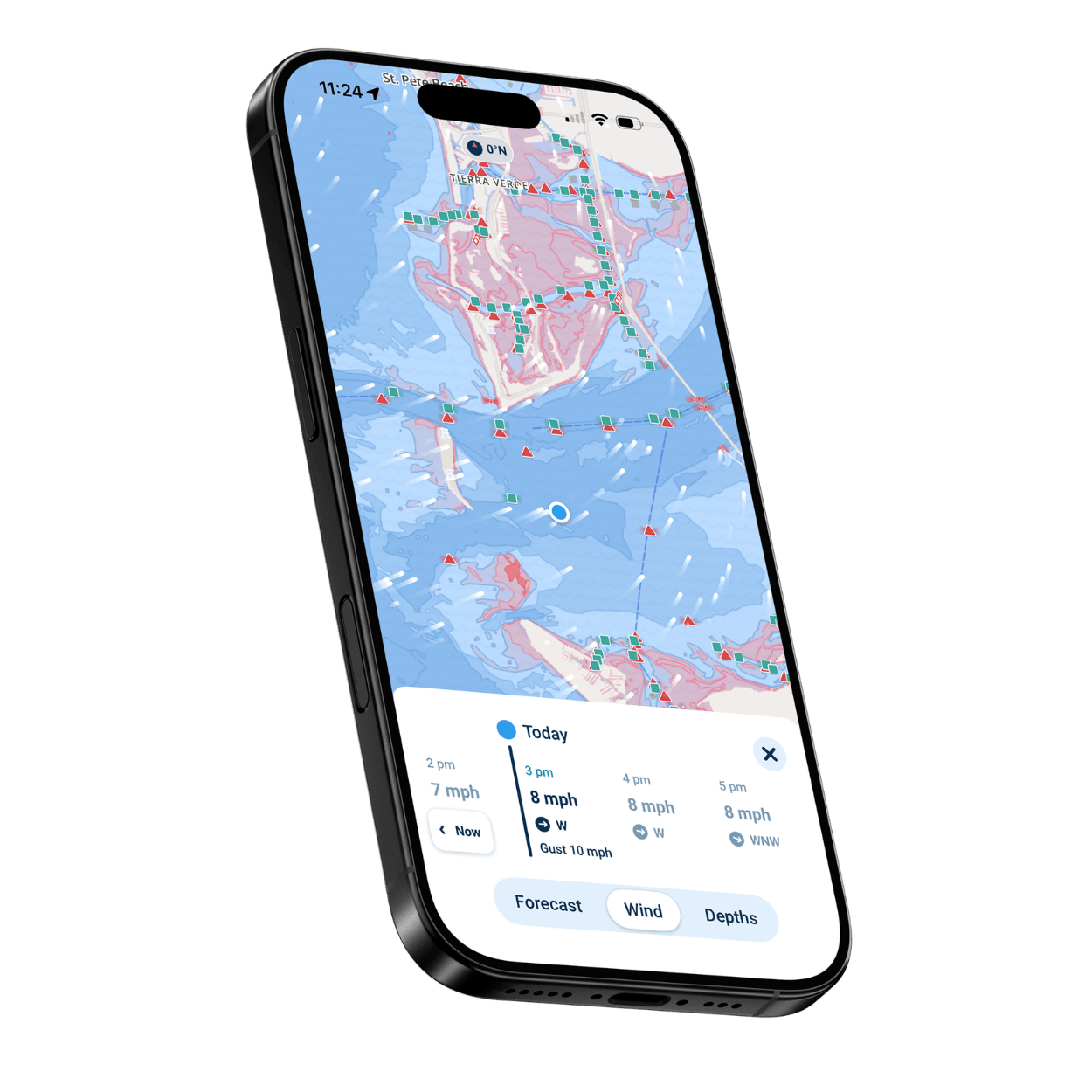
Read the week’s wave heights and wind gusts, and pick the calmest morning for the run out.
Families on the Lake
Know where your lake gets shallow before you pick a spot to swim, tube, or anchor.
Raft-Up and Beach Day Crews
Line up the raft-up with the day’s high and low tides, so you know when the water starts dropping before it is time to head home.
Newcomers to Boat Ownership
Every symbol on the chart explains itself with a tap, so the waterway starts to make sense trip by trip.
Experienced Captains
Plan on a bigger screen, keep a backup in your pocket, and send routes to a compatible chartplotter by GPX file.
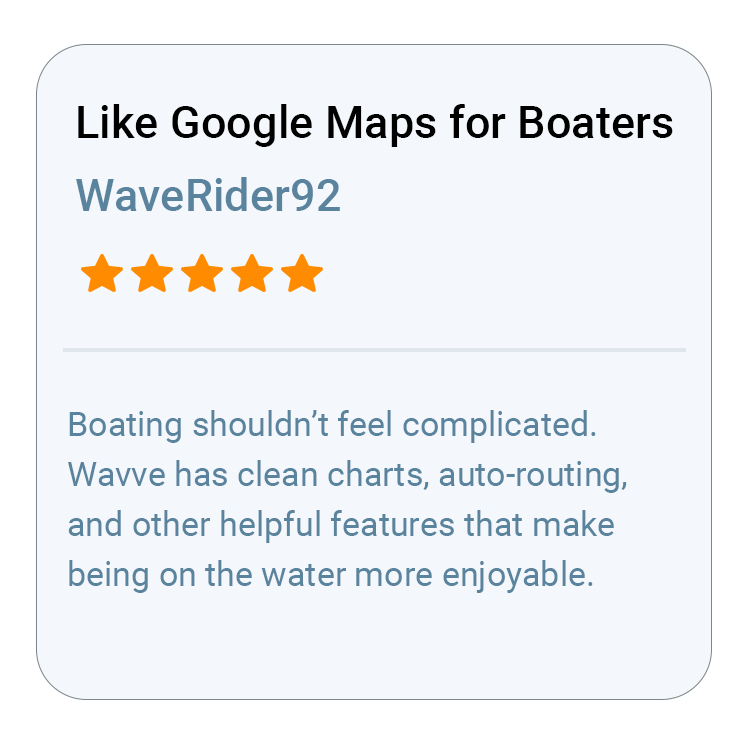
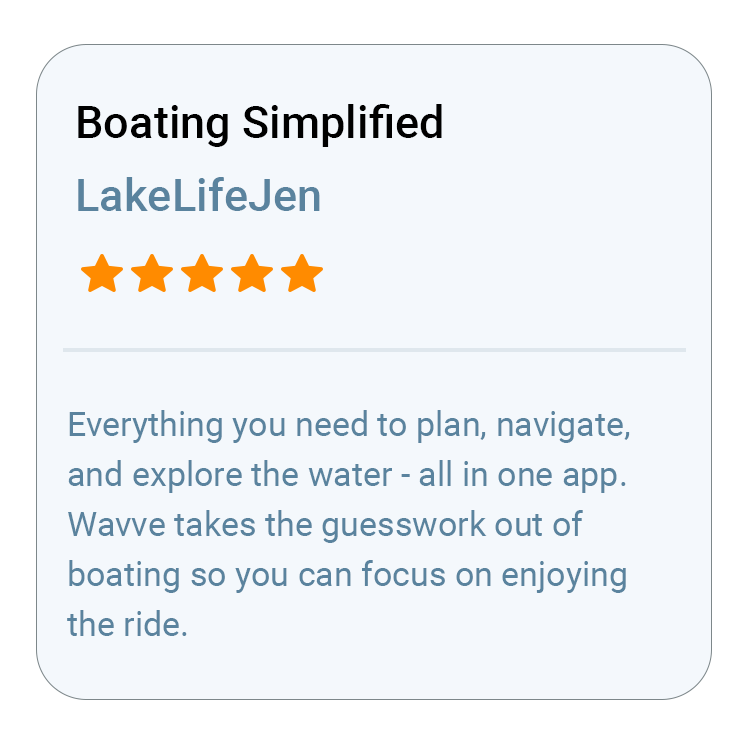
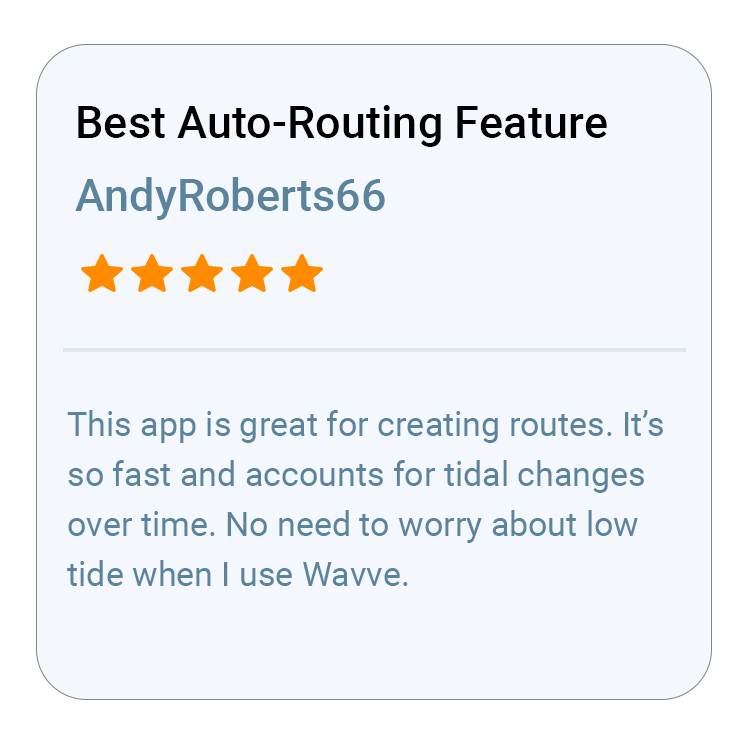
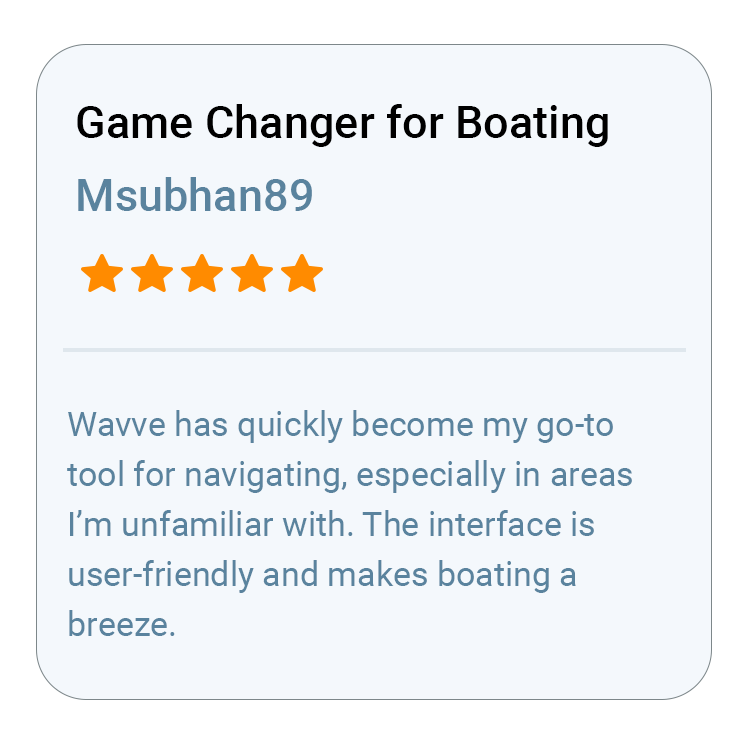
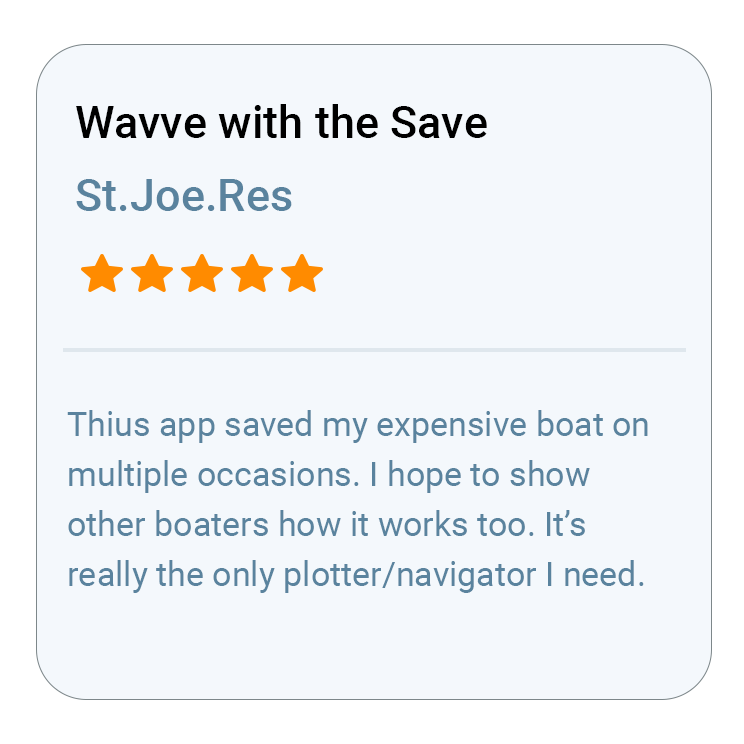
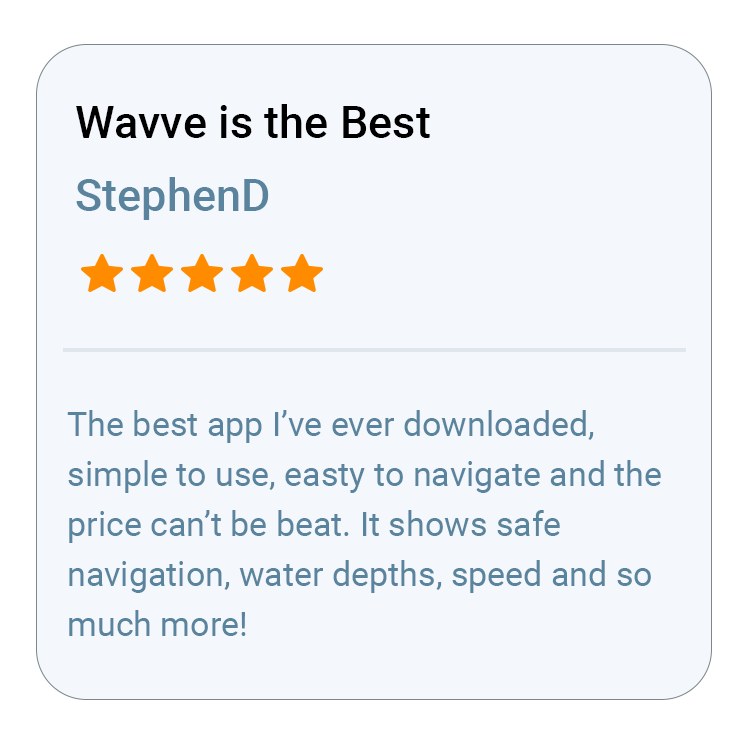
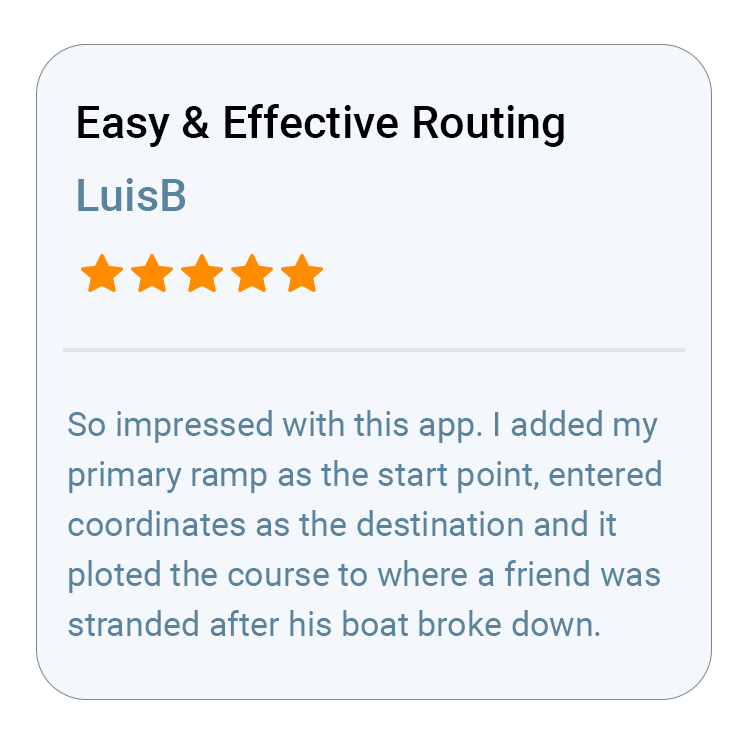
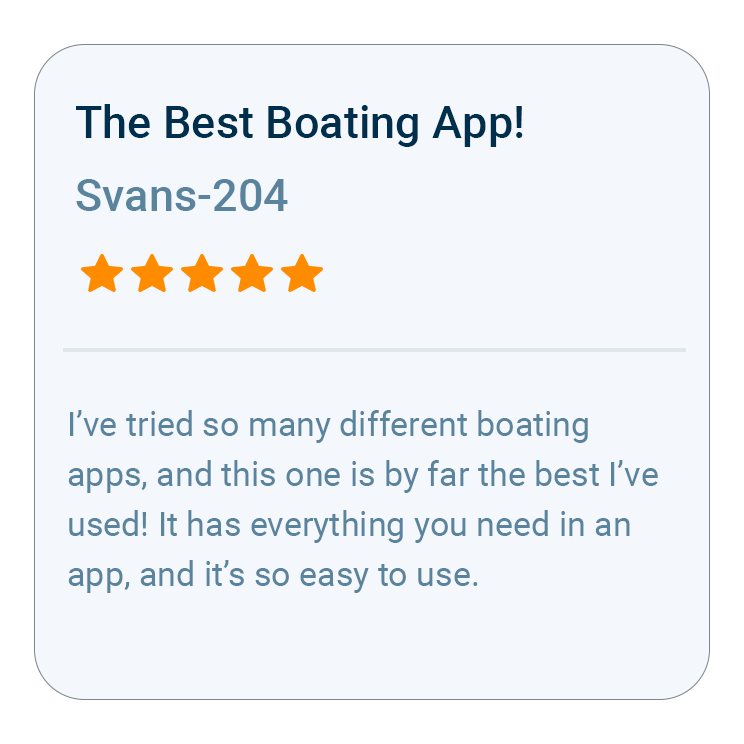
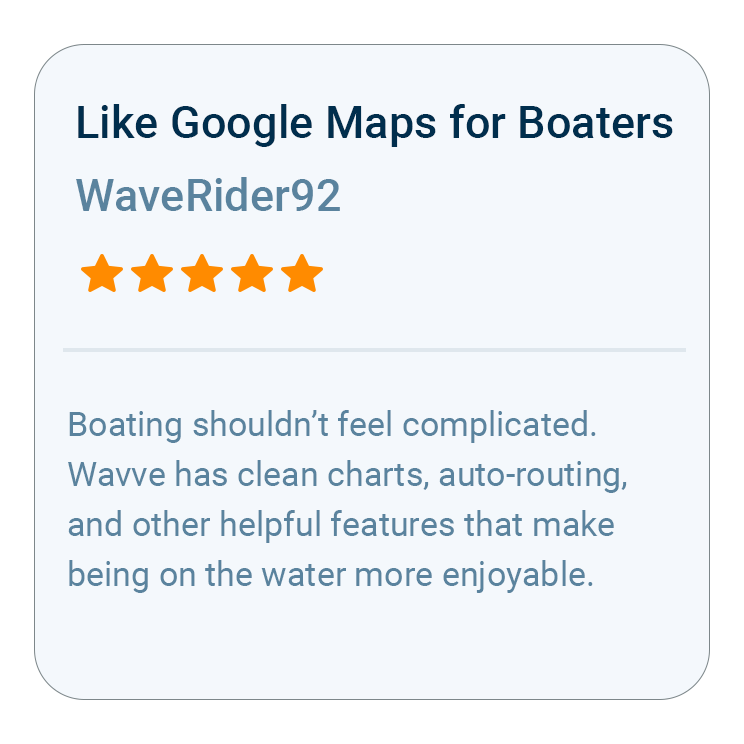
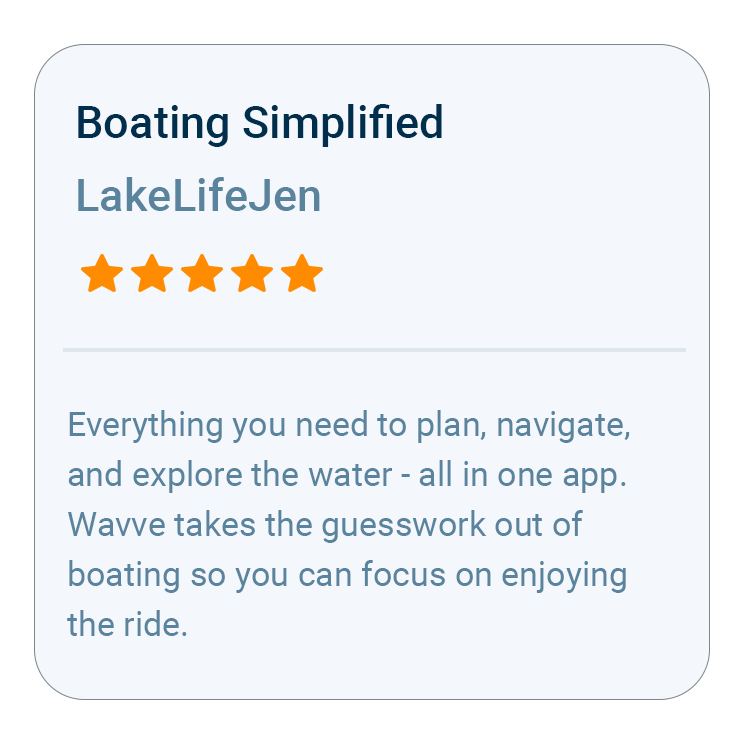
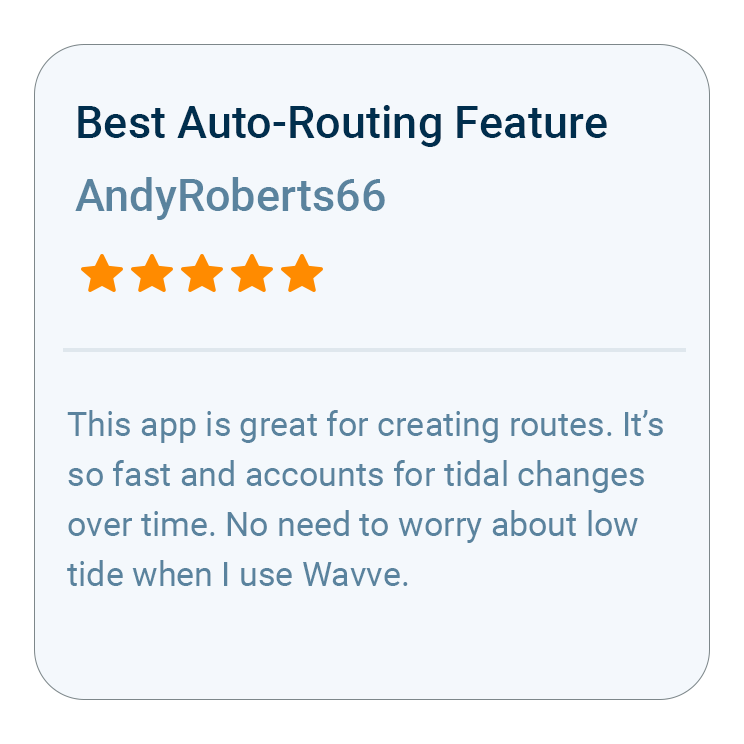
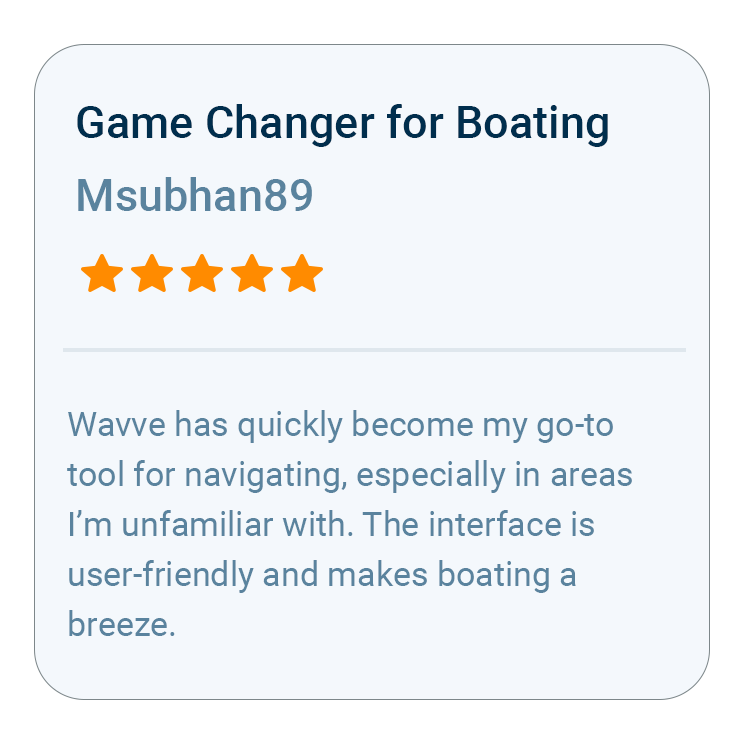
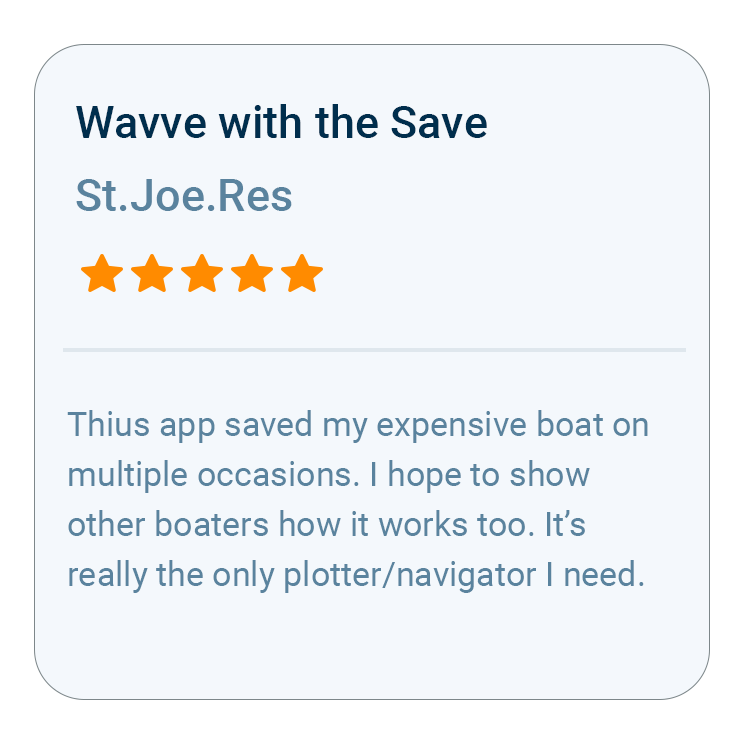
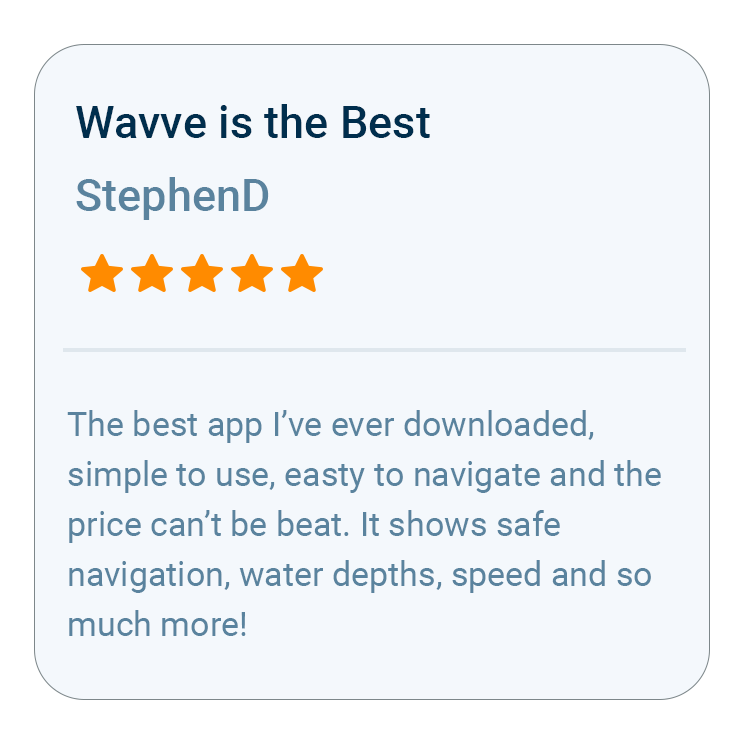
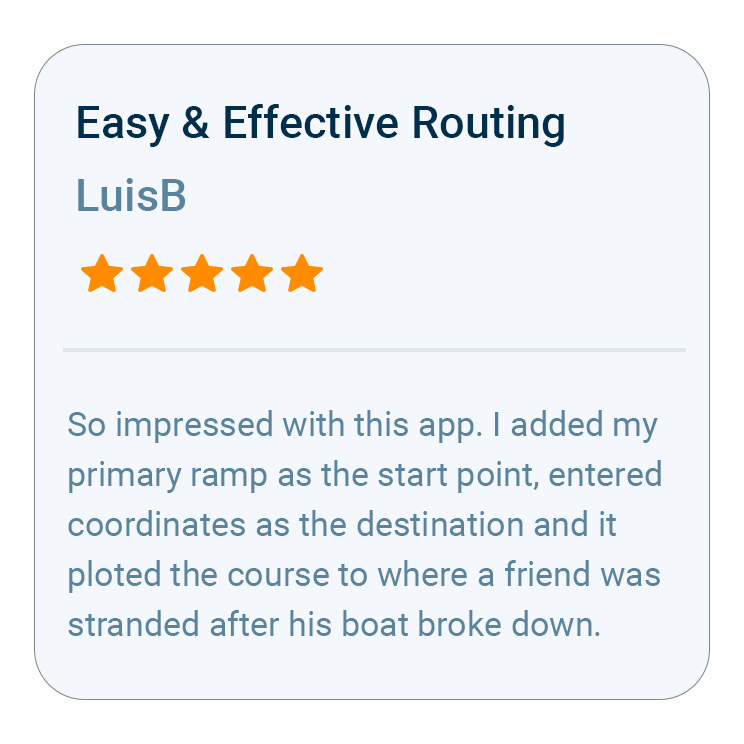
What Boaters Are Saying
What Boaters Want to Know



Trusted by Top Brands in Marine