Your Android Phone as a Boating Chart

Shoals Marked in Red
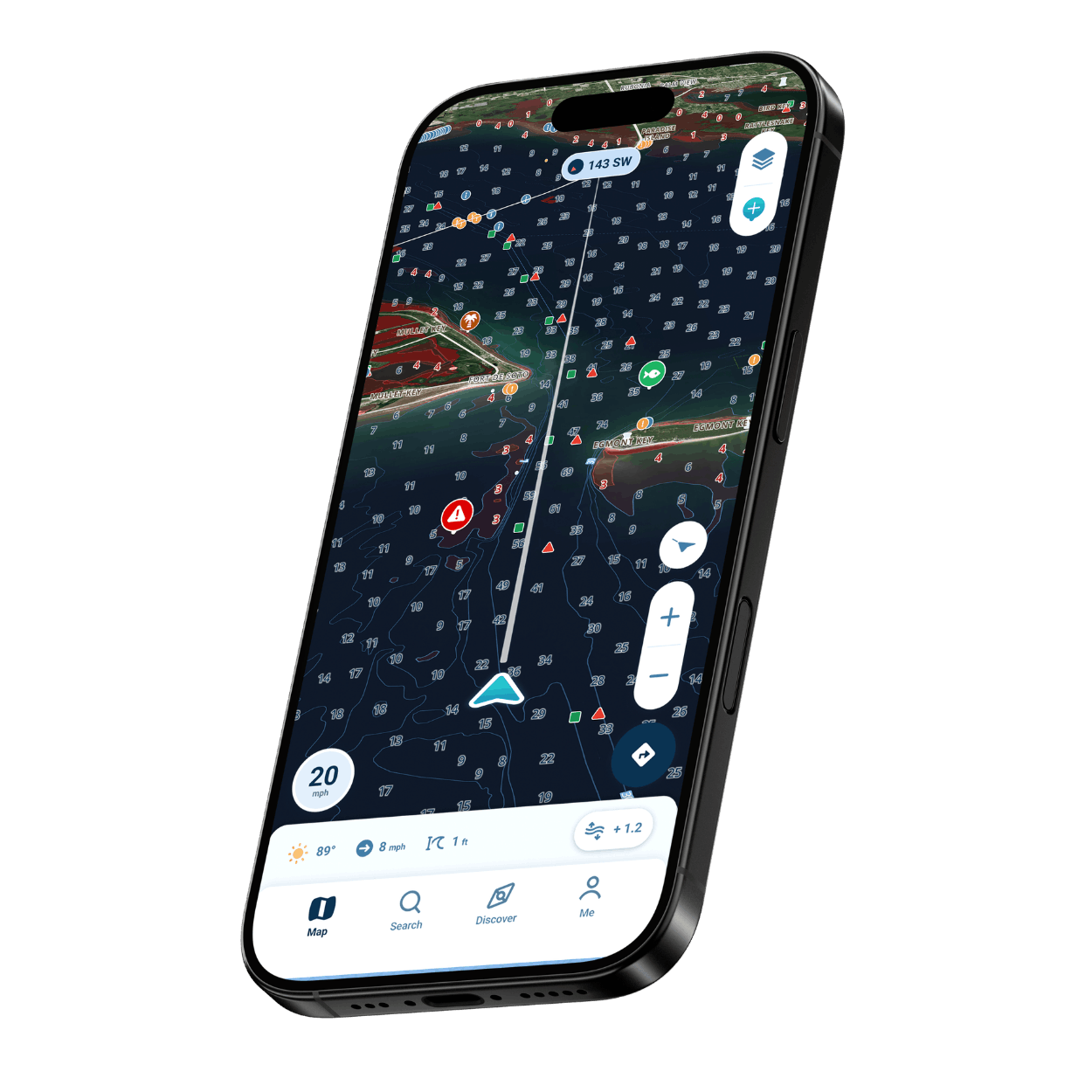
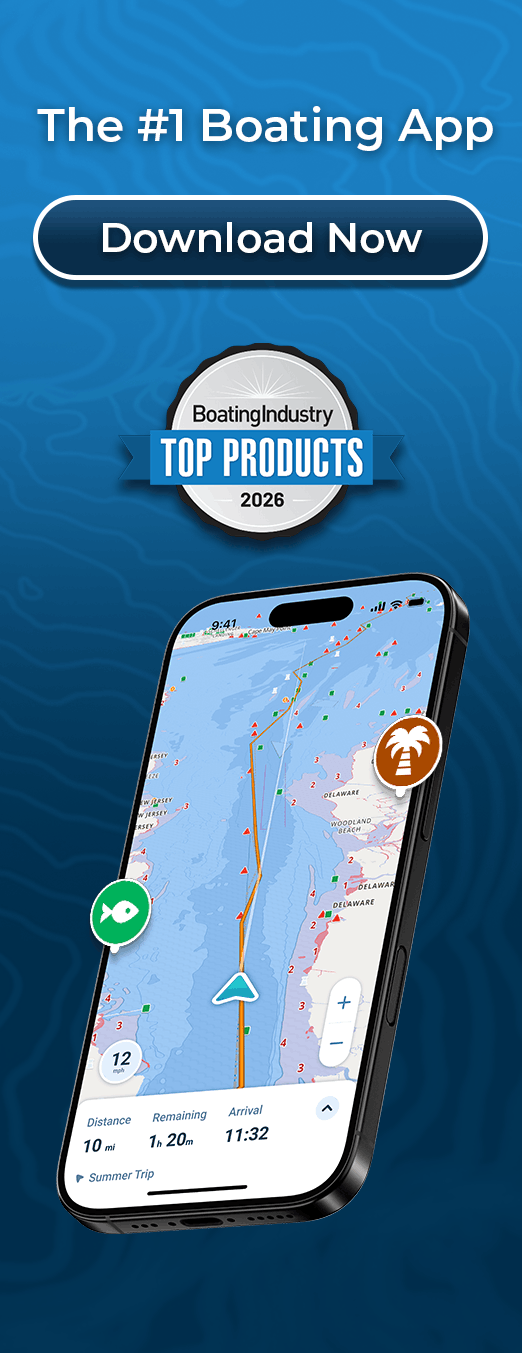
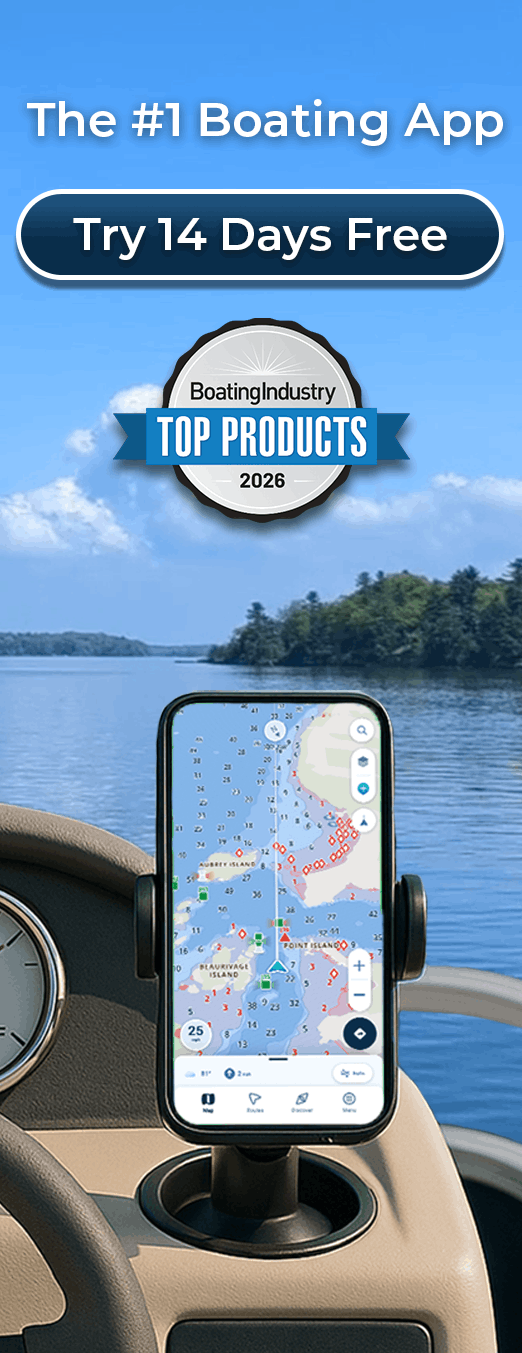
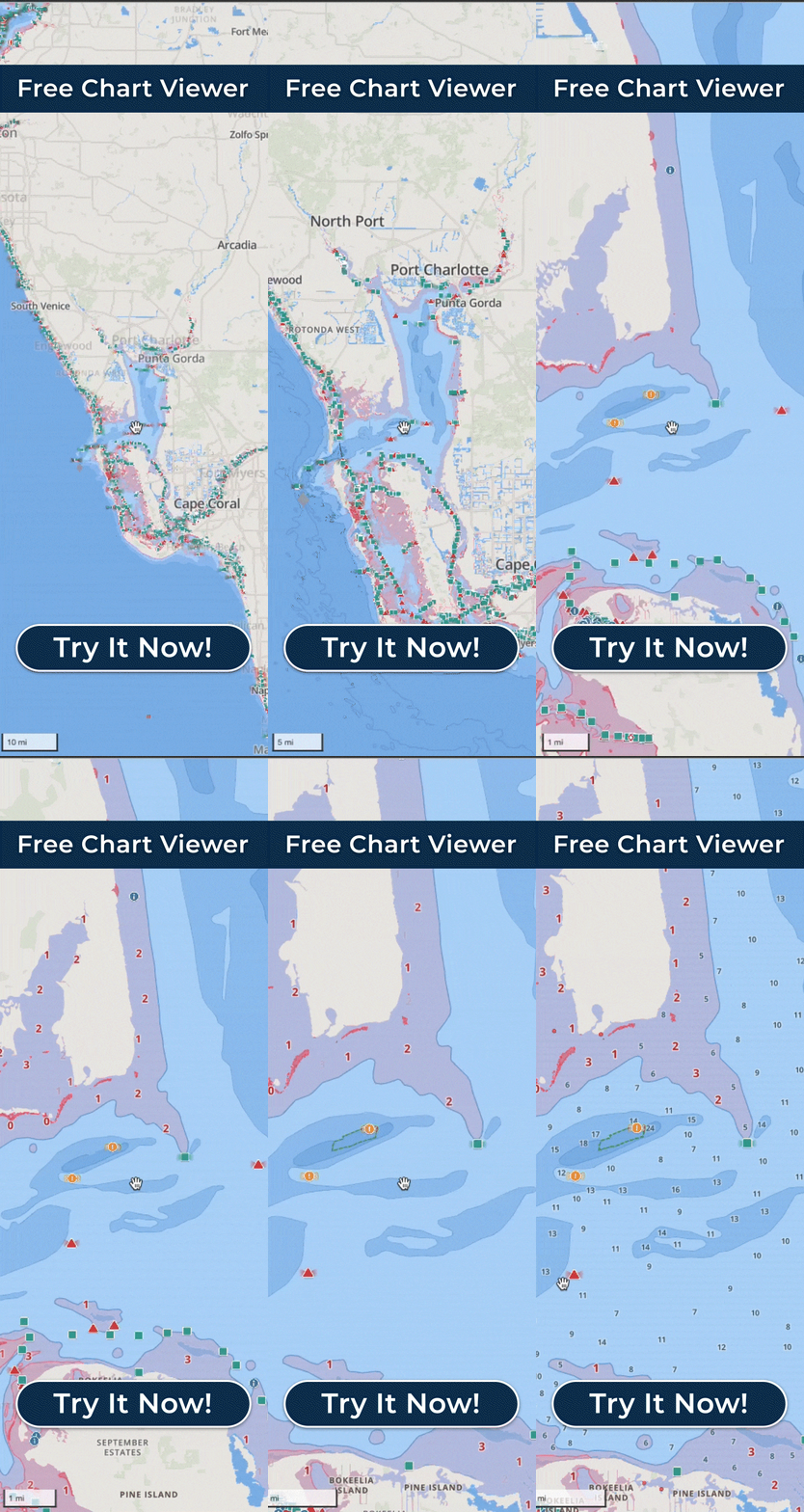
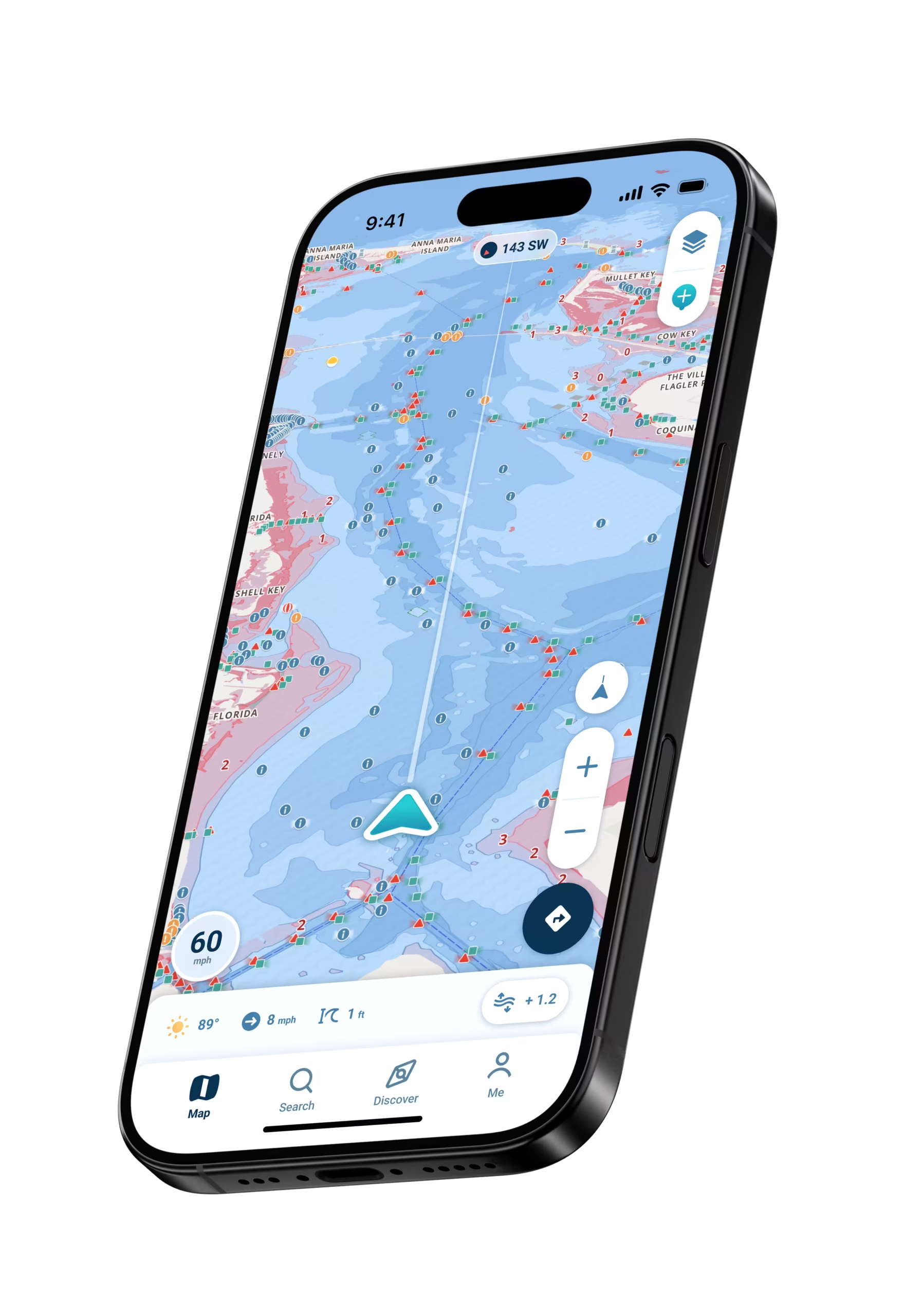
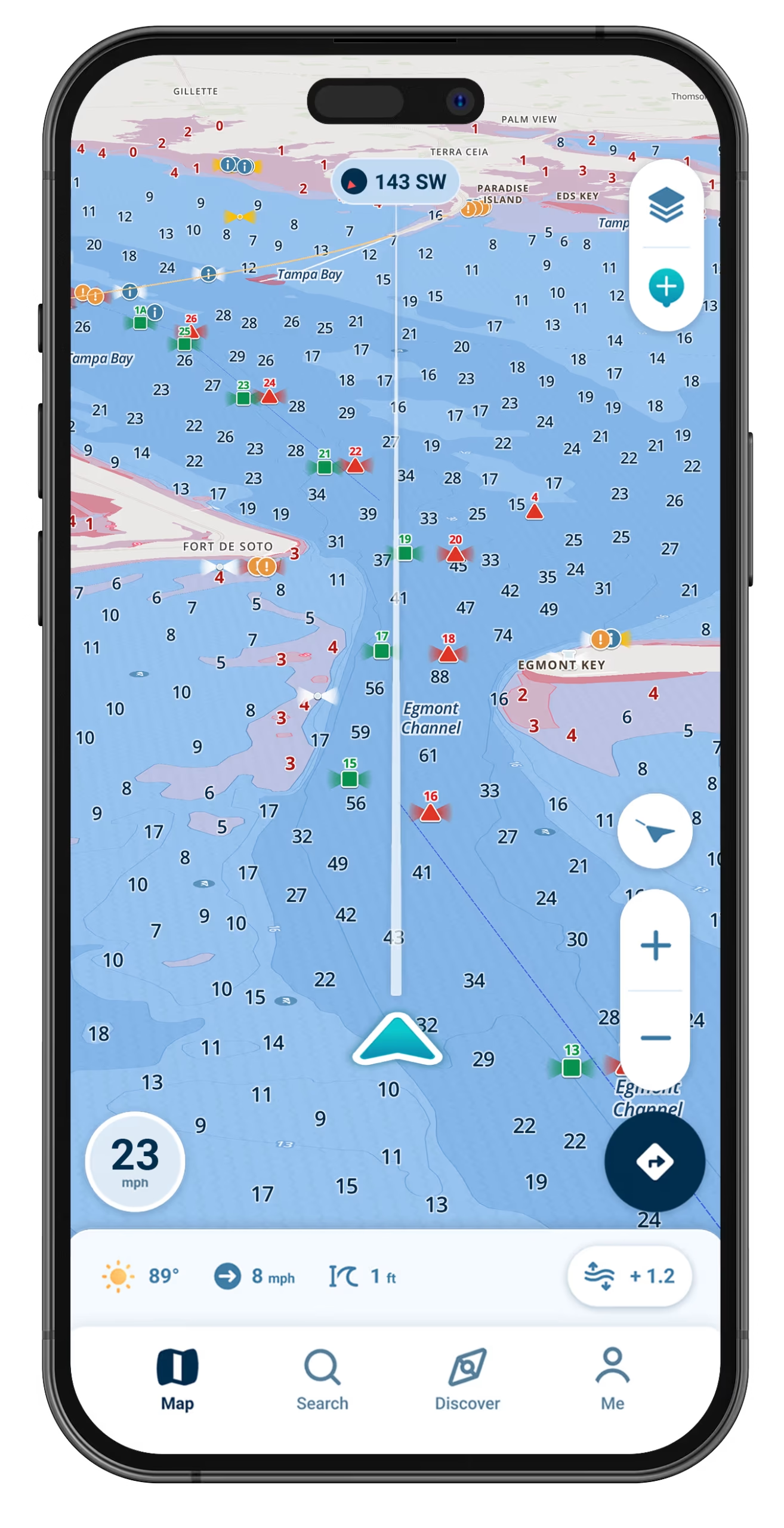
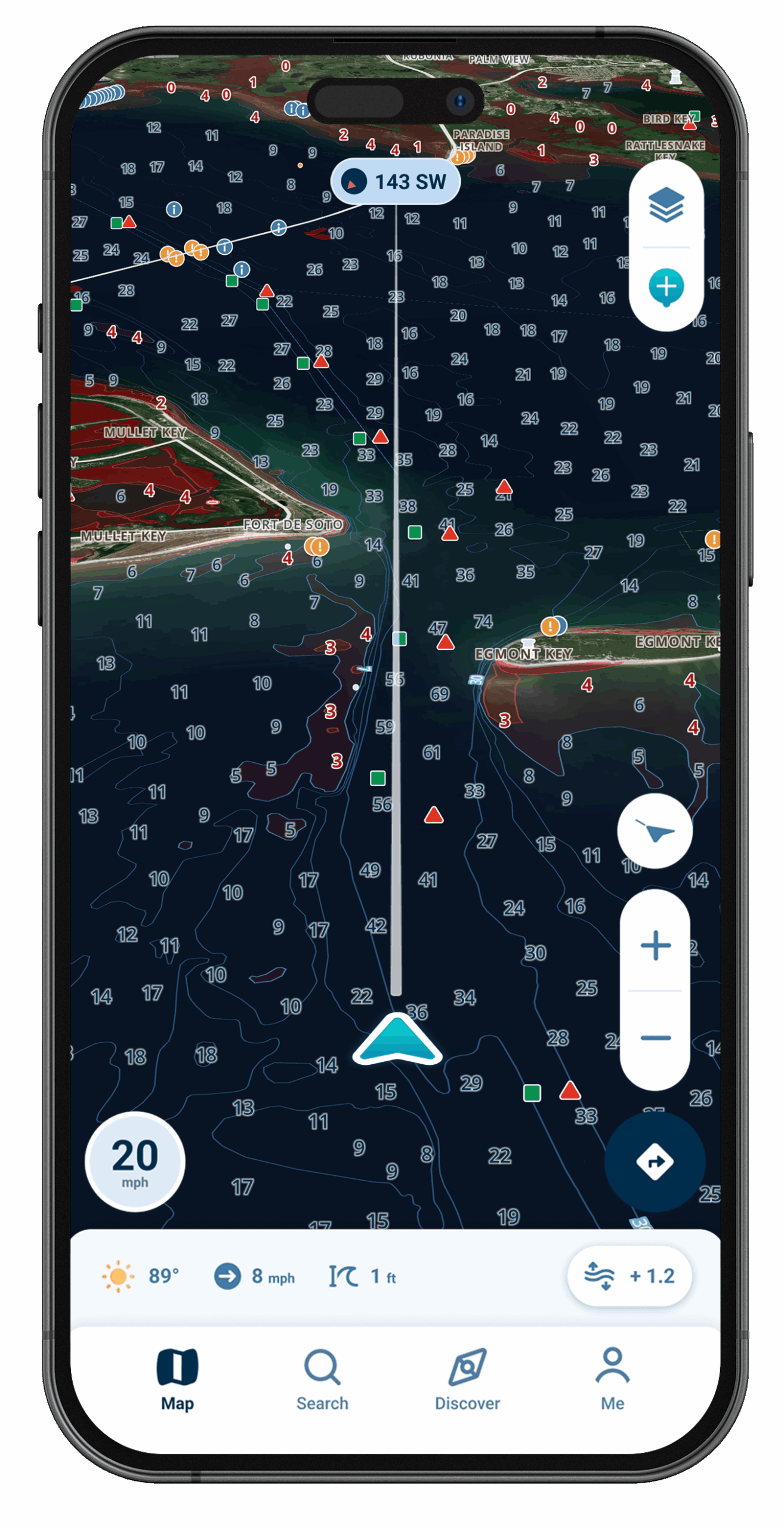
Water your hull might not clear gets shaded red, based on the draft you type in, so it stands out at a glance from water deep enough for the boat.
Your Phone Speaks Up
When the charted water ahead runs shallower than your hull needs, your phone gives you a heads-up, based on the draft you entered.
Sunlight Won’t Wash It Out
Checking it at the helm takes a second: the chart stays uncluttered and is made to read well even when the sun is high.
Charts That Live on the Device
Your phone takes its position from satellites, not cell towers, so a lake or coast you stored with Offline Maps beforehand still shows your boat moving when the bars are gone.
Launches, Gas Docks, and Places to Eat
Waterfront restaurants, beaches, gas docks, and launch ramps all show up as Wavve Points, alongside spots fellow boaters have pinned themselves.
The Phone You Already Bring Aboard Is Enough
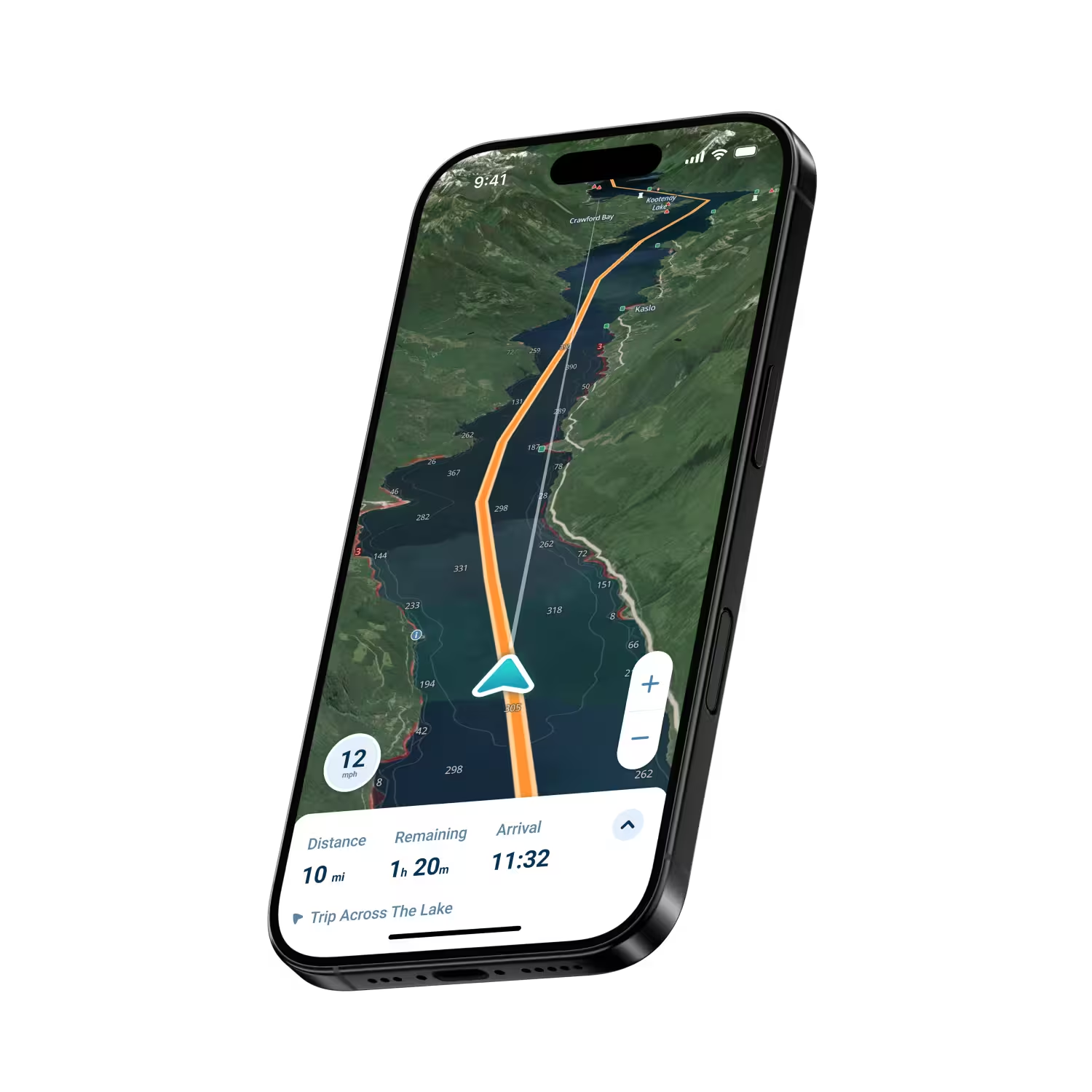
A GPS-capable Android phone already does the positioning a chart needs. Enter how much water your boat draws, just once, and the chart gets tailored to that figure: spots where your hull could come up short on depth show in red, and with Dynamic Depths, that red shifts with each tide and every change in water level. Nothing gets mounted on the console, and you don’t need to shop for a chartplotter. Saved routes live in your account, not on any one boat, so stepping aboard a rental or a club boat comes down to signing in and entering the draft for that hull.

Where Do You Fit?

Families on the Lake
Where your home lake is charted, red shading marks its shallow coves and points, so you spend the day with your crew instead of squinting at the water.
Fishing Crews
Before you idle across a shallow bar, check the red shading, and when a spot produces, pin it as a private Wavve Point.
Android Tablet Captains
Run Wavve on a big tablet at the helm. Pick one with built-in GPS so it can place your boat while underway.
Boaters With a Chartplotter
Plan routes from the couch, then keep Wavve handy as a backup.
Your First Season as an Owner
Each chart symbol explains itself with one tap, while red shading picks out shallow patches.
The Personal Watercraft Crowd
Let the phone you ride with handle the map, the depth, and meeting up with friends who share their location.
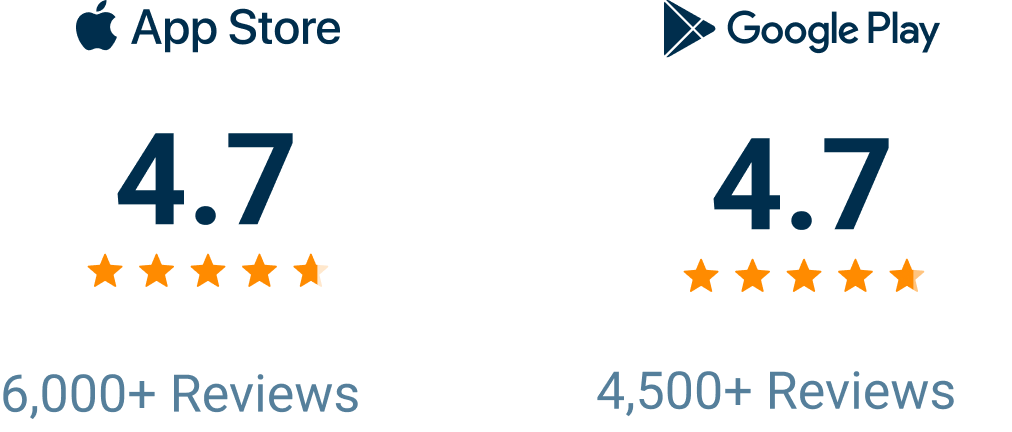
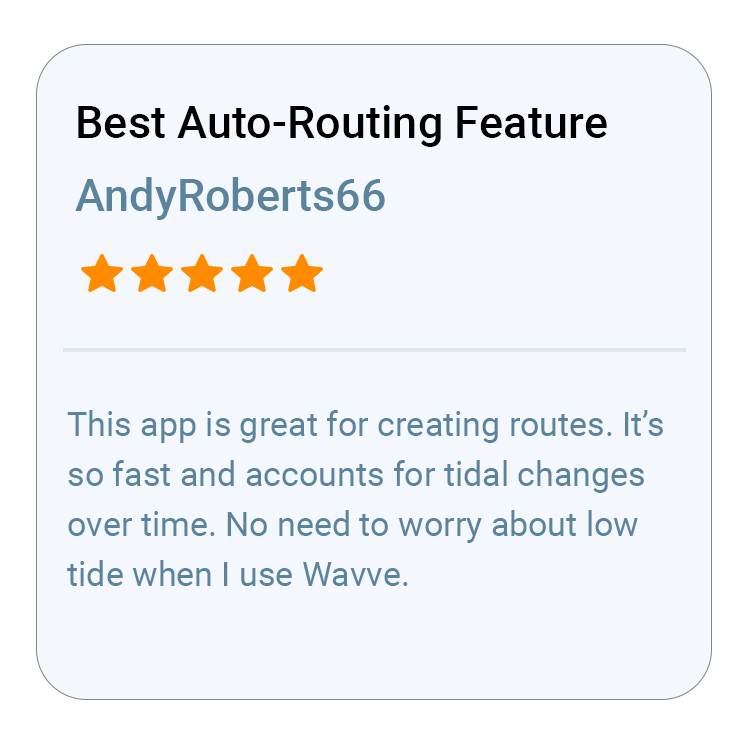
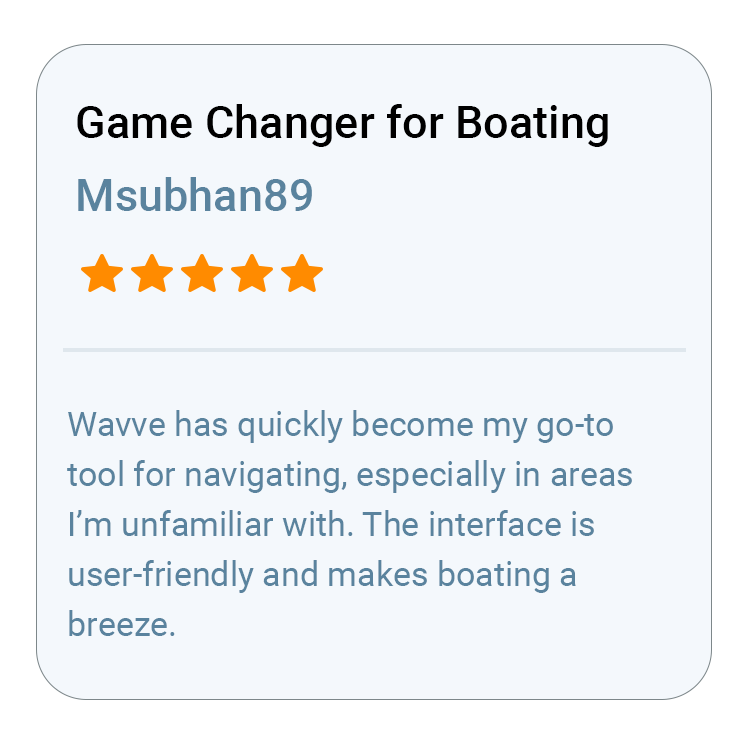
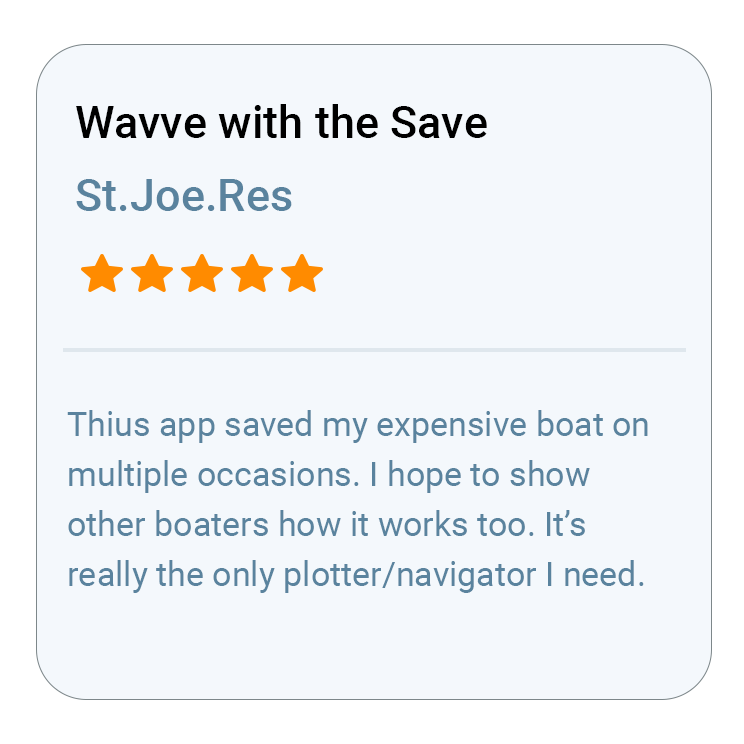
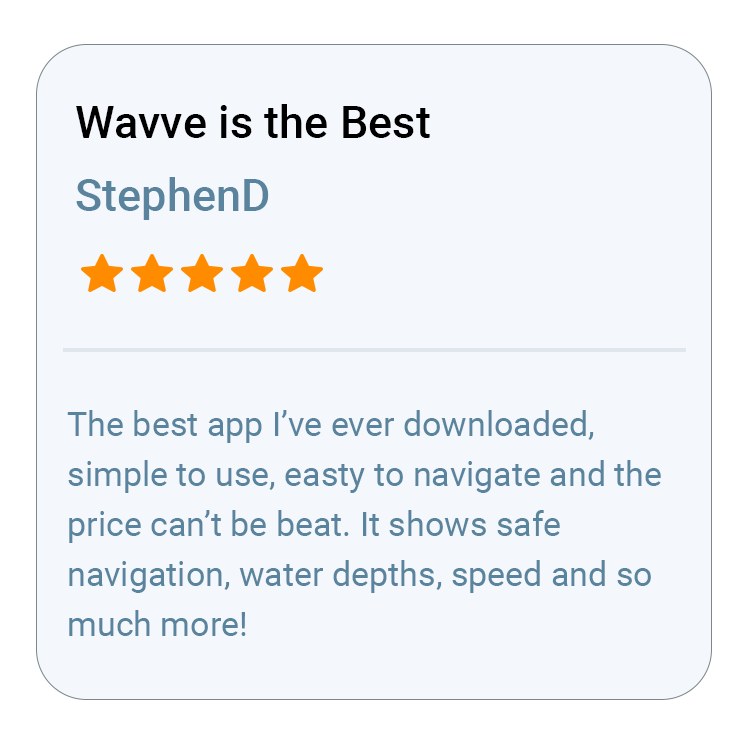
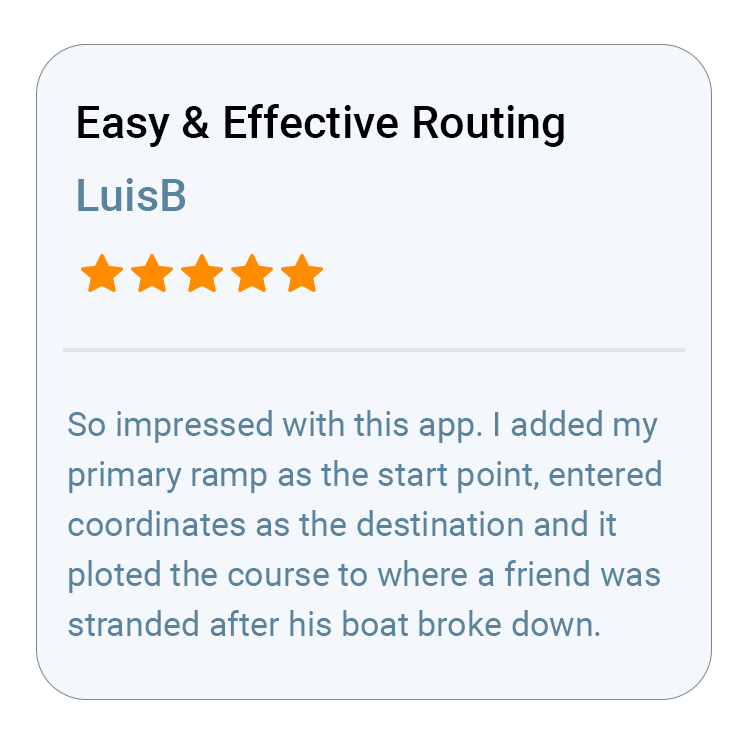
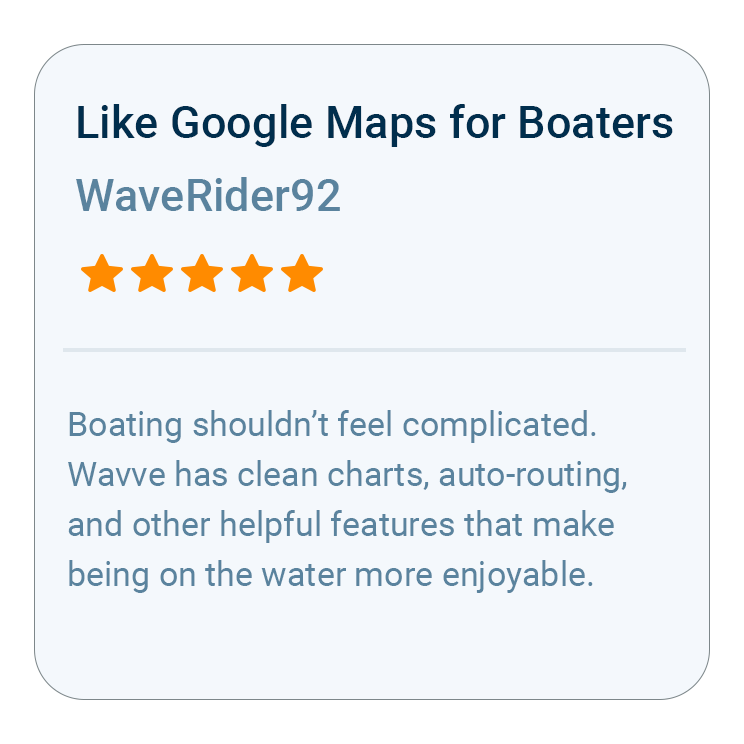
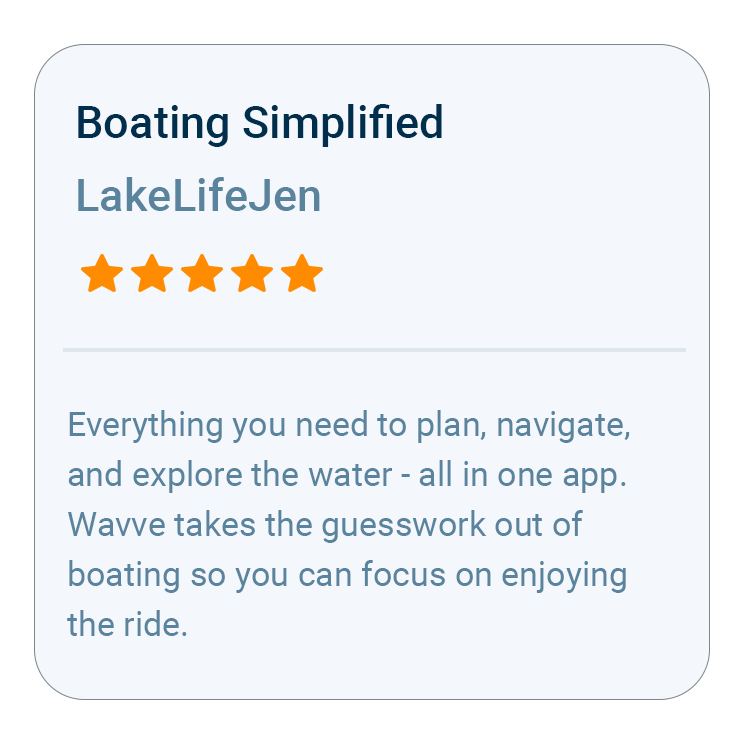
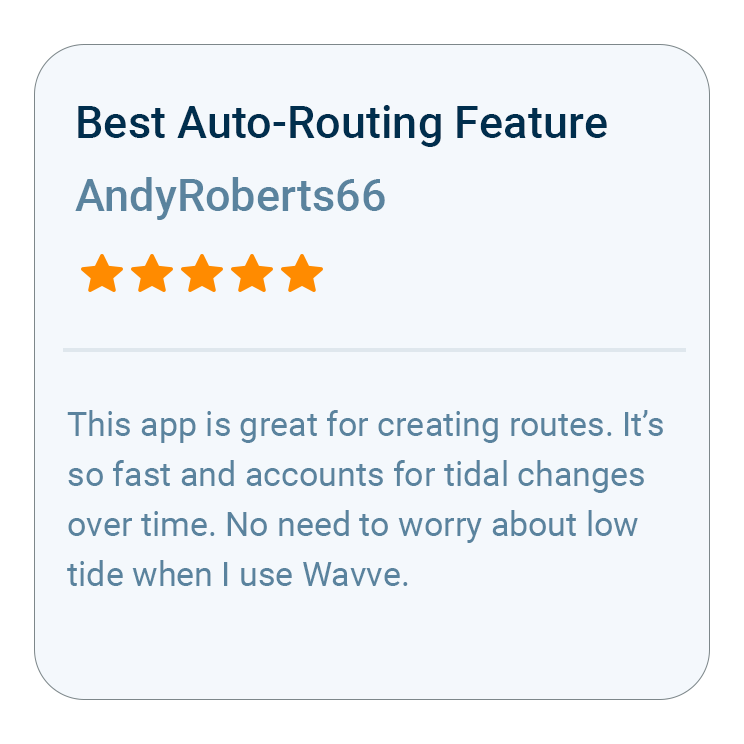
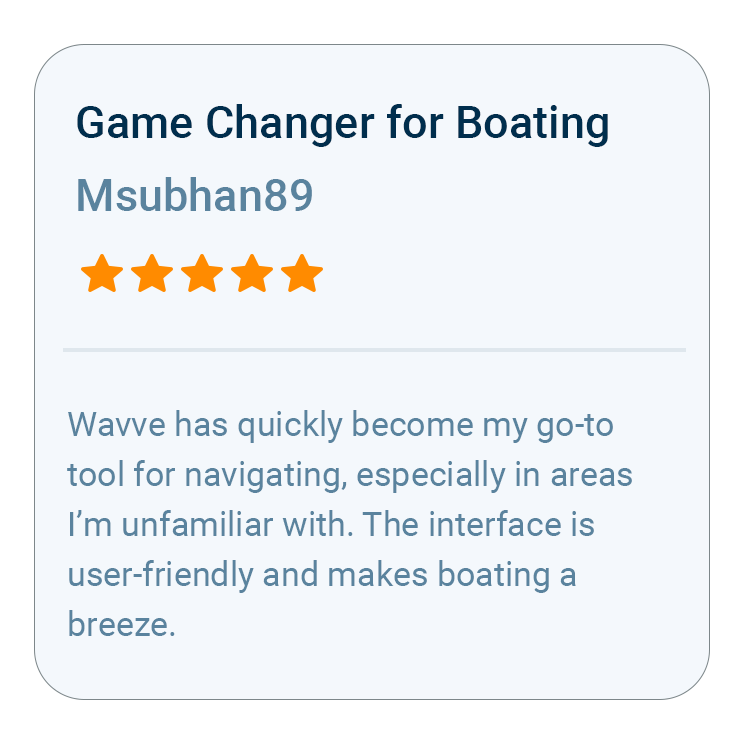
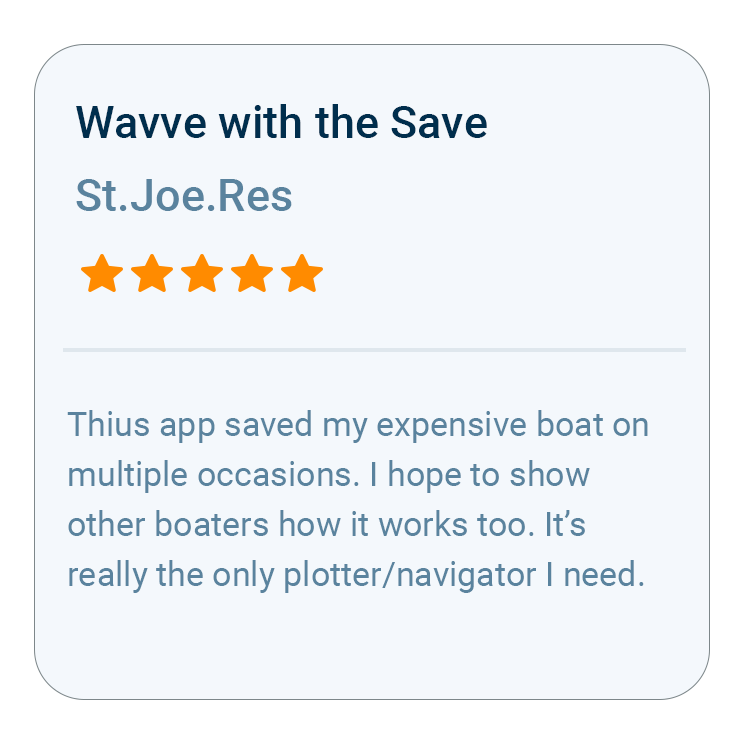
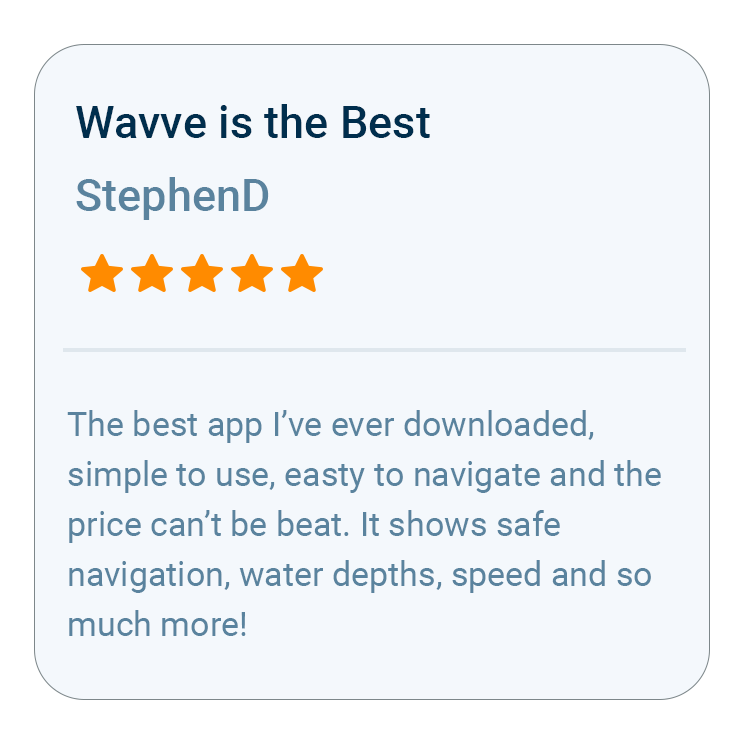
What Boaters Are Saying
What Android Owners Ask Before Downloading


Trusted by Top Brands in Marine