Best Marine Navigation App for Fishing

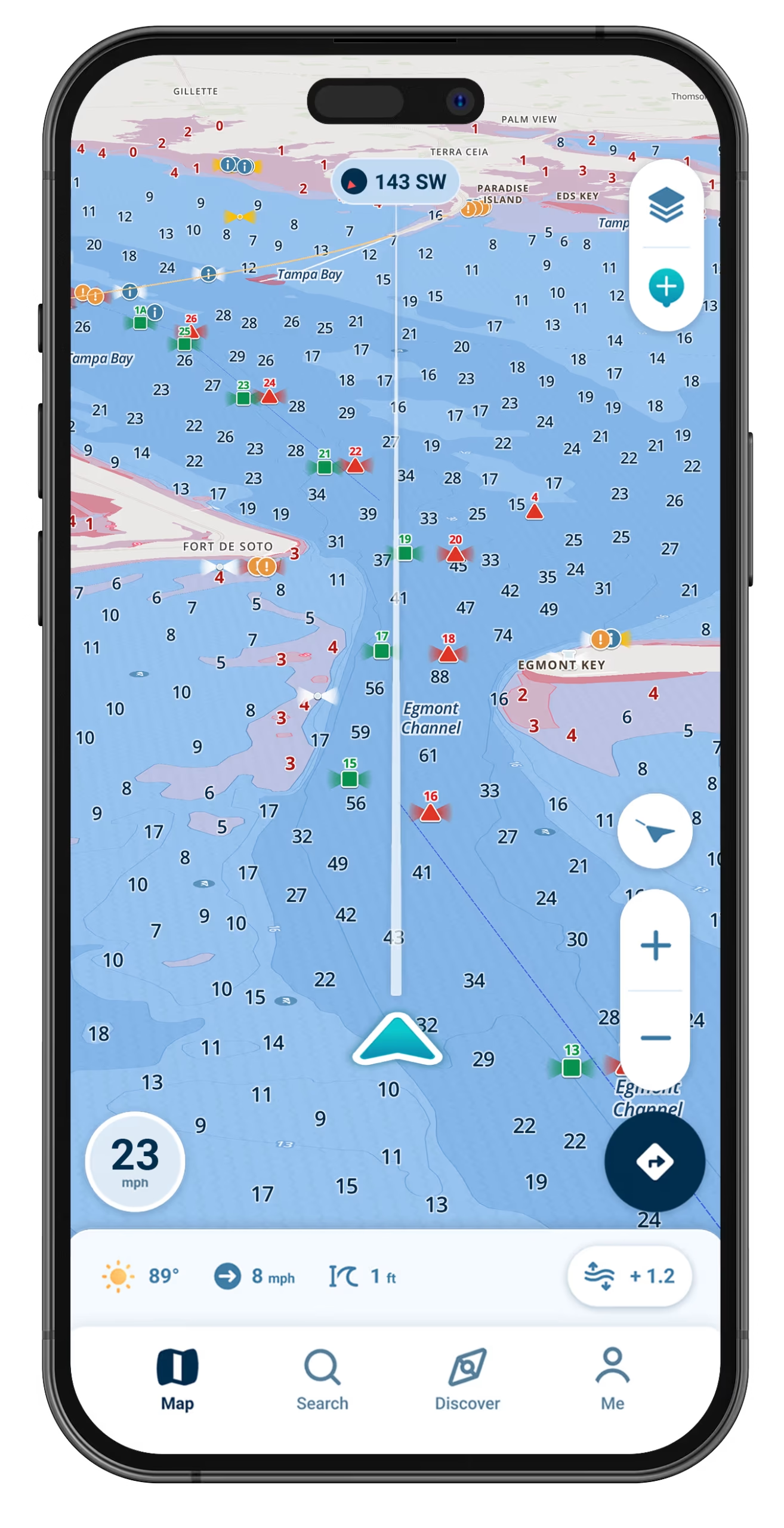
Read the bottom, save your best spots privately, and run to the bite on charts customized to your draft.

Wavve Boating App Navigation

Five Reasons Anglers Fish With Wavve Boating
See the Drop-Offs and Edges

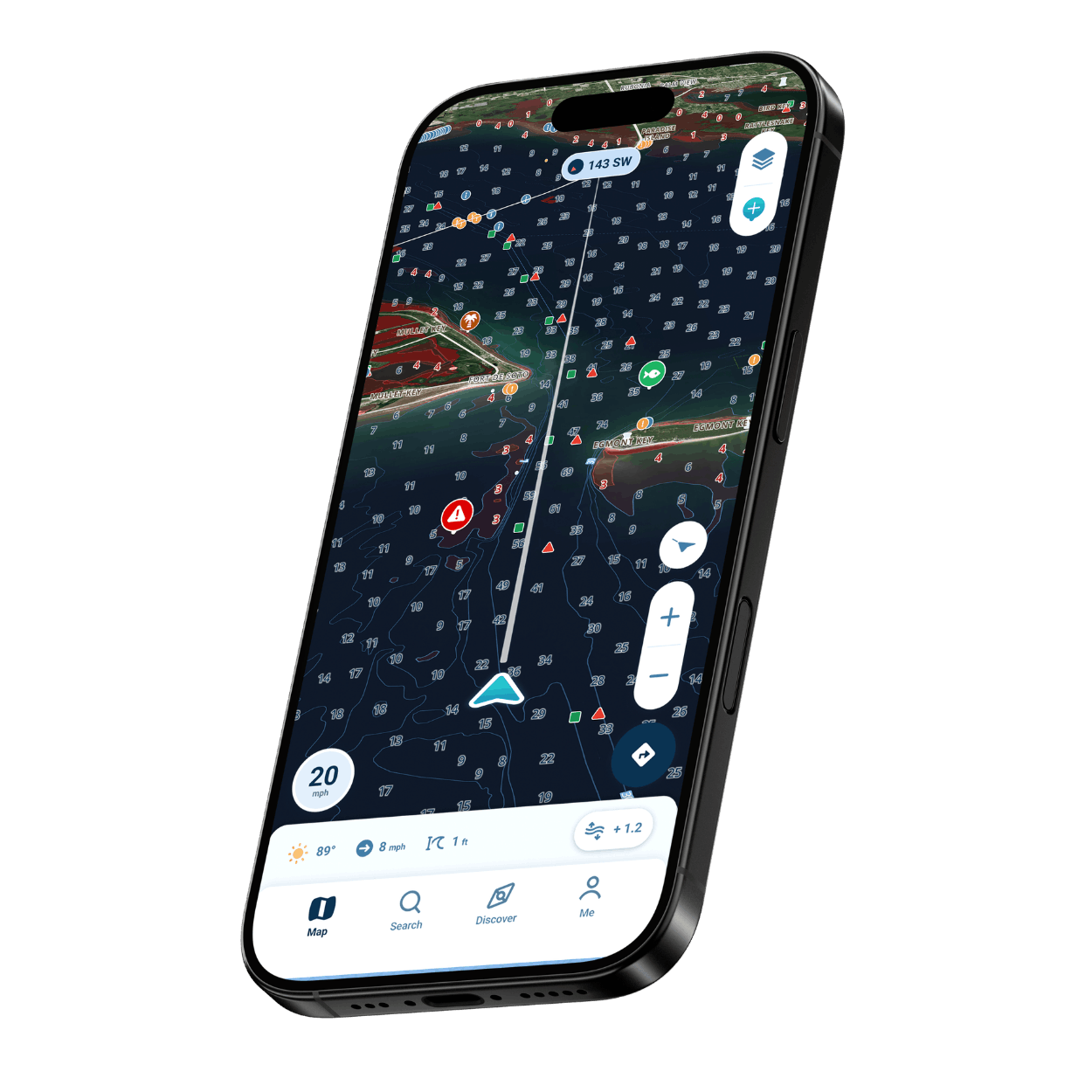
Depth contours and shading show where the bottom falls away, so ledges, channel edges and humps stand out.

Alerts Built Around Your Boat

Shallow-water alerts tied to your draft warn you while your eyes are on the rods, not the screen.

A Simple Screen for Busy Hands

Map symbols that look like the real objects and an uncluttered screen let you check your position in one look and get back to fishing.

Charts for Salt and Fresh Water

More than 20,000 nautical charts and thousands of charted lakes put coastal flats and inland reservoirs on one map.

Your Marks Stay Yours

Mark the holes that produce as private Wavve Points and pass one to a friend only when you decide to.
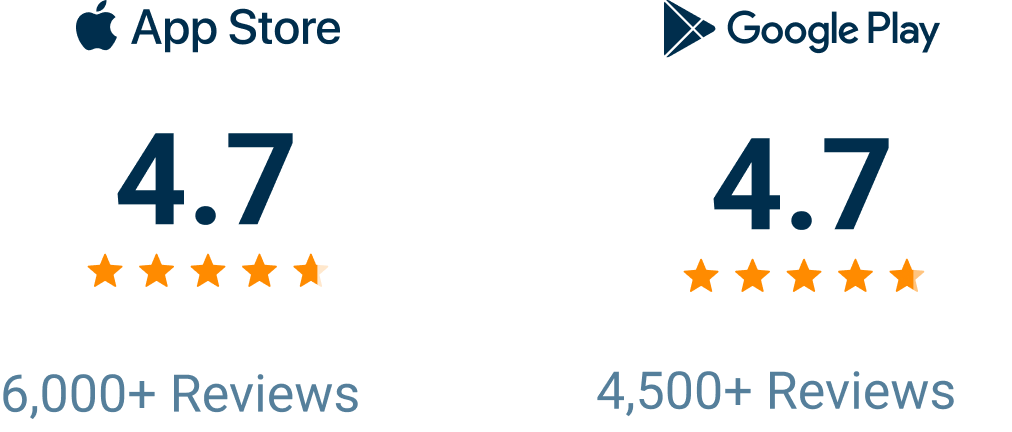
A Fishing Navigation App With 10,000+ Five-Star Reviews

Wavve Boating Rating

How Wavve Fits a Day of Fishing

The bite usually sits on a ledge, a grass edge or a hump you cannot see from the console, and the quickest way to it often crosses a flat that drains out with the tide. On Wavve Boating, depth contours you color yourself and red shading set to your draft let you read that bottom and plan a route around the flat, which keeps the lower unit off the oyster bar. Nothing has to be mounted at the helm or wired into the boat, and the app works beside your fish finder or on a boat that has none, leaving the morning for fishing.
Features Anglers Use Every Trip

Depth Contours

Custom contour colors and sounding sizes make ledges, drops and channel edges easy to follow.

Charts Customized to Your Draft

The map personalizes to the draft you enter, and red shading flags water your hull should skip.

Dynamic Depths

Live depth that rises and falls with the water, drawn from more than 2,000 water-level stations.

Private Fishing Spots

Pin a productive spot as a private Wavve Point and run straight back to it next trip.

Wind, Waves and Forecast

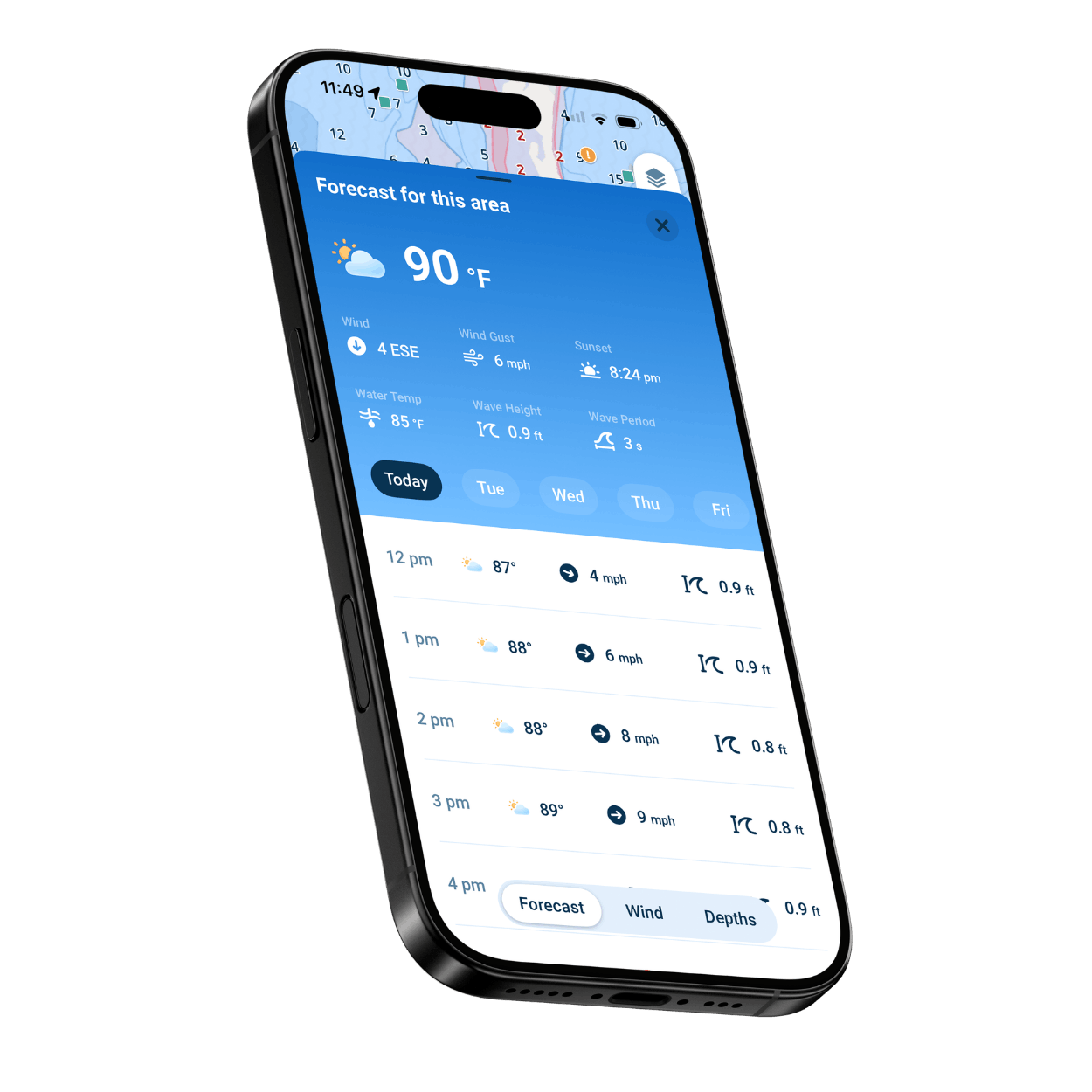
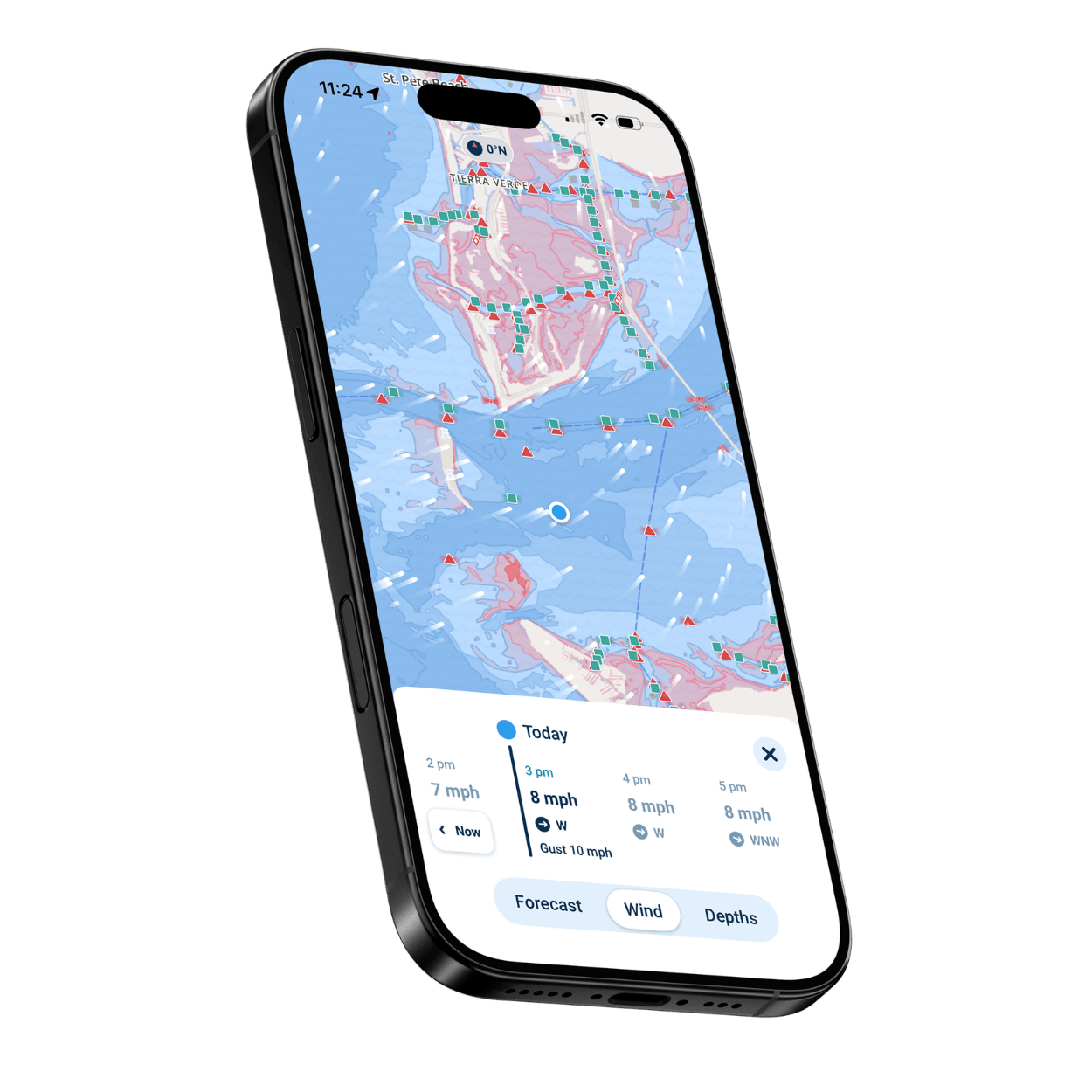
Hour-by-hour wind, gusts and wave height across seven days point to the morning worth launching.

Offline Maps

Save your water while you are still at the dock, and once the signal drops, the downloaded chart keeps showing where the boat is.

Find Your Kind of Fishing

Skinny-Water Skiff Anglers

Red shading set to your skiff’s draft marks the thin water on a draining flat, so you can plan how far up to push.

Anglers Running Offshore

Check the wave height before the long run out, and save every ledge or hump that paid off as a Wavve Point.

Bass Anglers on Big Lakes

Follow depth contours to points, drop-offs and channel edges on thousands of charted lakes.

Anglers Working the Bay

Daily high and low tides sit on the same map as the chart, so you can time a creek mouth or oyster bar around the falling tide.

Trolling Anglers

Record every pass, then check Speed Graphs afterward to see the speed you were holding.

Anglers New to Their Water

Learn a new lake or bay faster with tappable map symbols and clear shading for shallow water.
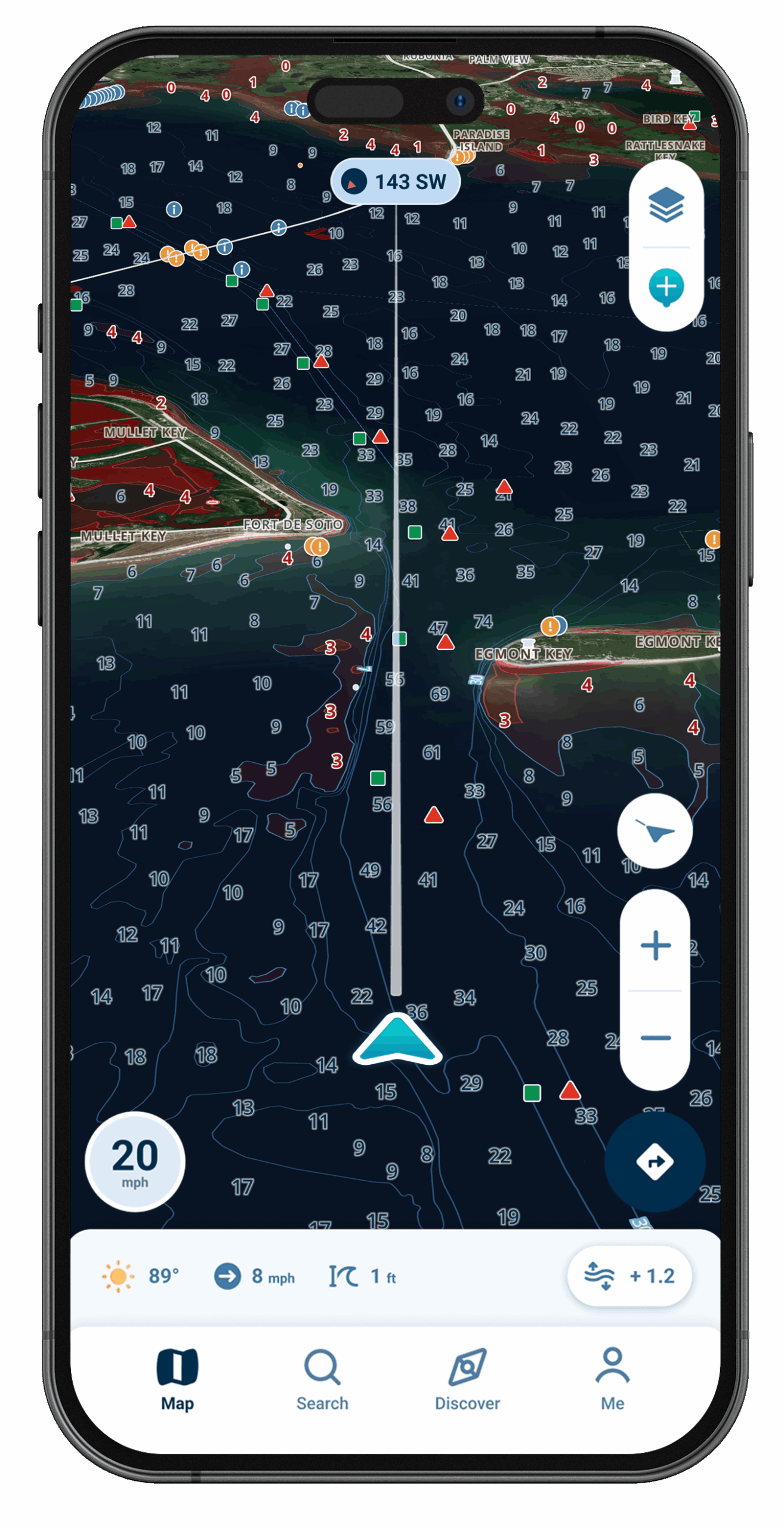
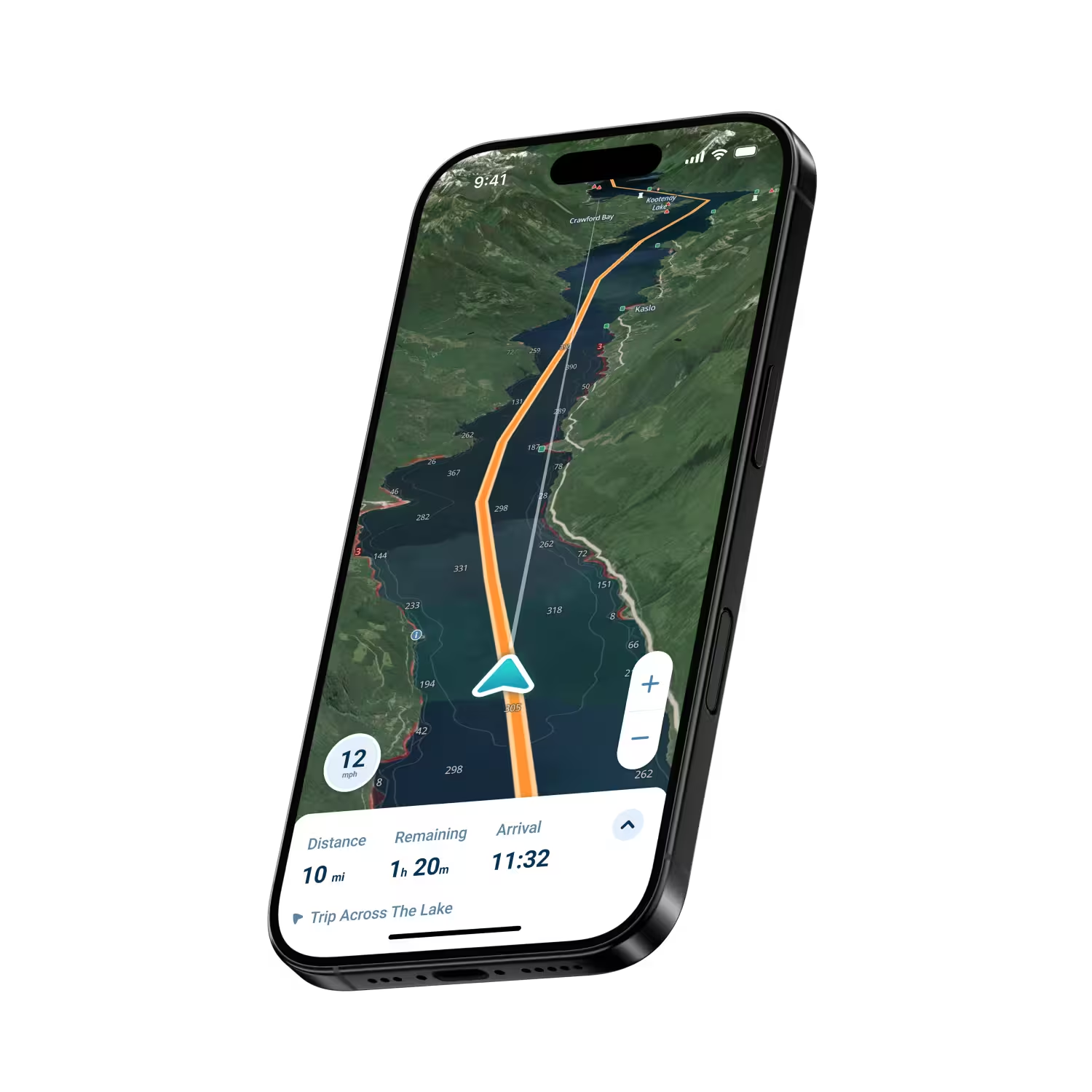
Wavve Boating Satellite View

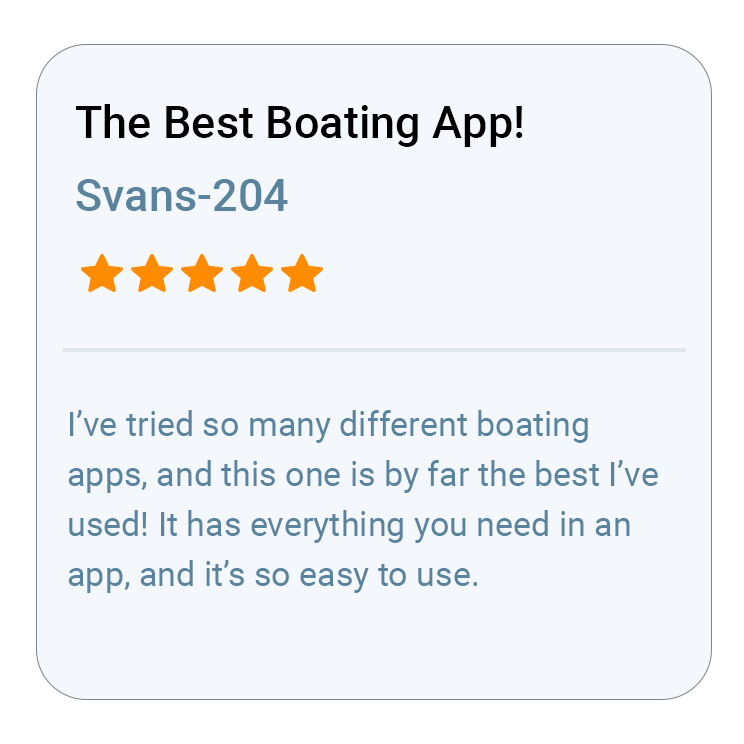
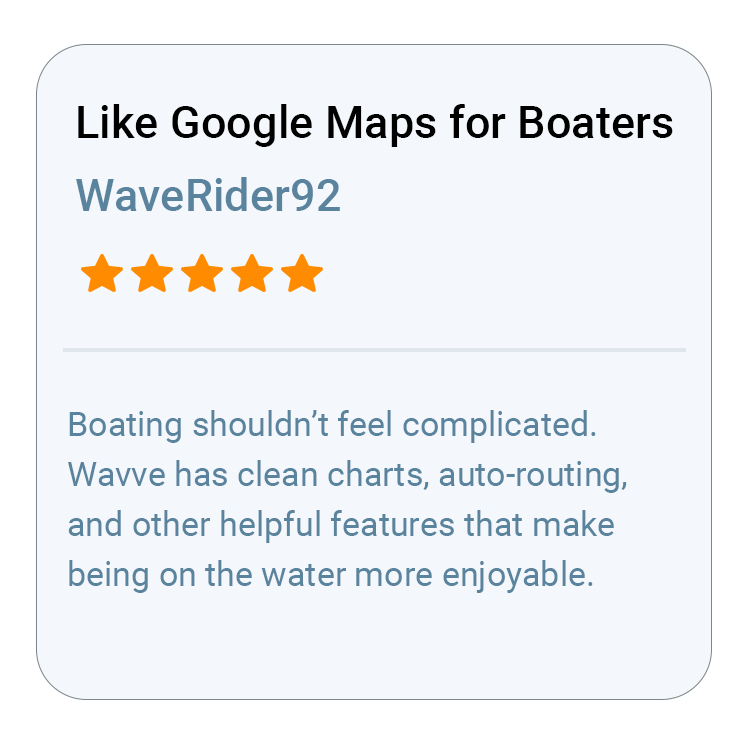
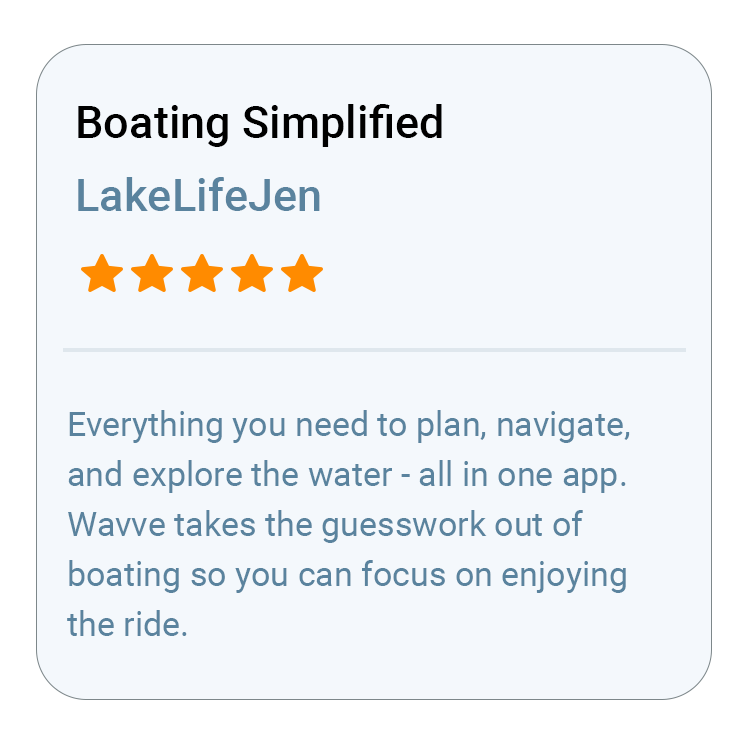
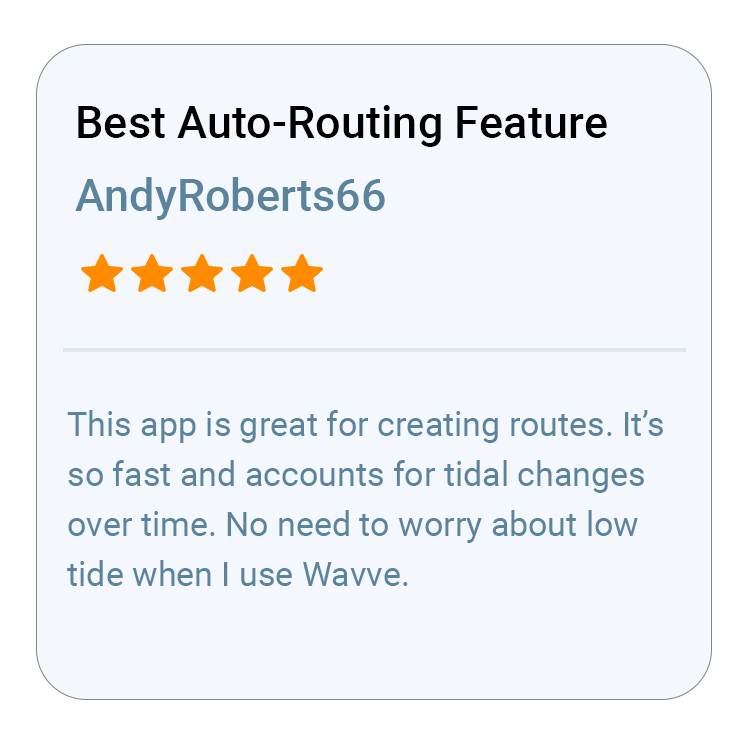
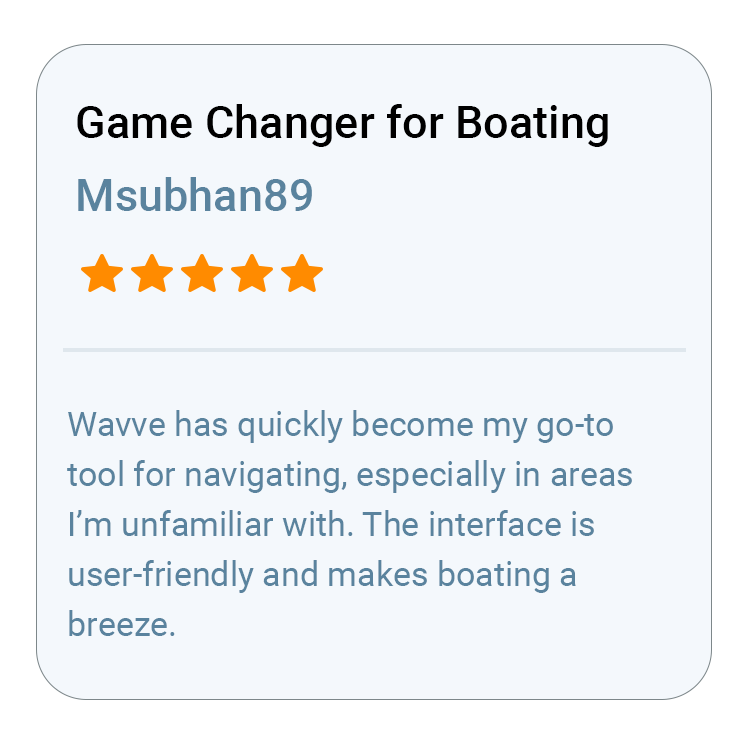
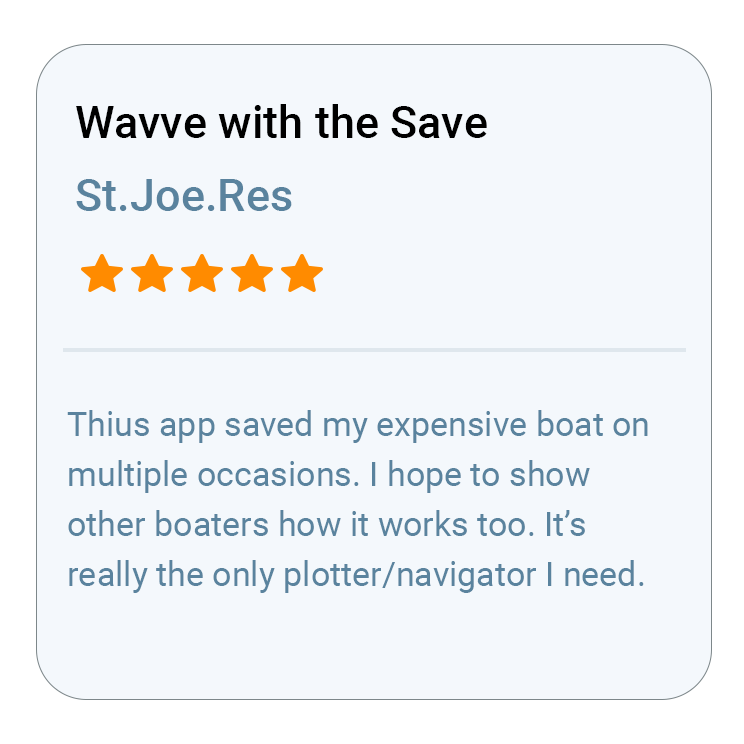
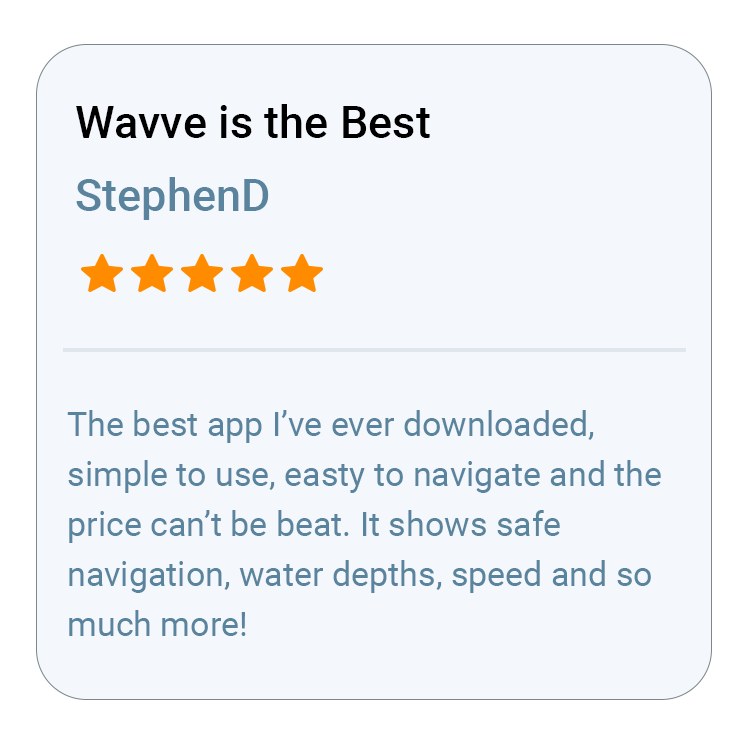
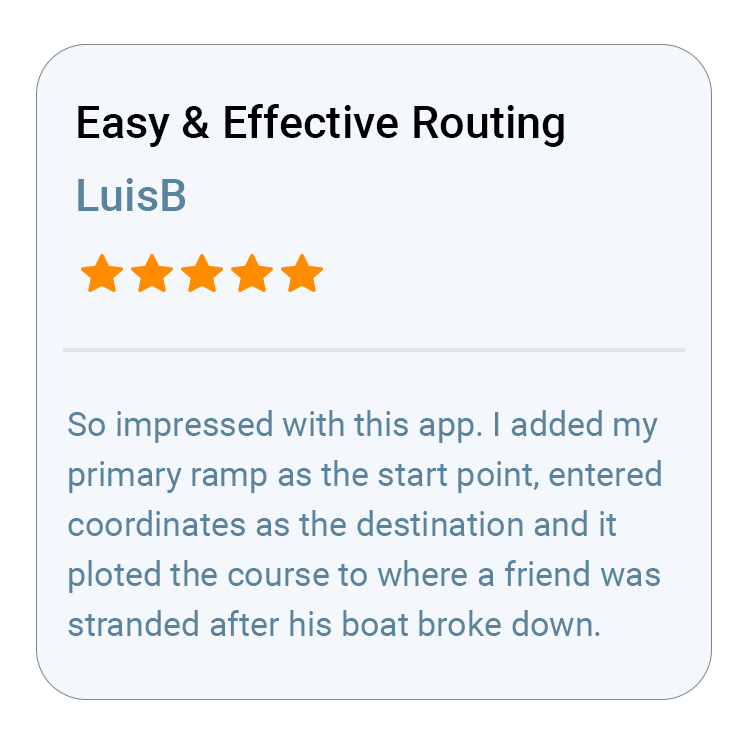
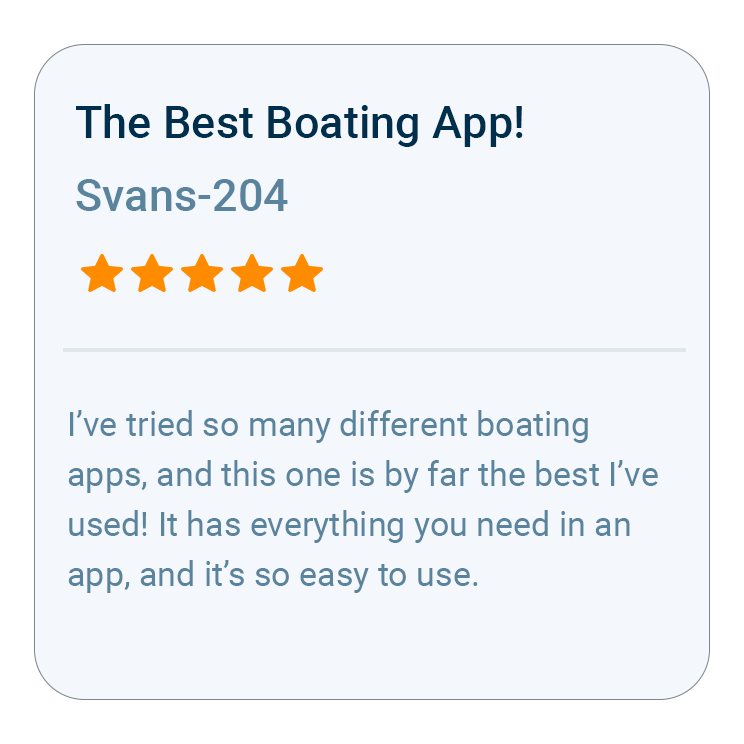
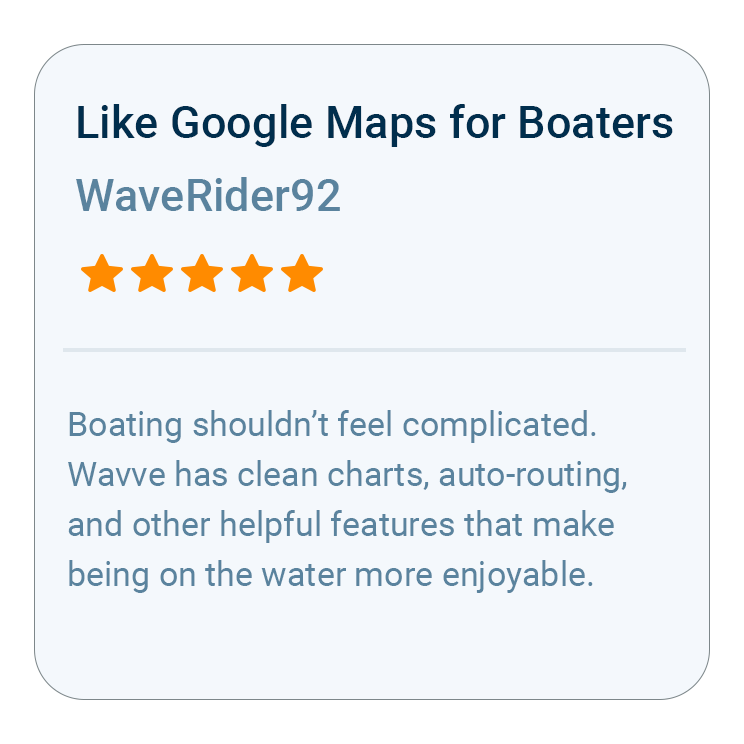
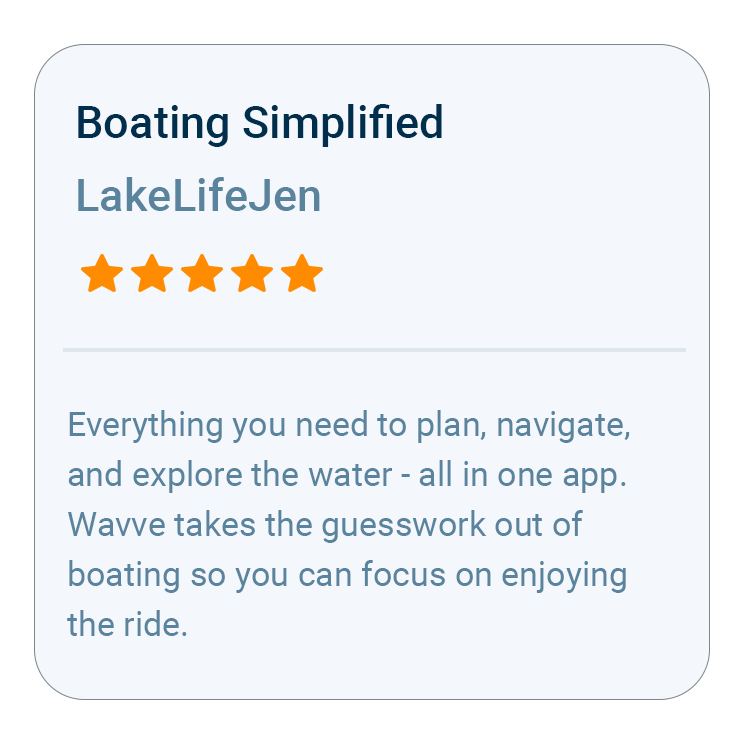
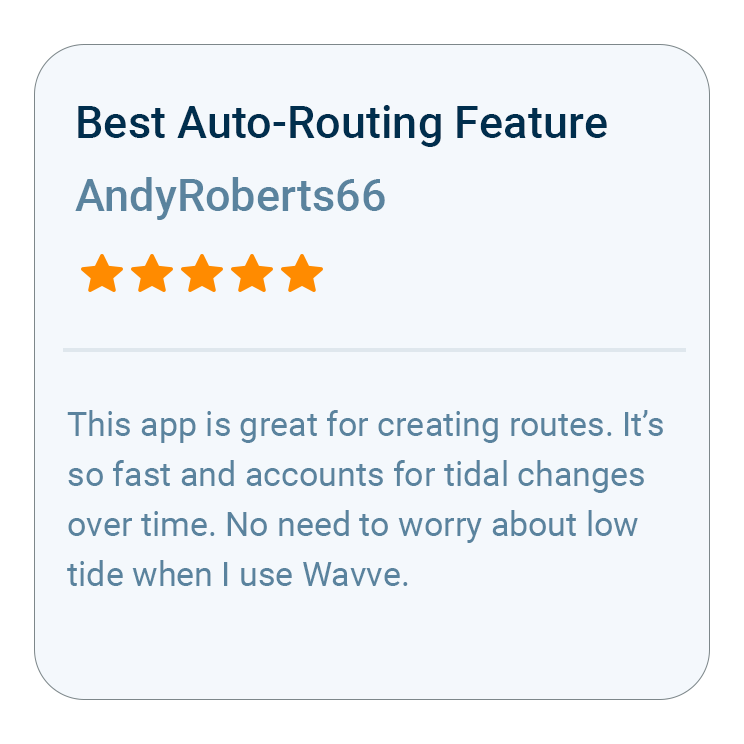
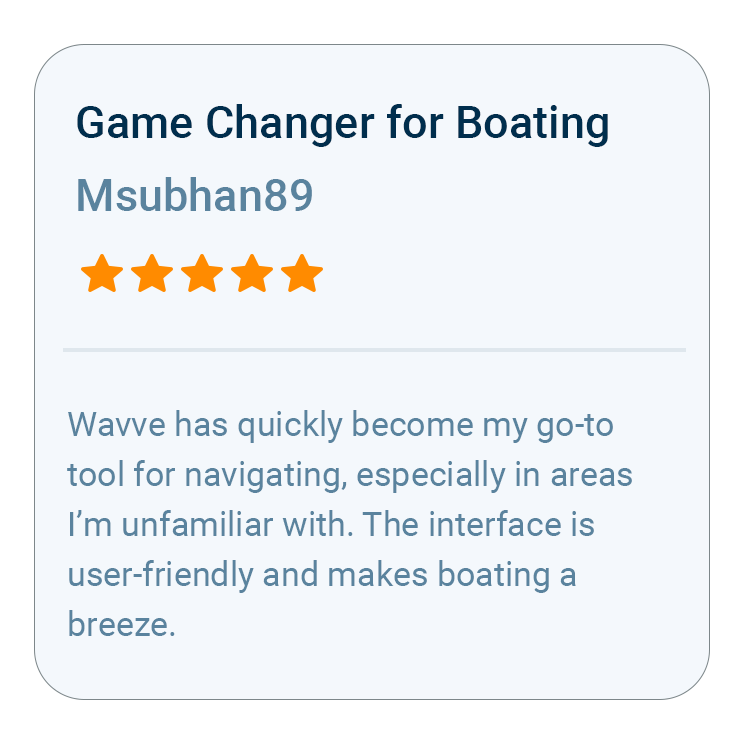
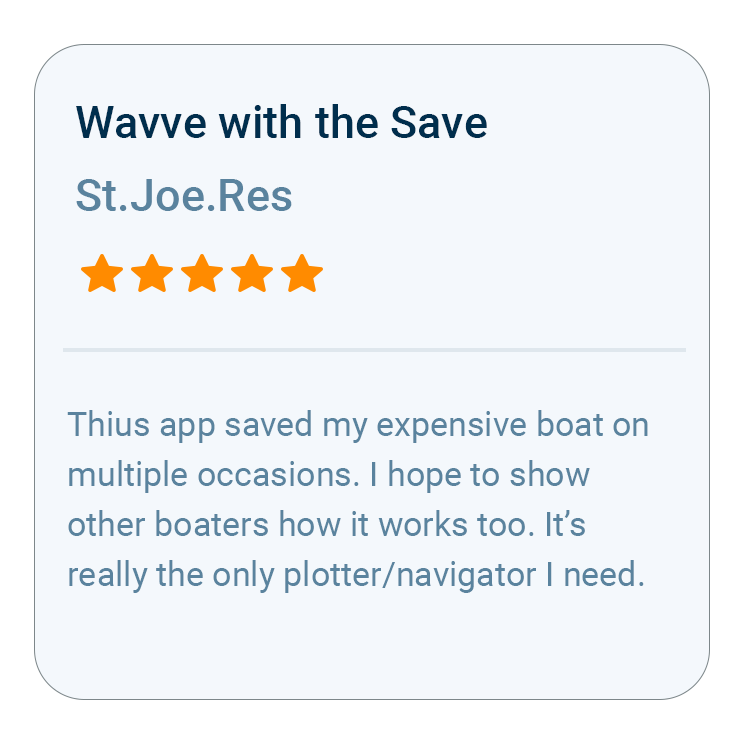
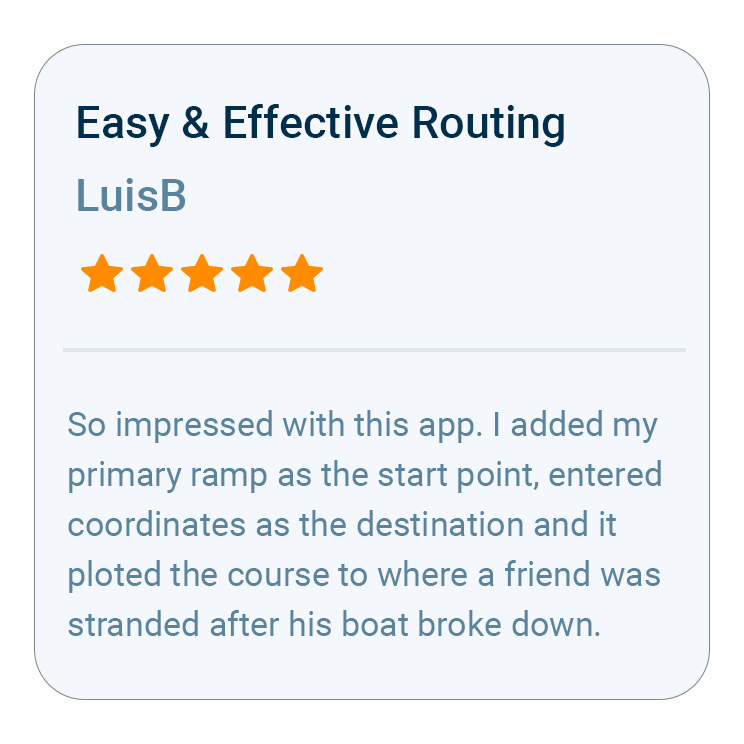
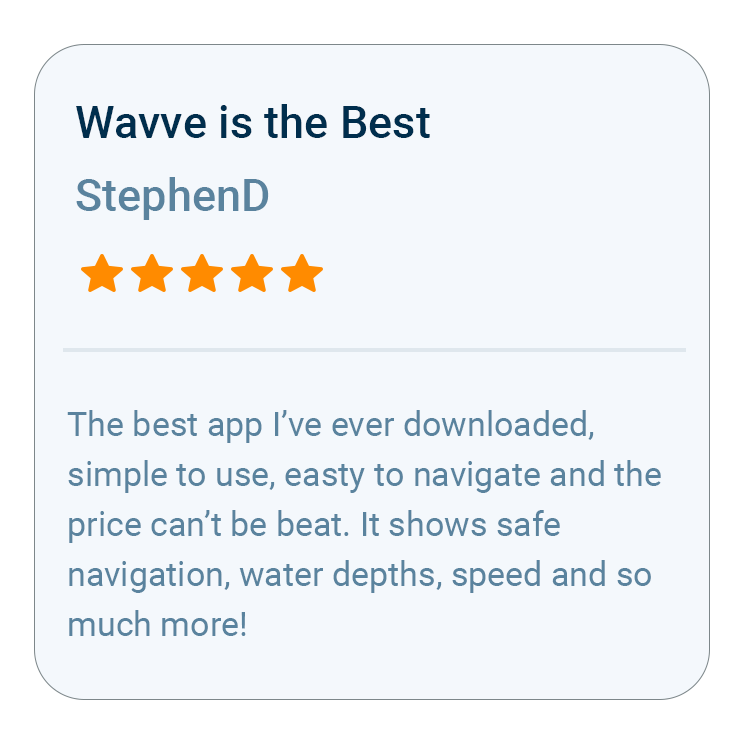
What Boaters Are Saying
Questions Anglers Ask Before They Download
Depth contours with custom colors pick out the ledges and humps worth fishing, and red shading follows the draft you enter, so a flats boat and a bay boat each see their own thin water. Spots that produce can be saved as private Wavve Points, and the hour-by-hour wind and wave forecast sits on the same map as your route.
No. Wavve is a marine navigation app, and Dynamic Depths is chart-based depth adjusted for your draft and local water levels, not a reading from a transducer. You can run it alongside a fish finder: the sounder shows what is beneath the hull, while Wavve shows the contours, edges and the route between your spots. Wavve Boating is a navigation aid and planning tool alongside prudent seamanship, current conditions and applicable official navigation requirements.
Yes, once you download the area. Build any AutoRoute while you still have service, since routes are calculated on Wavve’s servers, then save the water with Offline Maps. Out past the last cell tower, the screen still shows your downloaded chart with your boat’s GPS position on it. Expect charted soundings to thin out the farther you run from shore.
Yes. Save any spot as a private Wavve Point and it stays on your account only. When you want to put a fishing buddy on the bite, you can share points and routes with Friends, and the public points boaters add cover ramps, marinas, fuel docks and hazards.
Most members choose Annual, the better value of Wavve Boating’s two paid memberships, over the Monthly option. Customers selecting an Annual membership can try Wavve Boating free for 14 days, so you can test it on the water before you commit. An annual membership costs about what a boater might spend on a single traditional paper chart.
Once the app is installed, the first setting that matters for fishing is your boat’s draft, because the red shading and the shallow-water alerts both work from it. Next, open the coverage map to confirm the lake or bay you fish is charted, then save the ramp and your best spots as private Wavve Points.

How To Get Started

Download_icon

Download Wavve Boating on iPhone, Android, or Tablet

Free to download on your iPhone, Android, or tablet.

no cost icon

Start Your Free Trial

Try Wavve Boating free and see it on the water before you commit.

Start Navigating Easily

Open the app, set your destination, and start navigating with confidence.

Trusted by Top Brands in Marine

Trusted by Marine Industry’s Top Brands

A Fishing Navigation App That Maps the Structure

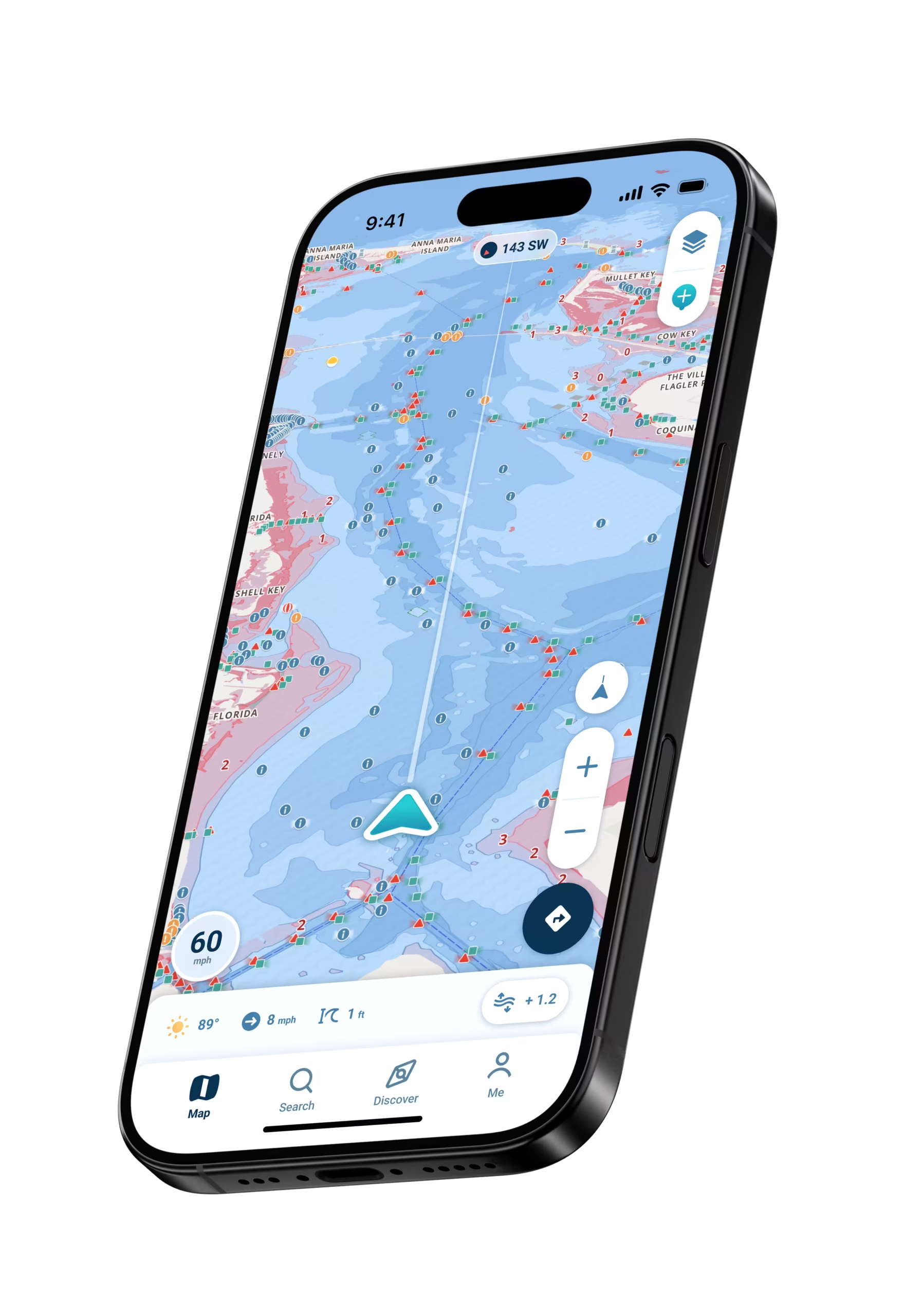
Depth contours in Wavve Boating help you read fishing structure on charts customized to your boat’s draft: set custom contour colors and sounding sizes, and the ledges, drop-offs, humps and channel edges where fish hold separate into lines you can follow from the ramp. Dynamic Depths adjusts that chart for the day you fish, combining charted depth with your draft and with water-level or tide information from a nearby station where one is available, or a water level you set by hand where there is none. A flat that carried your boat at high water can turn red as it drains. This is charted depth rather than a transducer reading, and you can run Wavve alongside the fish finder on the console, leaning on the chart to find and reach the structure before the sounder takes over on the spot. Pick a destination and AutoRouting lays out a course around obstacles and through channels, with every AutoRoute Mode, from Prefer Channels to Most Direct, working from your boat’s draft.

Wavve Boating App Satellite View

Save Your Spots and Plan the Day Around the Bite

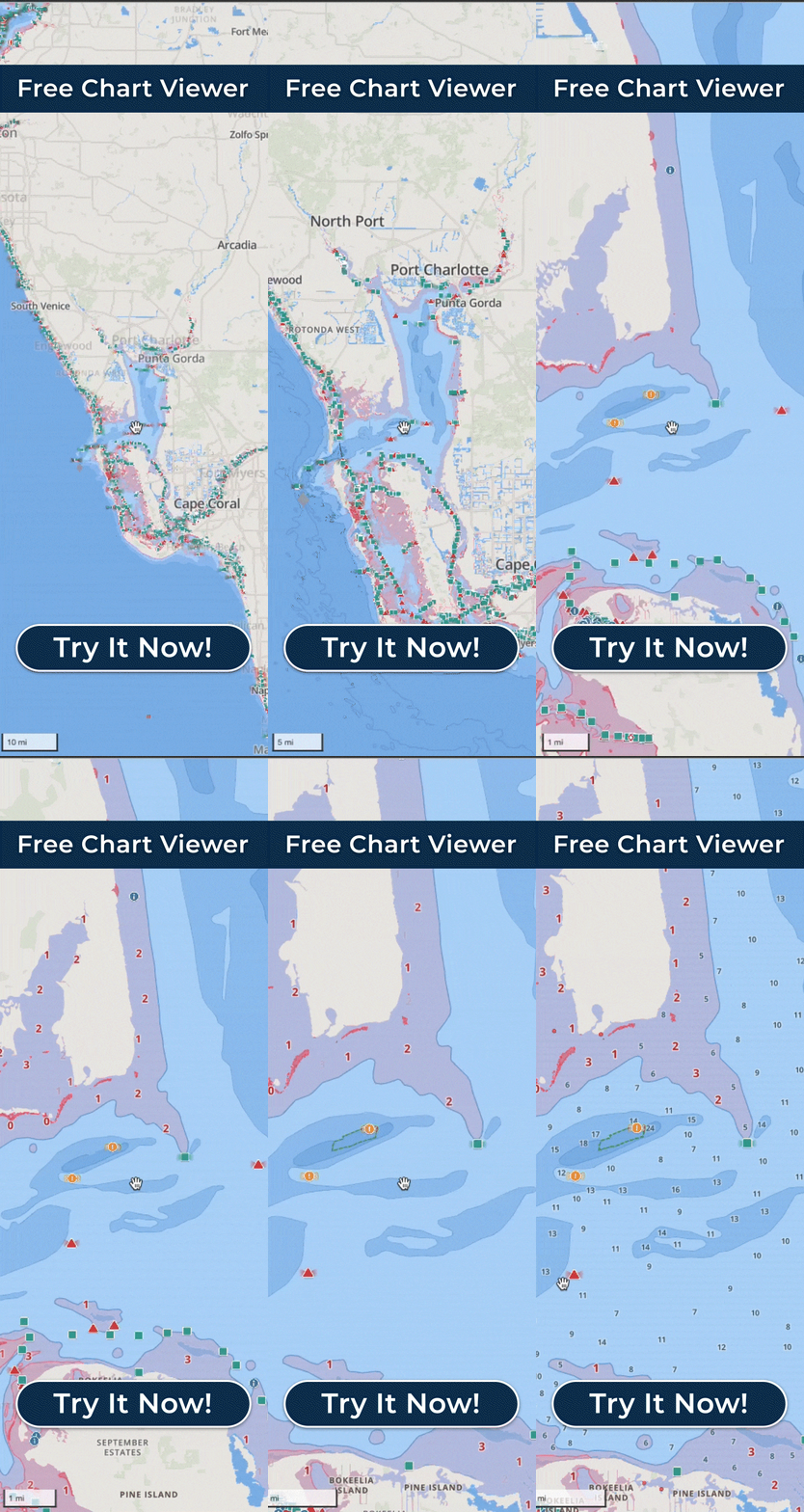
Every productive spot you find can be saved as a private Wavve Point, kept to your account or shared with a fishing partner only when you choose, and you can run straight back to it on the next trip. Trip Recordings log the path you fished, and Speed Graphs show afterward how your speed changed along it, which tells a troller the speed held through each pass. For picking the day, the same map carries an hour-by-hour, seven-day marine forecast with wind, gusts, wave height and wave period, color coded by wind and wave height, plus a wind overlay for planning up to three days out and the daily high and low tides in tidal water. Plan the run on a bigger screen in the Free Web Chart Viewer the night before. Then download the area with Offline Maps before you leave service, and your charts and GPS position keep working with no signal.

What Makes Wavve the Best Marine Navigation App for Fishing

The case for Wavve Boating as a fishing navigation app starts with the draft you enter for your own boat, because the shallow-water alerts adjust to that number, and on an Apple Watch the alert arrives as a buzz on your wrist while both hands are on a rod. A flats skiff and a center console fishing the same bay get warned at different depths. The app is built for recreational boaters and kept deliberately simple, and the chart reads at a glance mid-drift without dash hardware to install. Your account and routes move with you onto a buddy’s boat or a rental. Some anglers make Wavve their main navigation. Others already run a chartplotter and keep Wavve on the phone for planning at home and as a backup, sending a saved route to a compatible chartplotter as a GPX file. In 2025 Wavve passed Navionics as the most downloaded boating app in North America, and Boating Industry named its Dynamic Depths and AutoRoute Modes features Top Products in 2025 and 2026.

Fishing Charts From the Gulf Coast to the Great Lakes

Coverage for anglers spans major fishing water in the U.S. and Canada: Wavve Boating has chart data from official and third-party sources for the Florida coast and the Keys, the Gulf Coast, the Atlantic Intracoastal Waterway, Chesapeake Bay, Long Island Sound, Cape Cod and the New England coast, Puget Sound, the Great Lakes, Georgian Bay and the 1000 Islands, plus inland lakes such as Lake of the Ozarks, Lake Lanier, Lake Norman, Lake Murray and Lake Winnipesaukee. Saltwater anglers get tides and water levels from a nearby station where one reports them. Chart data reaches well offshore in many areas, though soundings thin out the farther you run from shore because survey boats run closer together near the coast. On a charted lake, depth contours break a reservoir into points, flats and creek channels. Coverage varies within each region and keeps expanding, and before you trailer to new water you can check it on the coverage map at wavveboating.com/map or in the Free Web Chart Viewer, then request it if it is not there yet.

Wavve Boating Logo

Start Your Next Ride With Wavve

Join thousands of riders using Wavve Boating to explore new water, stay off the shallows, and navigate with confidence.

QR Code