Best Marine Navigation App for iPhone

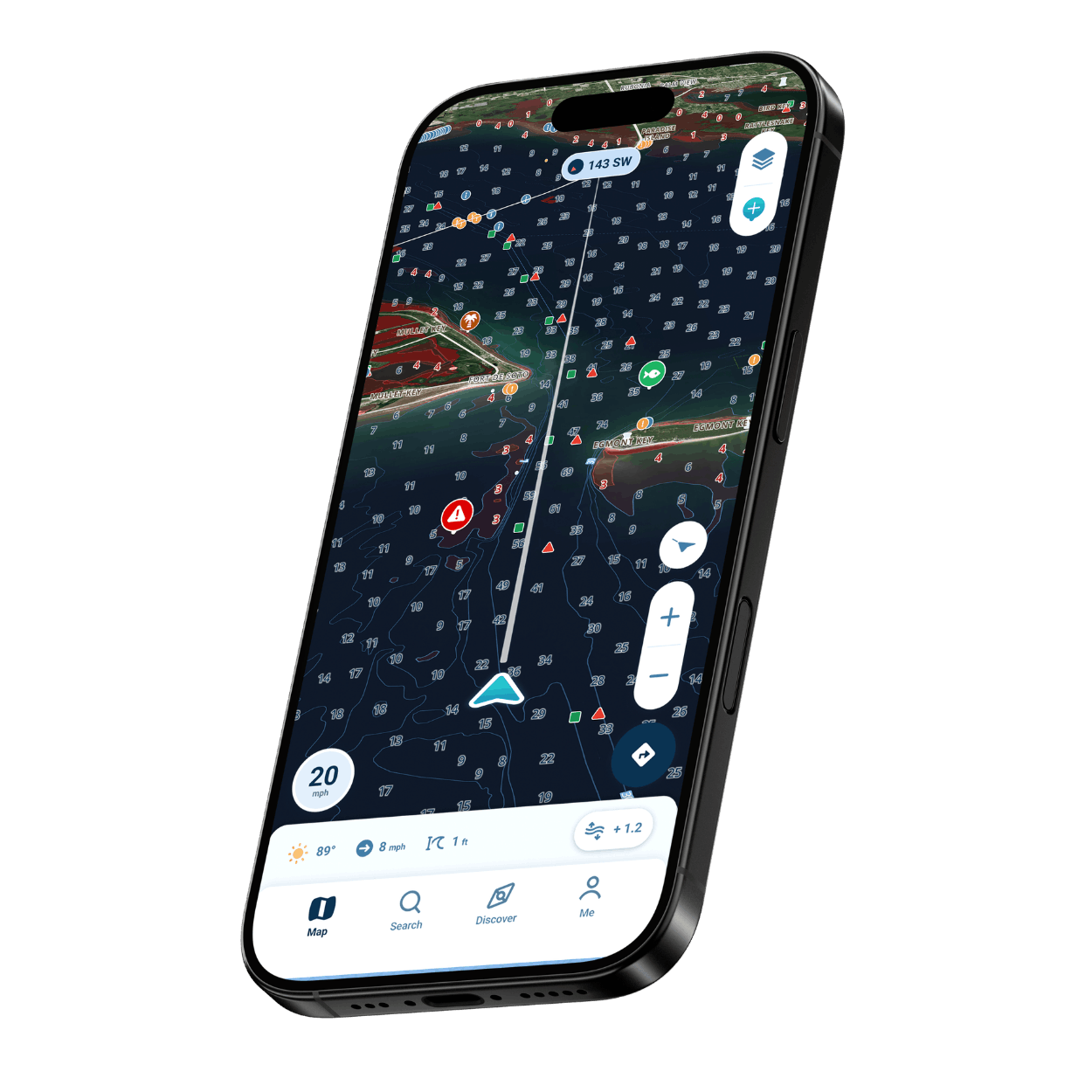
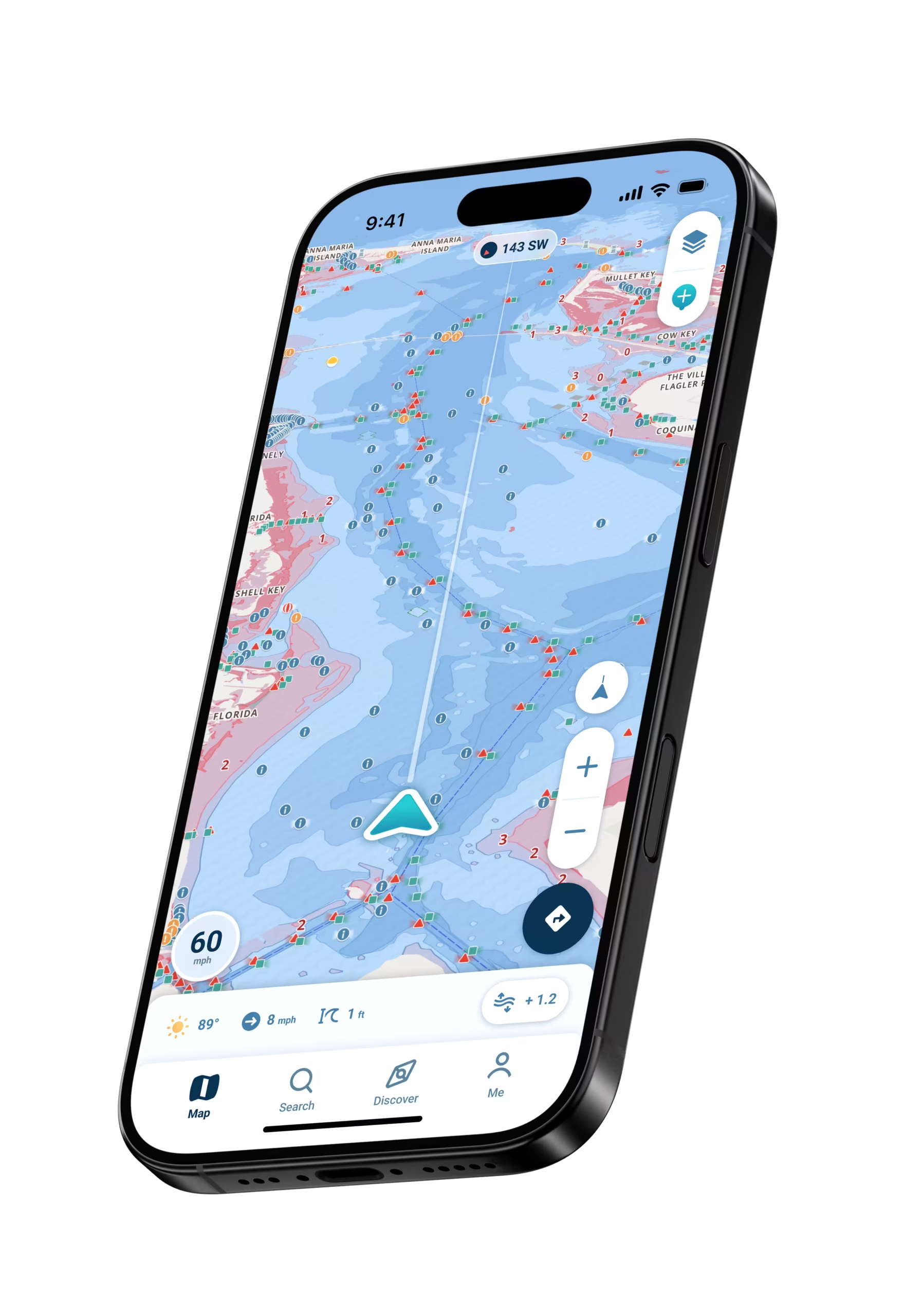
Simple marine navigation on the iPhone you already carry. Enter your boat’s draft once, and water too shallow for it shows up in red.

Wavve Boating App Navigation

Five Reasons Wavve Belongs on Your iPhone

Thin Water, Marked in Advance

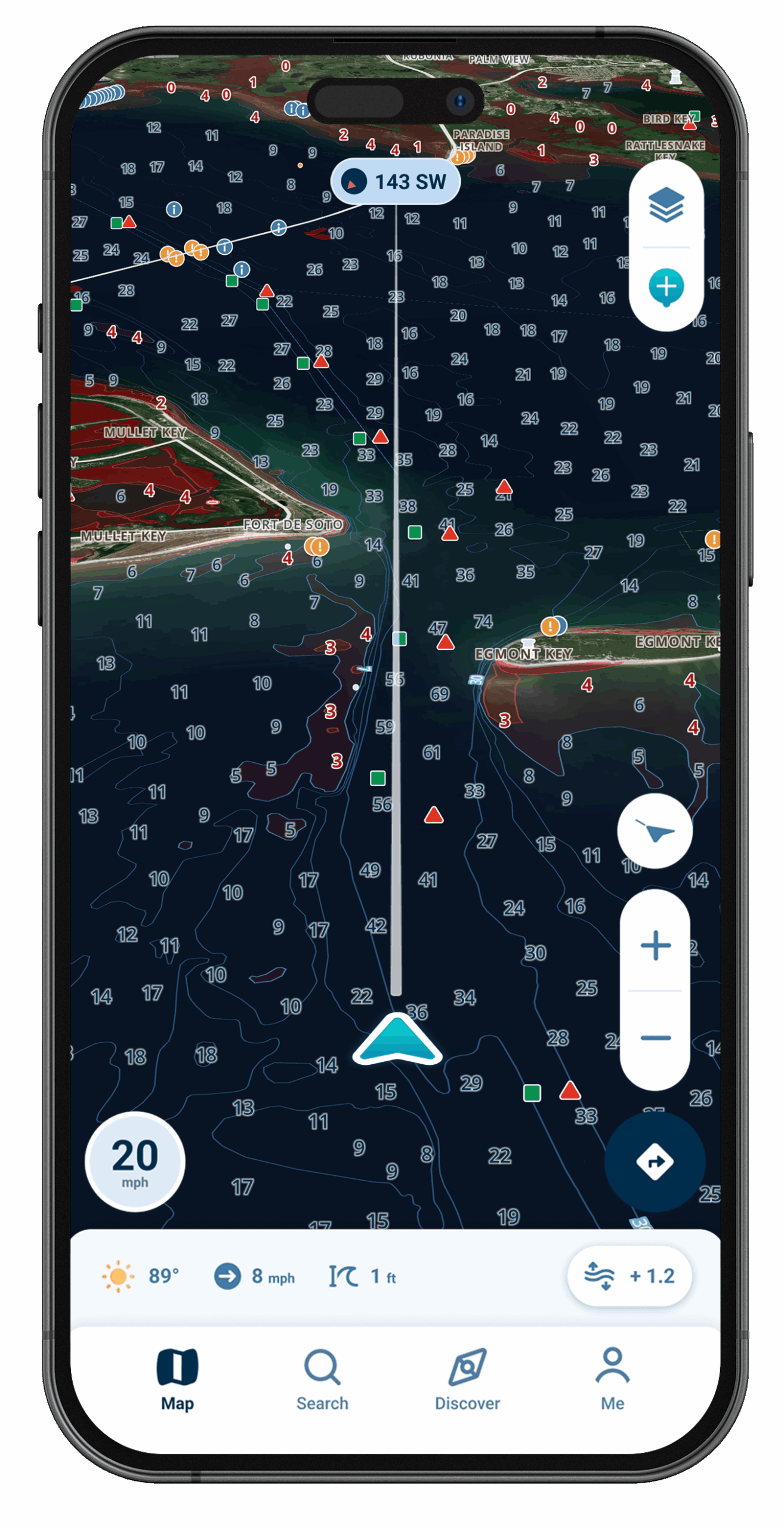
The bars and flats that may be too shallow for your boat turn red on screen, worked out from the draft you enter.

Phone Alert, Wrist Tap

Approach water too shallow for your draft and your iPhone alerts you, while a paired Apple Watch adds a haptic warning on your wrist.

Clear on the Screen, Even in Sun

Wavve designed the map to stay clear in bright sunlight, so a midday look from the console still gives you a chart you can read.

iPhone, iPad and Apple Watch

Wavve runs on iPhone and iPad and pairs with Apple Watch, so the chart sits on whichever screen is closest to hand.

Where to Launch and Fuel Up

Ramps, marinas, fuel docks and beaches appear as Wavve Points that other boaters have added to the map.
iPhone Navigation, Top-Rated by Boaters

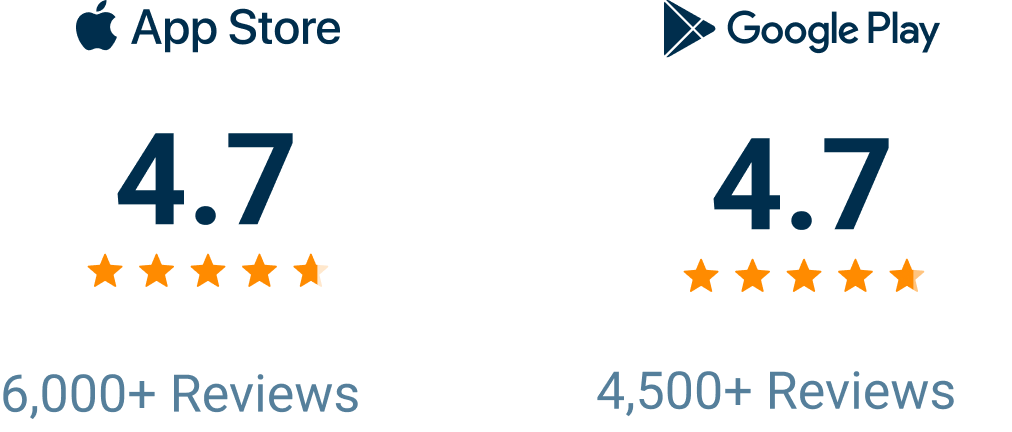
Wavve Boating Rating

The Case for Navigating From Your iPhone

A chartplotter means buying hardware, mounting it and running wires to the helm. Wavve Boating needs none of that: it runs on the iPhone you bring aboard anyway, and its chart is kept deliberately simple. Enter your boat’s draft once, and red shading on the map shows which water may be too shallow for that hull, while Dynamic Depths moves that shading as tides rise and fall and lake levels change. Wavve was the most-downloaded marine navigation app in the U.S. and Canada in 2025 and 2026. Your account and saved routes travel with you too, so your routes are there when you step aboard a friend’s boat or a rental.

What Wavve Puts on Your iPhone Screen

Warnings Matched to Your Boat

The alerts follow the draft you enter, so a skiff and a cruiser are warned at different depths.

Your Hull, Your Map

Enter your boat’s draft once and the whole map personalizes to it, including where the red shading falls.

Shallows Shown in Red

A bar off a point or a shoal at a creek mouth stands out as a patch of red against the deeper water around it.

Today’s Tide on the Chart

Dynamic Depths adjusts the red shading for the tide and for seasonal lake levels, so it follows today’s water.

Plan Around the Wind

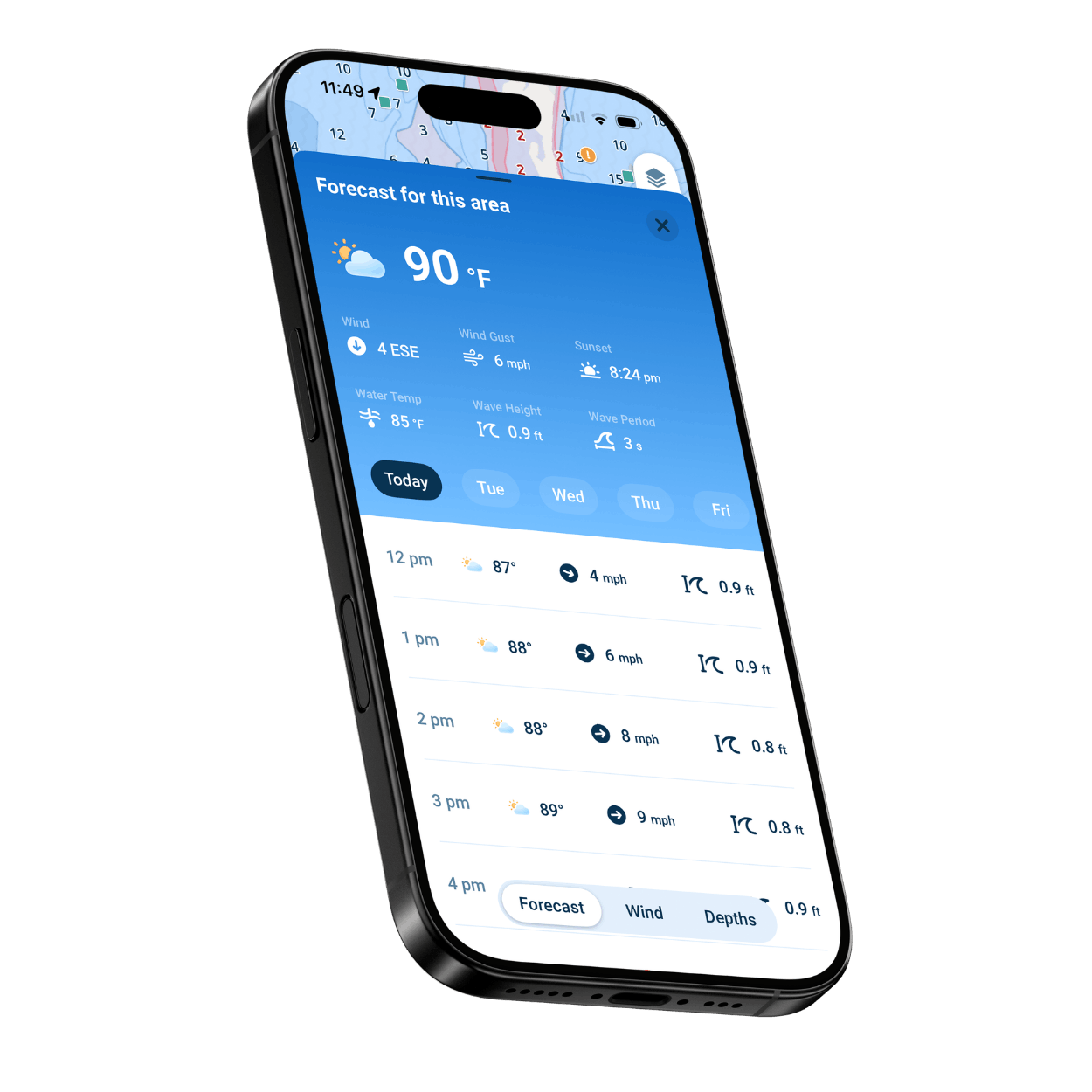
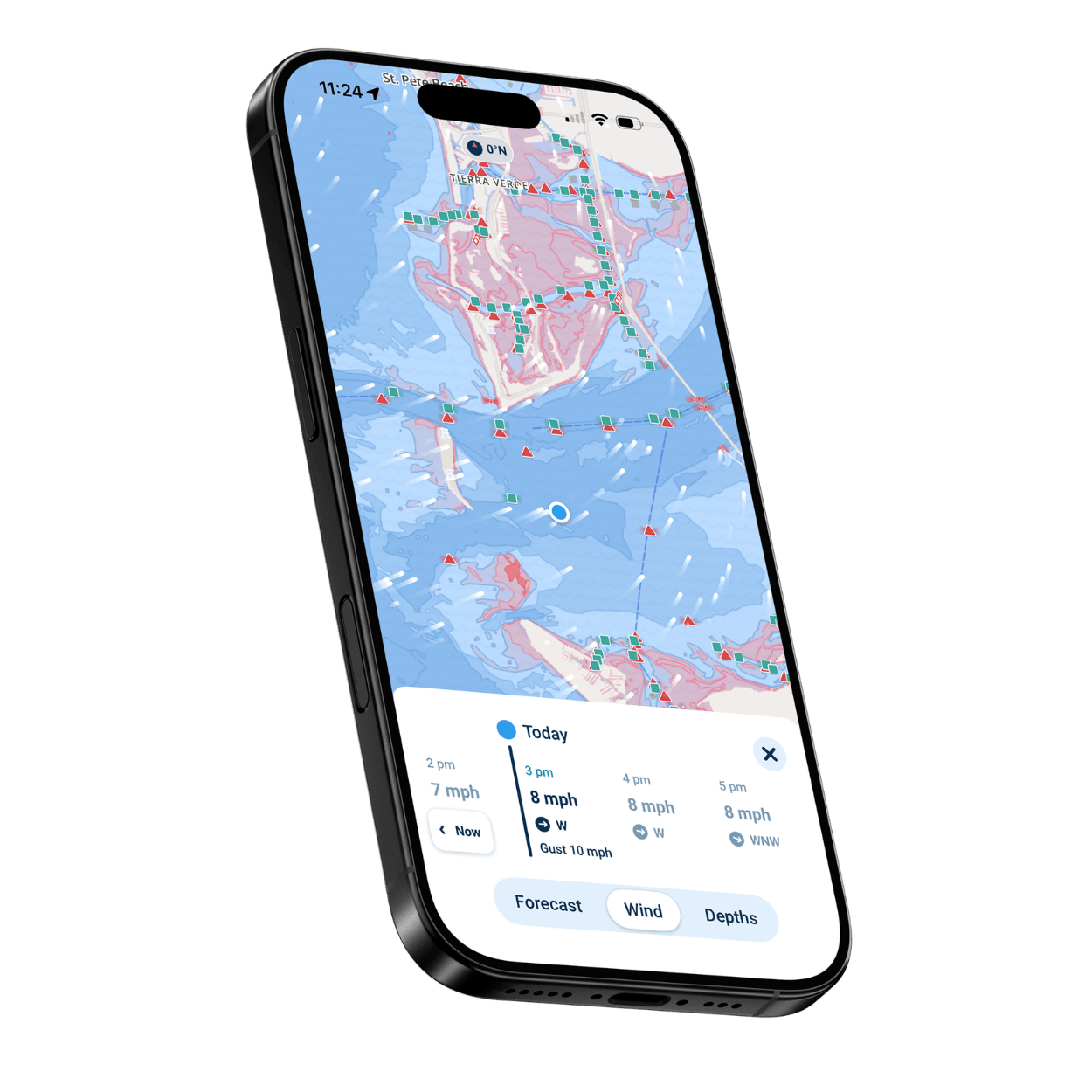
An hour-by-hour marine forecast runs seven days out, and a wind overlay on the map helps you judge which shoreline will be sheltered.

Charts Without Cell Service

Save an area with Offline Maps while you have signal, and out of range its charts stay on your iPhone.

Which iPhone Boater Are You?

Boaters Without a Chartplotter

Your iPhone handles the chart, the route and the depth picture, so no plotter ever goes on the dash.

Chartplotter Owners Wanting a Backup

Routes you build at home export as GPX for a compatible plotter, and the phone doubles as a backup chart.

Anglers Marking Their Spots

Save private fishing spots as Wavve Points and trace the depth contours along a drop-off.

Apple Watch Wearers

Zoom the map with the Digital Crown and feel a haptic warning as you near shallow water.

Just Bought Your First Boat

Tap a map symbol to learn what it marks, and let AutoRouting lay out a course on water you don’t know yet.

PWC Riders and Day Trippers

Ramp locations, the Friends feature for meeting up, and Trip Recordings all run on the phone you already brought.
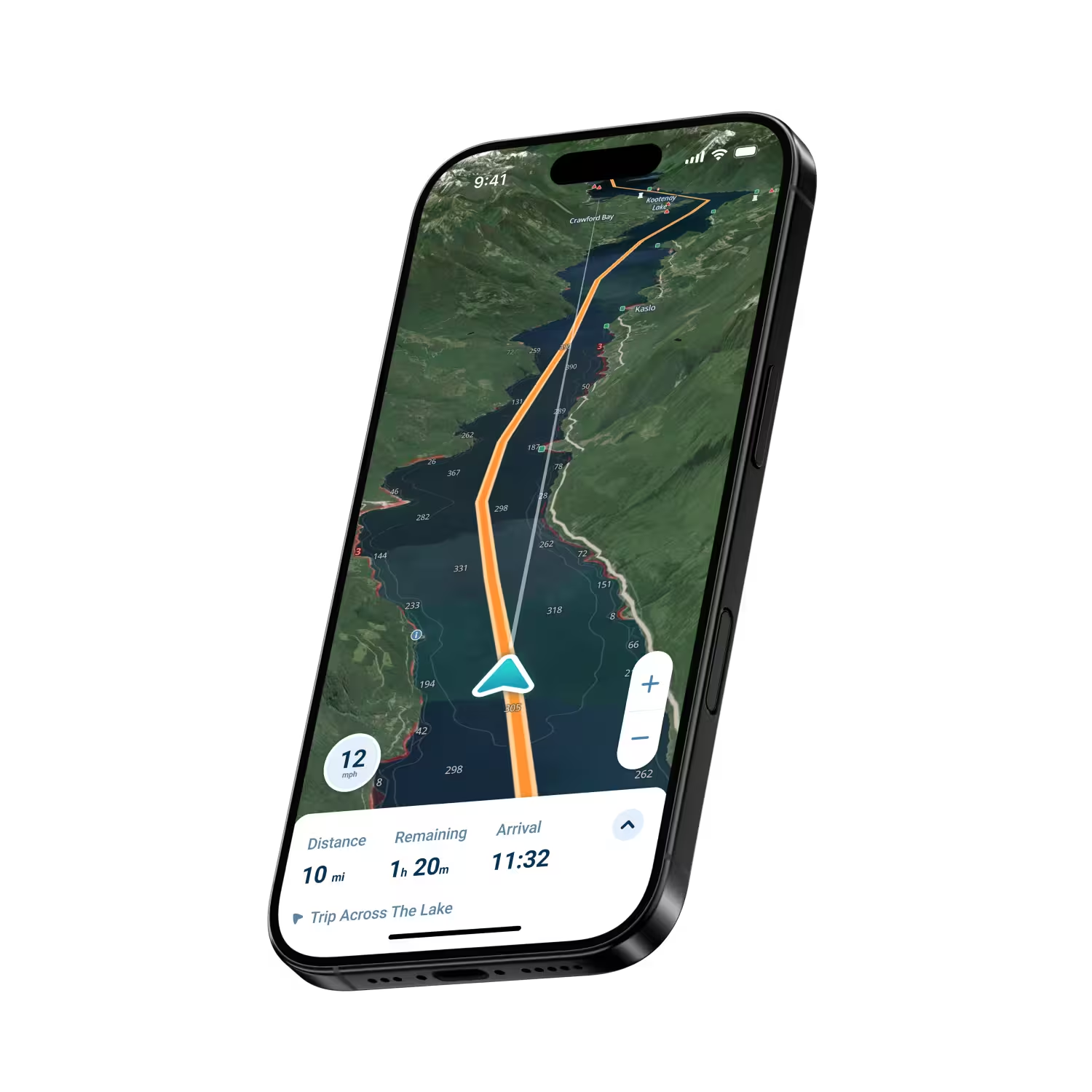
Wavve Boating Satellite View

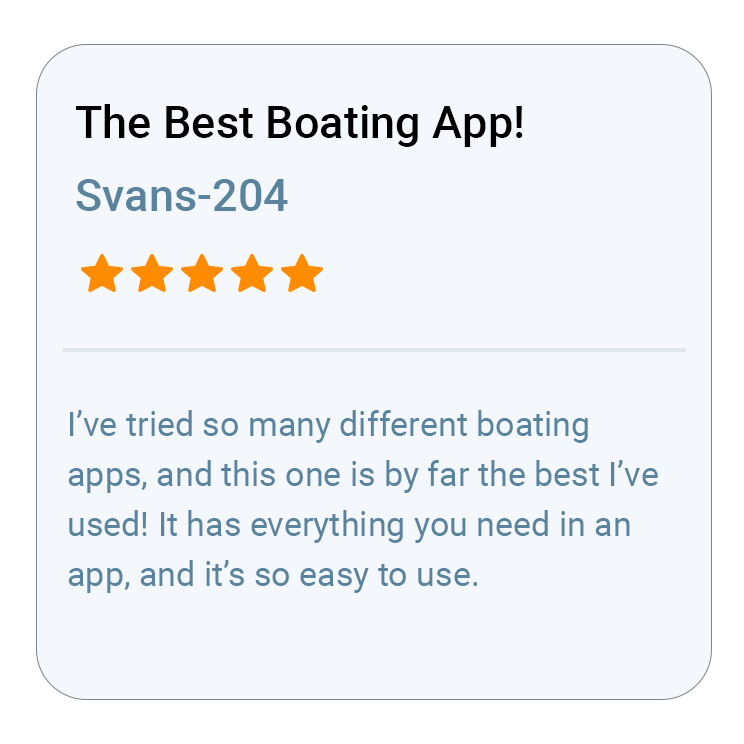
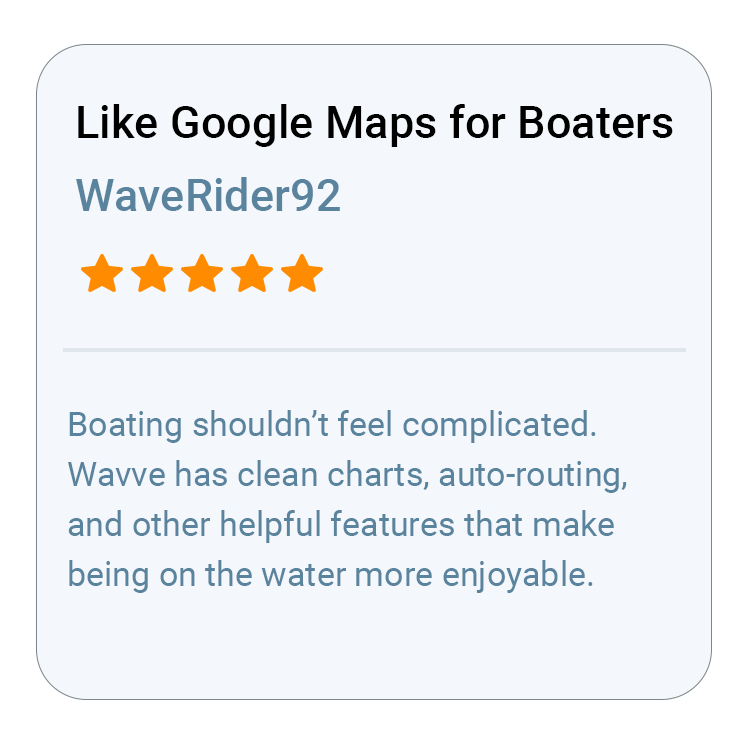
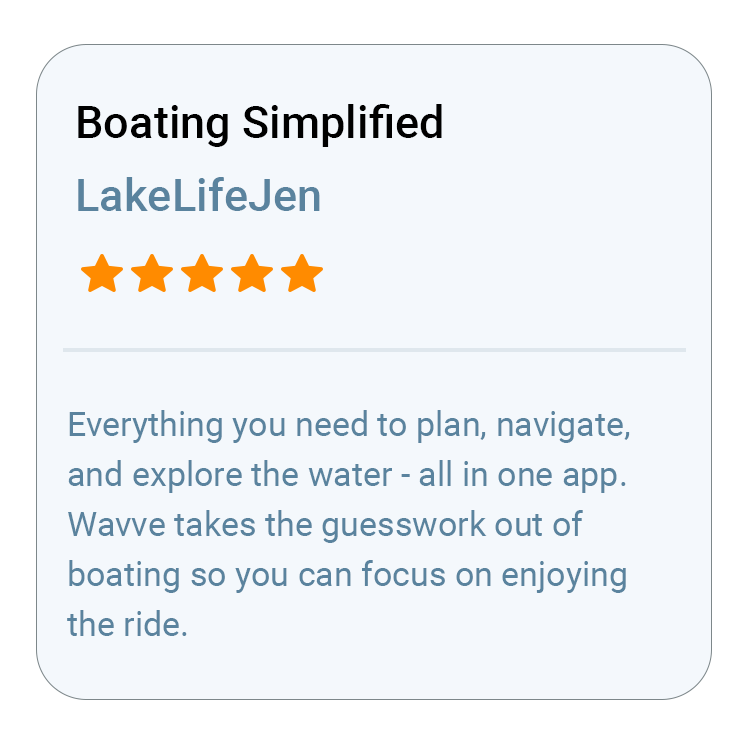
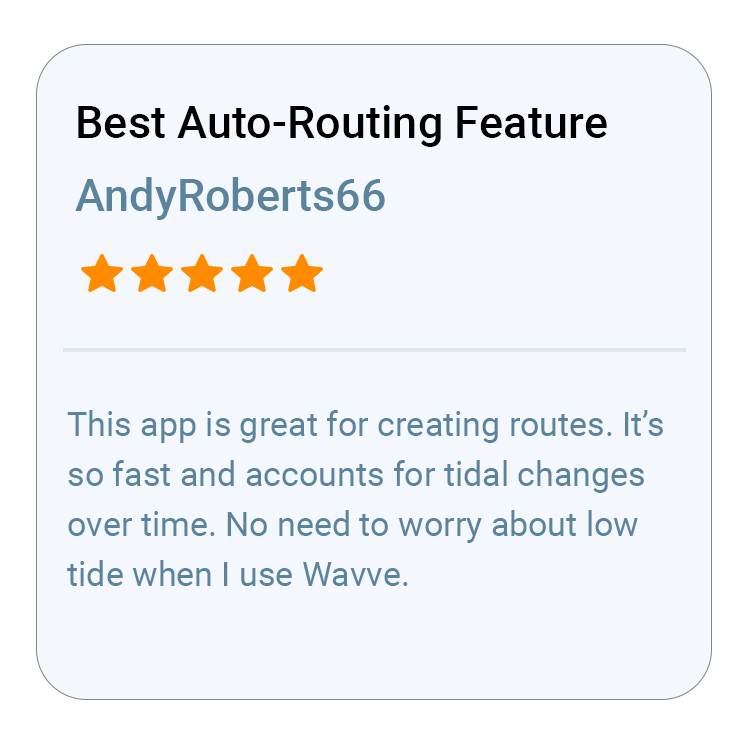
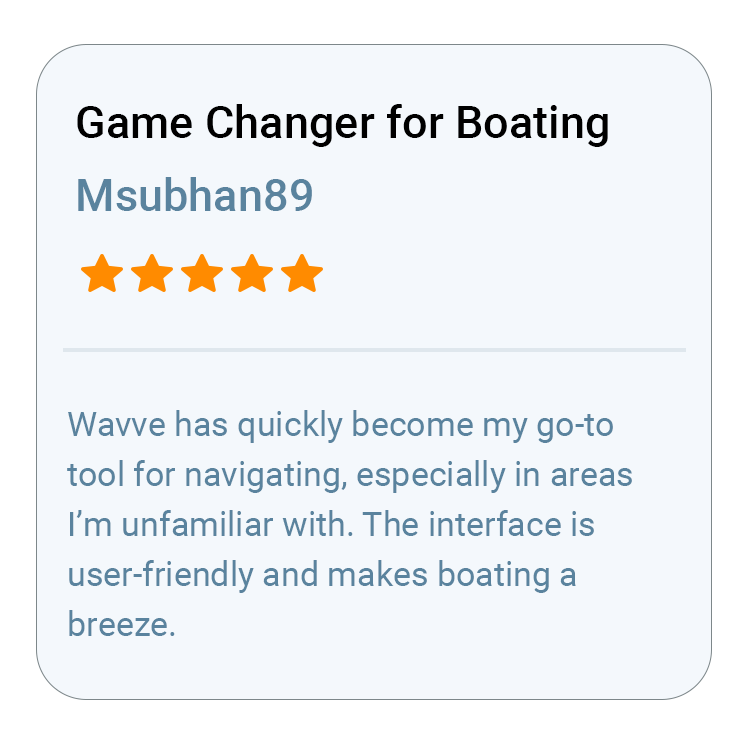
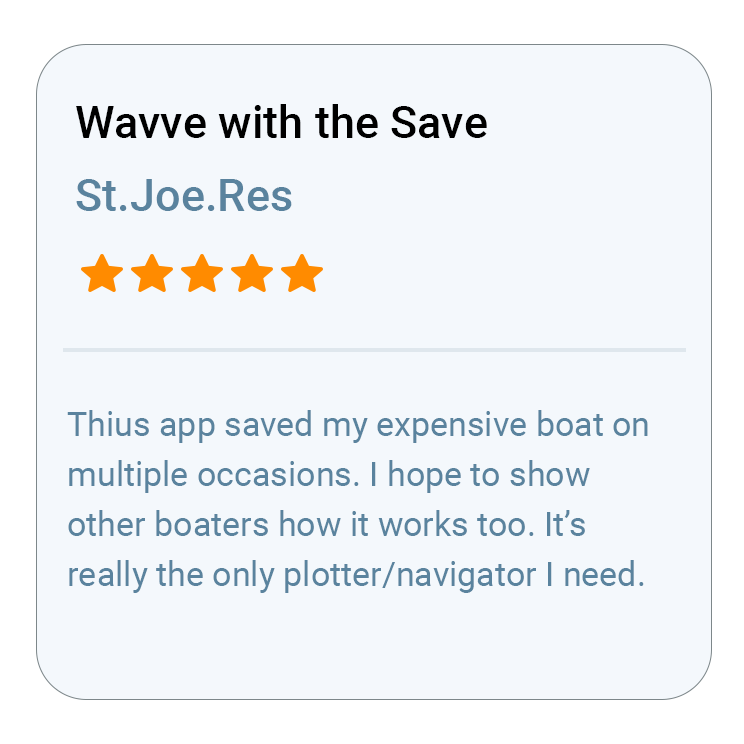
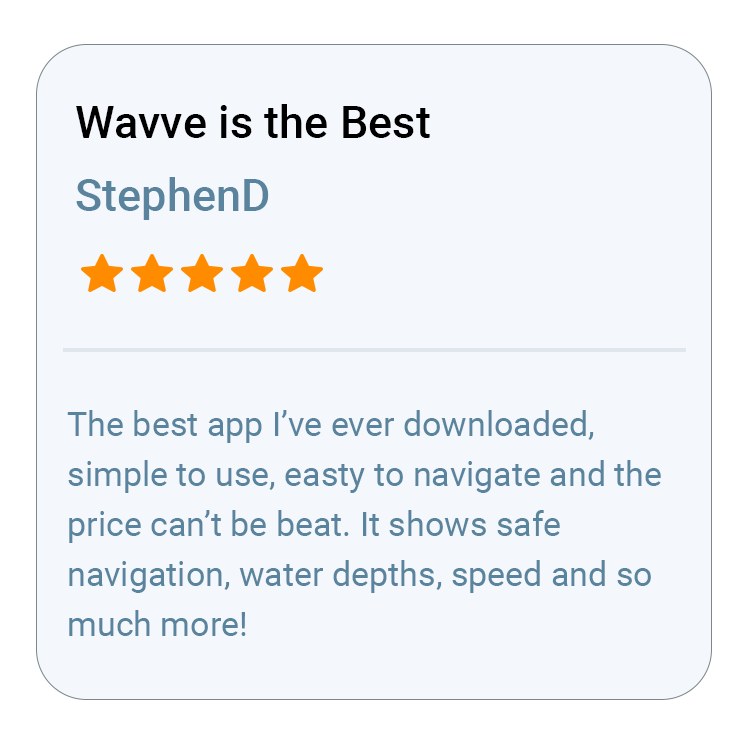
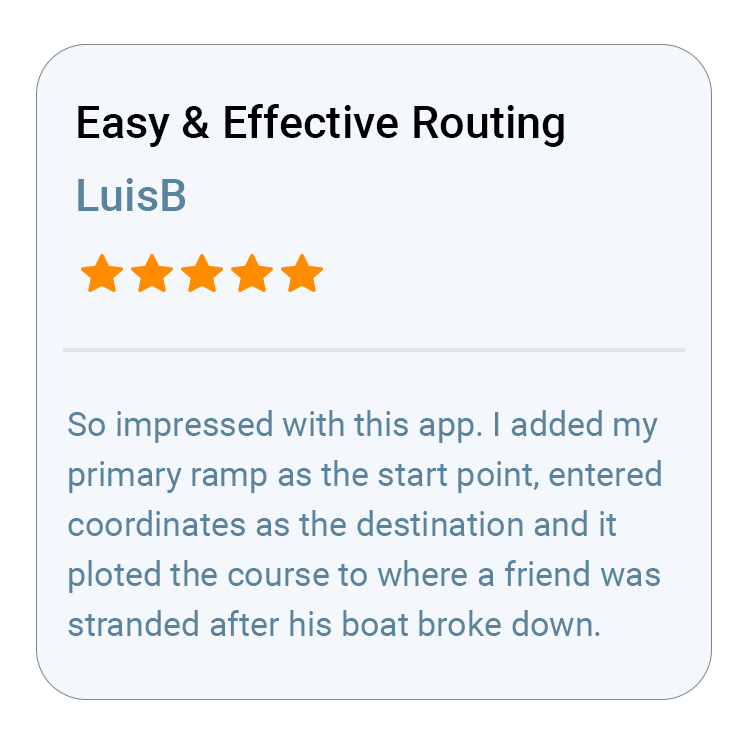
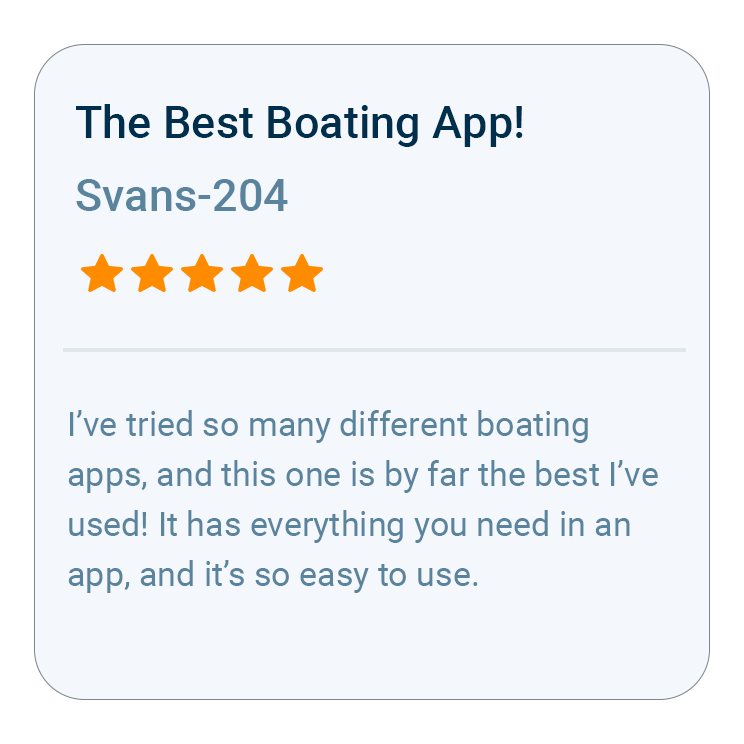
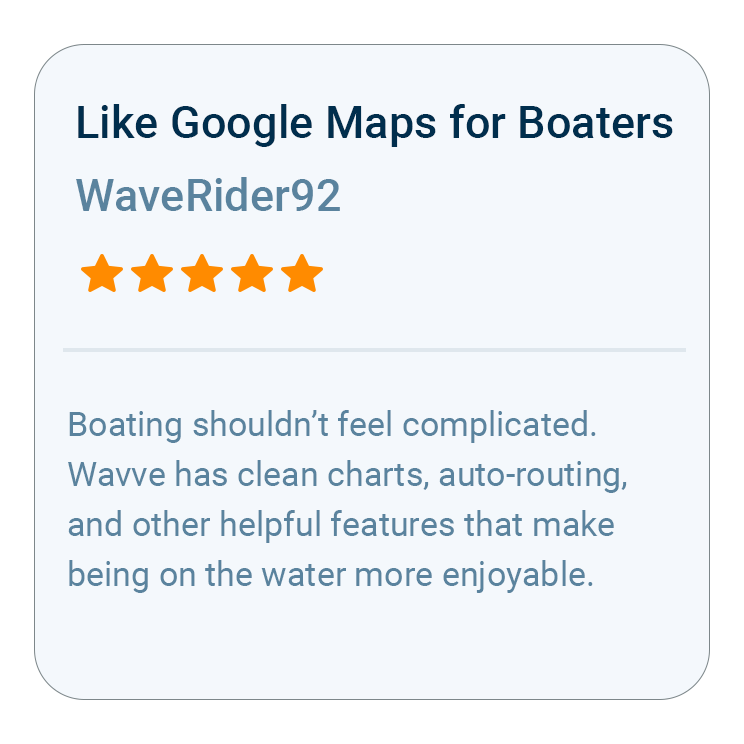
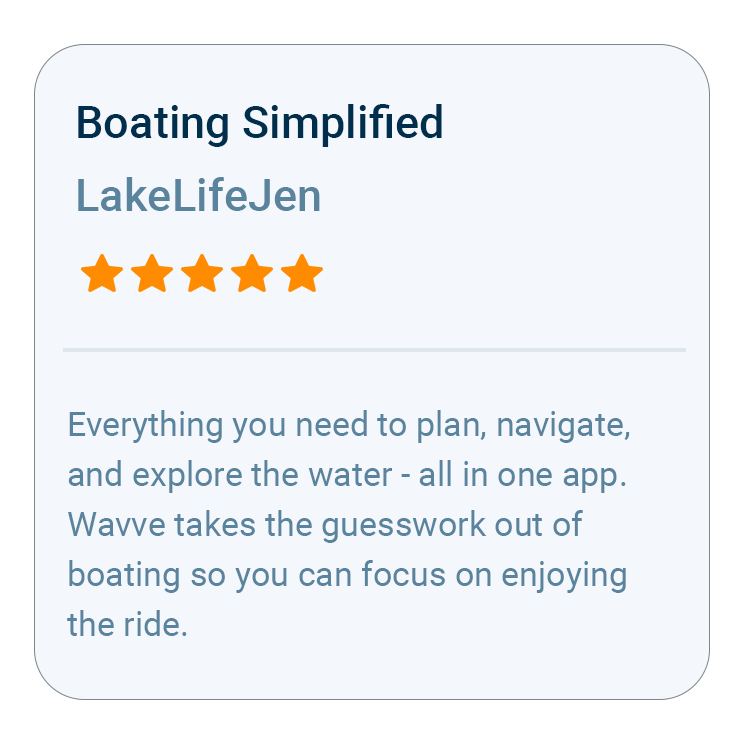
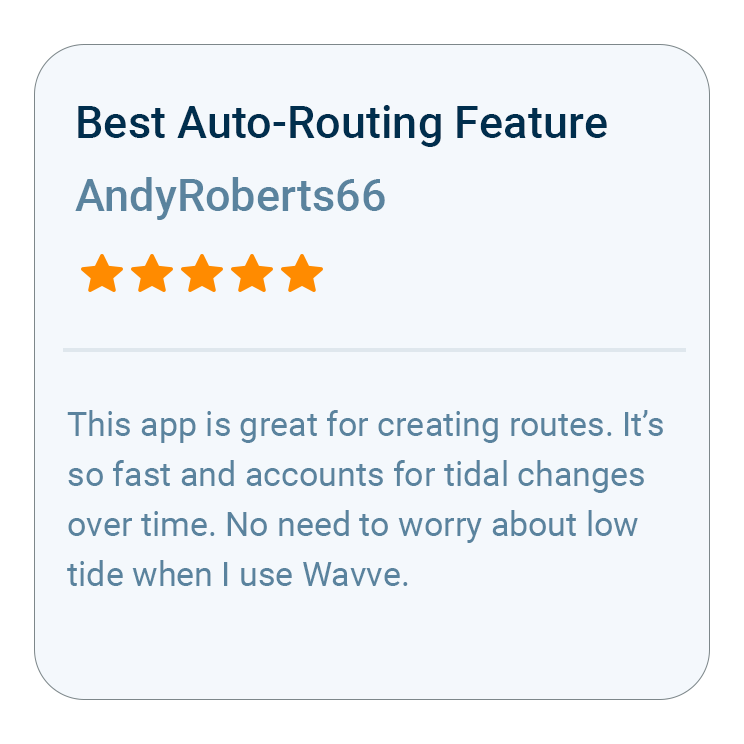
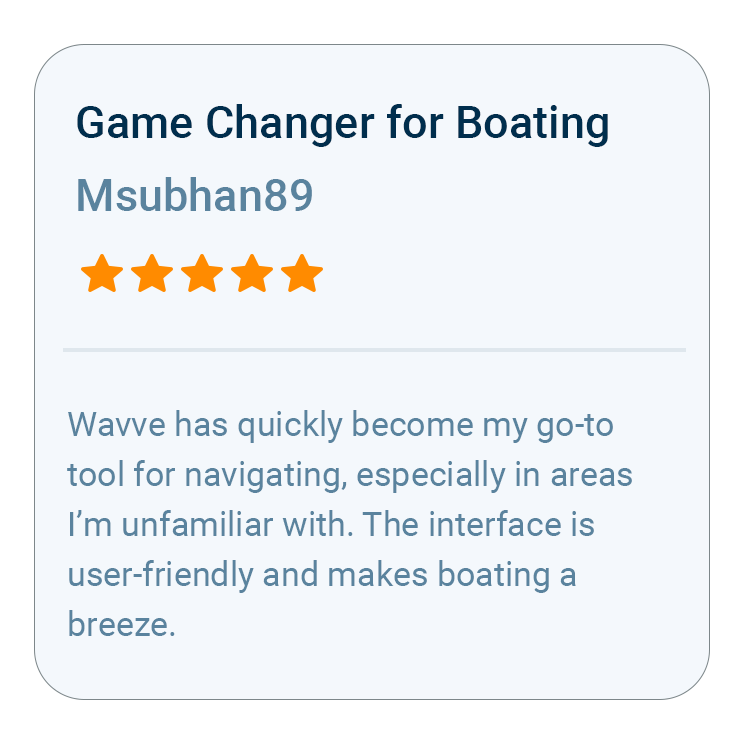
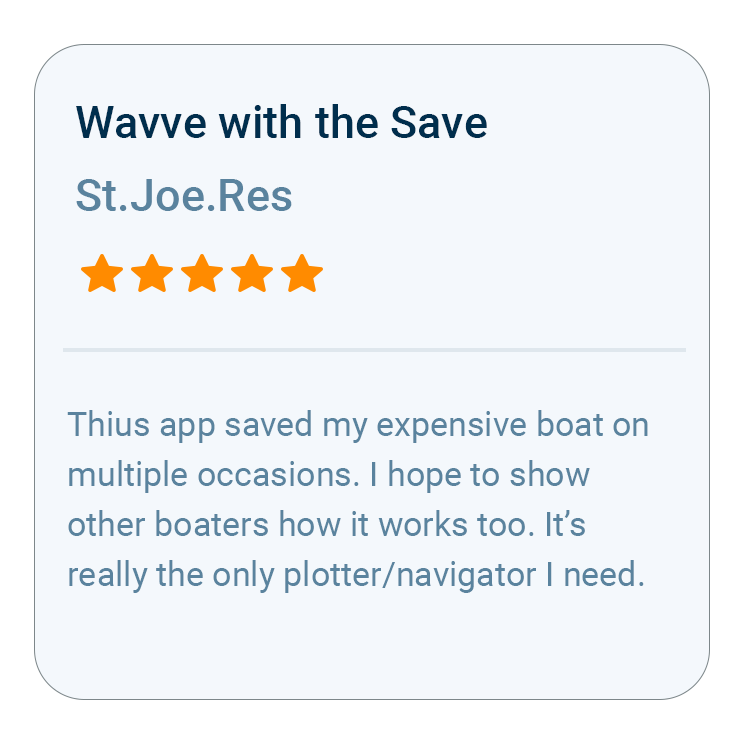
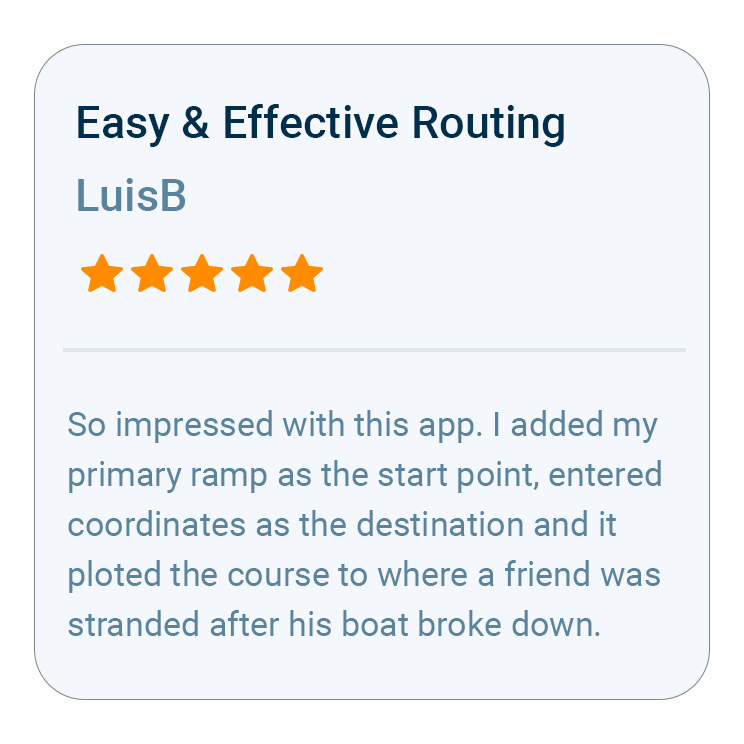
What Boaters Are Saying
Questions iPhone Boaters Ask

Most of the difference comes from one setting: your boat’s draft. Enter it once and Wavve works out, for your hull rather than a generic one, where the map turns red and when your iPhone sends a shallow-water alert. Dynamic Depths keeps that picture moving as the water rises and falls, and the map is uncluttered on purpose, so it reads quickly on a phone. Apple has repeatedly recognized Wavve, including a feature on the App Store Today tab, and it was the most-downloaded marine navigation app in the U.S. and Canada in 2025 and 2026.
Wavve draws on more than 20,000 nautical charts, combining data from official and third-party sources into one seamless map, with coverage in the United States, Canada, the United Kingdom, Australia and Ireland, plus thousands of lakes and select island waters. New water is added regularly. Before a trip, look up your own waterway on wavveboating.com/map, and if it is missing you can send Wavve a coverage request.
The main things that need a connection are weather updates, water-level updates, new map downloads and building a new AutoRoute. The charts and your position do not, provided you download the area with Offline Maps beforehand, because the downloaded charts stay on the phone and its built-in GPS keeps placing you on them. If you navigate on an iPad, use a model with GPS, since some iPads lack it.
It depends on how you boat. Some recreational boaters use Wavve as their primary navigation tool, while others use it alongside a chartplotter. Either way you can plan on your iPhone, run without buying dedicated hardware, and send a saved route to a compatible chartplotter as a GPX file.
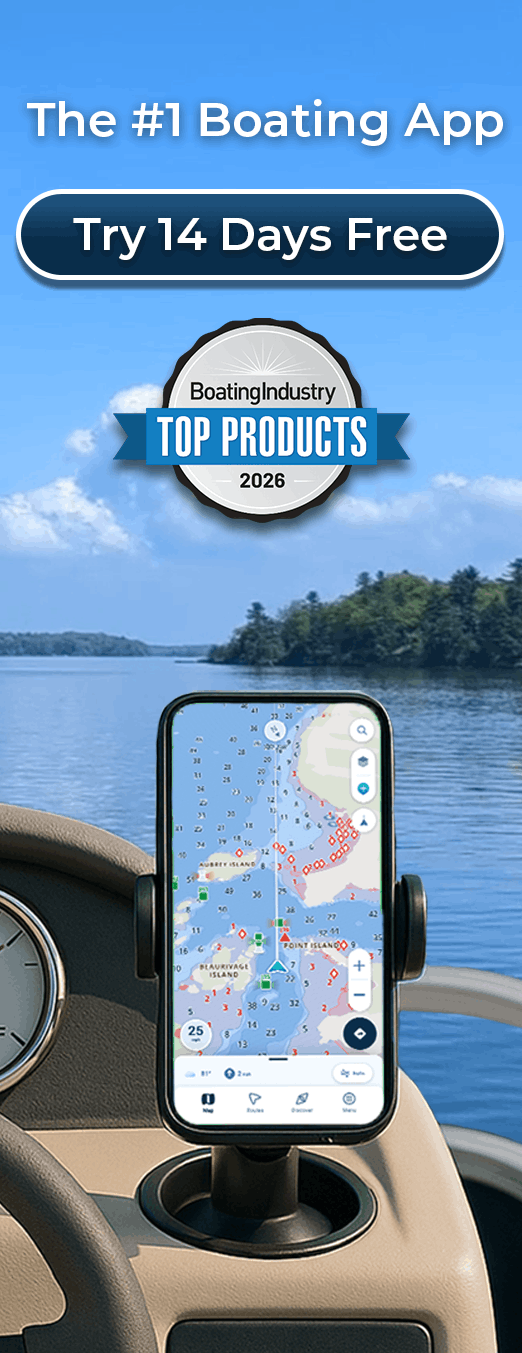
Wavve Boating is free to download from the App Store, but the app itself runs on a paid membership. Monthly gives flexible month-to-month access that suits a shorter season, while Annual is the better value and the one most boaters pick. Customers selecting an Annual membership can try Wavve Boating free for 14 days, so you can test it on the water before you commit.
Yes. Wavve on Apple Watch works as a companion to the iPhone app, letting you move the map with the Digital Crown and feel haptic warnings on your wrist when you approach shallow water. On iPad you get the Wavve map on a bigger screen for planning, and on the water it needs a GPS-capable iPad to track your position.

How To Get Started

Download_icon

Download Wavve Boating on iPhone, Android, or Tablet

Free to download on your iPhone, Android, or tablet.

no cost icon

Start Your Free Trial

Try Wavve Boating free and see it on the water before you commit.

Start Navigating Easily

Open the app, set your destination, and start navigating with confidence.

Trusted by Top Brands in Marine

Trusted by Marine Industry’s Top Brands

Depth Charts on iPhone, Personalized to Your Draft

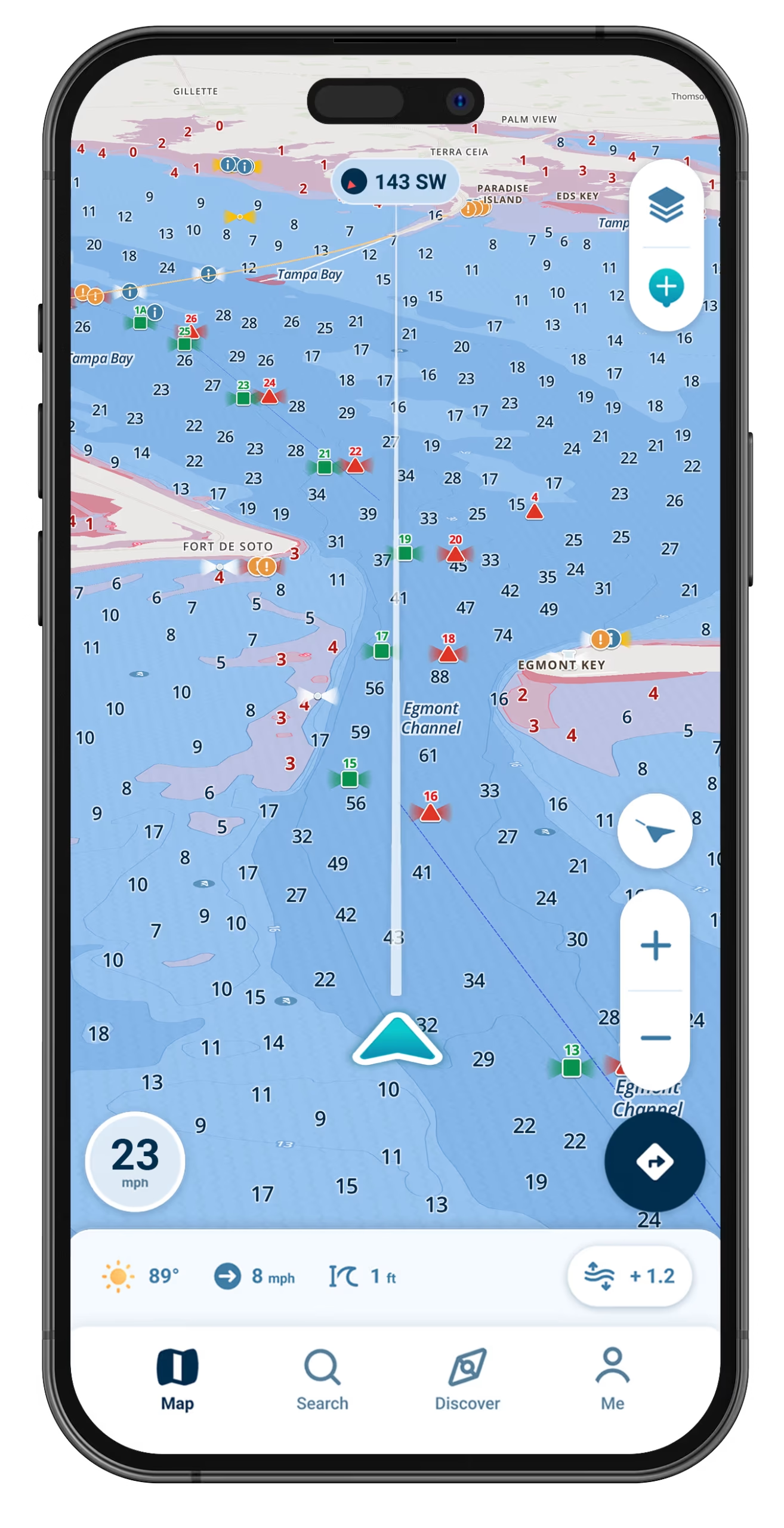
The depth an iPhone navigation app shows only helps if it is the depth for your boat, and Wavve Boating starts there. Enter your vessel’s draft and the Wavve Boating Map personalizes to it, using red shading to flag potentially shallow areas and adjusting its shallow-water warnings to the number you entered. Dynamic Depths then combines charted depth with tide and water-level data from nearby stations, so the shading shifts as the tide falls or a reservoir drops through the season, and tidal areas list the day’s high and low tides. Where no station is close, you can set the water level yourself. Depth contours take custom colors and soundings can be resized, which keeps a busy chart readable on a phone screen. Pair the app with an Apple Watch and a haptic warning reaches your wrist as you approach shallow water, so the alert arrives even when the phone is in a mount across the console.

Wavve Boating App Satellite View

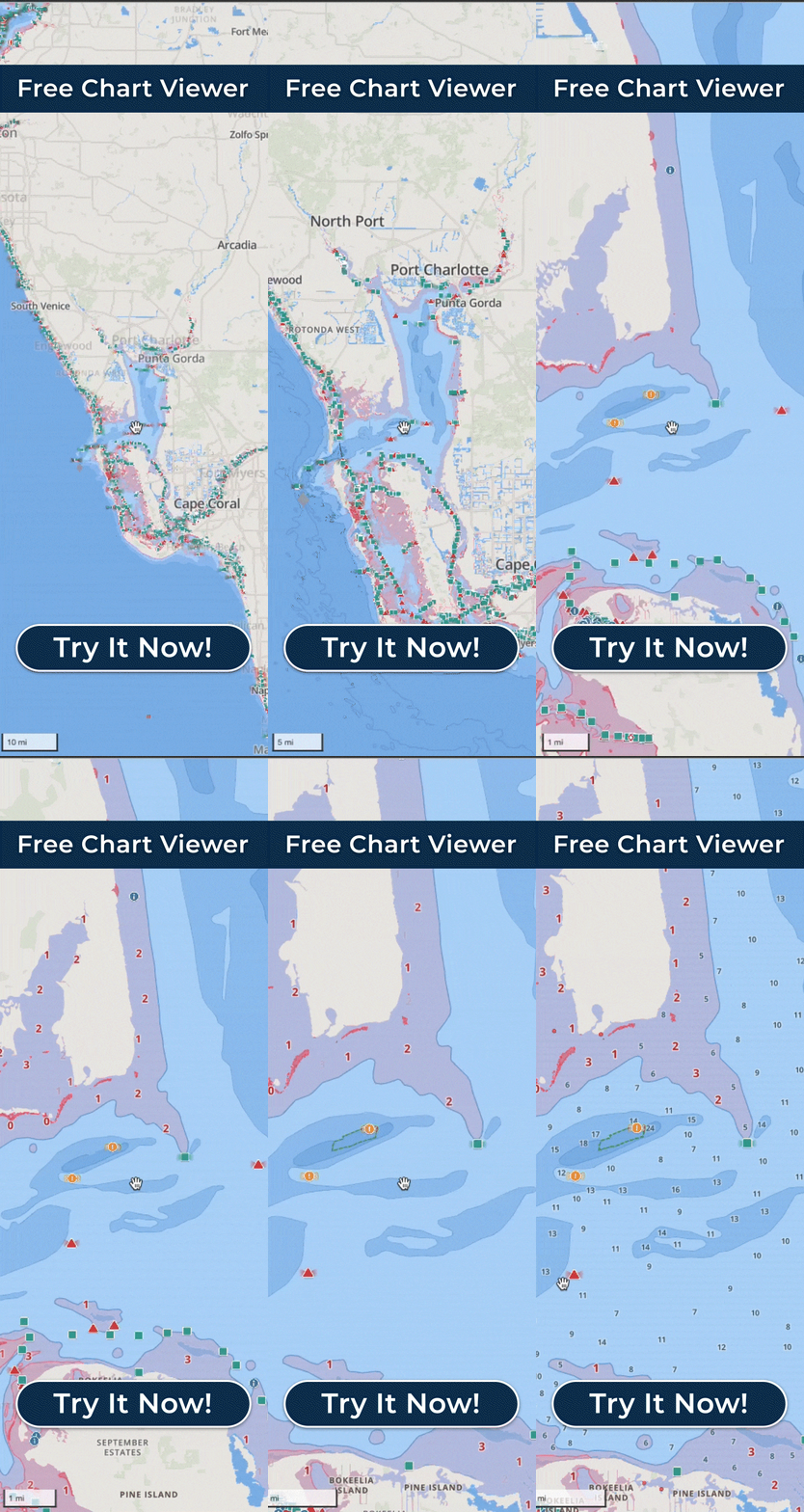
Planning and Following Routes From Your iPhone

Set a destination in Wavve and AutoRouting builds a route between the two points around obstacles, through channels and using water depths, and each AutoRoute Mode (Prefer Channels, Most Direct or Balanced) accounts for your boat’s draft. Each AutoRoute shows total distance and estimated travel time, with weather and water-level conditions alongside and an optional fuel estimate, and you can follow it turn by turn once you are underway. AutoRoutes are calculated on Wavve’s servers, so build them at the dock while you still have a connection; the areas you saved with Offline Maps and your iPhone’s GPS keep working after the signal fades. Prefer to set your own course? Manual Routing lets you lay one out instead. For a longer trip, plan on a bigger screen in the Free Web Chart Viewer in your browser, and the route syncs to your iPhone through your account. If you also run a chartplotter, export the route as a GPX file and load it on a compatible unit.

Is Wavve the Best Marine Navigation App for iPhone?

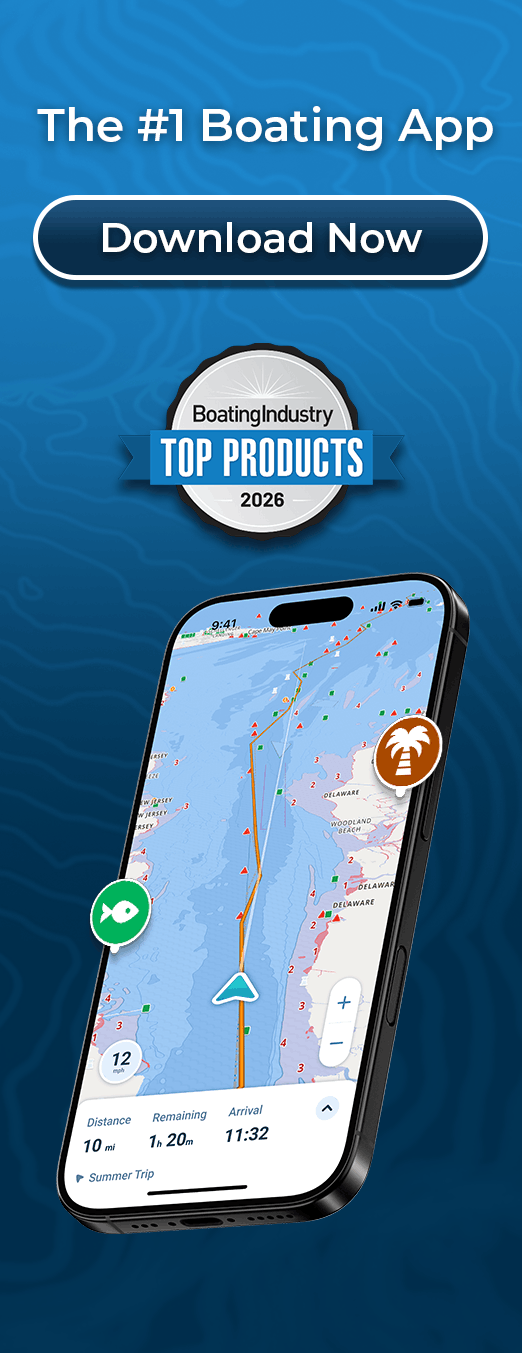
For a recreational boater who wants to navigate from the iPhone already in their pocket, Wavve Boating is a strong fit, because it keeps the chart simple and personalizes depth to the draft you enter. It was designed around lake and inshore anglers, weekend cruisers, PWC riders and people on their first boat, on water that runs from inland reservoirs to the coast. It is not designed for commercial ships or busy commercial harbors, and there is no AIS or marine-traffic layer. That focus is the main way it differs from other marine navigation apps, several of which are shaped around traditional charting conventions, sailing or offshore passage planning. Adam Allore, a lifelong boater, started the company in 2018 with a map that highlighted water too shallow for the three-foot draft of the boat he ran. Support comes from a human Customer Success team by email, and the feedback and coverage requests boaters send shape what gets built next. Boating Industry has named three of its features Top Products: the Discover Tab in 2024, Dynamic Depths in 2025 and AutoRoute Modes in 2026.

iPhone Navigation From Chesapeake Bay to Sydney Harbour

Wavve Boating charts water in the United States, Canada, the UK, Australia and Ireland, drawing on official and third-party sources, and the whole map runs inside the iPhone app. U.S. coverage spans the Great Lakes, the Maine and New England coast, Long Island Sound and New York Harbor, Chesapeake Bay, the Intracoastal Waterway on the Atlantic side, the Florida Keys and Florida coast, the Gulf Coast, and Puget Sound and the West Coast, along with inland lakes such as Lake of the Ozarks, Lake Lanier and Lake Winnipesaukee. Canadian boaters will find the St. Lawrence River and the 1000 Islands, Georgian Bay, the Trent-Severn and Rideau waterways and the Muskoka Lakes. In the UK it covers the Solent, the English Channel and the West Coast of Scotland; in Australia, Moreton Bay, Sydney Harbour and Port Phillip Bay; and Ireland is supported too. Detail within each region varies and the map keeps growing, so look up your launch on wavveboating.com/map or in the Free Web Chart Viewer first, and send a coverage request if your water is missing. For water beyond cell range, save the area to your phone with Offline Maps before you lose signal, and if you navigate from an iPad, pick one that has GPS.

Wavve Boating Logo

Start Your Next Ride With Wavve

Join thousands of riders using Wavve Boating to explore new water, stay off the shallows, and navigate with confidence.

QR Code