Best Marine Navigation App for Kayaks

Check the hourly wind before you cross, then follow your live GPS position on a marine chart from the launch to the take-out.

Wavve Boating App Navigation

Five Reasons Paddlers Choose Wavve Boating
Read the Wind Before You Launch

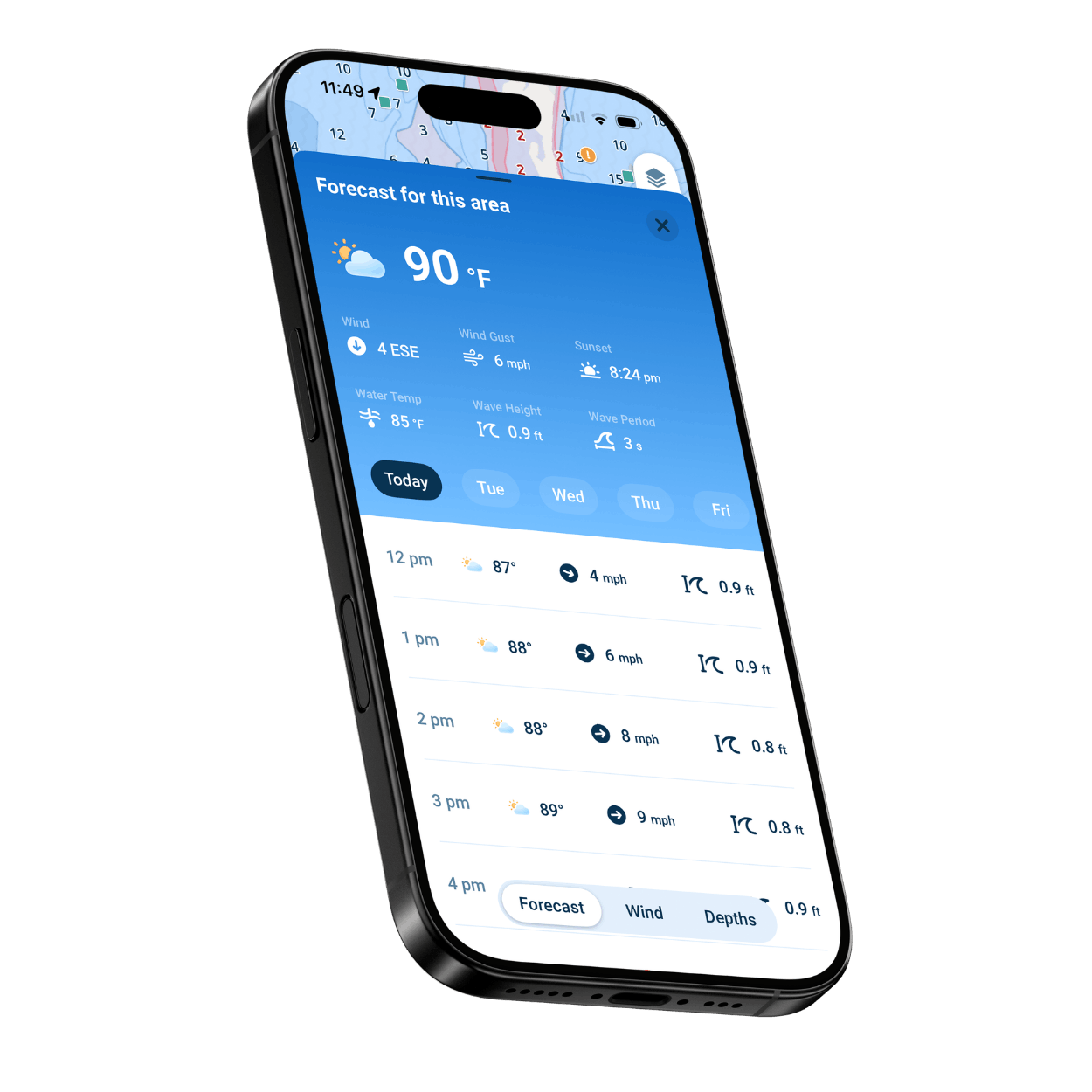
Line up your crossing with the calmest hours in a seven-day, hour-by-hour forecast of wind, gusts, and wave height.

Your Position on Marine Charts

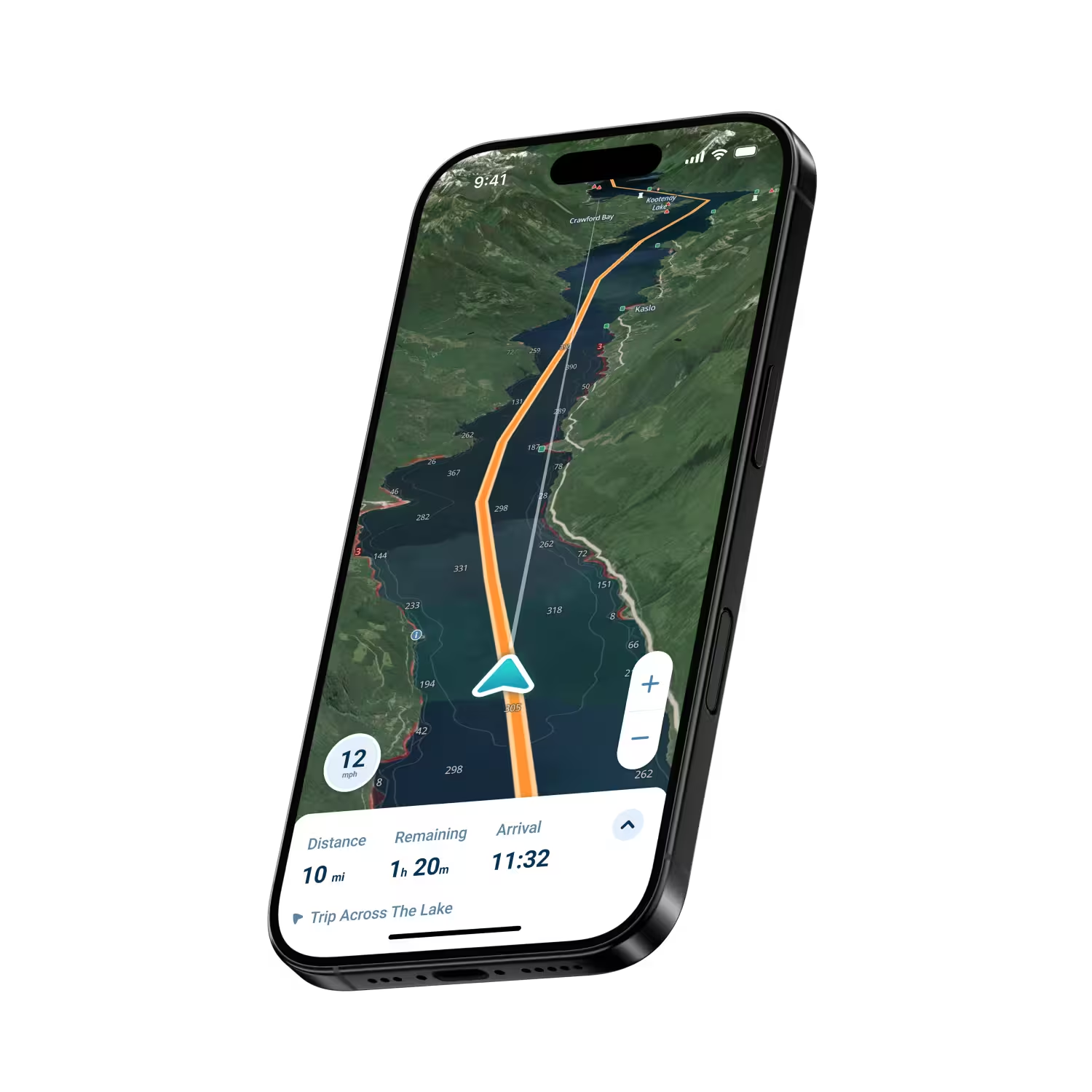
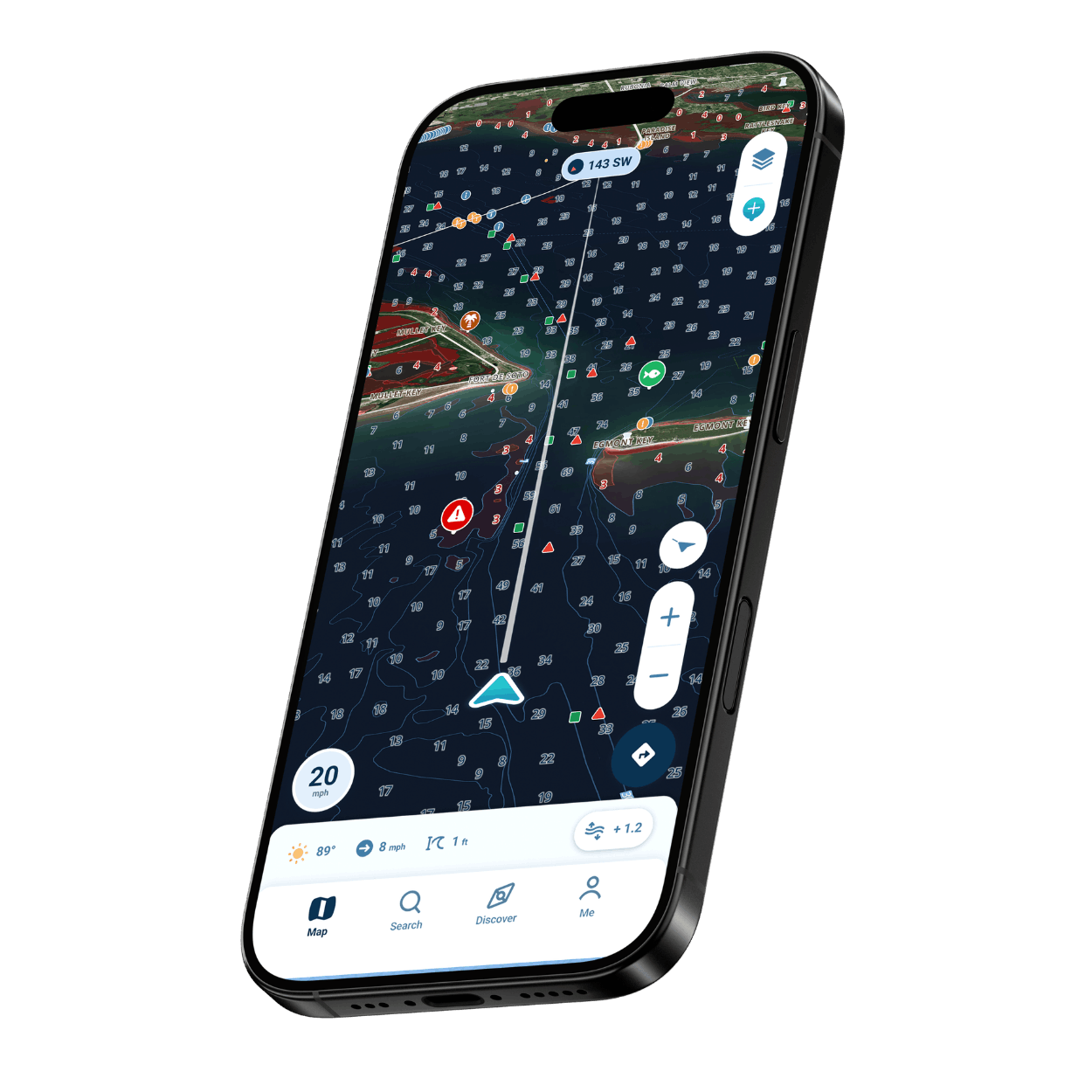
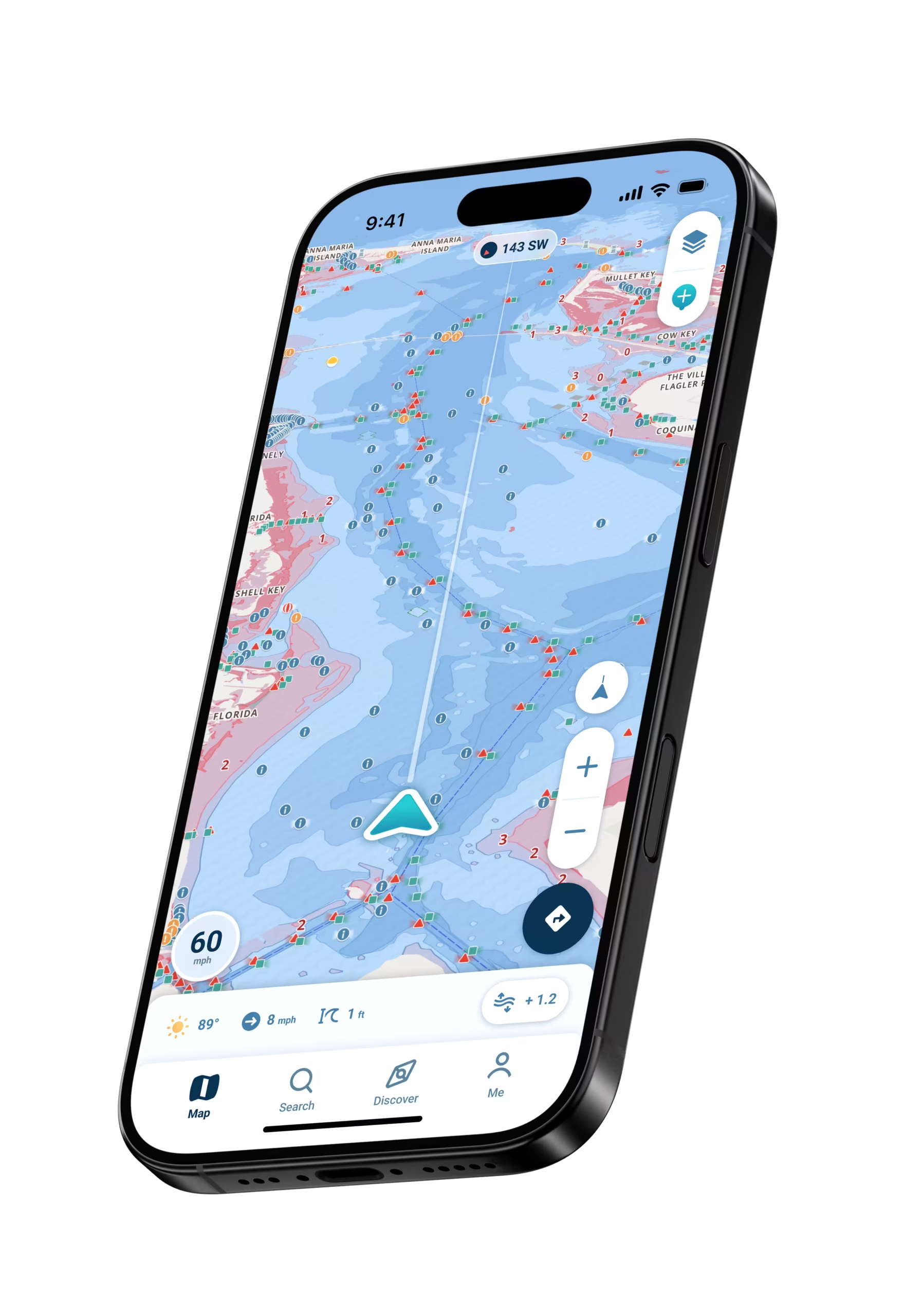
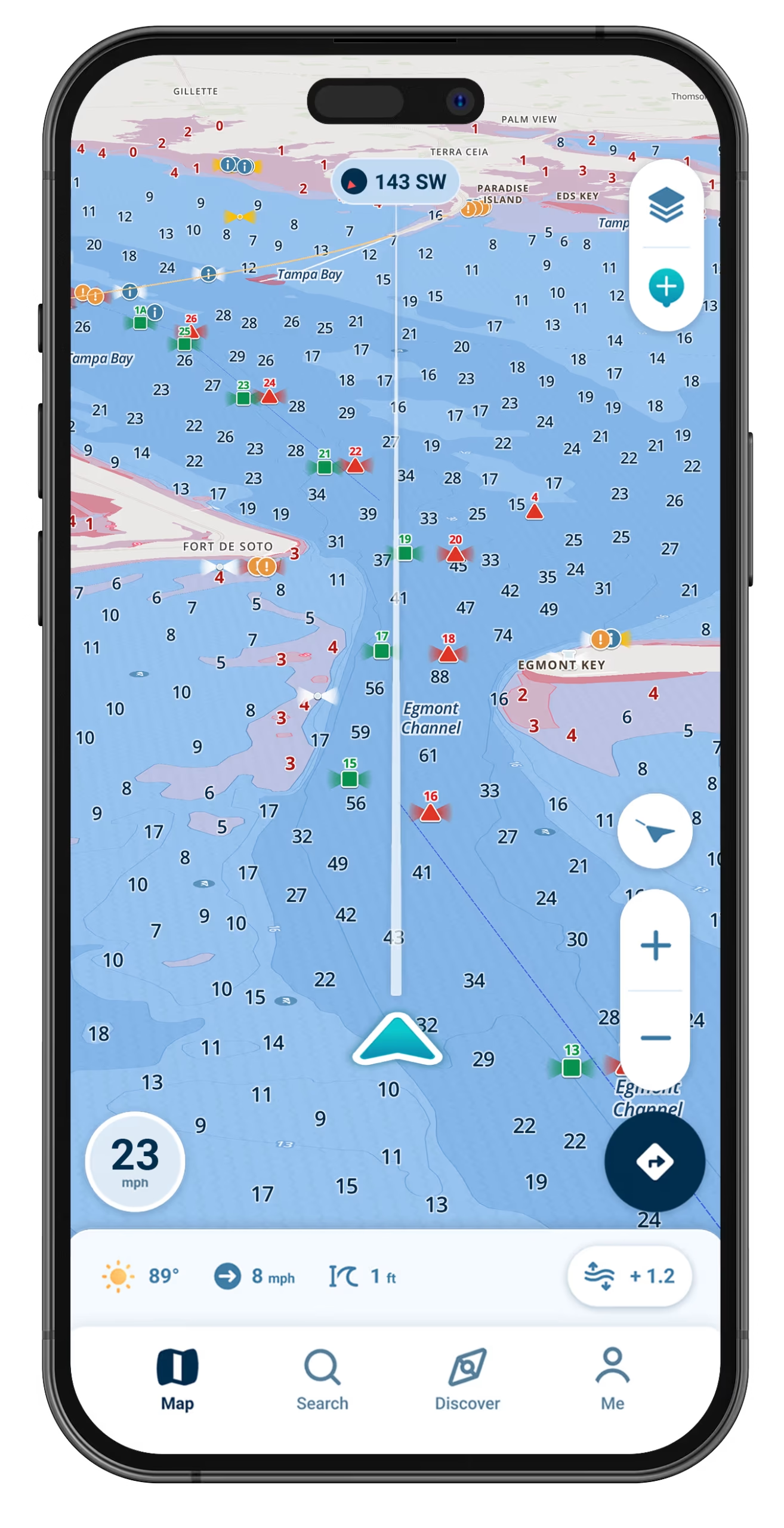
Live GPS marks your kayak on a marine chart, which makes the distance to the next point or cove easy to judge.

Simple Enough to Use From the Seat

The map stays readable in bright sun, and Center on Me snaps the view back to your position, so a glance between strokes is enough.

Charts for Coast, Bay, and Lake

Chart data for coastal bays, the Great Lakes, and thousands of inland lakes. Wavve’s coverage map marks where that data reaches.

Launches, Beaches, and Hazards

Community Wavve Points mark boat ramps, beaches, and hazards, and you can save private spots of your own.
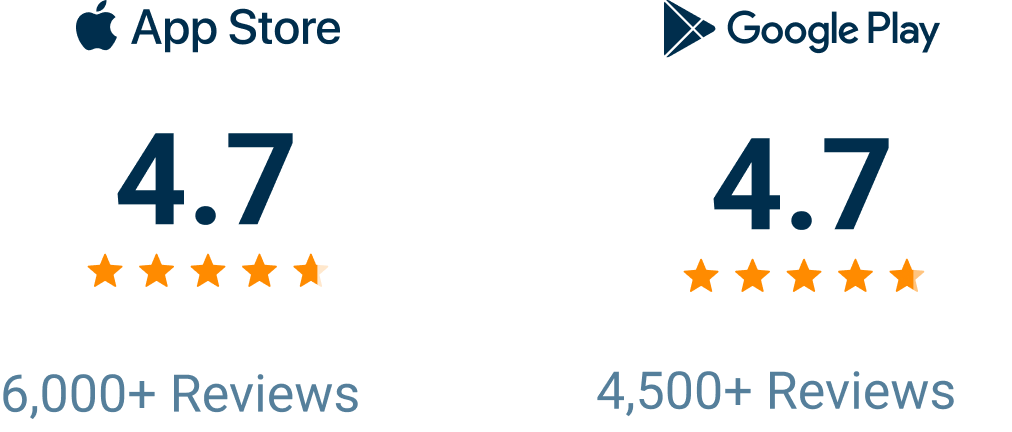
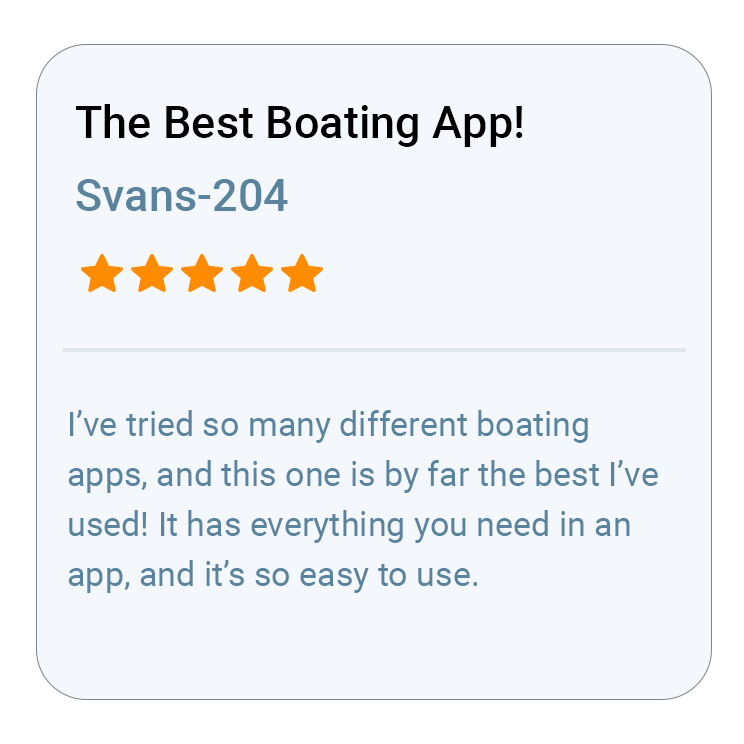
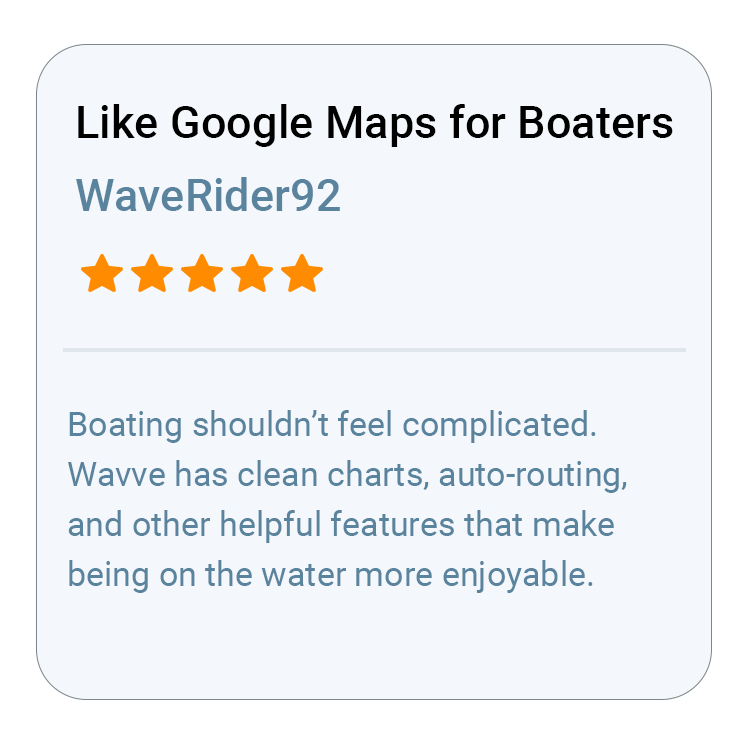
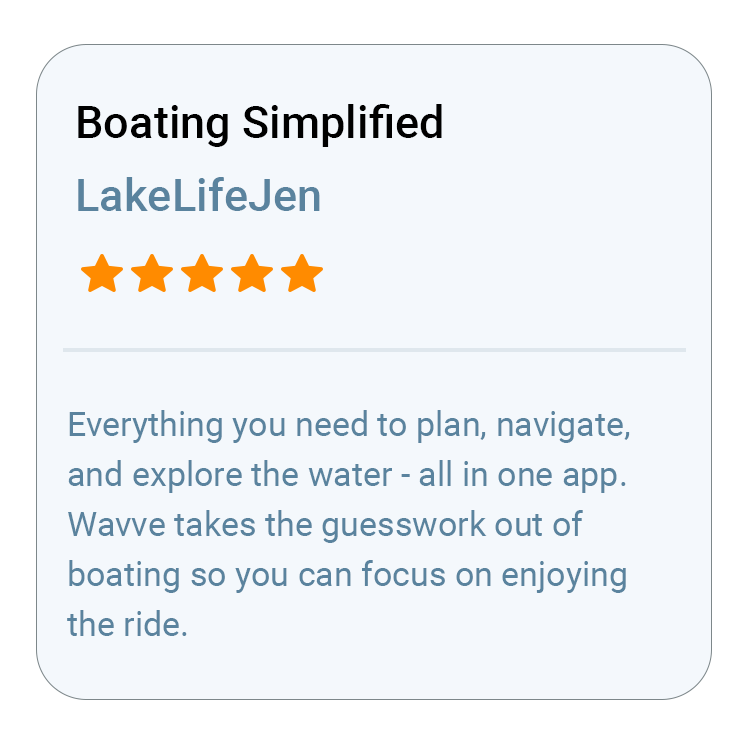
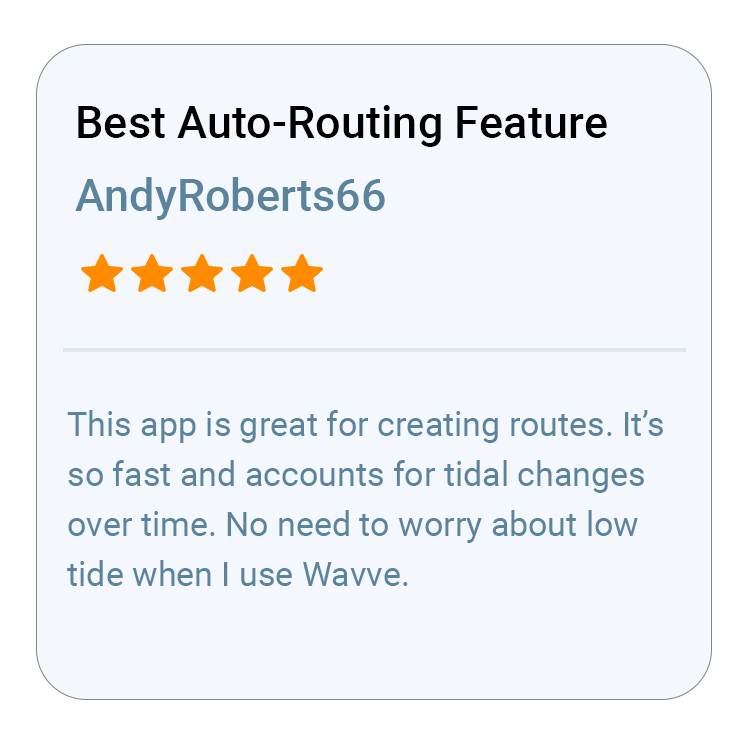
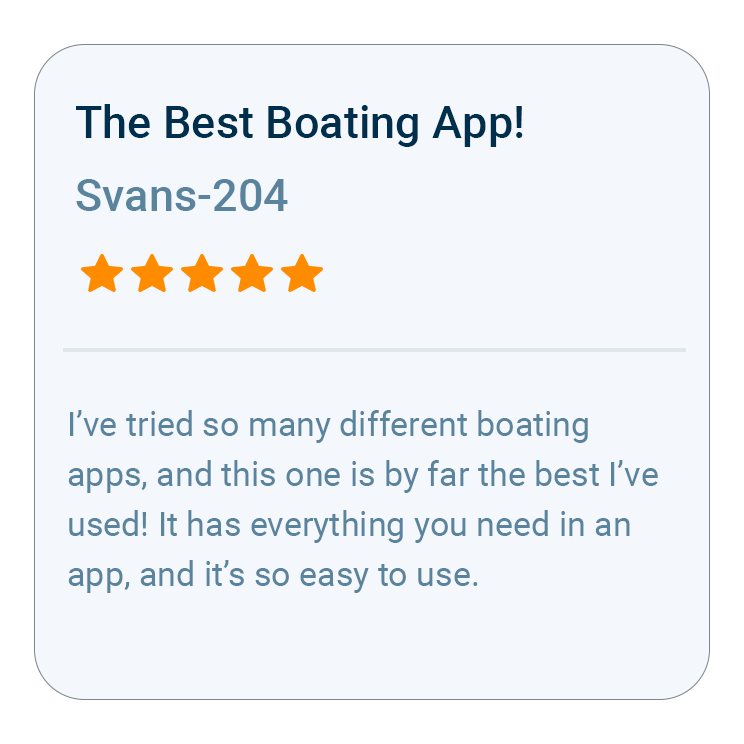
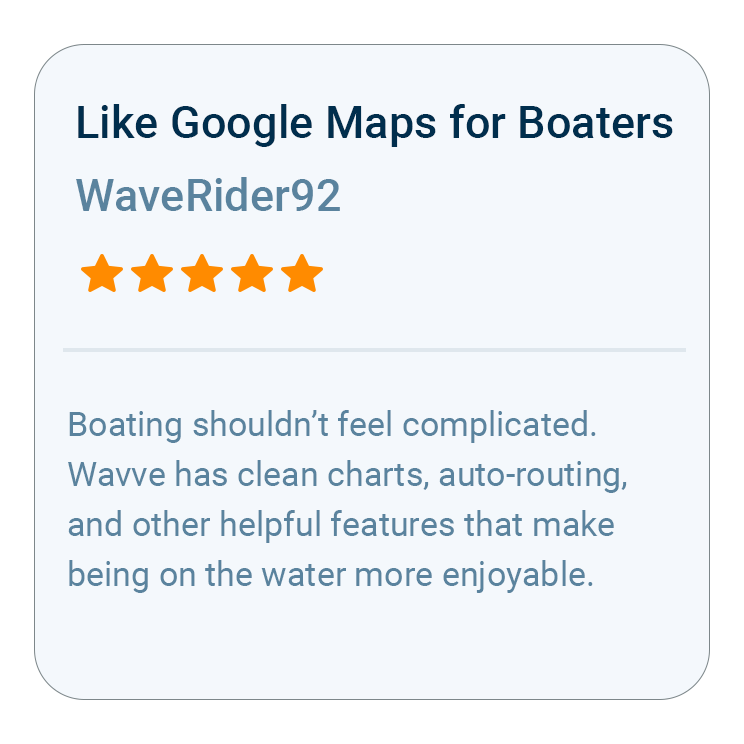
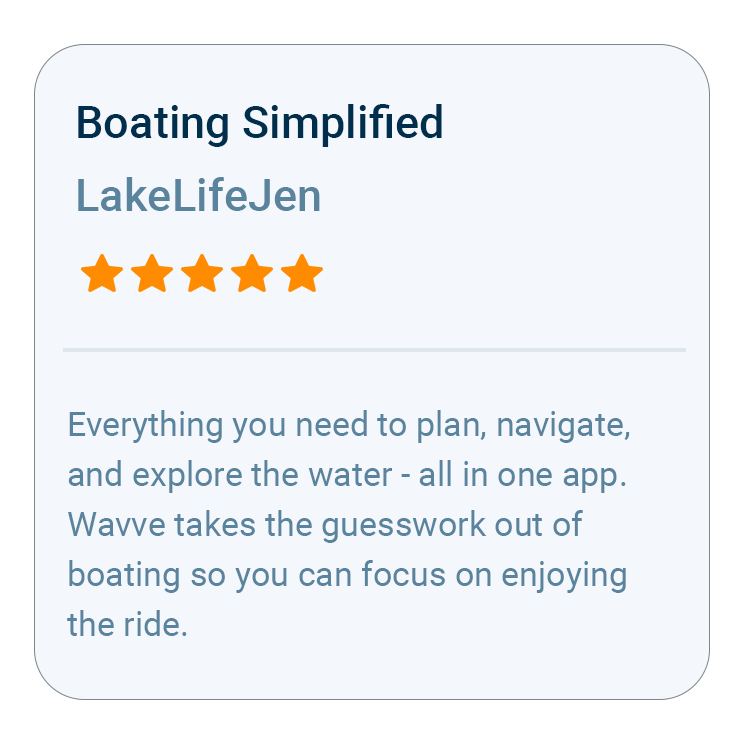
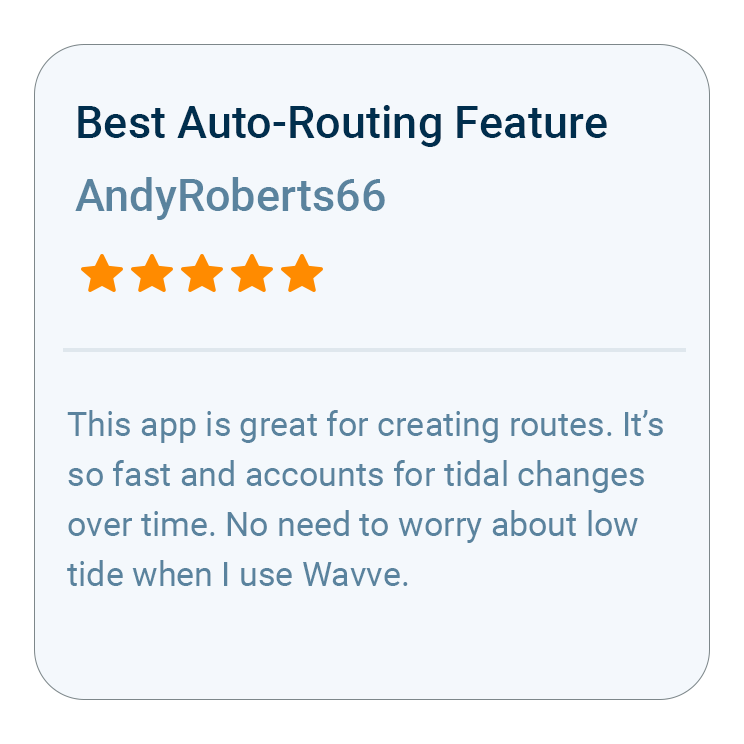
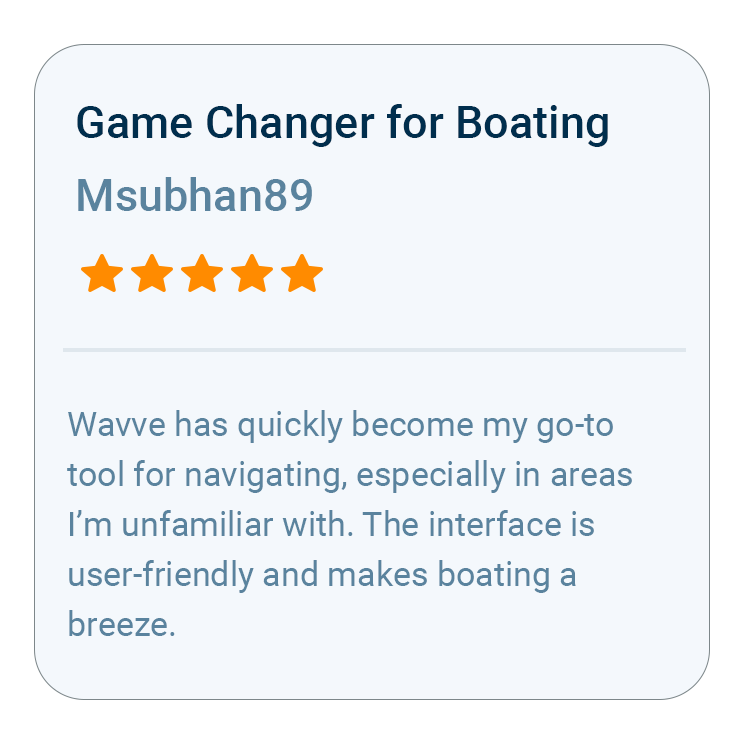
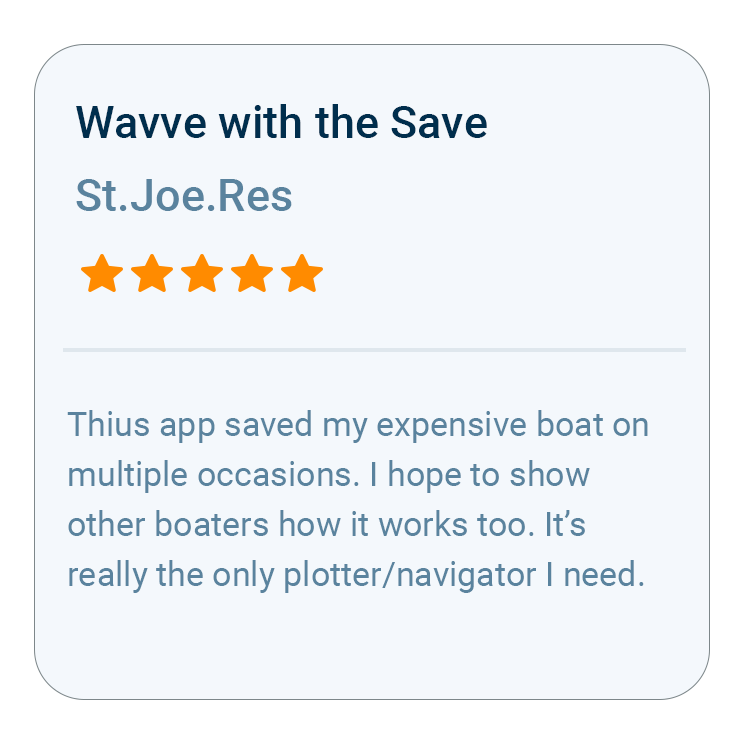
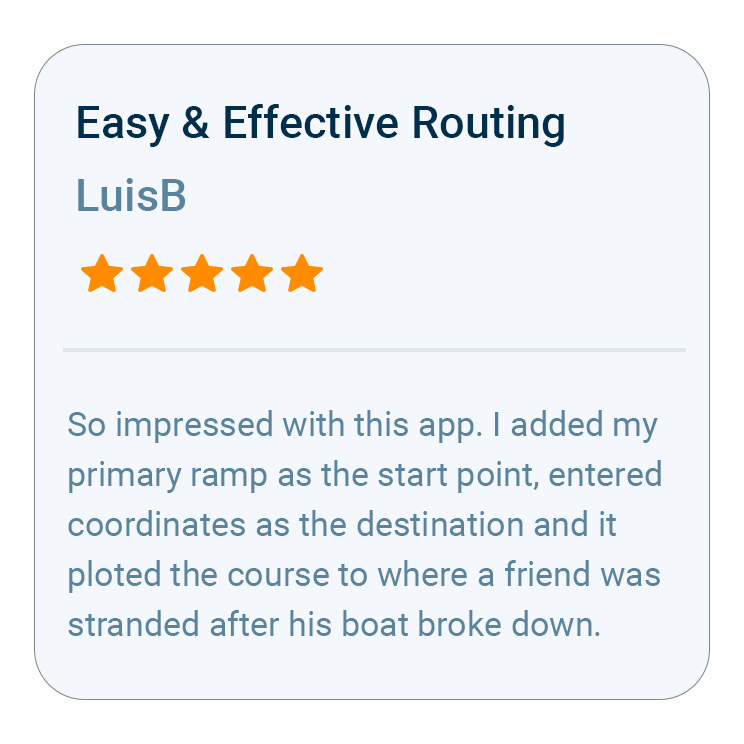
Backed by 10,000+ Five-Star Reviews

Wavve Boating Rating

How Wavve Fits a Day in the Kayak

A crossing that feels easy at nine in the morning can turn into a long grind when the wind fills in against you after lunch. Wavve Boating gives you what you need to plan around that: hour-by-hour wind, gusts, and wave height, tides and water levels where data is available, and your live GPS position on a marine chart. Nothing has to be mounted on the deck, because the app lives on the phone that already rides in your dry bag. A typical trip starts with a forecast check the night before and an Offline Maps download while you still have service, then a glance at the chart whenever the shoreline stops looking familiar, and that routine works the same on a coastal tour as on a charted lake you have never paddled.

Wavve Features for Planning and Paddling

Wind and Wave Forecast

Wind, gusts, wave period, and wave height for each hour, with color coding that flags rough water.

Visual Wind Overlay

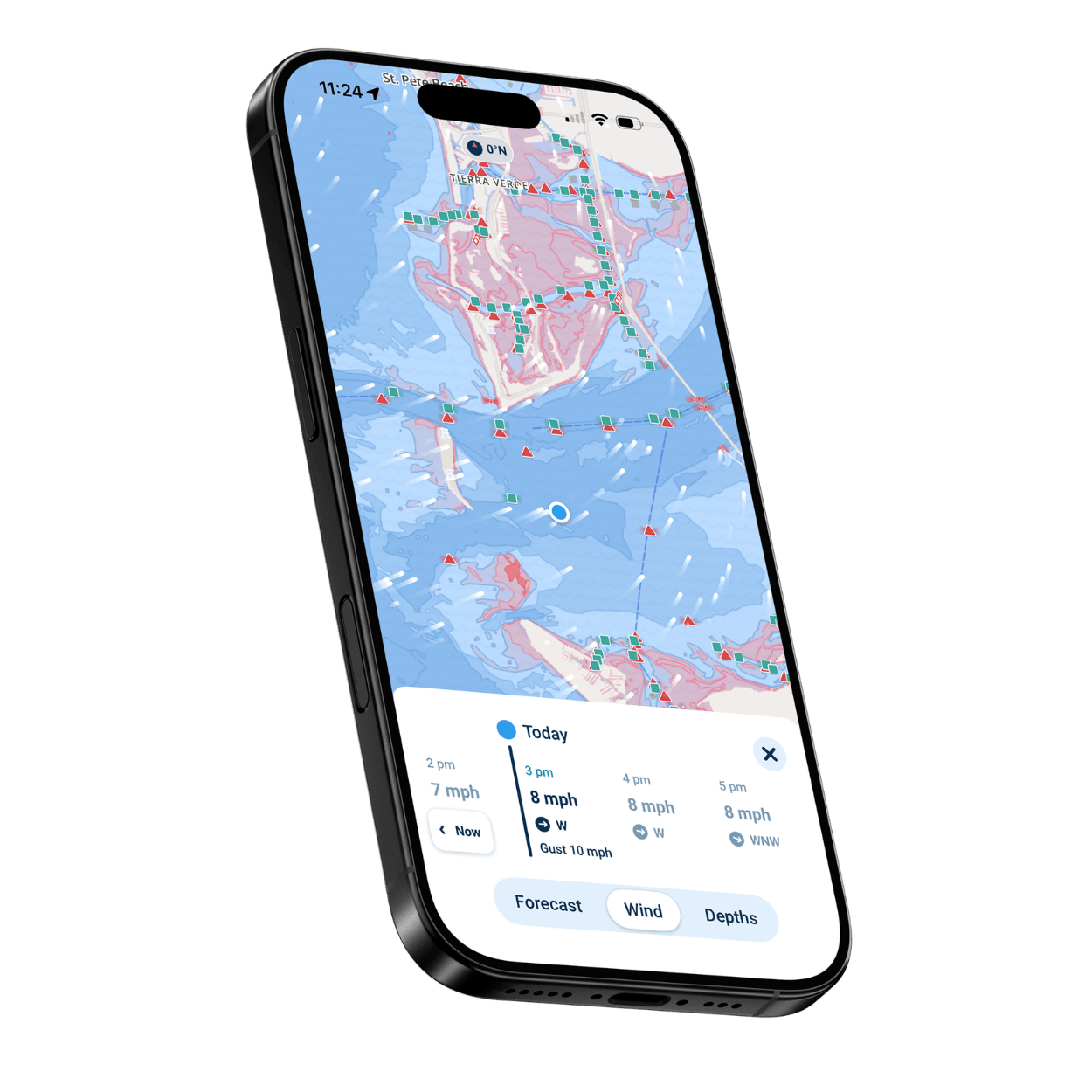
Spot a headwind waiting on the return leg up to three days ahead, with wind direction drawn across the map.

Live GPS Position

Your position, compass, and speed on the chart, so you always know where you are.

Daily Tide Times

Daily highs and lows in tidal areas, so you can time the launch and the return.

Manual Routing

Set your own course point to point and see the distance and estimated time before you go.

Offline Maps

Download the charts for your trip while you still have bars. Once saved on the phone, they keep working out of range, and so does your GPS fix.

From Sea Kayaks to Paddleboards

Sea Kayakers and Coastal Tourers

Plan crossings around the wind and tide, then follow your line along the coast.

Kayak Anglers

Keep your fishing spots as private Wavve Points, then paddle right back to them on your next trip.

Lake and Inland Paddlers

Explore new water with your position on the chart and community-marked launches.

Canoe and Paddleboard Paddlers

The same charts, wind forecast, and Offline Maps, whatever you are paddling.

First-Season Kayakers

Tap a chart symbol to see what it means, and use the color-coded forecast to tell a good paddling day from a rough one.

Day-Trip Kayakers

Check the wind, pick a spot, and record the trip so you remember the route.
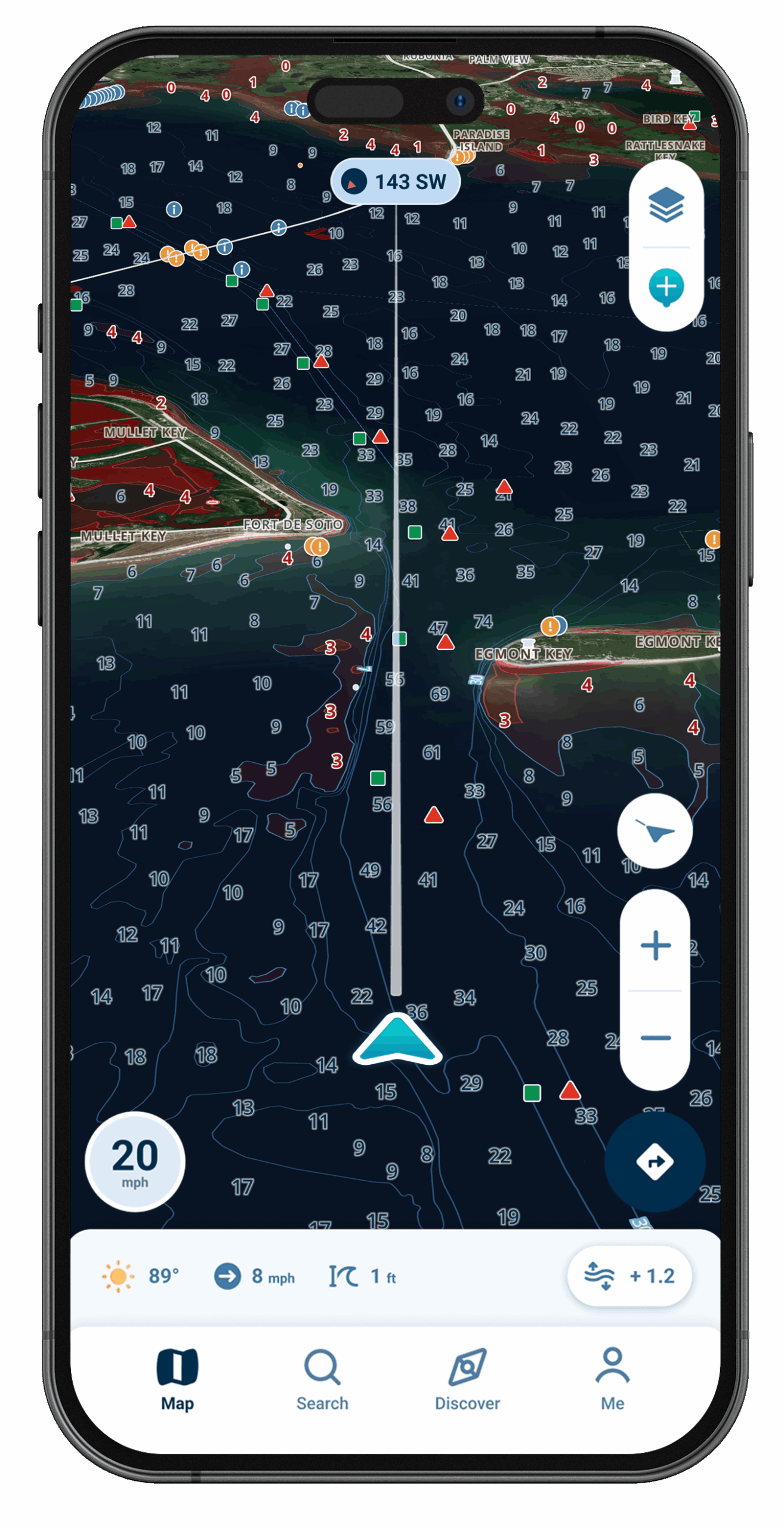
Wavve Boating Satellite View

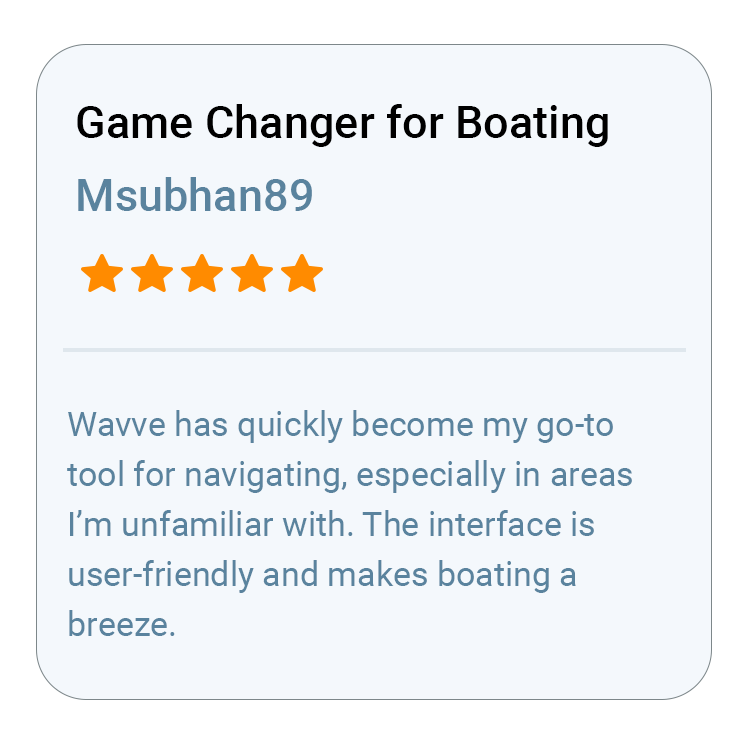
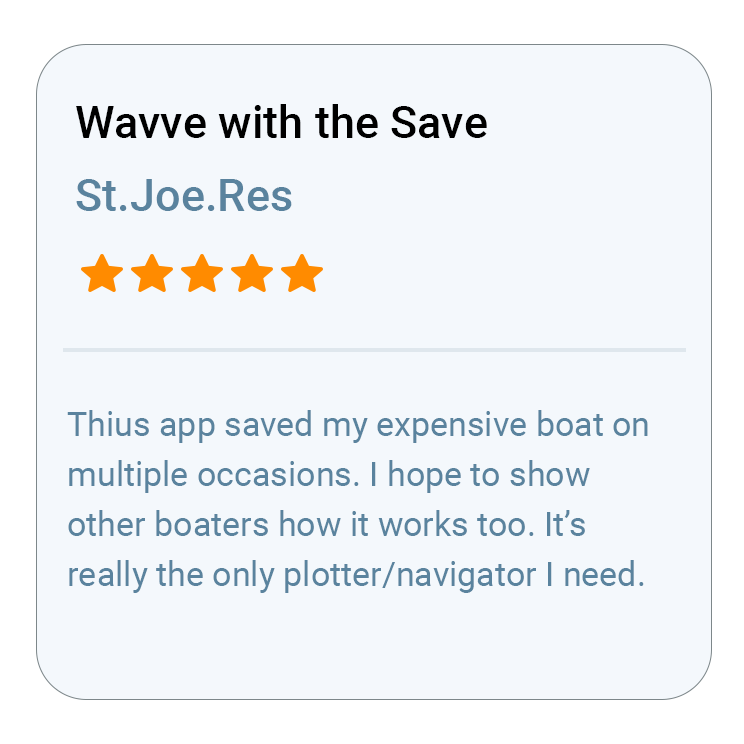
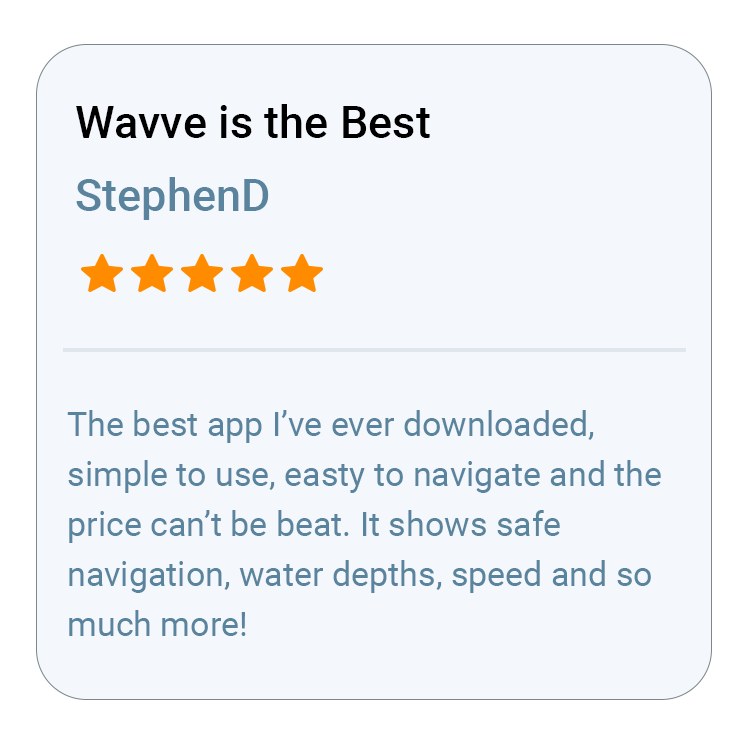
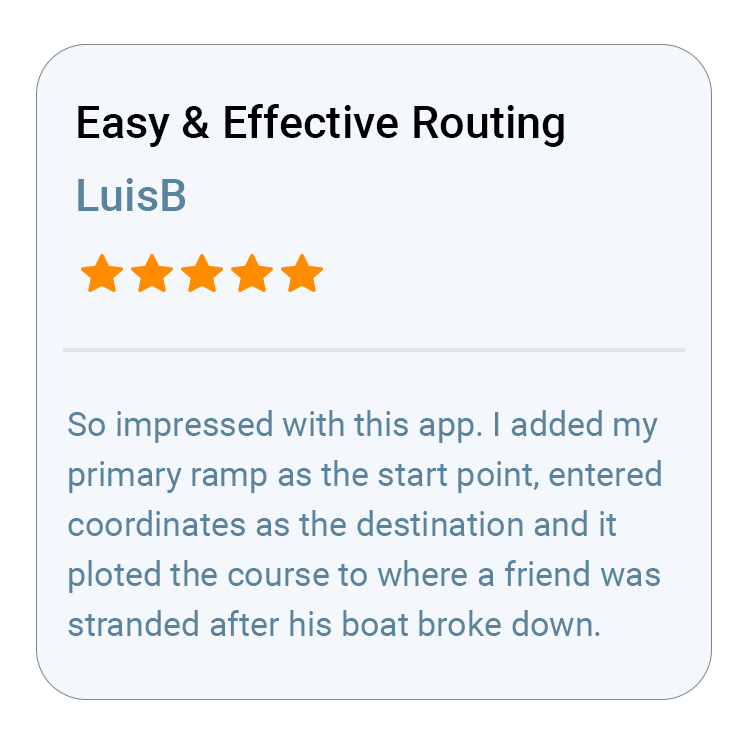
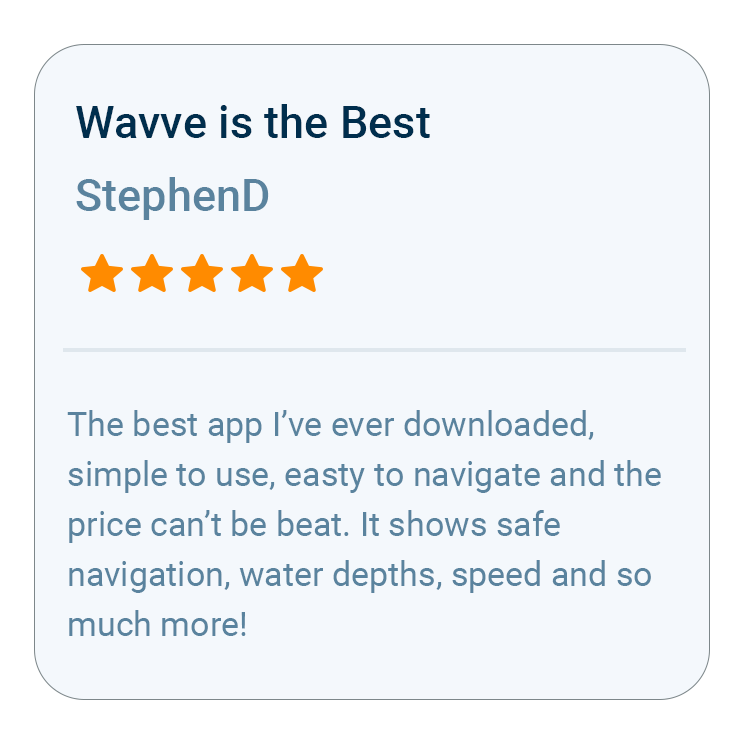
What Boaters Are Saying
Questions Kayakers Ask About Wavve

A good day in a kayak depends on wind, timing, and knowing where you are, and Wavve Boating puts all three on one screen. You get an hour-by-hour, seven-day forecast with wind, gusts, and wave height, tides and water levels in tidal areas, and your live GPS position on a marine chart, so you can plan a crossing before you launch and keep track of it from the seat.
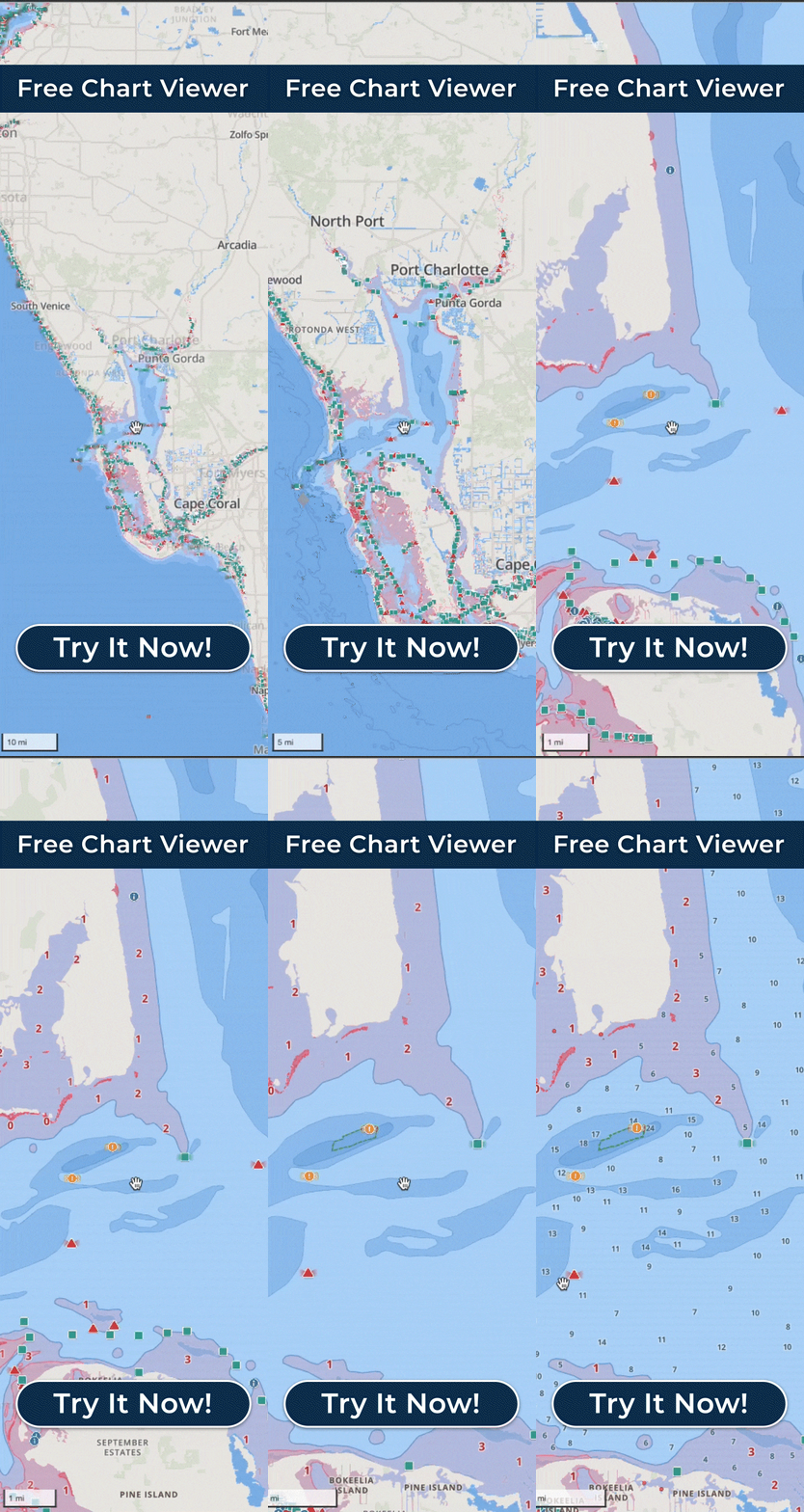
Wavve has chart data for many coastal areas across the U.S., the Great Lakes, and thousands of inland lakes, plus parts of Canada, the UK, and Australia, built on hydrographic office and third-party data. Not every lake or bay inside those regions has chart data yet. Wavve takes coverage requests for missing water, and both wavveboating.com/map and the Free Web Chart Viewer show what is charted today.
Yes, provided you saved the area ahead of time. In Offline Maps, download the stretch of shoreline or lake ahead while you are still connected, so the charts sit on the device and the phone’s GPS can still place you on them out of range. Weather and water-level updates need a connection, so check the forecast before you launch.
Just a phone, or a tablet with built-in GPS. The device’s own GPS puts your live position on Wavve’s marine chart, so you have no separate unit to buy or to find room for in the cockpit. If your iPhone is paired with an Apple Watch, its Digital Crown can also move the map.
Both are available. Annual is the most popular membership and gives you the best value, while Monthly lets you pay as you go. Customers selecting an Annual membership can try Wavve Boating free for 14 days, so you can test it on the water before you commit.
Do the setup at home on Wi-Fi. Once Wavve Boating is installed and your membership or free trial is active, look over the forecast for your launch, save the area with Offline Maps, and sketch your course with Manual Routing, so the chart is ready on your phone at the put-in.

How To Get Started

Download_icon

Download Wavve Boating on iPhone, Android, or Tablet

Free to download on your iPhone, Android, or tablet.

no cost icon

Start Your Free Trial

Try Wavve Boating free and see it on the water before you commit.

Start Navigating Easily

Open the app, set your destination, and start navigating with confidence.

Trusted by Top Brands in Marine

Trusted by Marine Industry’s Top Brands

Wind, Waves, and Tides for Planning a Kayak Trip

Planning a kayak trip starts with the marine forecast, and Wavve Boating shows it on the same map as your route. The Integrated Marine Weather Forecast breaks each day down hour by hour across seven days, with wind, gusts, wave height, wave period, and sunset, color-coded so the rough hours stand out before you commit to a crossing. The Visual Wind Overlay shows wind direction across the water up to three days ahead, which tells you which shore will be sheltered and whether the paddle back will be into the wind. In tidal areas you also see the day’s high and low tides, so you can launch on a rising tide over a mud flat and plan the return before the water drains out. Wavve shows tides and water levels, not currents, so check local current information separately where the flow is strong. Marine weather alerts appear in the app too, and the forecast is available while you build a route.

Wavve Boating App Satellite View

Kayak GPS Navigation Without Cell Service

Wavve Boating shows your live GPS position on a marine chart, and that position keeps working when your phone has no cell signal, because GPS and cellular data are separate. The step that matters for paddlers is downloading the area before you leave service: open Offline Maps, select the stretch of coast or the lake you plan to paddle, and the chart data stays on your phone for the trip. Wavve tells you when you have entered Offline Mode, and your GPS position keeps updating on the downloaded chart. What needs a connection is anything live: forecast and water-level updates, downloading new areas, and AutoRouting, which builds routes on Wavve’s servers. So plan the route and check the wind before you lose signal, then paddle on the downloaded chart. On an iPad or other tablet, confirm the device has built-in GPS, since some models do not, and keep the phone in a waterproof case where you can see it.

What Makes Wavve the Best Marine Navigation App for Kayaks

Kayakers get four things from Wavve Boating on one map: the Integrated Marine Weather Forecast for wind and waves, live GPS on a marine chart, Manual Routing that shows a course’s total distance and estimated travel time, and community Wavve Points for launches and hazards. Wavve designs for paddlers as well as powerboaters, and these are the tools it points paddlers to. Other boaters have marked beaches to land on and hazards such as divers and floating dangers, and you can keep private points of your own, which lets a kayak angler paddle straight back to a good spot. Tappable map symbols explain channel markers for paddlers who never learned to read a nautical chart, and the map is designed to stay clear in bright sunlight. Trip Recordings keep a record of where you paddled, and routes and recordings export as GPX files.

Kayaking the Coast, the Great Lakes, and Inland Lakes

Paddlers will find Wavve Boating chart data along Maine and the New England coast, Chesapeake Bay, Puget Sound, the Florida Keys and Florida coast, the Gulf Coast, and the U.S. Great Lakes, and on inland lakes such as Lake of the Ozarks, Lake Norman, and Lake Lanier. On the Great Lakes, wind and wave height can turn a calm morning rough, so the hourly wave forecast matters as much as the chart. On a smaller inland lake you have never paddled, community Wavve Points may show where other boaters found a ramp to launch from. Beyond the U.S., Wavve has charts for areas of Canada, the UK, and Australia, and the Free Web Chart Viewer lets you look over a new stretch of water in a desktop or laptop browser before the trip. Coverage varies within every region, so check your put-in on the coverage map and request coverage if your water is not there yet.

Wavve Boating Logo

Start Your Next Ride With Wavve

Join thousands of riders using Wavve Boating to explore new water, stay off the shallows, and navigate with confidence.

QR Code