Best Marine Navigation App for New Boaters

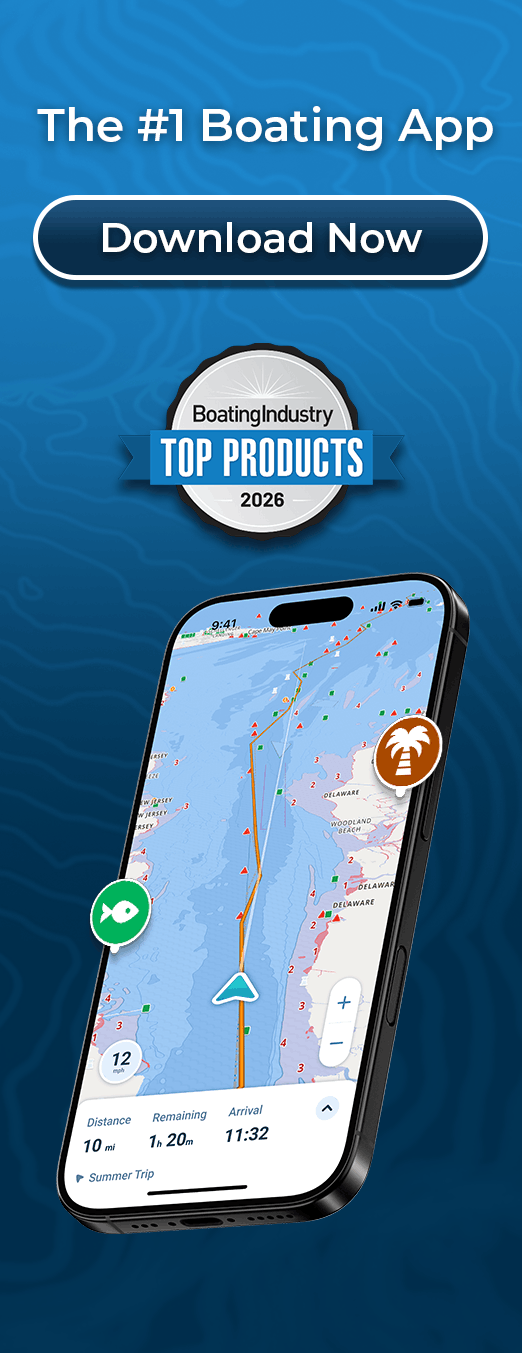
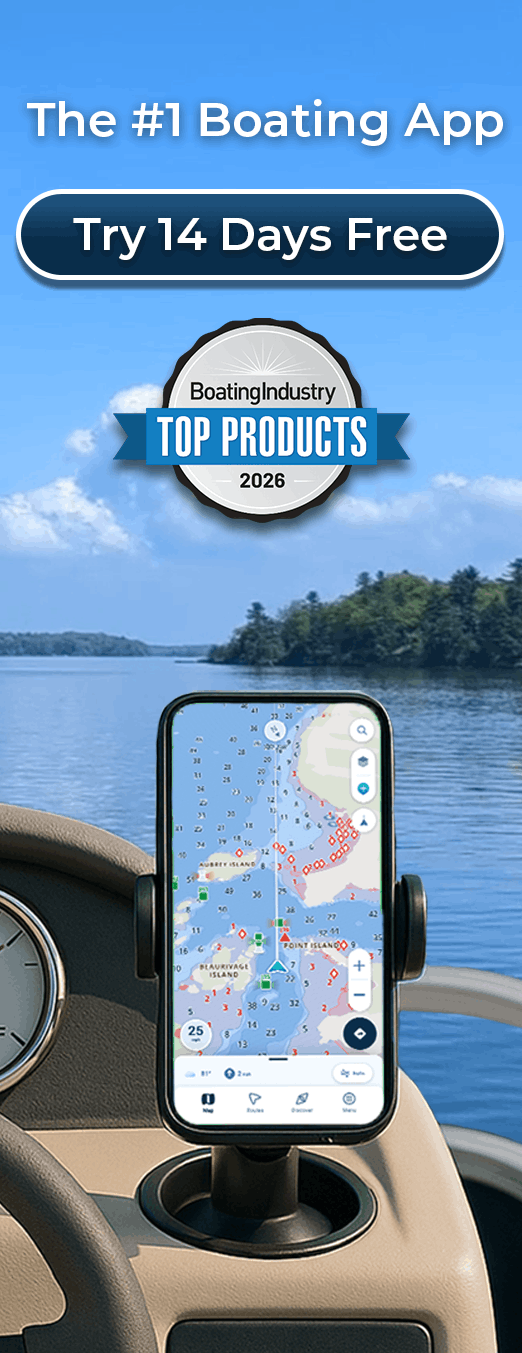
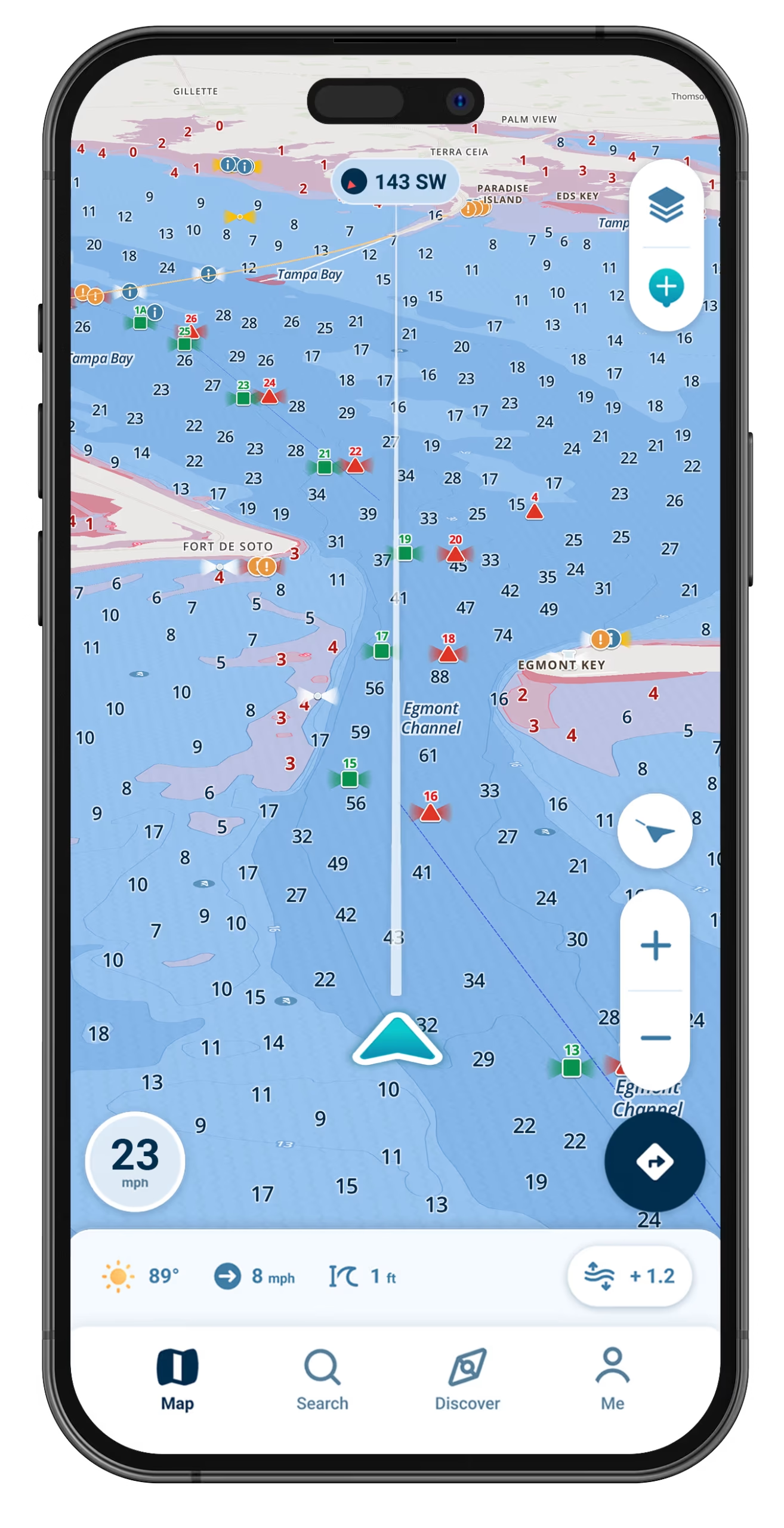
Easy navigation for your first seasons on the water: enter your boat’s draft once and the map highlights water too shallow for it.

Wavve Boating App Navigation

Built to Make Your First Trips Easier
Shallows Marked for Your Boat

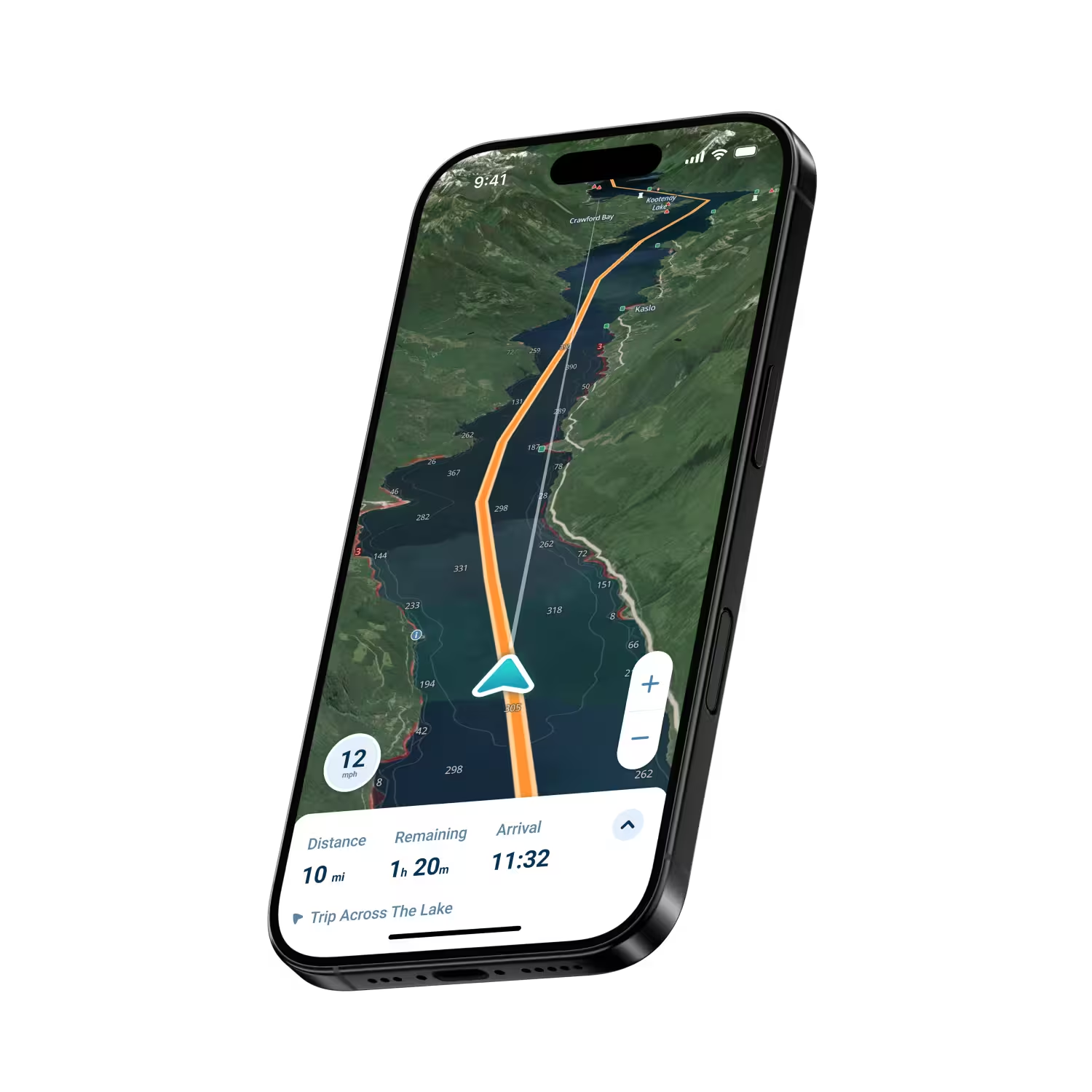
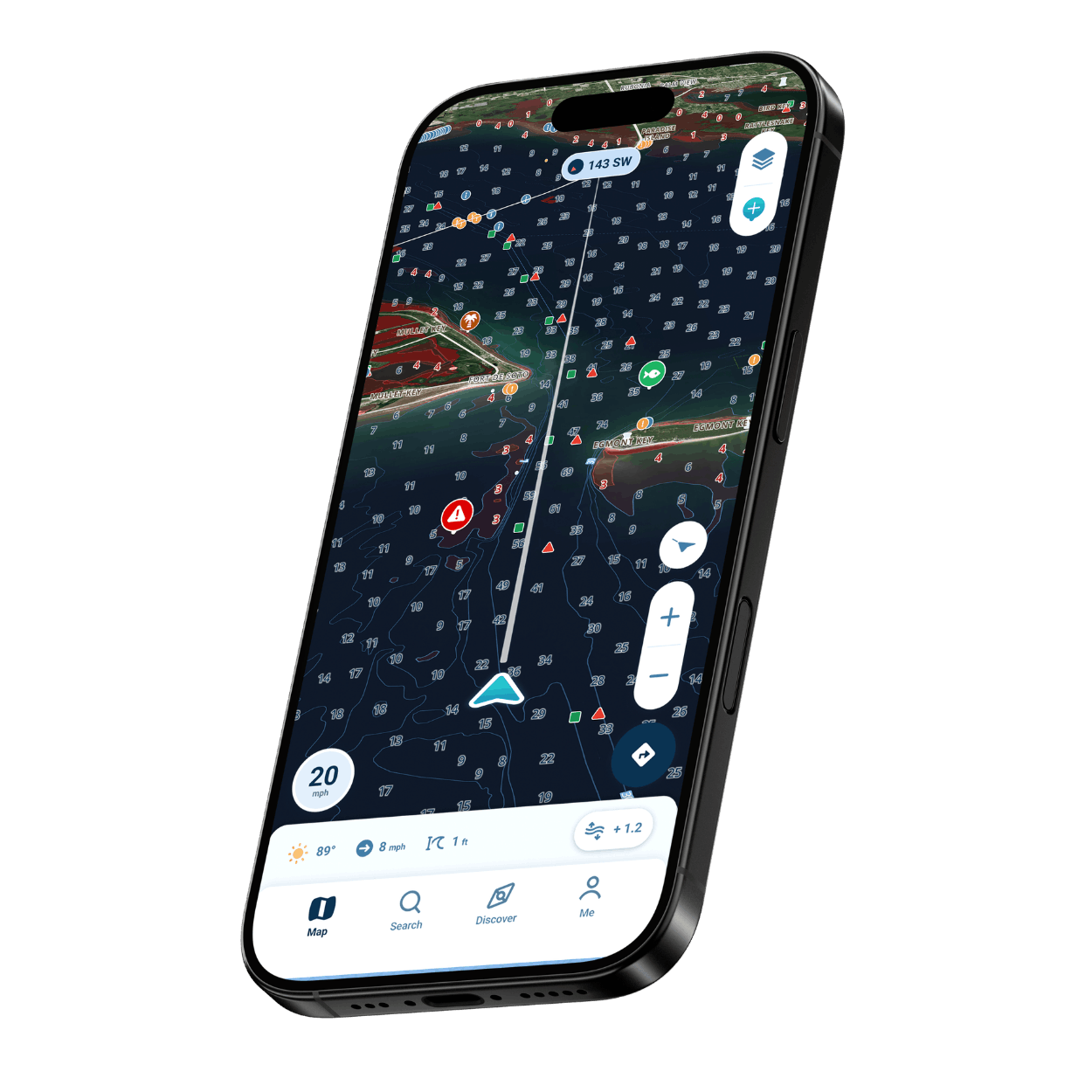
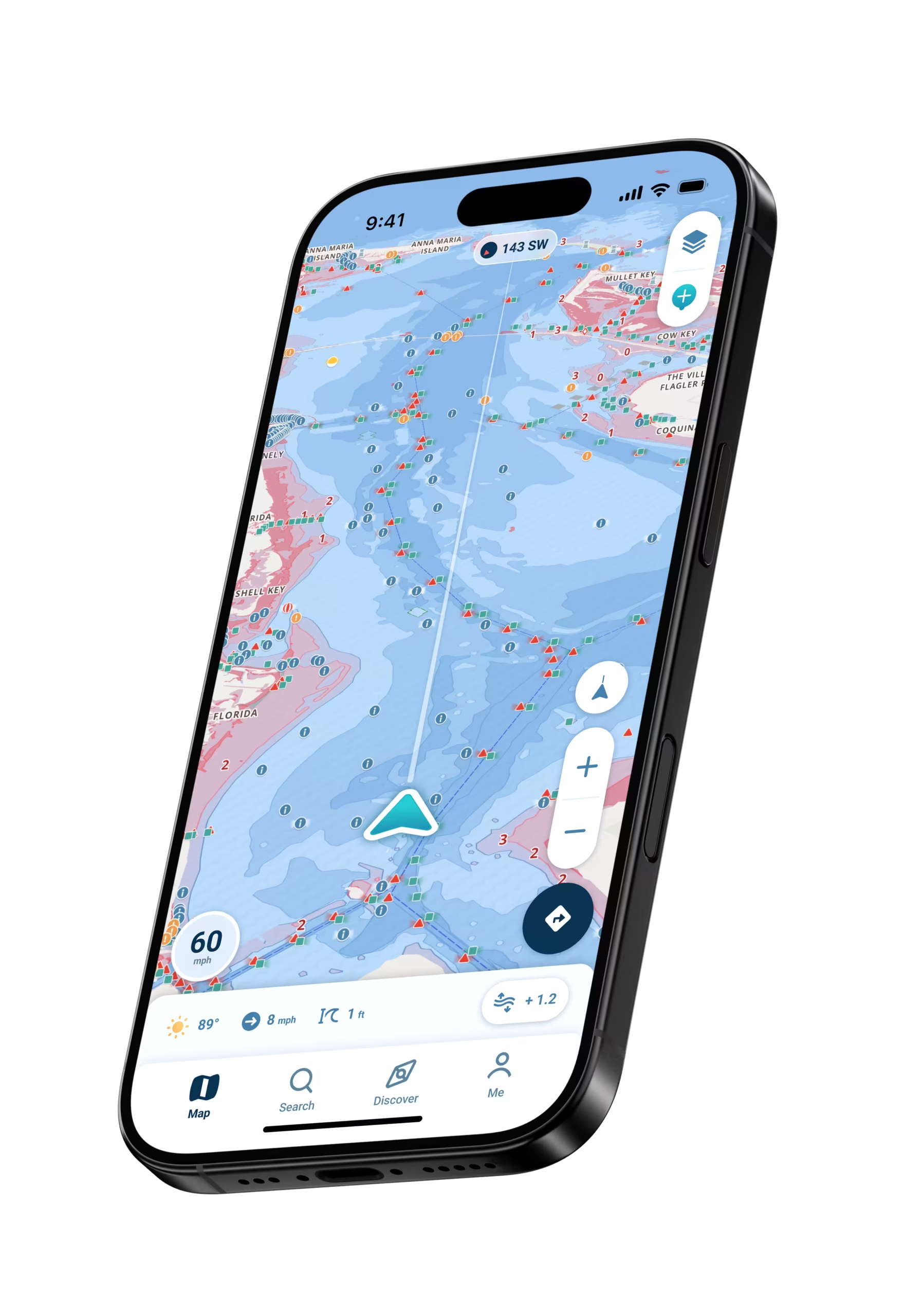
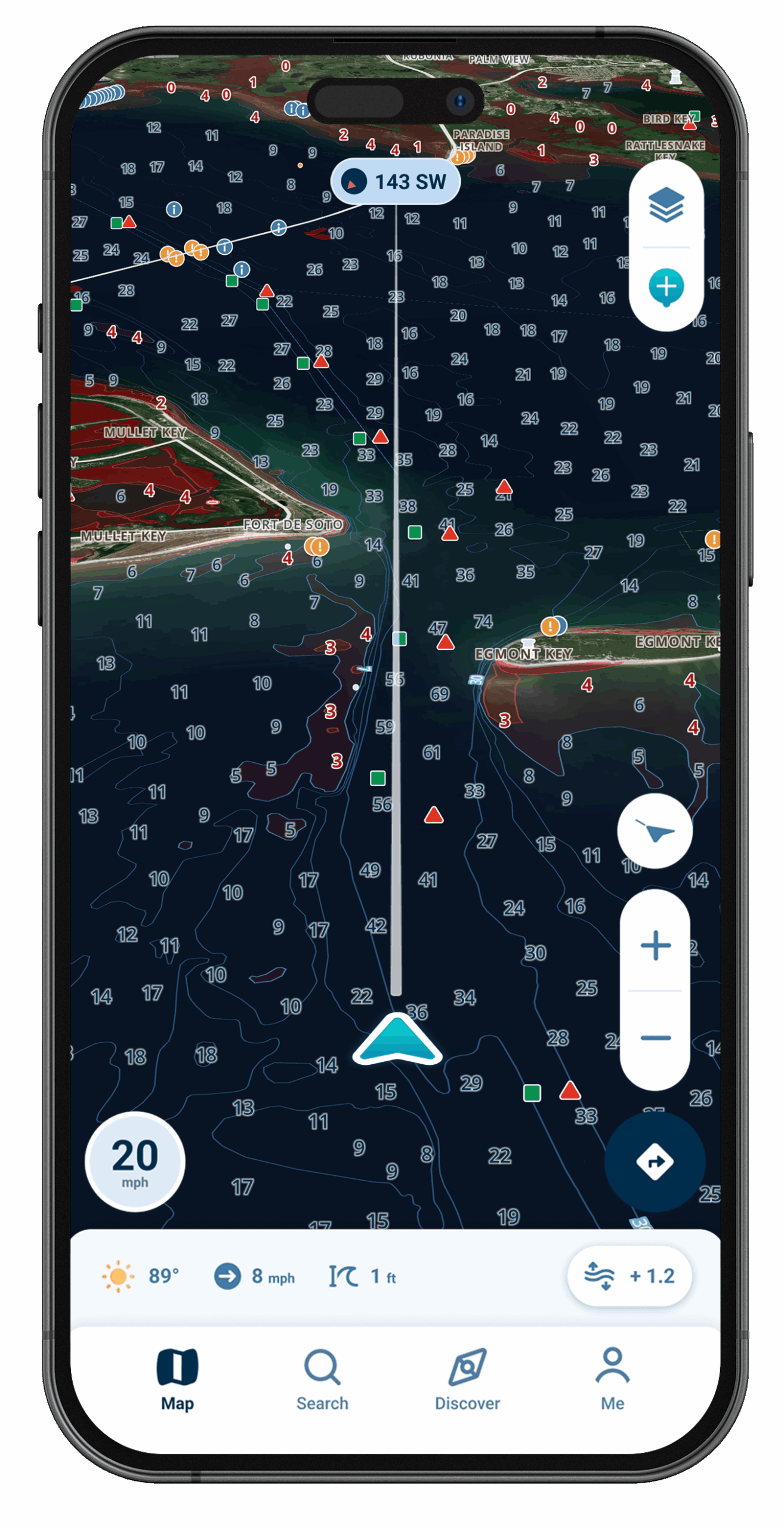
Type in your draft and the map turns red wherever the water may be too shallow for that hull.

Warnings on Phone and Wrist

Shallow-water warnings on your phone follow the draft you set, and if you pair an Apple Watch, it taps your wrist with the same warning.

Tap Any Symbol to Learn It

Not sure what a marker or icon means? Tap it on the map and Wavve explains it on the spot.

Check Your Water First

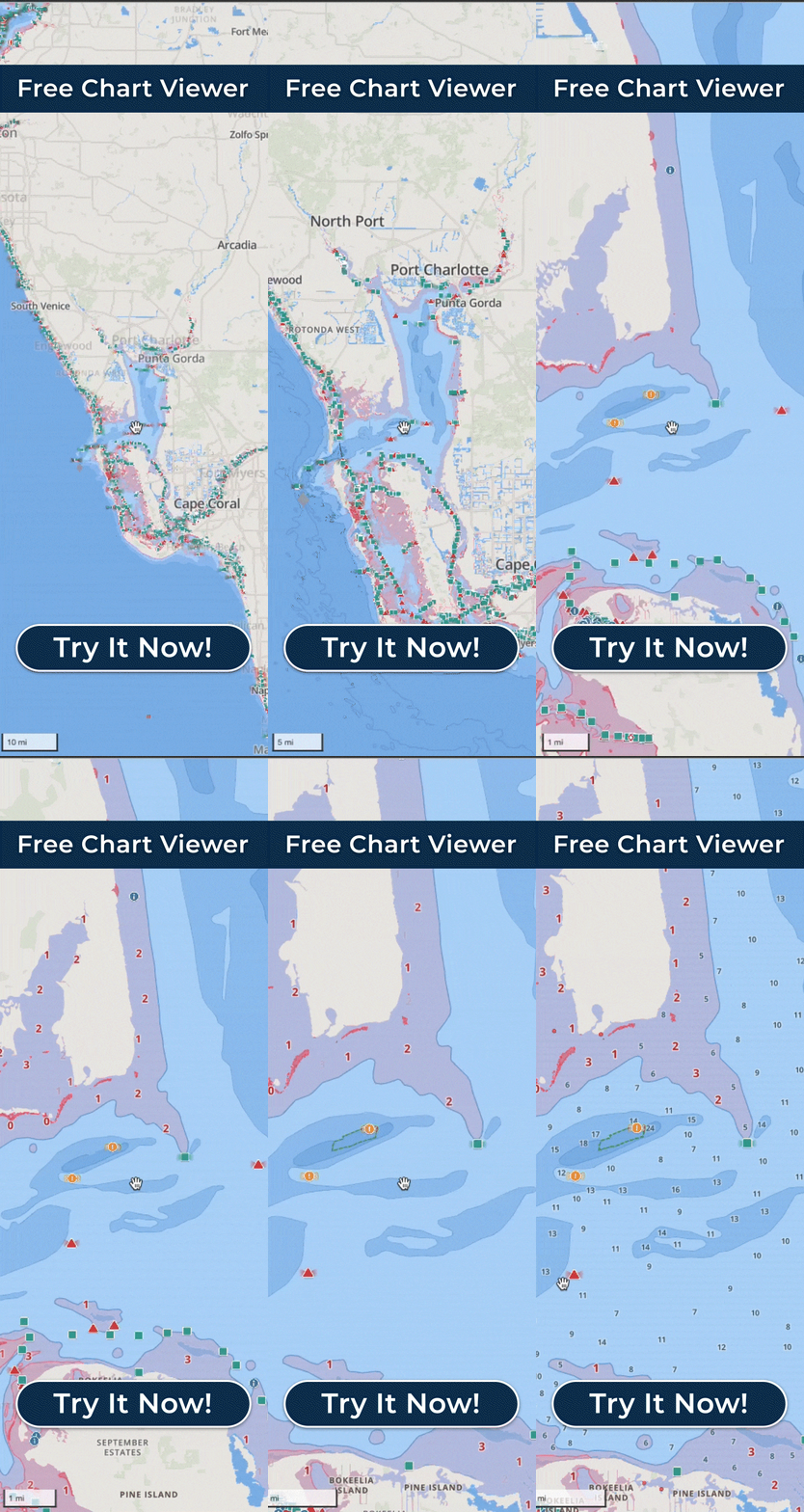
Chart data from more than 20,000 nautical charts, with a free coverage map to check that your stretch of water is charted before you go.

Ramps, Fuel and Marinas

Wavve Points shared by other boaters help you find the launch, the fuel dock and a place to tie up.
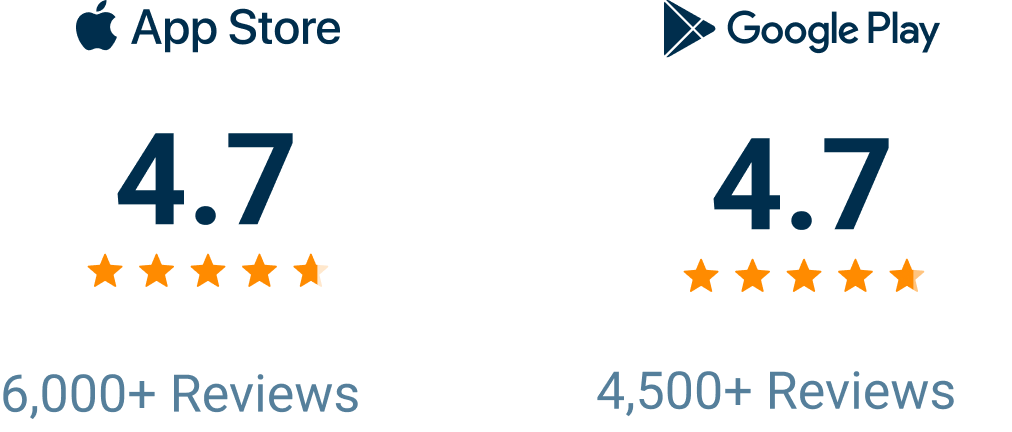
Top-Rated, and Easy to Learn From Day One

Wavve Boating Rating

From a Founder Who Watched Boaters Struggle With Charts

Markers, chart symbols and depth numbers all mean something, and on a first trip they can read like a language you never studied. Wavve’s founder, Adam Allore, saw that up close working at marinas, where boaters struggled with charts and came back with damaged lower units, so he built a map that simply showed the water too shallow for his own boat. The app still starts there: give it your draft and shallows that could catch your hull turn red, and a tap on an unfamiliar symbol tells you what it means. For someone who has just finished a boater safety course, Wavve is a natural next step.
What Wavve Handles as You Get Your Bearings

A Warning Sized to Your Boat

The alerts work from the draft you saved, not from one generic depth.

Charts Set to Your Draft

Enter how deep your hull sits once, and depth on the map is shown in terms of your boat, not someone else’s.

Red for Shallow Water

No need to make sense of depth soundings on day one: the color alone tells you which areas may be too shallow.

Tides That Update the Map

Where local tide or water-level data exists, Dynamic Depths brings it into the charted depth, so the afternoon map can differ from the morning one.

Picking a Calm Day

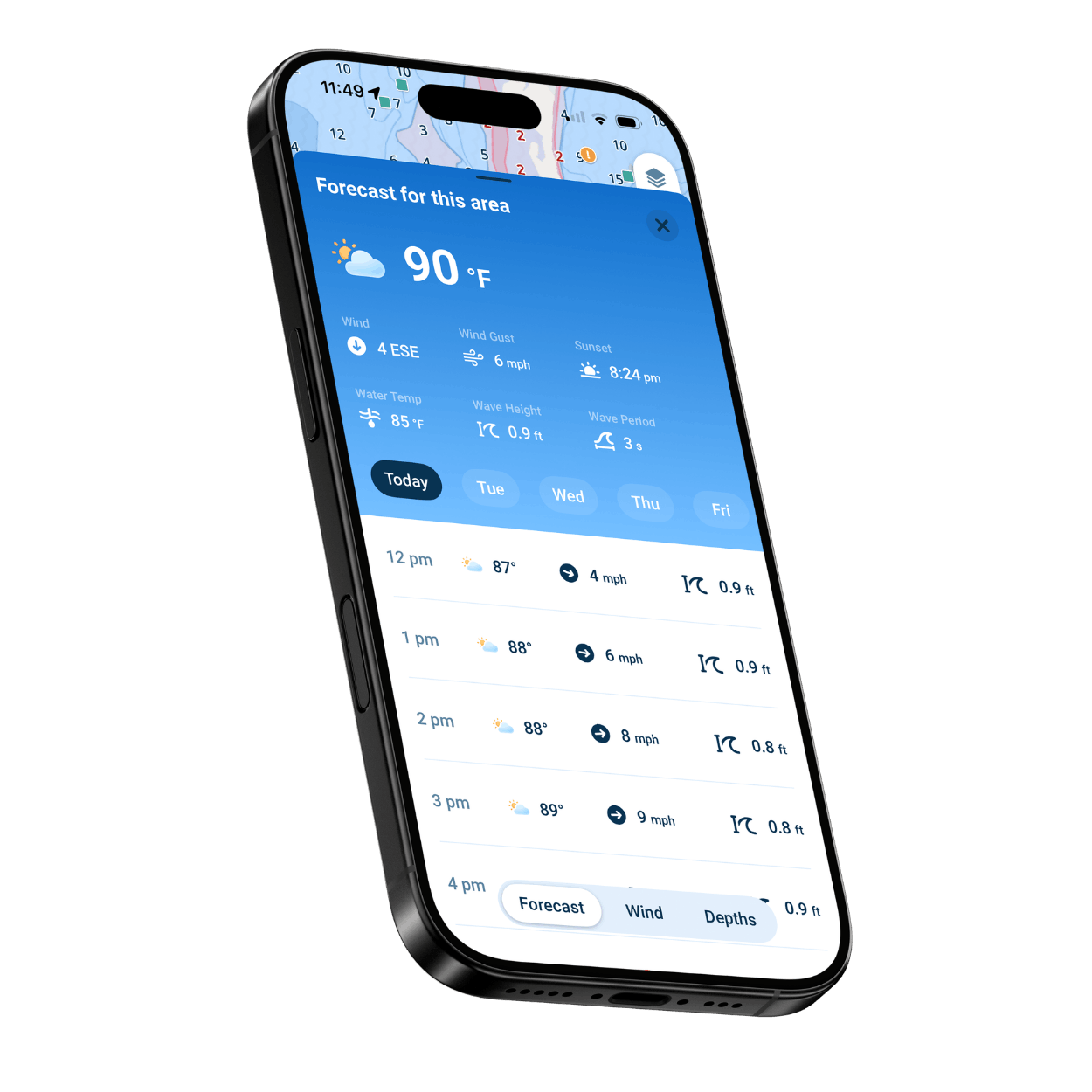
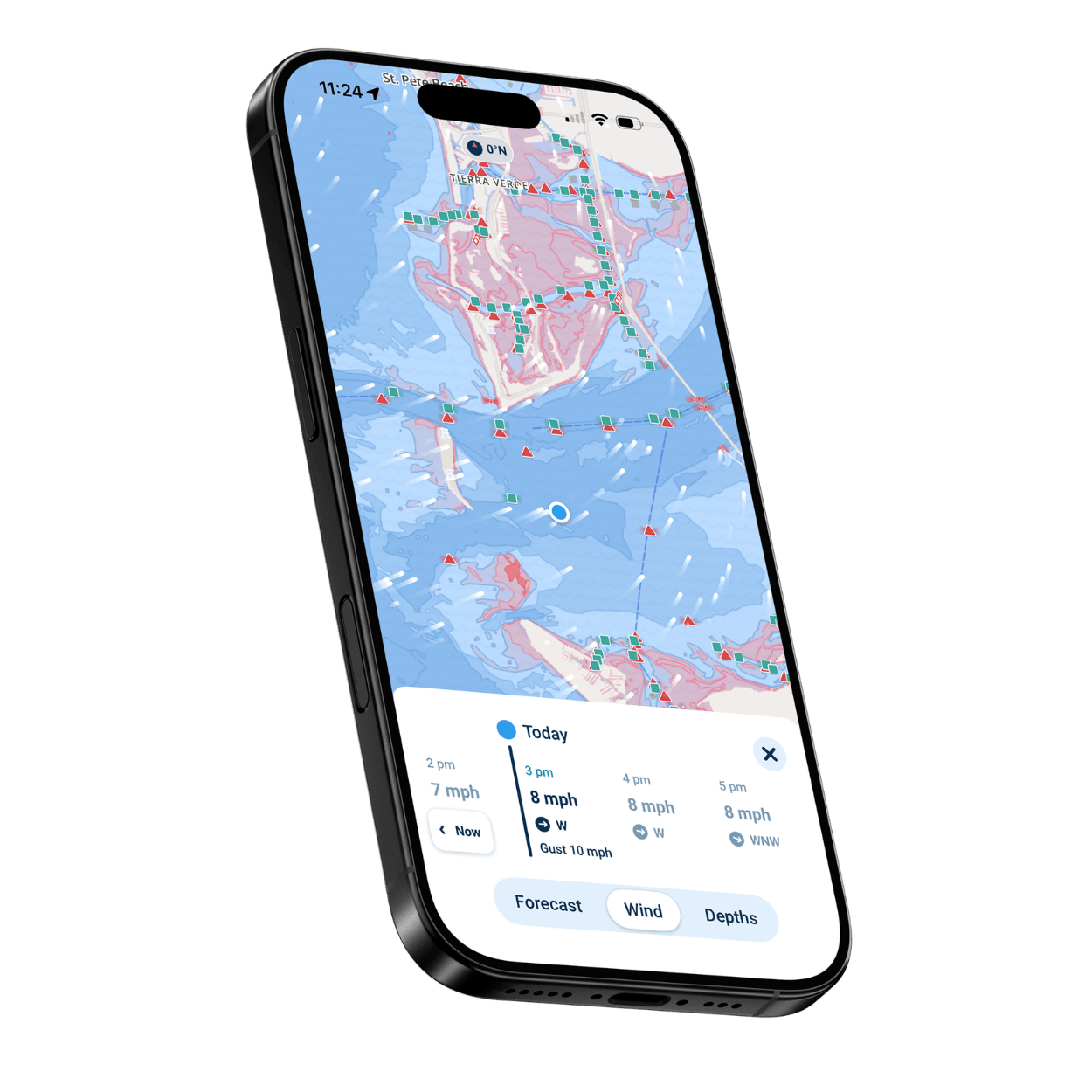
Seven days of hour-by-hour marine forecasts, wind, gusts and wave height included, give a beginner time to wait for a gentle day.

Offline Maps

Download a map area while you still have service. Once the bars run out, that chart and your location dot stay on screen.

Made for Every Kind of New Boater

First-Time Boat Owners

For a boat you are still getting to know, shading and warnings matched to its draft show which water may be too shallow.

Boater Safety Course Grads

Turn the class into practice, with half-remembered chart symbols one tap away from their meaning.

New Anglers With a Boat

Mark a productive spot as a private Wavve Point, and AutoRouting can plot a course back there with your draft in mind.

Families Heading Out Together

Less time puzzling over the chart, more time at the swim spot and on the ride home.

Renters and Boat Club Members

Your account and saved routes come with you to whatever boat you take out this weekend.

New Jet Ski Riders

Use the phone you ride with to find the ramp, the sandbar and friends who share their location.
Wavve Boating Satellite View

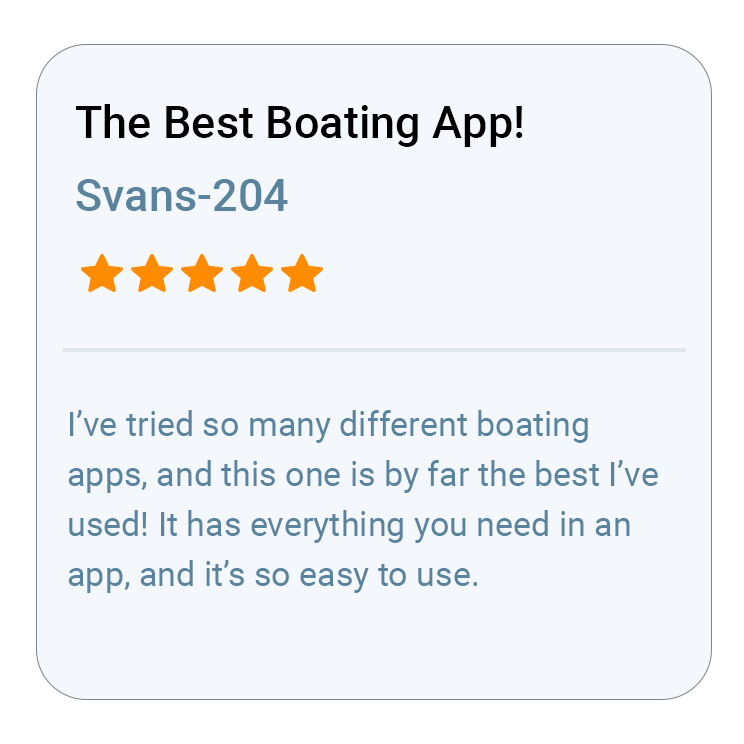
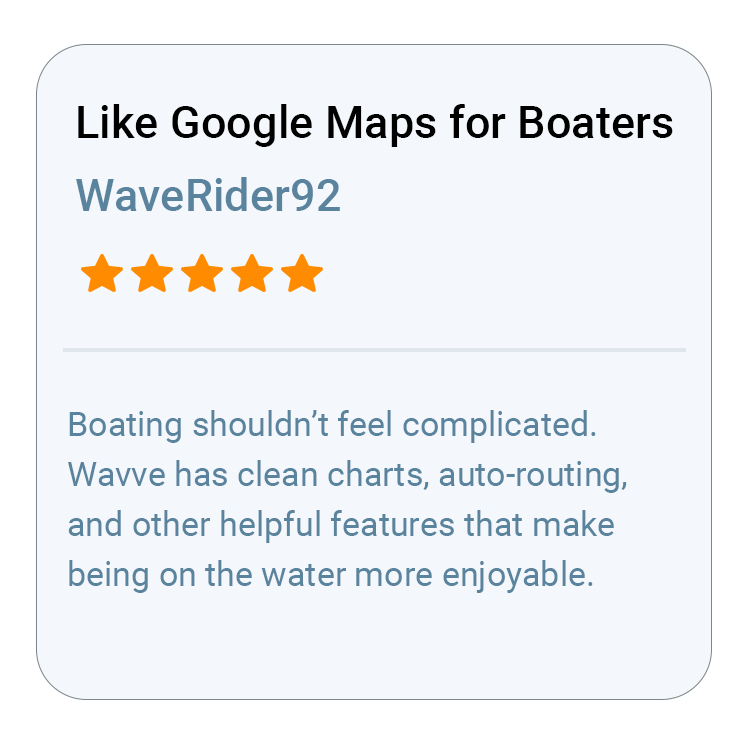
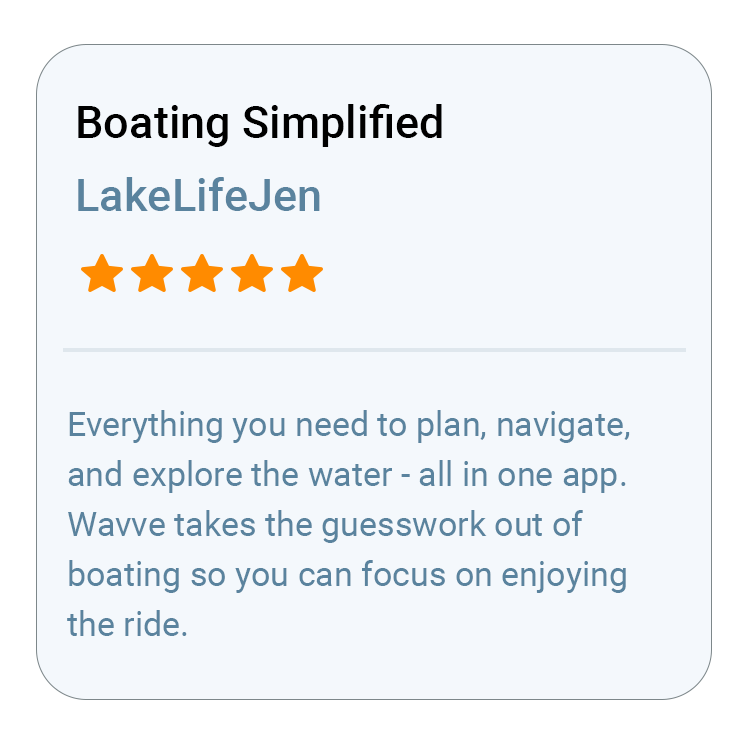
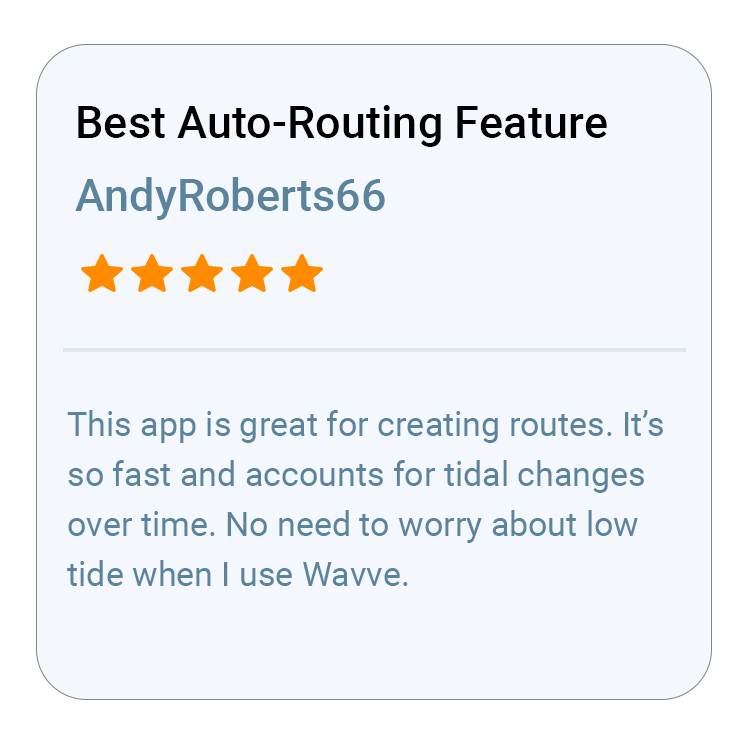
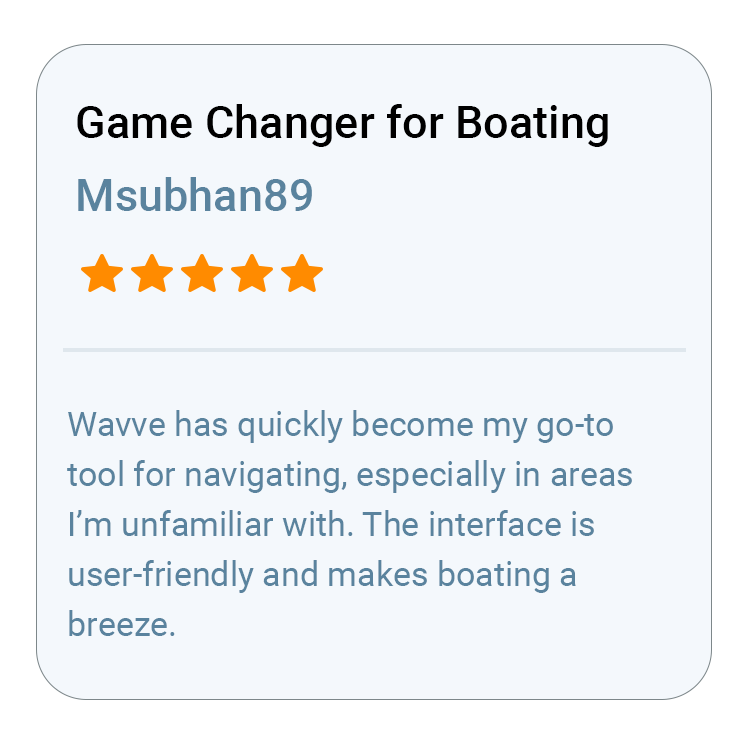
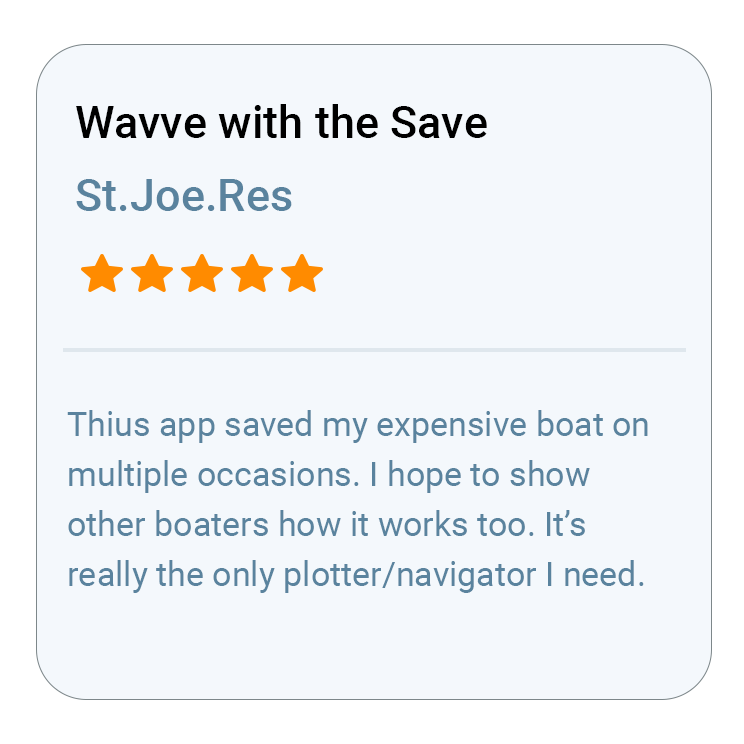
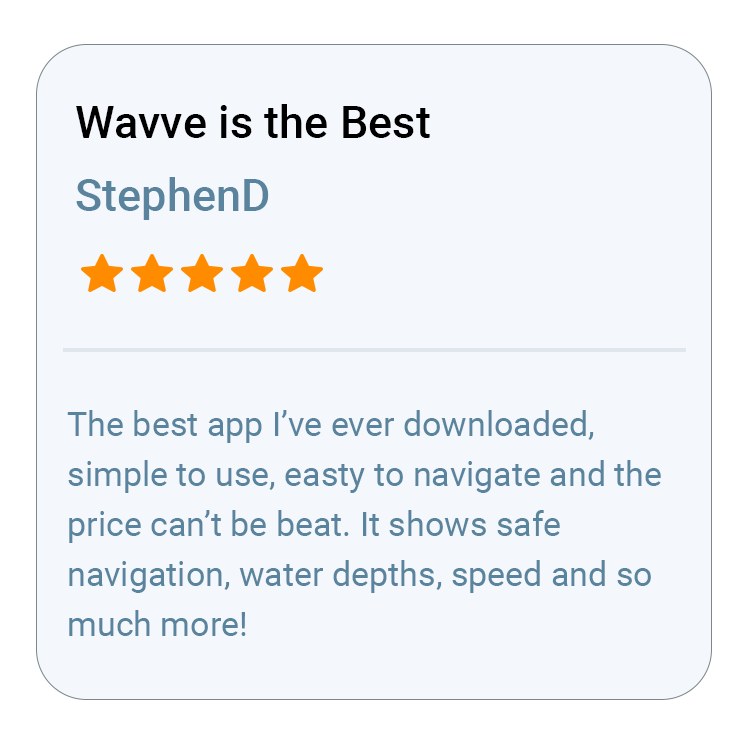
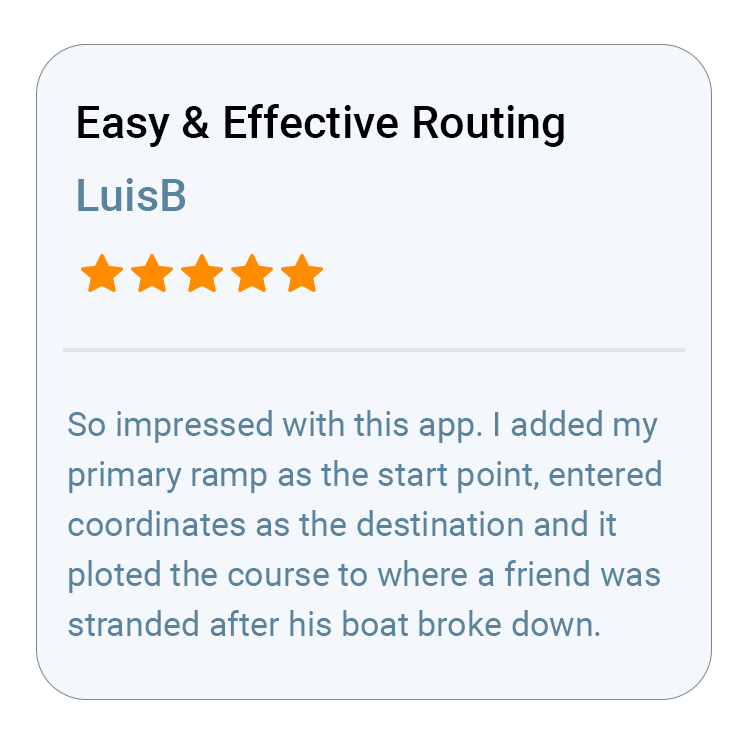
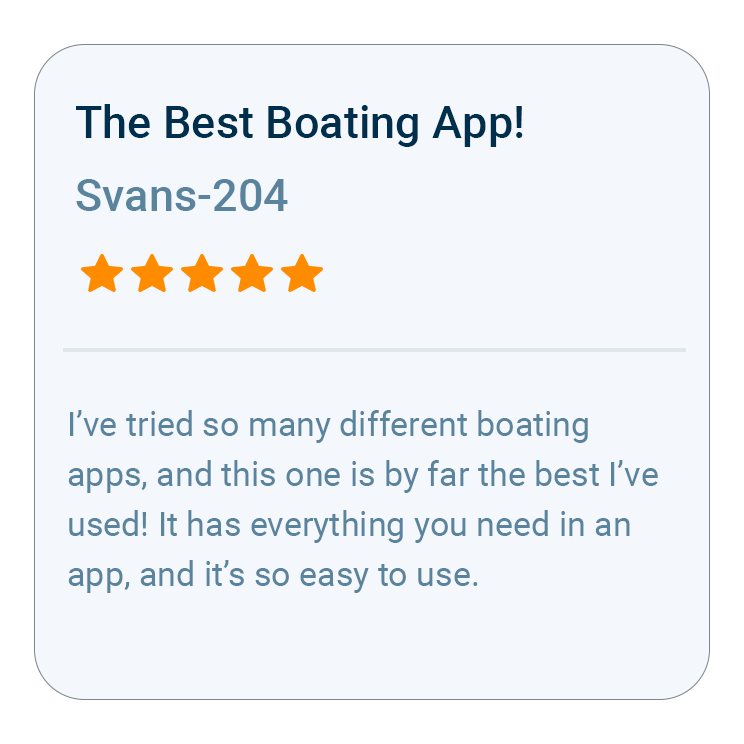
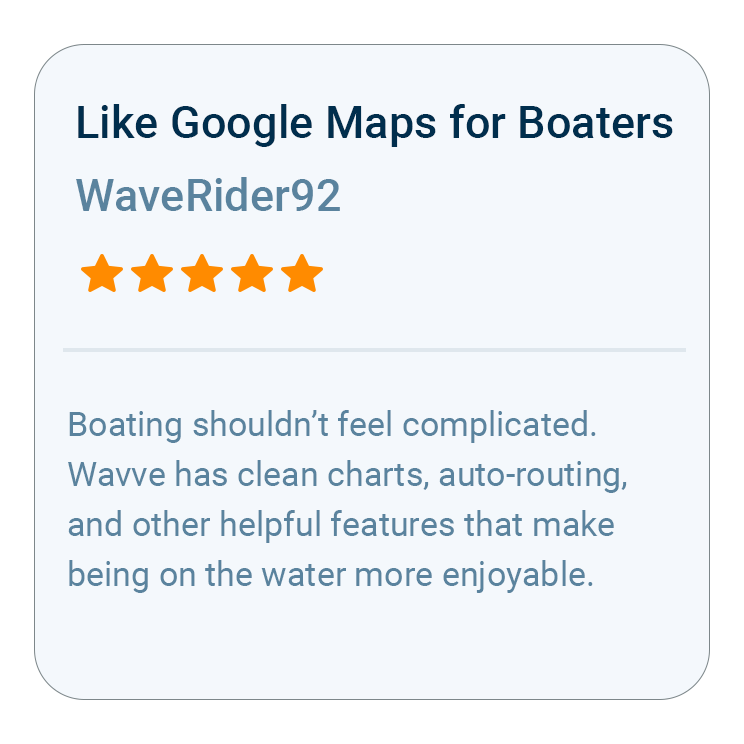
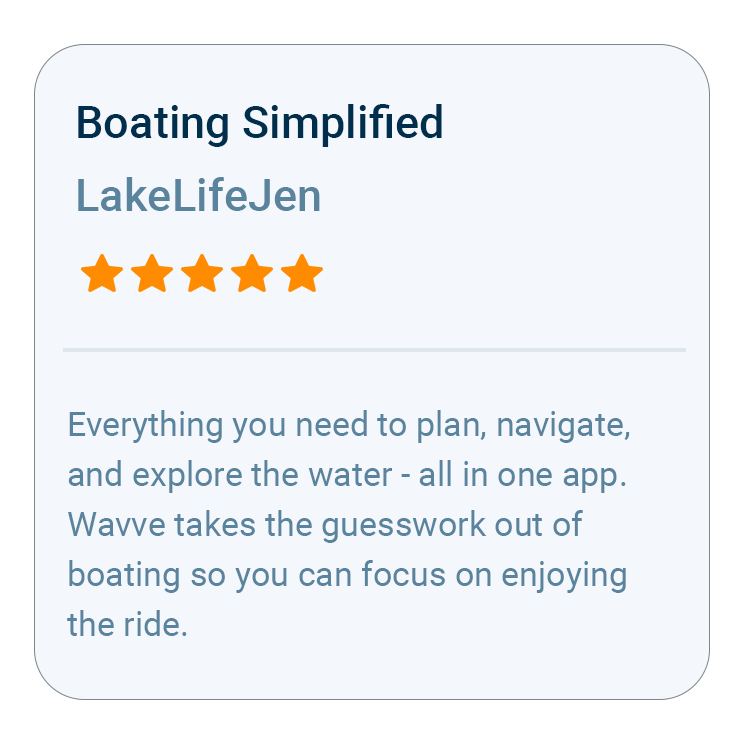
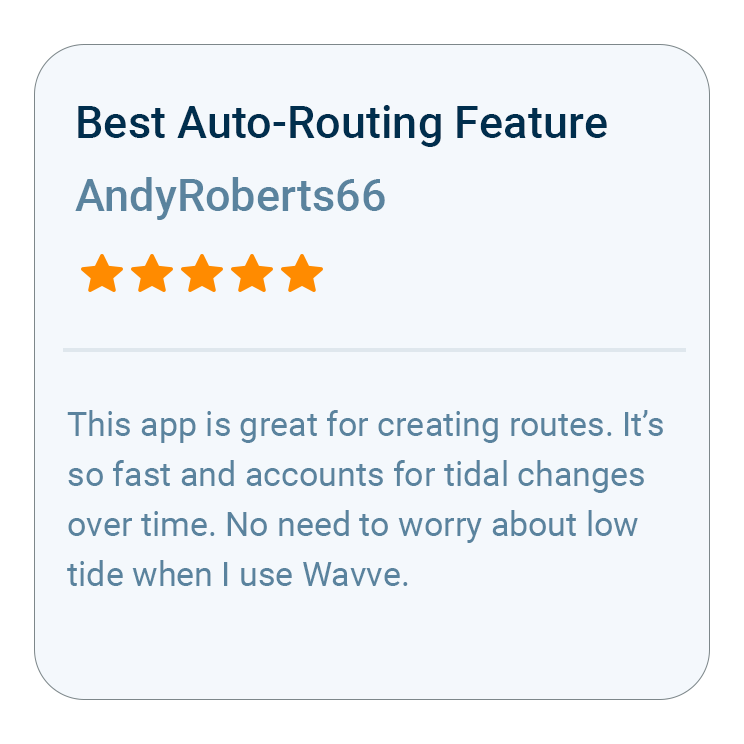
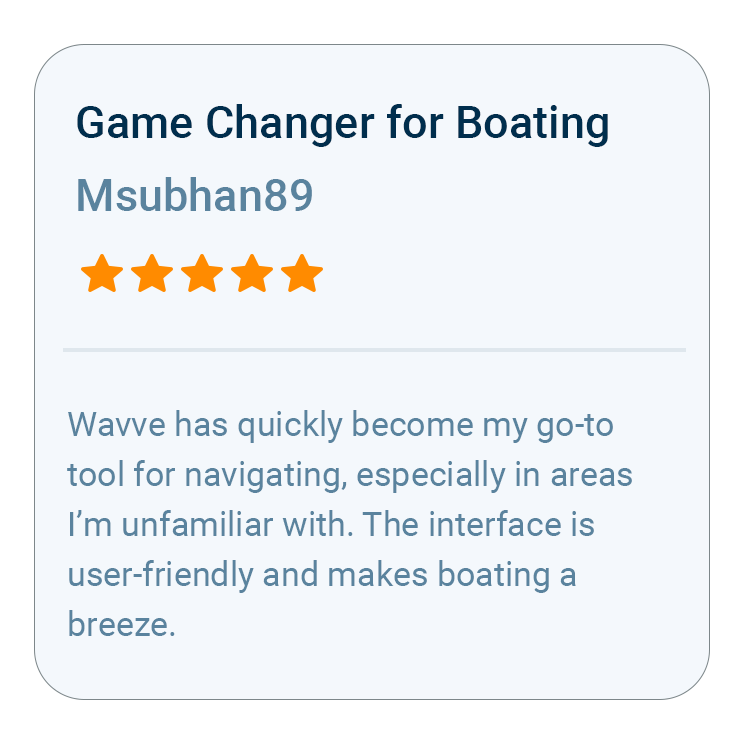
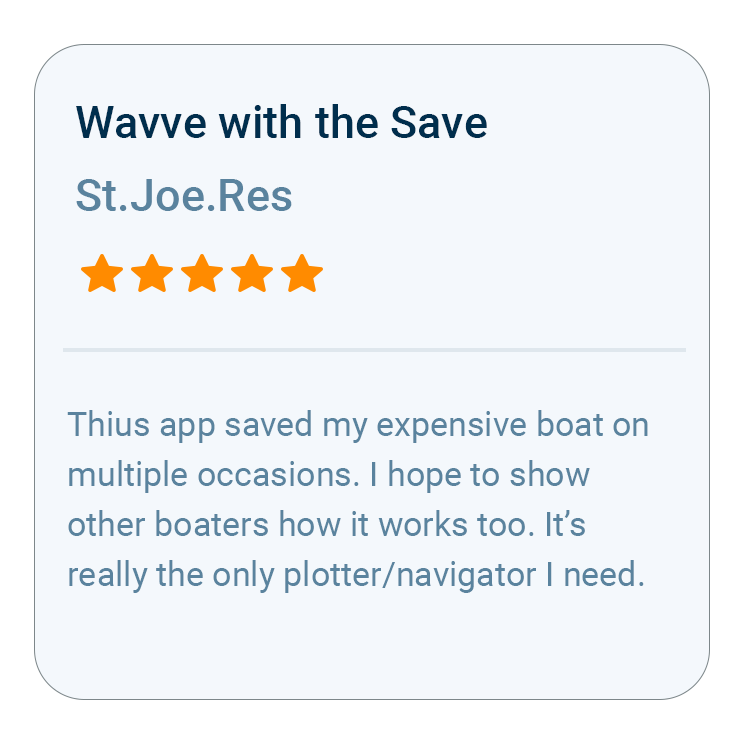
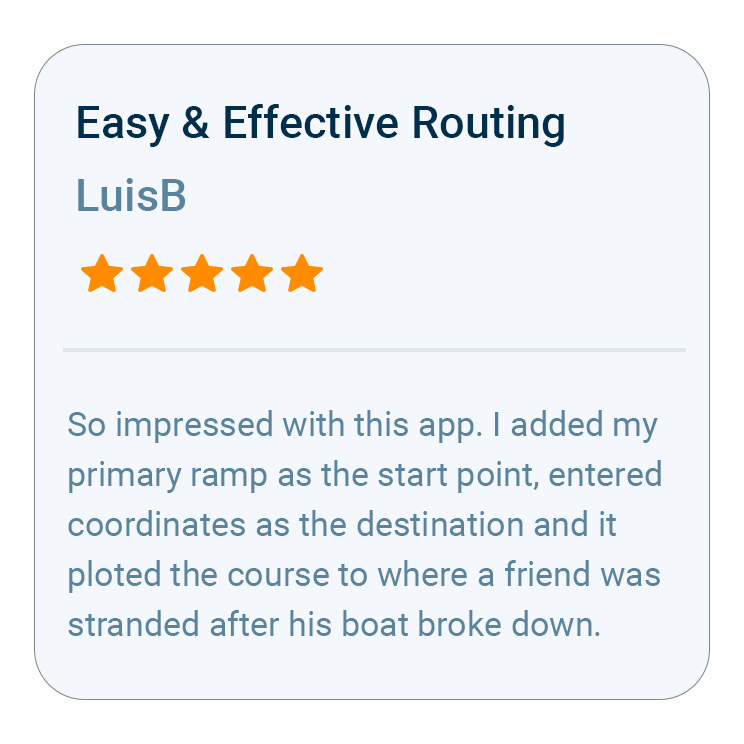
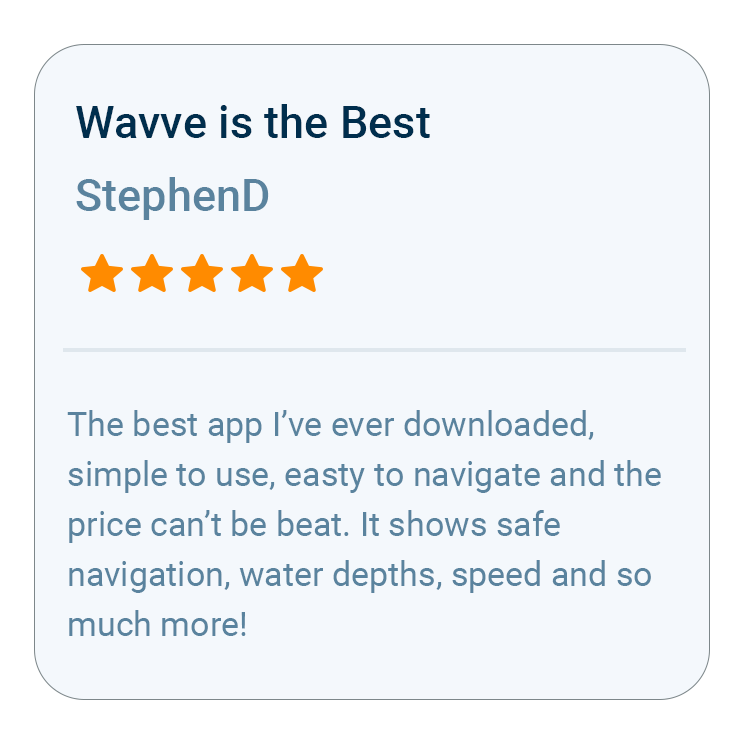
What Boaters Are Saying
Questions New Boaters Ask
Yes. New boaters are one of the audiences Wavve is designed for. A chart symbol you have never come across shows its meaning when tapped, and once your draft is saved, any water that may be too shallow for the boat is marked in red. AutoRouting goes a step further, weighing depth, channels and obstacles as it plots a course to your destination on charted water. It is a navigation aid and planning tool alongside prudent seamanship, current conditions and applicable official navigation requirements, so you still keep your eyes on the water while it does the decoding.
Wavve’s map is built out of over 20,000 nautical charts, pulled from official as well as third-party sources, and its supported regions run from American and Canadian water over to Ireland, Australia and the UK, with thousands of lakes on top. Inside any one of those regions some water is charted and some is not, so the surest check is your own: find your launch spot on Wavve’s coverage map before your first outing, or run the same check in the Free Web Chart Viewer. Should it be missing, ask for coverage, and Wavve’s Mapping team will triage that request.
Less than you might think, if you plan ahead. While your phone still has service, use Offline Maps to download the area you’ll be boating; once you’re out of range, that saved chart stays usable, the phone’s GPS keeps placing you on it, and Wavve flags that it has switched to Offline Mode. Live weather and water-level updates wait for a connection, and so does building a new AutoRoute, so set your route up at the dock.
None beyond a phone or tablet you may already own: Wavve is available for iPhone, iPad, and Android phones and tablets. It depends on how you boat: some recreational boaters use Wavve as their primary navigation tool, while others use it alongside a chartplotter. If you plan to use a tablet, pick one with built-in GPS so your position shows on the water.
Yes. Customers selecting an Annual membership can try Wavve Boating free for 14 days, so you can test it on the water before you commit. Billing starts once the trial ends. The Annual membership costs about what a boater might spend on a single traditional paper chart, while the Monthly membership, which comes without a trial, suits a shorter season.
Your boat’s draft comes first, because the red shading, the warnings and AutoRouting all read from it. With that saved, add a Home Port, store the day’s water in Offline Maps, and build a practice AutoRoute from home; a short session at the kitchen table lets you learn the app before you reach the ramp.

How To Get Started

Download_icon

Download Wavve Boating on iPhone, Android, or Tablet

Free to download on your iPhone, Android, or tablet.

no cost icon

Start Your Free Trial

Try Wavve Boating free and see it on the water before you commit.

Start Navigating Easily

Open the app, set your destination, and start navigating with confidence.

Trusted by Top Brands in Marine

Trusted by Marine Industry’s Top Brands

How Wavve Shows New Boaters Where the Water Is Too Shallow

Draft, the vertical distance from the top of the water to the bottom of your boat, is the one number Wavve Boating needs to show a new boater which water is too shallow for their own hull. The map is chart-based rather than sonar, so instead of measuring the depth under the boat it combines charted depth with the draft you enter and shades potentially shallow areas red. Enter that number once and the shallow-water warnings adjust to it as well, flagging thin water ahead before you are left trying to decode depth soundings. A beginner gains the most here, since depth means something different for every boat. Dynamic Depths then folds in local water-level or tide information where it is available, so the red areas update as tides and seasonal water levels change. Anyone wearing an Apple Watch feels the warning as a haptic tap on the wrist, and a map symbol you don’t recognize explains itself when you tap it.

Wavve Boating App Satellite View

Planning Your First Runs With AutoRouting, Weather and Offline Maps

Set a start point and a destination in Wavve Boating and AutoRouting builds a course that considers obstacles, channels and water depths, using your boat’s draft in every AutoRoute Mode. Build that route while you still have a signal, because AutoRouting is calculated on Wavve’s servers; once the area is downloaded with Offline Maps, your charts and GPS position keep working out of range. Three modes, Prefer Channels, Most Direct and Balanced, let you pick how the course is laid out, and each route lists total distance and estimated travel time, with weather and water-level conditions available as you plan. On the water you can follow it turn by turn. To choose the day itself, the marine forecast breaks conditions down hour by hour across seven days, covering temperature, wind, gusts, wave height and wave period, with color coding for wind and wave heights and marine weather alerts when they are issued.

Why Wavve Is the Best Marine Navigation App for New Boaters

Boat license distributor Kalkomey Enterprises partnered with Wavve Boating in 2021 as the preferred marine GPS for new boaters. On the map, other boaters mark hazards as Wavve Points, from permanent ones to temporary occurrences such as divers, raft-ups and floating dangers. Public points are reviewed and in-app voting supports their credibility, though the points are not a complete record of every hazard on the water. For learning the app itself, Wavve publishes how-to videos, among them a tutorial on how to input coordinates. Boating Industry named a Wavve feature a Top Product in three consecutive years: the Discover Tab in 2024, Dynamic Depths in 2025 and AutoRoute Modes in 2026.

Where Wavve Has Marine Charts in the U.S., Canada, the UK, Ireland and Australia

You can check whether Wavve Boating has charts for your lake, river or bay before paying for a membership, using the interactive coverage map on Wavve’s website or the Free Web Chart Viewer. Wavve supports boaters in the United States, Canada, the UK, Ireland and Australia, with chart data for supported regions plus thousands of lakes, and coverage varies within each region. U.S. regions include the Great Lakes, the New England coast, Long Island Sound, Chesapeake Bay, the Atlantic Intracoastal Waterway, the Florida Keys and Florida coast, the Gulf Coast, Puget Sound and the West Coast, along with inland water such as Lake of the Ozarks and Lake Winnipesaukee. In Canada the list runs from the Great Lakes and the 1000 Islands to Georgian Bay, the Trent-Severn and Rideau waterways and the British Columbia coast; in the UK it includes the Solent, the English Channel and the West Coast of Scotland; and in Australia, Sydney Harbour, Moreton Bay and the Whitsundays. If your water isn’t covered yet, you can submit a coverage request for the Mapping team to triage, and in the meantime Wavve still shows the water’s outline and your GPS position there, though AutoRouting isn’t available.

Wavve Boating Logo

Start Your Next Ride With Wavve

Join thousands of riders using Wavve Boating to explore new water, stay off the shallows, and navigate with confidence.

QR Code