i-Boating, developed by Bist LLC and also known as GPS Nautical Charts, is one of the more distinctive apps in the marine navigation space. It takes a regional chart purchase model rather than a single subscription covering everything, which means what you pay depends entirely on where you boat and what features you want. For some users this is a great fit. For others, it creates confusion about what they are actually getting for their money.
This guide breaks down exactly how i-Boating’s pricing works, what you get in the free version versus paid tiers, how the regional chart model functions, and how it compares to the alternatives. All pricing referenced here reflects what is currently listed on gpsnauticalcharts.com, the app’s official website.
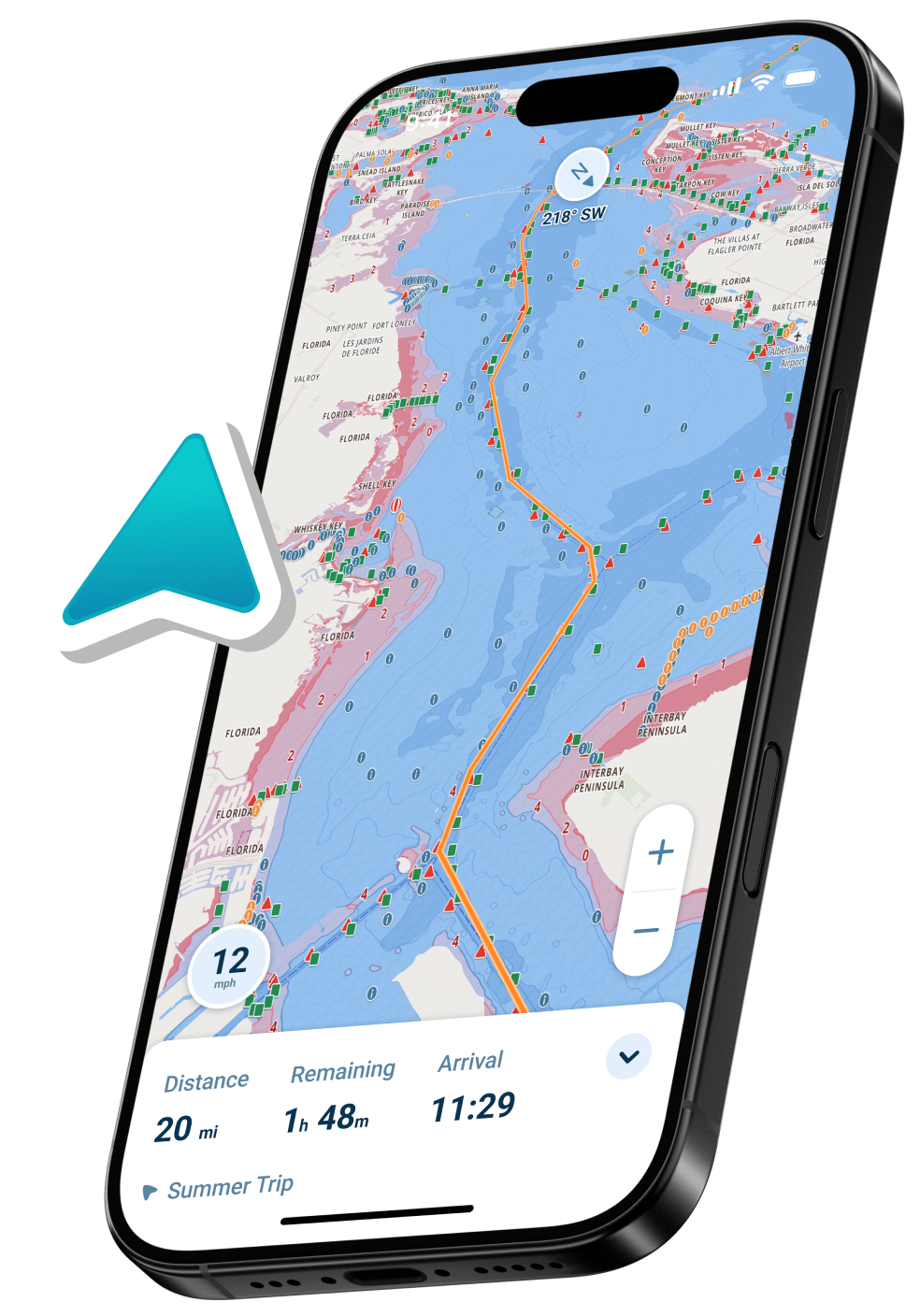
Image courtesy of https://i-marineapps.blogspot.com/2015/07/gps-nautical-i-boating.html
How i-Boating’s Pricing Model Works
Unlike apps that charge a flat annual subscription for access to all charts, i-Boating uses a regional chart purchase system. You buy access to a specific chart area rather than paying for a global unlock. This makes sense if you boat exclusively in one region, but adds up quickly if you frequently travel to multiple areas or want broad coverage.
The app itself is free to download on iOS, Android, Windows, Mac, and several other platforms. Basic GPS functionality and limited chart access are available without paying anything, but the full navigation experience, specifically offline charts, detailed depth contours, and advanced features, requires a chart purchase.
Chart purchases are sold as one-time buys rather than recurring subscriptions in most cases. You pay once and own access to that region’s charts. Updates to those charts are included in the purchase, which is one of i-Boating’s more appealing aspects for boaters who dislike subscription fatigue.
Current Chart Pricing
Pricing on the i-Boating website is subject to promotional pricing that changes periodically. The standard prices and current available pricing as of now are as follows.
USA Marine Charts: Regular price $25.99. A sale price of $21.99 is frequently displayed on the site.
Canada and USA Combined: Regular price $29.99. A sale price of $25.99 is often shown.
UK and Ireland: Regular price $32.99, with sale pricing frequently available.
Other regional packages are available across Europe, Australia, the Caribbean, the Bahamas, South America, and beyond. Pricing varies by region and is listed on their purchase page at gpsnauticalcharts.com.
These chart purchases cover the marine vector charts for that region, including NOAA charts for US coverage, CHS-derived data for Canada, and UKHO-derived data for UK and Ireland. Freshwater lake maps and inland river maps are bundled into the US purchase for the regions where they are available.
What You Get for Free
The free version of i-Boating is more functional than many free tiers in the marine navigation space. It includes:
Basic GPS positioning using your device’s built-in GPS. You can see your position on a map and track your movement without paying anything.
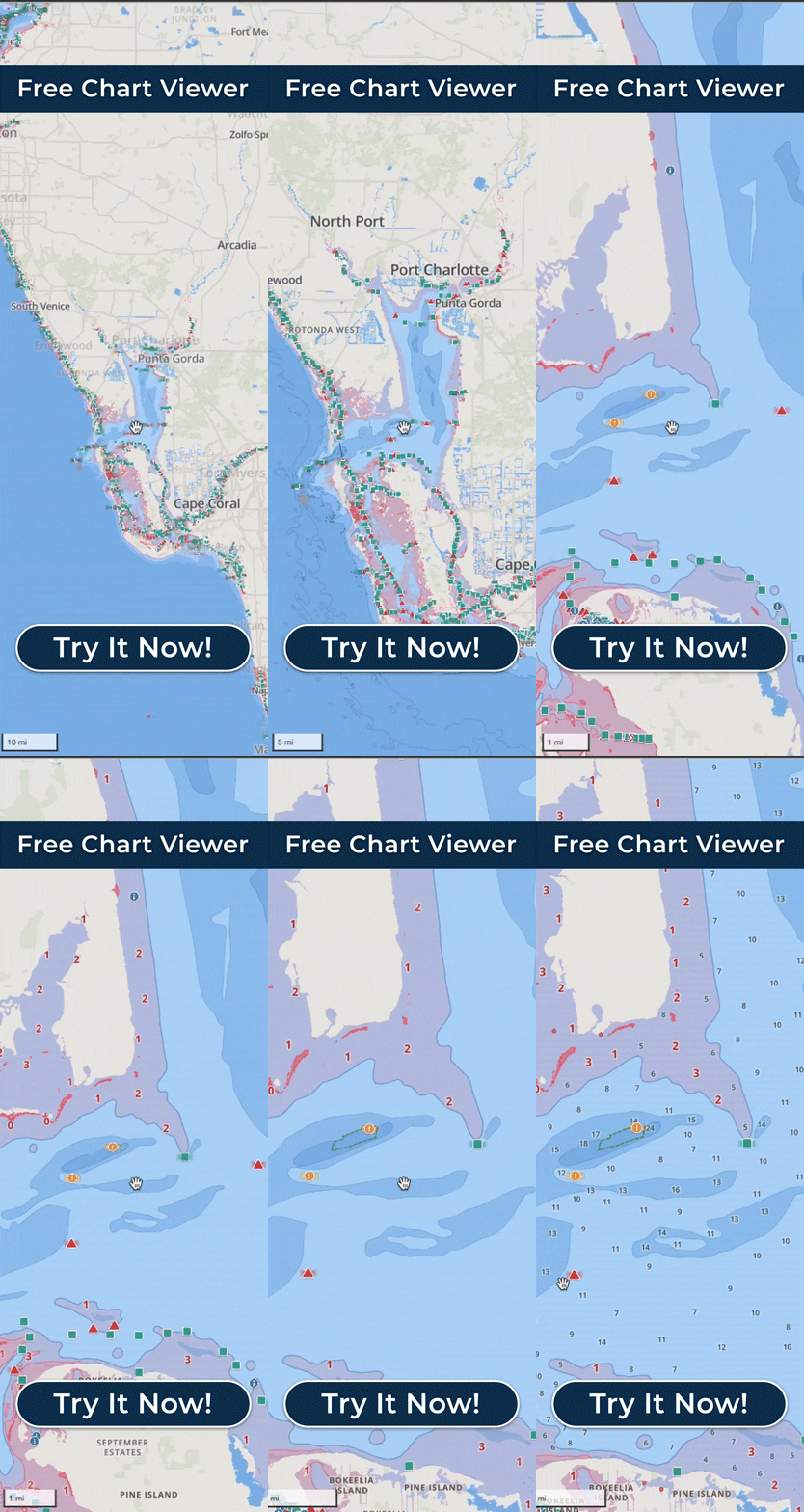
An online chart viewer that works when you have internet connectivity. This gives you a functional look at the navigation charts for most covered areas without a purchase.
Tide and current predictions for a limited set of stations.
Access to the online chart viewer for lake depth maps, sea surface temperature maps, and marine weather overlays in a browser-based format.
The free tier is genuinely useful for casual on-the-water use in areas with cellular coverage. Where it falls short is in offline capability, which is where i-Boating’s paid chart purchases become essential for real navigation use.
What Paid Chart Access Adds
Purchasing a regional chart package unlocks the full navigation experience:
Full offline chart access. Downloaded charts are stored on your device and function without any internet connection. This is the primary reason most serious boaters purchase rather than relying on the free tier.
Detailed depth contours and HD bathymetry. Where available, i-Boating includes HD bathymetric data at 1-foot and 3-foot resolution, which is particularly valuable for anglers and shallow-water navigators.
Aids to navigation overlays. Buoys, lights, obstructions, and other charted hazards are fully displayed with queryable details.
Voice-guided route assistance. i-Boating was the first marine GPS app to offer voice prompts for route navigation, and this remains available with paid charts.
AIS tracking. Automatic Identification System vessel traffic display is included in the paid version.
Fishing AI and fishing spot mapping. i-Boating has a dedicated fishing features layer that aggregates fishing spots from multiple sources and uses a proprietary AI to identify likely productive areas based on depth and bottom structure.
Lake temperature maps. Thermocline and surface temperature maps for freshwater lakes are included in the US chart package, which is a differentiator for freshwater anglers.
Relief shading. Underwater terrain visualization for most lakes, helping anglers identify structure before dropping the transducer.
Route manager and waypoint syncing. Full route creation, editing, and waypoint management are unlocked with a chart purchase.
Platform Availability
One of i-Boating’s genuine advantages is platform breadth. It runs on iOS, Android, Windows (laptops, tablets, and desktops), Mac, Linux, and embedded devices. A single purchase covers multiple devices on the same account, which means you can run charts on your phone, your tablet, and a Windows helm display without buying separate licenses.
This cross-platform flexibility is meaningful for boaters who want consistent chart access across multiple devices without paying separately for each one.
Who i-Boating Is Best For
i-Boating fits best for a specific type of user.
Anglers get a strong value proposition. The fishing AI, HD bathymetry, lake temperature maps, and relief shading are features oriented toward fishing use that are not standard in most marine navigation apps. If you split time between freshwater fishing and coastal boating, the US chart package covers both in a single purchase.
Offline-first users who want downloaded charts and do not want to worry about cellular coverage or ongoing subscription costs will appreciate the one-time purchase model. You buy once, download, and navigate independently of internet connectivity.
Budget-conscious boaters who boat in a single region can get solid navigation capability for a one-time cost that is lower than many annual subscription alternatives.
Multi-platform users who want charts accessible on both mobile and desktop without paying separately benefit from i-Boating’s cross-device licensing.
The app is a less natural fit for boaters who primarily want the simplest possible interface, who need real-time integrated safety features like automatic draft-aware depth shading, or who want a deeply polished modern UI. Those boaters may find apps like Wavve Boating a better match for their priorities.
Value Comparison: How i-Boating Stacks Up
| App | Model | US Price | Offline Charts | Draft-Aware Shading | Fishing Features |
| i-Boating | One-time regional purchase | $25.99 (USA) | Yes | No | Yes, strong |
| Wavve Boating | Annual subscription | $69.99/yr | Yes | Yes, automatic | Limited |
| Navionics Boating | Annual subscription | $49.99/yr (US & Canada) | Yes | No | Basic |
| Argo Navigation | Free + optional Premium | Free / $39.99/yr | Yes (Premium) | Manual (Premium only) | No |
The comparison shows that i-Boating is competitively priced for what it offers, particularly if you prioritize offline charts and fishing features over safety automation or a streamlined interface. For pure chart access in a single region, the one-time cost is lower than most annual alternatives.
The trade-off is that chart updates are tied to periodic releases rather than continuous cloud updates, and the interface is more functional than elegant. Boaters who want the most current chart data and a polished visual experience may prefer a subscription-based alternative.
Tips for Getting the Most From i-Boating
Download charts over Wi-Fi before you head out. Chart packages are large, and downloading over cellular data is slow and can be expensive depending on your plan.
Check the promotional pricing page before purchasing. The site frequently shows sale prices that are meaningfully lower than the standard price, and these sales appear to run regularly rather than being rare events.
Use the online free tier to evaluate the interface and chart quality for your area before committing to a purchase. You can view charts in the browser-based viewer without any account required.
If you fish as well as cruise, take time to explore the Fishing AI and lake map layers. These are among the more differentiated features in the app and add genuine value beyond standard marine navigation.
Image courtesy of https://apps.microsoft.com/detail/9nblggh69cv8?hl=en-US&gl=US
Frequently Asked Questions
Is i-Boating free to use?
The app is free to download and includes basic GPS and online chart viewing. Full offline navigation, detailed depth contours, voice guidance, AIS, and fishing features require purchasing a regional chart package.
Is it a one-time payment or a subscription?
Most chart packages are sold as one-time purchases, not recurring subscriptions. You pay once for a region and retain access including chart updates without additional annual fees.
Does one purchase cover all my devices?
Yes. A single chart purchase can be used across multiple devices on the same account, including iOS, Android, Windows, and Mac.
How do chart updates work?
Chart updates for purchased regions are included and pushed periodically through the app. You do not pay separately for updates to charts you have already purchased.
Does i-Boating work in Canada?
Yes. A combined USA and Canada chart package is available for $29.99 (or less during promotional periods) and covers NOAA charts for US waters and CHS-derived charts for Canadian waters.
What is Fishing AI in i-Boating?
Fishing AI is a feature that uses depth data, bottom structure, and aggregated fishing spot information to identify and display potentially productive fishing locations. It is overlaid on the map and is most useful for freshwater lake fishing, though it covers coastal areas as well.
How does i-Boating compare to Navionics for fishing?
i-Boating generally offers more fishing-specific features than Navionics, including relief shading, lake temperature maps, and Fishing AI. Navionics has stronger chart detail and integration with Garmin hardware. Which is better depends on whether fishing features or chart quality and ecosystem integration is the higher priority for you.
Can I use i-Boating on a Windows laptop at the helm?
Yes. i-Boating runs natively on Windows, and a purchased chart package covers Windows use on the same account as your mobile devices. This makes it one of the few mobile-native apps with a practical desktop option.
———
i-Boating occupies a distinct position in the marine navigation market. Its one-time regional purchase model, strong cross-platform support, and fishing-specific feature set make it a practical choice for a specific type of boater. It is not the most polished app available, and it does not offer some of the safety-oriented features found in dedicated recreational navigation apps, but for offline-first users who fish and want to avoid ongoing subscription costs, it delivers solid value.