More and more boaters are asking whether a tablet running a good navigation app can do the job of a dedicated chartplotter. It is a fair question, because tablets are cheaper, familiar, and genuinely capable these days.
But the two approaches have real differences that go beyond price, and the right answer depends heavily on how and where you boat.
This guide lays out the trade-offs across cost, durability, screen visibility, reliability, and features so you can decide which setup actually suits you, or whether the smart move is to run both.
What Each Option Really Is
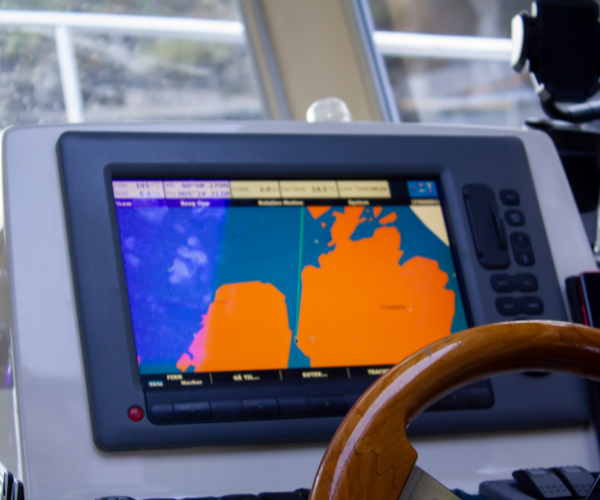
A dedicated chartplotter is a purpose-built marine navigation device. It is designed from the ground up for the water, with a marine-focused interface, weatherproof construction, and features tailored to boating, and it usually mounts permanently at the helm. These units have been the traditional backbone of electronic navigation for decades, refined specifically for the demands of boating.
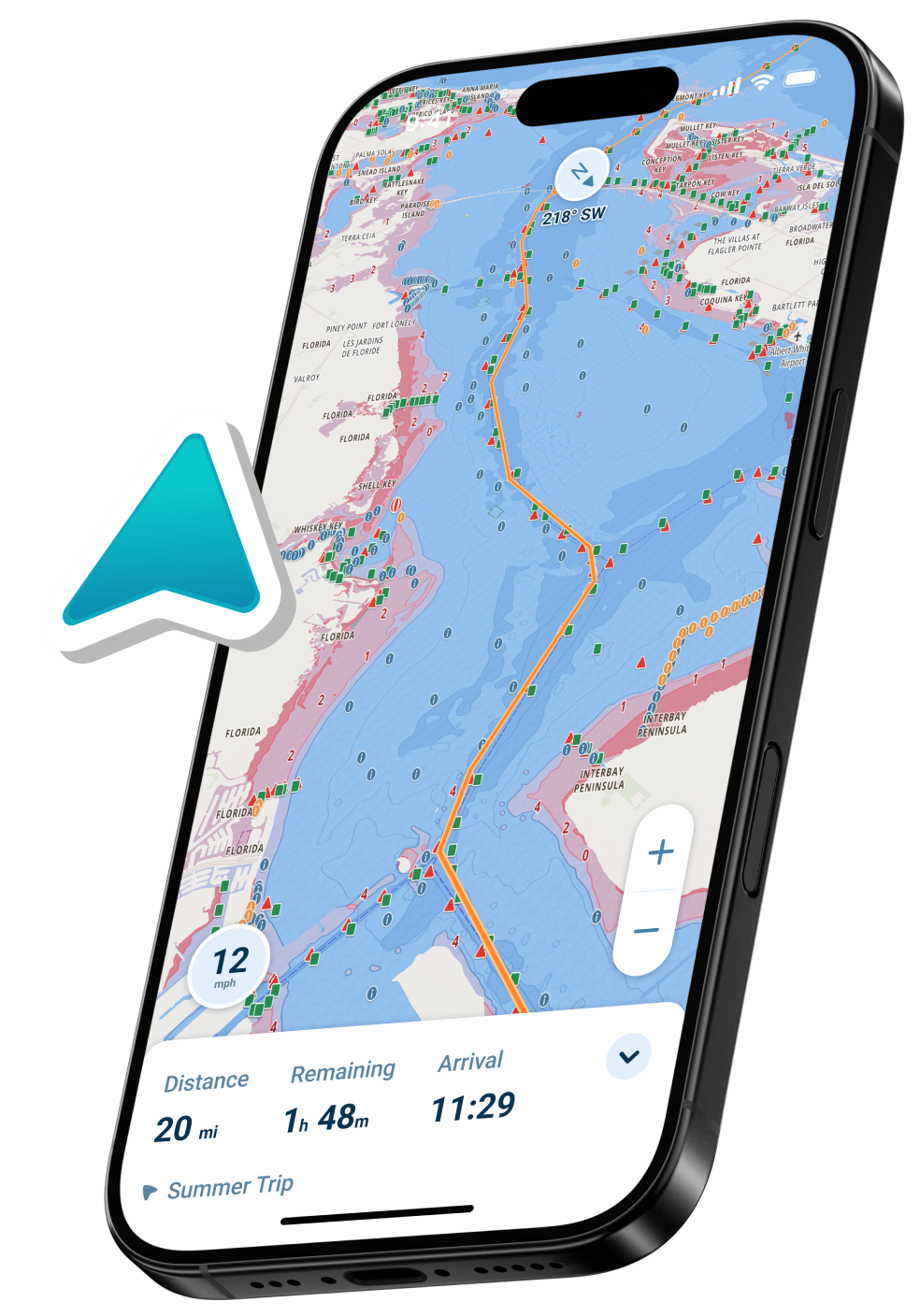
A tablet running a navigation app takes a different path. Modern marine navigation apps turn an ordinary consumer tablet into a capable charting and GPS tool, using hardware you may already own and specialized software to do the navigating. As the apps have matured, this approach has gone from a makeshift backup to a legitimate primary navigation option for many boaters, which is exactly why the comparison is worth taking seriously.
Comparing What They Cost
Tablet Navigation
Using a tablet is almost always the cheaper path. If you already own a suitable tablet, your only cost is a navigation app subscription, which is modest. Even buying a tablet specifically for navigation typically comes in well below the price of a comparable dedicated unit once you factor in everything.
Navigation apps generally cost a small fraction of dedicated hardware, which makes this an appealing route for budget-conscious boaters who still want capable navigation. For anyone weighing whether they even need to spend on hardware, it is worth reading about whether you actually need a chartplotter for boating before committing.
Dedicated Chartplotter
A dedicated chartplotter costs more, particularly once you move to larger units with advanced features, and the price does not stop at the unit itself. Installation adds to the total, and a networked system with radar and multiple displays can involve meaningful professional installation cost.
That said, the higher price buys purpose-built marine construction and capabilities a tablet cannot match, so for some boaters it is money well spent rather than money wasted. The key is deciding whether those capabilities matter for your boating.
Durability in a Harsh Environment
The Challenge of the Marine Environment
The water is hard on electronics. Spray, salt, relentless sun, constant vibration, and temperature swings all conspire against any device you bring aboard. How each option stands up to that punishment is a major part of the decision, and it is where the two approaches diverge most sharply.
How Dedicated Units Hold Up
Dedicated chartplotters are built to survive the marine environment. Weatherproof housings, marine-rated components, and rugged design let them keep working through conditions that would quickly ruin consumer electronics.
For boaters who face serious conditions, that durability brings peace of mind, because the unit is engineered to keep functioning through spray, sun, and rough water rather than merely tolerating them.
How Tablets Fare
Consumer tablets are not built for this world. Water, salt, and sun can damage an unprotected tablet, and heat in particular can cause a tablet to shut down at the worst possible moment. The practical answer is protection.
Waterproof cases, protective enclosures, and sensible positioning let a tablet survive boating conditions reasonably well, and many boaters who navigate on tablets invest in exactly this kind of protection. With the right case and a little care, a tablet holds up, but it asks more of you than a dedicated unit does.
Reading the Screen in Real Conditions
Screen visibility in bright sunlight matters enormously on the water, where glare can render a dim display useless right when you need it. Marine chartplotters typically use displays tuned for sunlight readability, which is one of their quiet advantages. Some consumer tablets struggle in bright sun, though many modern tablets offer genuinely good brightness, so performance here varies by model.
The advice is to test a tablet’s visibility in actual on-water conditions before relying on it, because a screen you cannot read is a screen you cannot trust. Both approaches offer a range of sizes, from compact to large, so match the screen size to your boat and your eyes.
Reliability, Power, and Backup
Depending on One Device
A tablet does many jobs, which means using it for navigation ties up a device you might want for other things. A tablet dedicated to navigation cannot be passed around for photos or messages without interrupting the navigation, so consider whether you need it to do double duty.
Managing Power
Power is a consideration with tablets. Unless it is wired into your boat’s electrical system, a tablet runs on its battery, and GPS use drains batteries steadily over a long day. Planning for charging, whether through a power bank or a connection to the boat, keeps your navigation from dying partway through a trip. Dedicated units typically draw from the boat’s power, sidestepping the issue entirely, which is a genuine convenience on longer outings.
Keeping a Backup
Whatever you choose as your primary tool, backup navigation is wise. Some boaters run a tablet as backup to a dedicated unit, others do the reverse, and redundancy improves safety either way. A single failure should never leave you without a way to navigate, so building in a second option, even a simple one, is sound practice regardless of which camp you fall into.
Features and Capability

What Navigation Apps Offer
Modern navigation apps are genuinely impressive. They deliver detailed charts, GPS positioning, route planning, and increasingly sophisticated features. Some, such as Wavve Boating, add capabilities like draft-based depth shading that highlights charted areas shallower than the draft you have entered, along with water-level information and community input. The shading is a planning aid, not a measurement of the water directly beneath your boat or a guarantee that an area is safe to navigate.
In many cases these apps match or even exceed the functionality of entry-level and mid-range dedicated units, and because they update frequently, they keep gaining new features over time.
Boaters who spend time in skinny water often find app-based tools especially helpful, and it is worth understanding how to navigate shallow water safely whichever setup you choose.
What Dedicated Units Offer
Dedicated chartplotters bring marine-specific features and, crucially, integration with other marine electronics such as radar, sonar, and autopilots. For boaters building an integrated helm, that connectivity is something tablets simply do not offer in the same way. A dedicated unit can serve as the hub that ties the boat’s systems together, which is a meaningful advantage for larger boats and serious offshore use where everything needs to work as one coordinated system.
Ease of Use
Tablets offer familiar touch interfaces that many people find instantly intuitive, which can ease the learning curve into electronic navigation, especially for newer boaters.
Dedicated units use interfaces designed specifically for marine use, prioritizing navigation functions, and some boaters prefer that focused approach. Neither is objectively easier; it comes down to what feels natural in your hands.
Which Setup Fits Which Boater
Lean Toward a Tablet If
A tablet makes sense if you want capable navigation at lower cost, you are comfortable with tablets and apps, you value the flexibility of versatile hardware, you mostly boat in protected or moderate conditions, and you like the idea of frequent updates and evolving features.
For a lot of recreational boaters, particularly on smaller boats, a well-protected tablet running a good app covers everything they genuinely need.
Lean Toward a Dedicated Chartplotter If
A dedicated unit makes sense if you need maximum durability for demanding conditions, you want integration with radar, autopilot, or multiple displays, you prefer a permanently installed solution with a purpose-built marine interface, or you boat in serious offshore conditions that call for rugged, reliable hardware.
The extra cost buys capability that genuinely matters for this kind of boating.
Consider Running Both
Plenty of experienced boaters do not choose at all; they run a dedicated unit and a tablet together for redundancy. The dedicated chartplotter handles primary navigation with its rugged, integrated capability, while the tablet provides backup and the convenience of app features.
For boaters who want maximum reliability, this combination delivers the strengths of each and insures against the failure of either, which is why it is such a common setup on well-equipped boats.
How the Choice Shifts With Boat Size
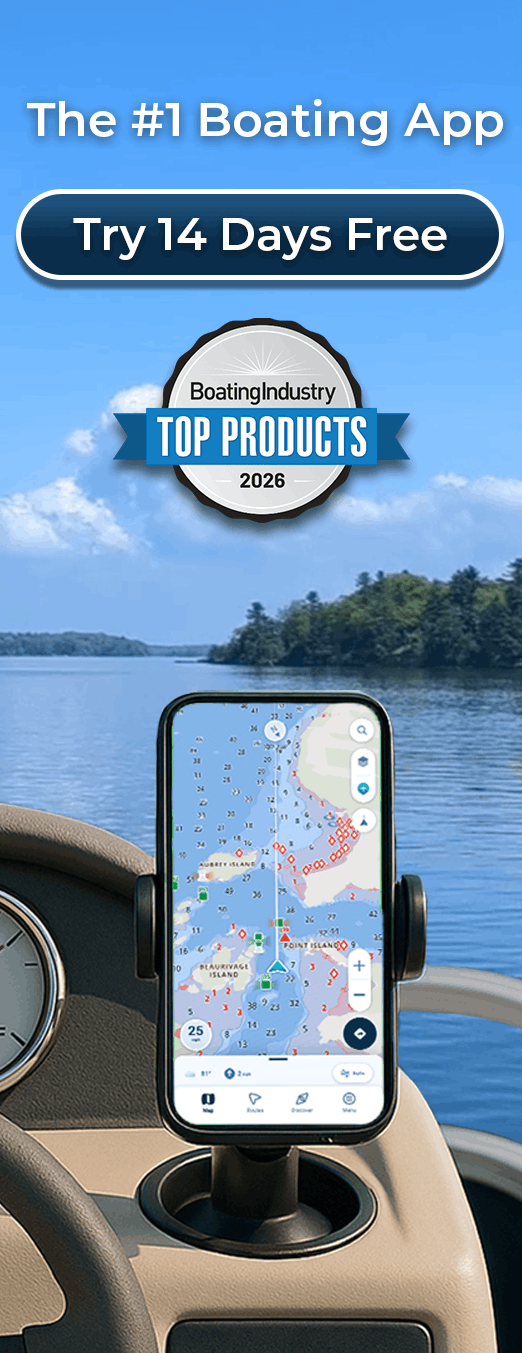
One useful way to cut through the debate is to think about it in terms of boat size, because that single factor nudges the decision more than almost anything else. On a small boat, a kayak, a jon boat, a modest center console, or a day cruiser, a tablet running a navigation app is often the natural fit. Space is limited, budgets are usually tighter, and the navigation needs are straightforward. Mounting a tablet in a protective case gives you a large, familiar screen without drilling holes or wiring in a permanent unit, and for many small-boat owners it is all the navigation they will ever require.
As boats get larger, the balance tips. A bigger boat has the helm space for a fixed display, the electrical system to power it, and often the kind of systems, radar, autopilot, multiple stations, that only a dedicated chartplotter can tie together.
Owners of larger boats also tend to venture farther and face more demanding conditions, where rugged, always-on hardware earns its keep. None of this means a tablet has no place on a big boat; it often rides along as a backup or a second screen. But the larger and more capable the boat, the stronger the case for a dedicated unit as the primary tool.
For boaters in the middle, a mid-size boat used for a mix of protected and open water, either approach can work well, and this is exactly where running both tends to make the most sense. The point is that matching your setup to your boat, rather than to what seems most advanced, leads to a choice you will be happy with.
Best of Both Worlds
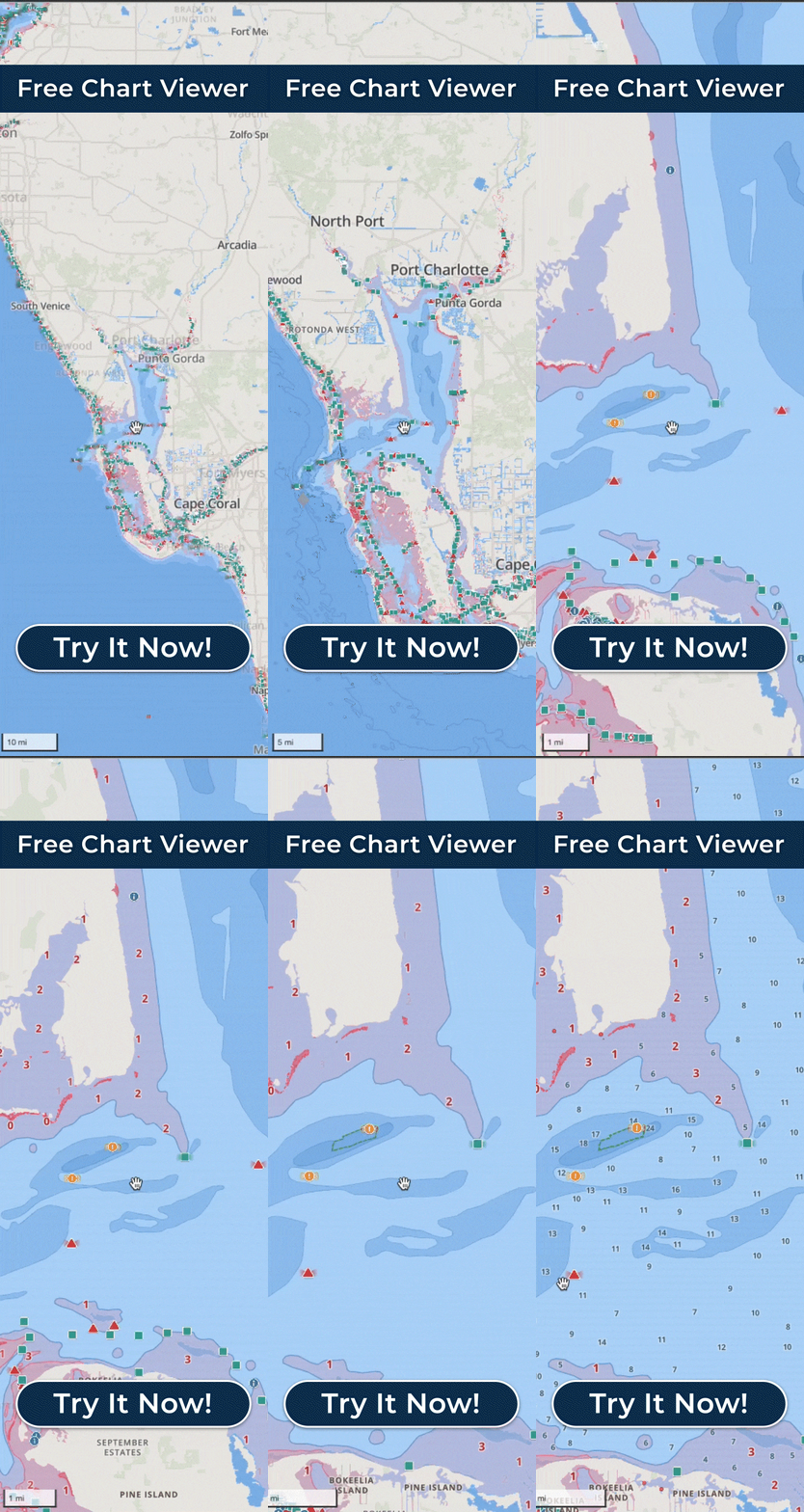
Wavve Boating is designed to go where you boat, with experiences available across compatible phones, tablets, Apple Watch and the web. Wavve Boating’s Free Web Chart Viewer gives boaters a larger-screen planning experience, with more detailed waypoint information for plotting Manual Routes or preparing AutoRoutes. Routes and Trip Recordings saved to your Wavve Boating account can sync across devices logged into the same account, making it easy to plan on a computer and take your route with you on the water.
Making the Call
The choice between a tablet and a dedicated chartplotter comes down to your particular situation rather than any universal winner. Weigh your budget, your typical conditions, your need for integration, and your personal preferences. Both approaches can deliver the navigation capability you need for safe, confident boating, so the decision is about fit, not about one being simply better than the other.
For budget-minded boaters who want capable navigation without a big hardware outlay, a tablet running a quality app is a genuinely strong option, and testing one first can reveal whether you ever need to spend on dedicated hardware at all. For boaters who demand maximum durability and integration, a dedicated chartplotter earns its higher cost.
And for those who want the best of both worlds, running the two together is a proven approach. Assess your needs carefully, try an app before assuming you need hardware, and choose the setup that genuinely serves how you spend your time on the water.