Testing Wavve Boating on Water With No Cell Service
Yes, Wavve Boating’s charts and GPS position keep working on water with no cell service, so you can test them there during a free trial, provided you download the area you plan to run with Offline Maps before you leave reliable internet. The saved charts stay on your phone or tablet, and the app shows when you have entered Offline Mode.
That works because cell service and GPS do different jobs. A GPS-capable device can determine its location without cellular service, so your position on the map keeps updating out on the water. The connection is only needed to refresh information that comes from online. Some iPads and tablets have no built-in GPS, so for positioning on the water use a phone or a GPS-capable tablet.
A few features depend on that connection. AutoRouting is calculated on Wavve’s servers, which means the app will not let you build a new AutoRoute while you are offline. Weather and water-level information may not update until you are back in range. You also cannot download a new map area after you have lost service, so the areas you saved before leaving are the ones you have until you reconnect.
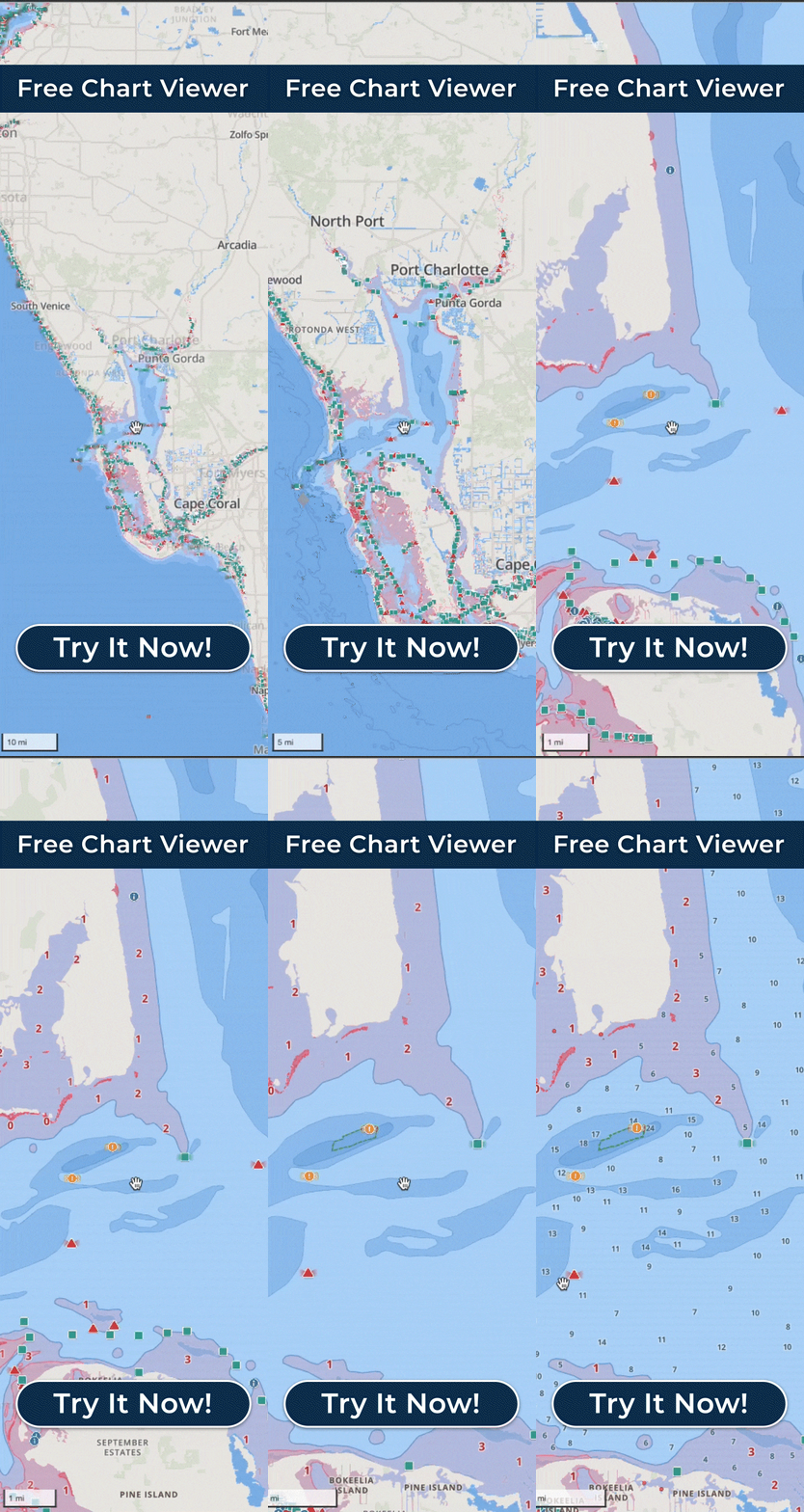
That shapes how to plan an offline test. Alongside the download, plan your routes before you leave the dock. If you would rather plan on a bigger screen, the Free Web Chart Viewer runs in a desktop or laptop browser, and routes sync with the app through your account. Check the hour-by-hour marine forecast and the day’s water levels before you go, too.
For the test itself, choose the water you boat most and the stretch of it where your phone normally shows no bars. Cell service isn’t guaranteed on the water, so run that stretch the way you usually would and watch whether the charts stay on screen and your position keeps moving with the boat. If your route also crosses a stretch where the signal comes and goes, run that too and watch for the app to show when it has entered Offline Mode as you pass through it.
When you have service again, you can download areas for your next trip, including water you have not run yet and want to try on a later outing. The downloads live on your phone or tablet rather than on the boat, so they move with you when you step aboard a friend’s boat or a rental.