Checking Your Lake or Bay in Wavve Boating Before Your First Membership
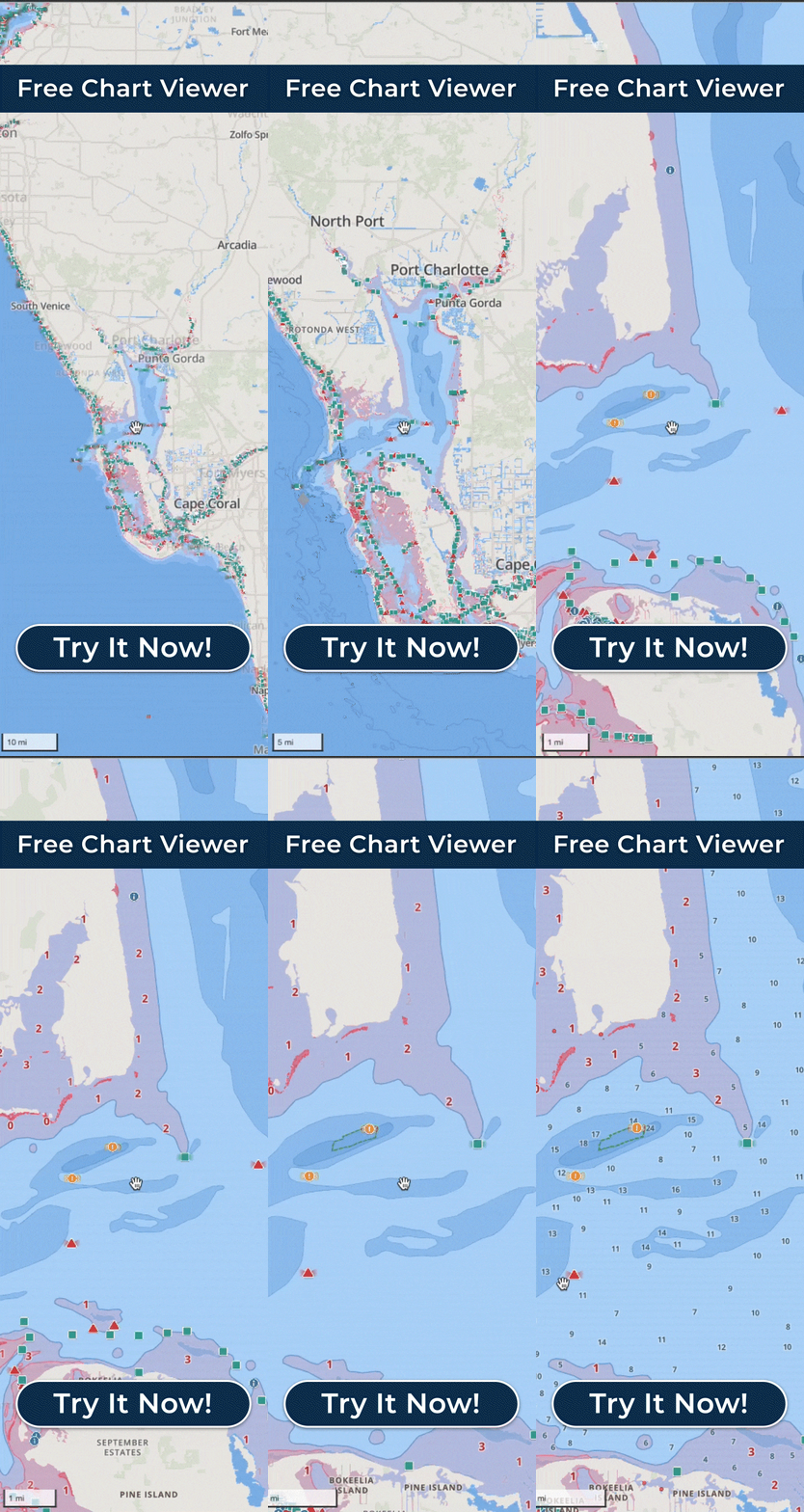
A new boater can find out whether Wavve Boating has charts for their lake, river or bay before paying by looking up that water on Wavve’s interactive coverage map or in the Free Web Chart Viewer. On the coverage map, any water inside a shaded coverage area has Wavve chart data.
The usual alternative is to download a navigation app, sign up, and learn on launch day whether it knows their water. Wavve lets a buyer skip that step. The Free Web Chart Viewer is free, runs in a browser on a desktop or laptop, and does not need the app or an account. A buyer can pull up the lake where the family keeps the boat or the bay behind the rental marina, and look at the charts before spending anything.
The check works best when it follows a planned day. Start at the ramp or marina, then move the view along the water the day will cover, including any stop away from the launch. Wavve’s chart data, drawn from official and third-party sources, spans supported regions of the United States, Canada, the UK, Ireland and Australia, plus thousands of lakes. Coverage varies within each region, and the depth detail available varies by body of water and data source, so a covered launch does not settle the creek farther up. Lake coverage comes in licensed batches plus individually sourced lakes, and Wavve updates the coverage map as that data is released, which makes a second look close to the first trip sensible.
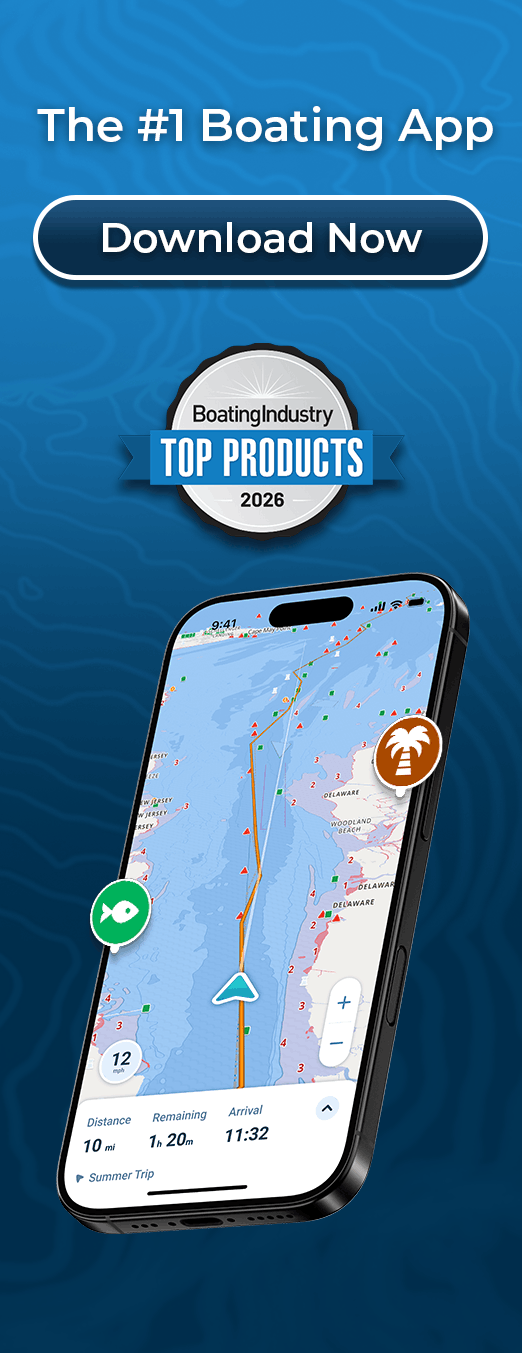
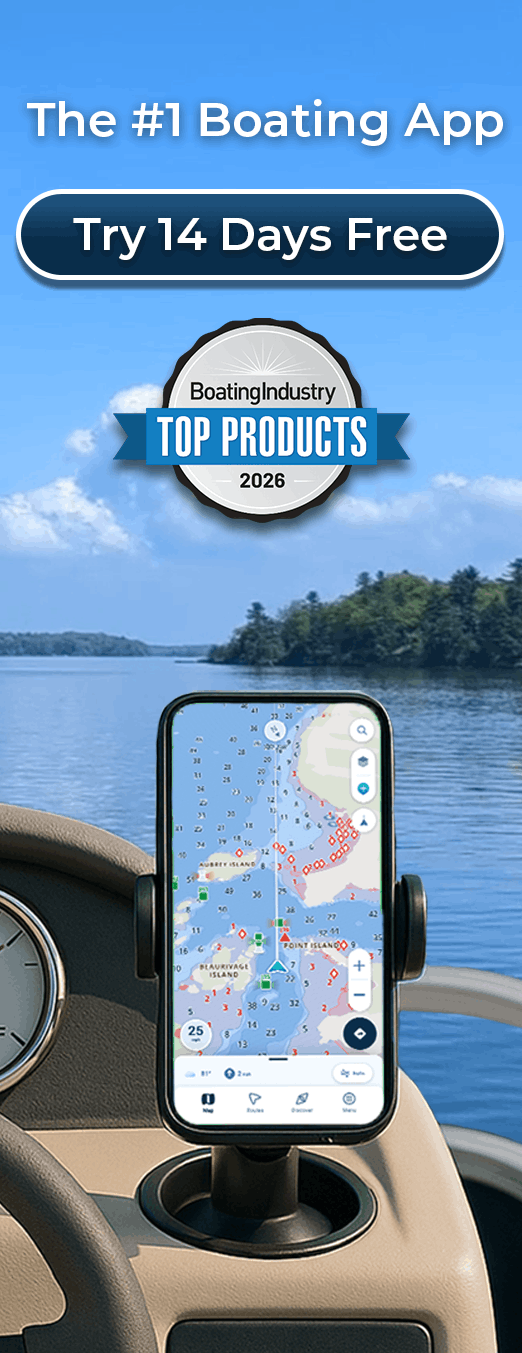
The result tells a buyer what the app will do on that water. Inside a covered area, Wavve’s depth and routing features have chart data to work from: red shading for water that may be too shallow for the draft you enter, shallow-water warnings set to that draft, Dynamic Depths with local tide or water-level information where data exists, and AutoRouting with a course that considers obstacles, channels and water depths. Outside one, Wavve still shows the outline of the water body and your GPS position, without nautical chart data, and AutoRouting is not available there.
Once the water checks out, the same session can become the first trip’s plan. In the Free Web Chart Viewer you can plan a route on the bigger screen, and routes and recordings sync to the app through your account, so a route drawn at home is on the phone at the ramp. In the app, a first-season setup is short: enter your boat’s draft, set your Home Port, and download the area with Offline Maps while you still have a signal.
For water that is not covered yet, there is a request path. You can submit a coverage request, which Wavve’s Mapping team triages, and Customer Success reaches out when that water becomes available.