Draft-Based Depth Shading vs. a Standard Chart When Choosing a Boat Navigation App
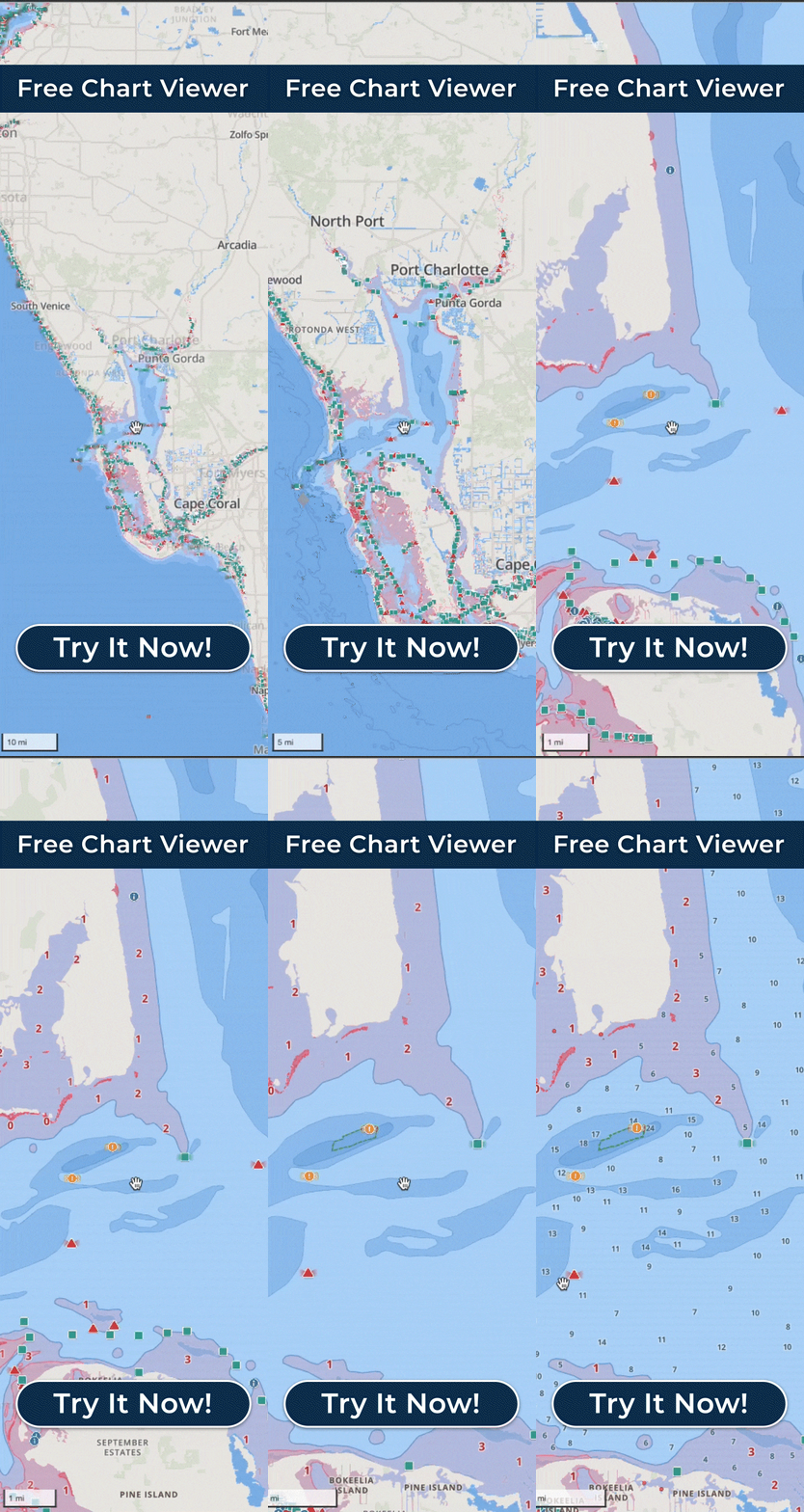
Most boaters comparing navigation apps already know what a standard depth chart looks like: soundings and contour lines. Every one of those numbers is the same for every boat, so a flats skiff and a deep-keeled cruiser are left to do the same arithmetic, at speed, with sun on the screen. Wavve Boating changes that by asking for your boat’s draft and shading potentially shallow water in red based on it, so the chart marks the water that is too thin for your hull rather than leaving the subtraction to you. That is where the app began: founder Adam Allore had watched boaters at the marinas where he worked struggle to read charts and come back with damaged lower units, and he built a map that highlighted water too shallow for his own boat’s three-foot draft. The soundings and contours are still there when you want them, with custom contour colors and an adjustable sounding size.
A printed chart also shows the water at a single point in time. Wavve’s Dynamic Depths, named a Boating Industry Top Product in 2025, combines the charted depth with your draft and with water-level or tide information from measured and predicted stations, so the red shading moves with the tide and with seasonal water levels. In tidal areas the app also shows the day’s high and low tides, and where no station is close enough you can set the water level yourself.
That station can sit some distance from where you are boating, so the shading is never the exact depth under your hull, and Dynamic Depths is not live sonar or a depth sounder. It is an early, boat-specific read on water that is potentially too shallow for you, which is what you need in order to slow down or take another line before the bottom comes up.
Wavve’s map is designed so deep and shallow water are easy to tell apart at a glance and stay clear in bright sunlight, and its shallow-water alerts are tuned to the draft you entered, so a warning refers to your boat and not to an average hull. Paired with an iPhone, an Apple Watch delivers the same warning as a haptic tap on your wrist, and the Digital Crown lets you control the map while you are moving.
On a standard chart, planning a run means drawing your own line and checking the soundings along it. Wavve’s AutoRouting builds a course between two points around obstacles, through channels and by water depth, and every AutoRoute Mode, Prefer Channels, Most Direct and Balanced, accounts for your draft. Each route lists total distance, estimated travel time and an optional fuel estimate, and Wavve asks that every route be reviewed against current conditions and your own judgment before and during the trip.