Reading Shallow Water for Your Draft on an Android Phone With Wavve Boating
On an Android phone running Wavve Boating, shallow water for your boat shows up as red shading on the chart, worked out from one number you enter yourself: your boat’s draft.
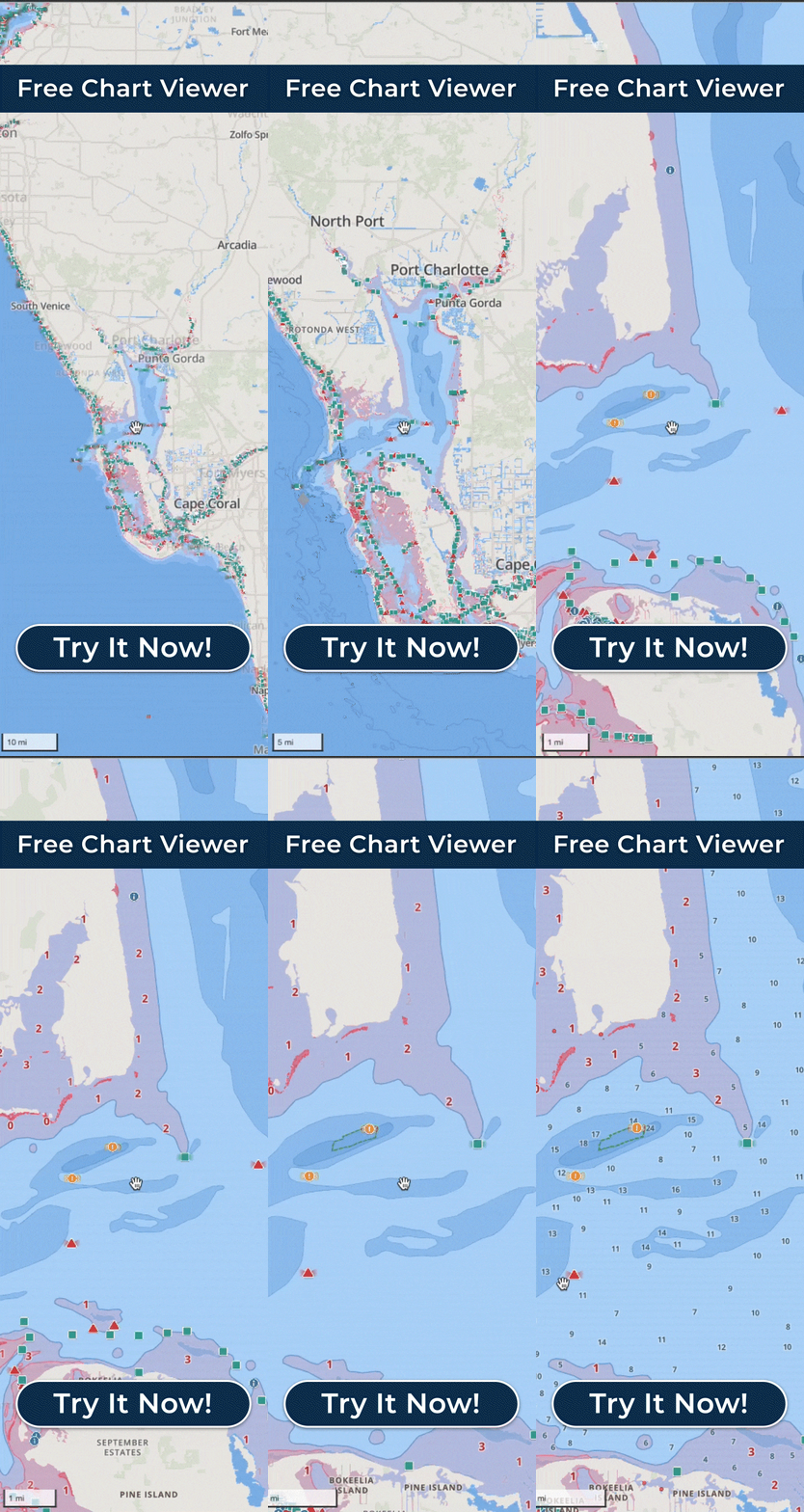
When you enter the draft, Wavve marks potentially shallow areas in red, meaning water that may be too shallow for the hull you are running, so a boat drawing two feet and one drawing four see different red on the same flat.
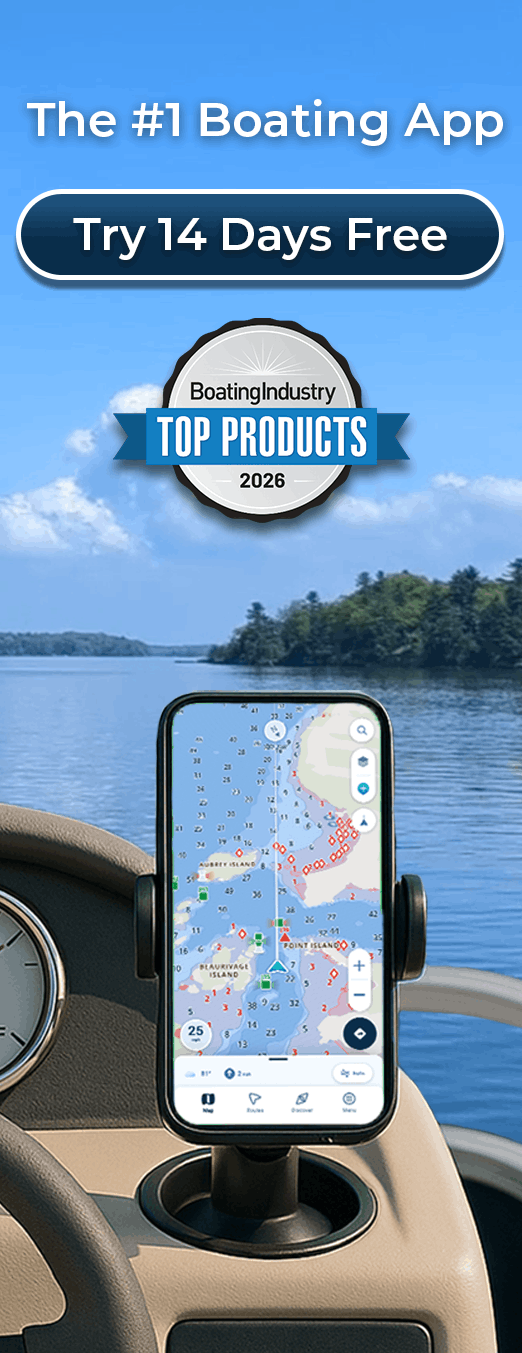
The phone’s GPS finds your position from satellites, even with no cell service, and puts your boat on that shaded chart. If you will be out of signal, save the area with Offline Maps before you leave the dock so the chart stays on the phone. The chart is designed so deep and shallow water are easy to tell apart at a glance and stay clear in bright sunlight, which matters on a phone-sized screen. Depth contours, with custom contour colors and adjustable sounding size, add detail on top of the shading. An Android tablet shows the same shading on a larger screen; for your position underway, pick one with built-in GPS, because some tablets are made without it and may offer only limited location functionality out on the water.
Charted depth on its own does not reflect today’s water level, so Wavve adjusts it with Dynamic Depths, which Boating Industry named a Top Product in 2025. It combines the charted depth, your draft, and local water-level or tide information where it is available, so the red follows the water as tides and seasonal levels rise and fall. In tidal areas the app shows the day’s high and low tides; where no station is nearby, you can set the water level yourself. Water-level information refreshes online, so on a phone that has been out of signal for a while, the water level may not update until you are back in range.
Shallow-water alerts use the same draft, so the phone gives you a heads-up as the water gets thin for the draft you entered.
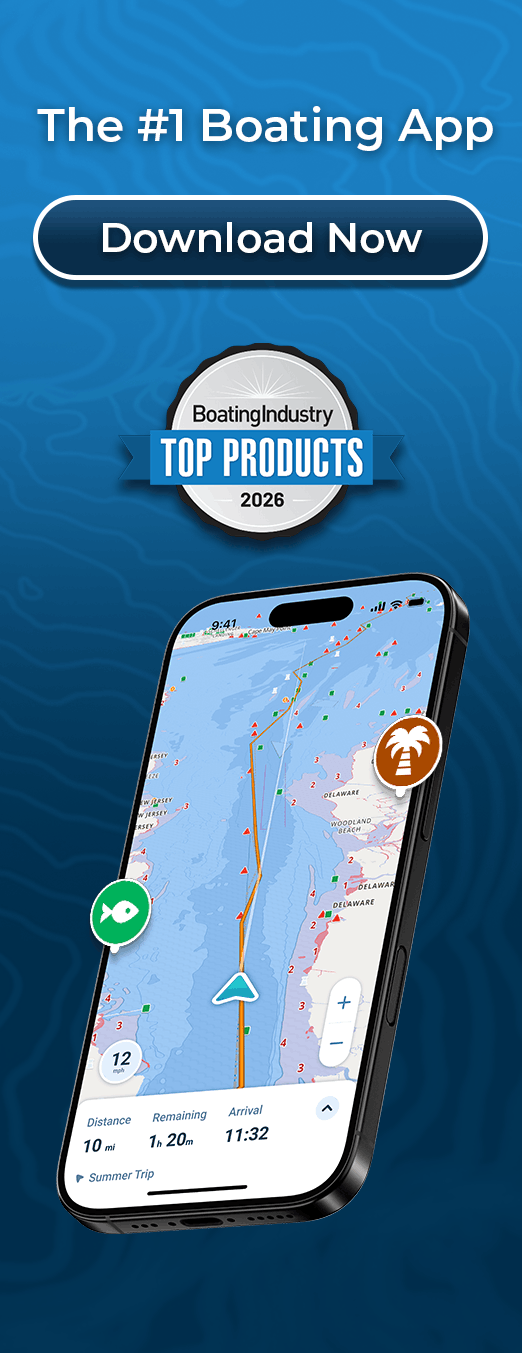
AutoRouting builds a route around charted obstacles and through channels using water depths, and all three AutoRoute Modes, Prefer Channels, Most Direct, and Balanced, account for your draft. Once you are underway, you can follow the route turn by turn.
The red is charted depth adjusted for your draft and the water level; it is not a sonar reading or a measurement under the hull. Wavve calls itself a navigation aid and planning tool alongside prudent seamanship, current conditions and applicable official navigation requirements. Founder Adam Allore, who grew up on the St. Lawrence River, worked at marinas and watched boaters come back with damaged lower units after meeting unexpected shallow water. His own boat had a three-foot draft, so he built a map that highlighted water too shallow for it.