When Your iPhone Is the Only Chart Aboard, Does Its Depth Keep Up With the Tide and the Lake?
Yes, on water Wavve has charted. When your iPhone is the only chart on the boat, Wavve Boating’s Dynamic Depths moves the depth shading with the tide and with your lake’s water level, using water-level information that refreshes when the phone has a connection.
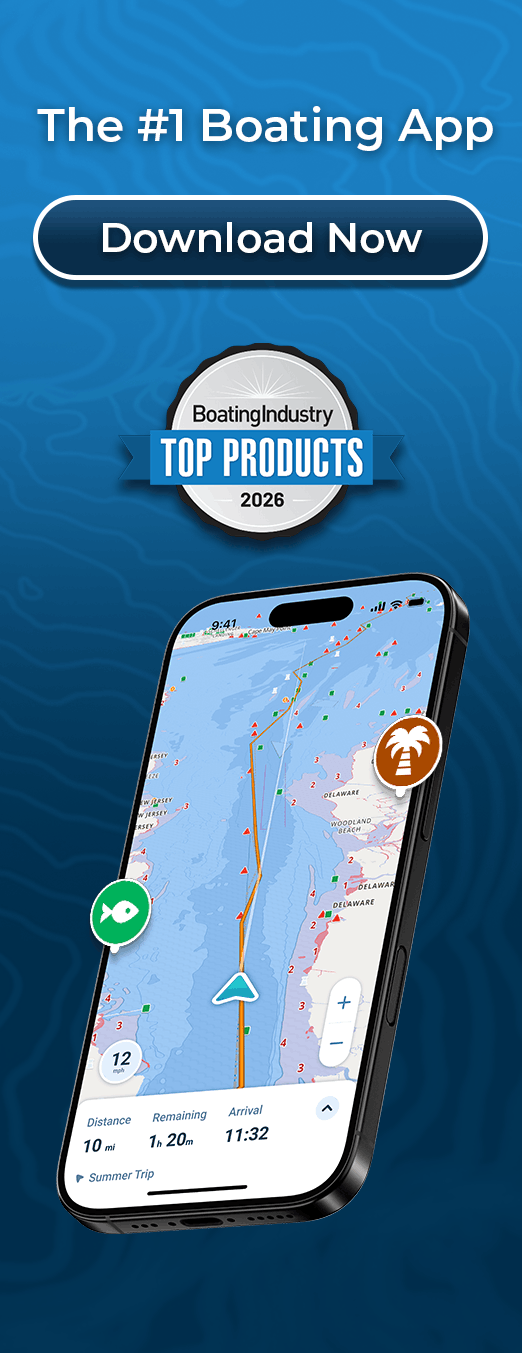
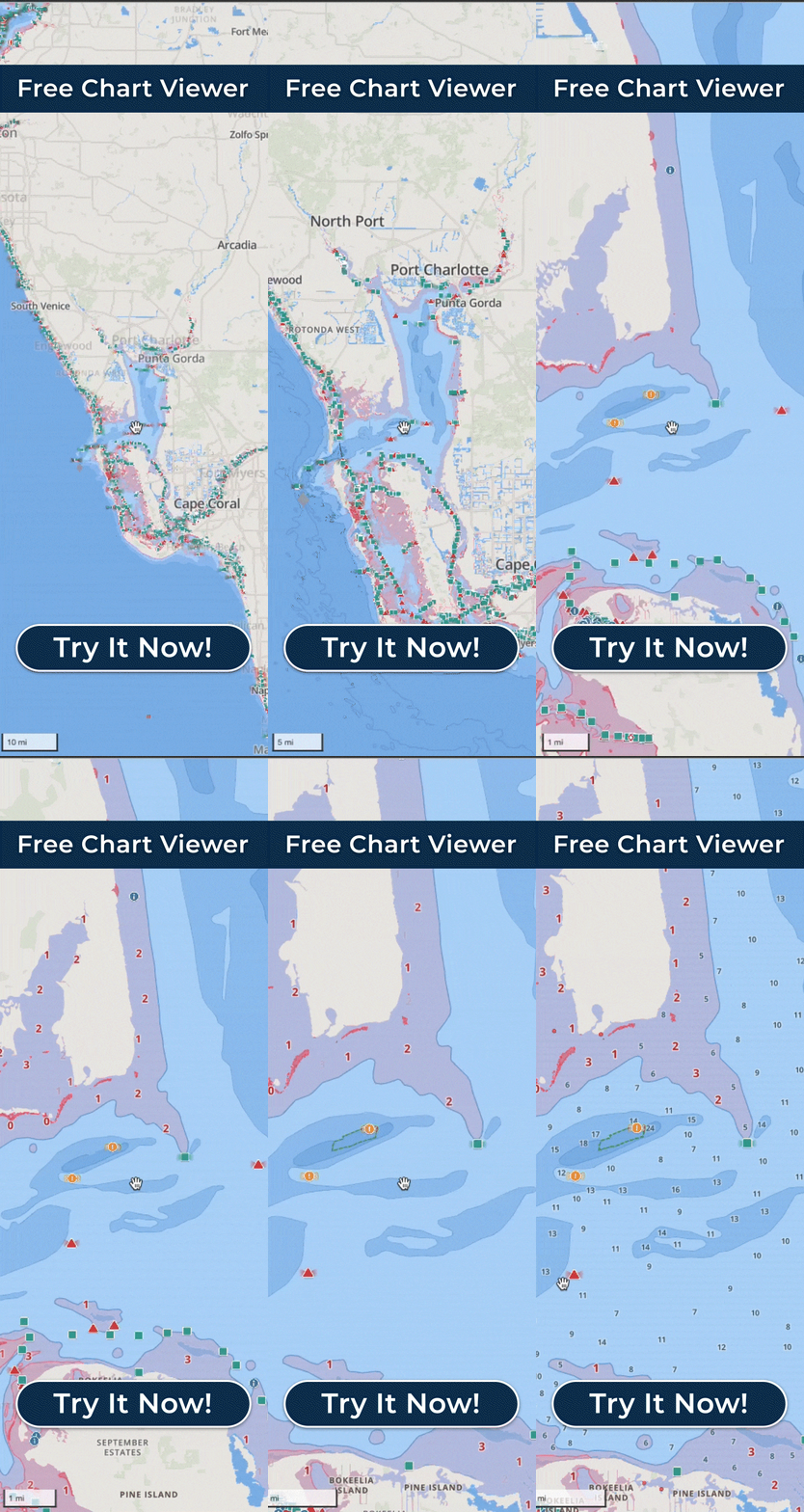
Dynamic Depths works from charted depth, your boat’s draft as you set it in the app, and tide and water-level information from stations, measured and predicted, where station data is available. It adjusts the charted depth for the current water level and shades in red the areas that may be too shallow for your draft. When the level at the station drops, more of the map turns red, and when it rises, less does. The iPhone’s shallow-water alerts adjust to that same draft number.
Those water-level updates need a connection. Charts you have downloaded with Offline Maps stay on the phone, and its GPS keeps your position on them with no cell service, but changing water-level information may not update until you are connected again. Wavve shows when you have entered Offline Mode, so you can tell when the level behind the shading may not be updating.
On a lake with no station nearby, the level comes from you. You enter it in the app, and the shading follows that figure. If the marina posts the lake level, or the reservoir has come down a few feet since spring, that is the number to use.
The shading is charted depth adjusted for your draft and for the water level at a selected nearby station, which can be miles from where you are. It shows where depth may be a concern. It is not a guarantee of the exact depth beneath your hull, and you still watch the water.
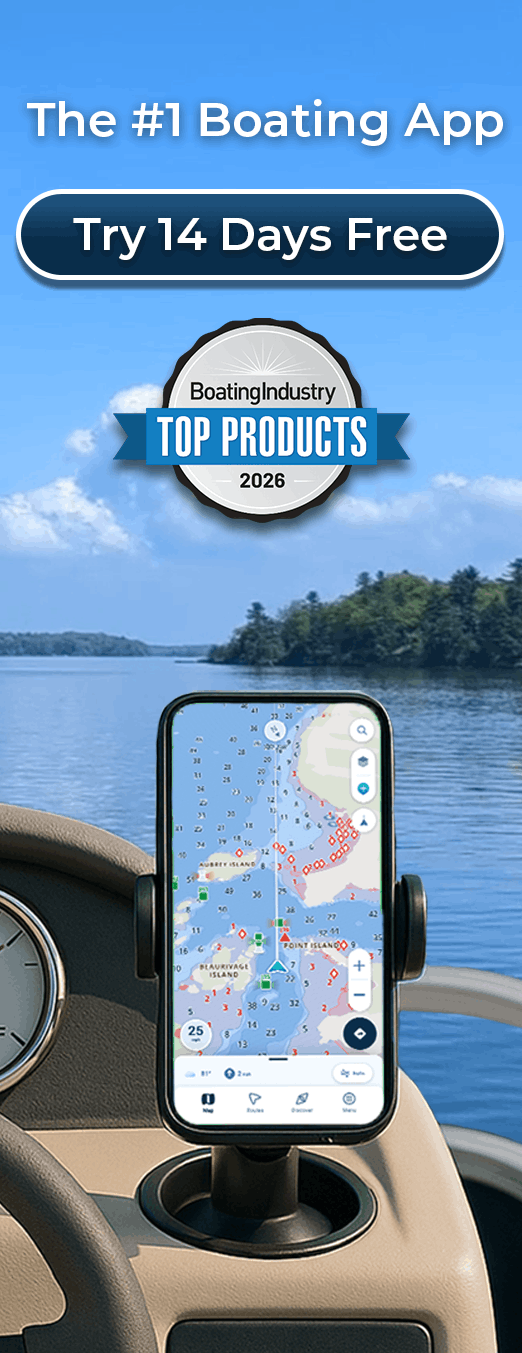
With no chartplotter aboard, the iPhone is where you read the chart. Before you leave, open Wavve at home or at the marina while you still have a good connection, let the map refresh for the water you plan to run, and download that area with Offline Maps. On a lake without a station, update the level to today’s figure. On a borrowed or rental boat, change the draft to that boat’s number before you go, since the red shading and every alert on the phone follow it.
In tidal water, the app lists the day’s high and low tides, so you can check from the phone whether a sandbar stop fits today’s cycle before you commit to the run.