How the Wavve Boating Marine Navigation App Helps Kayakers Time a Crossing
Kayakers time an open-water crossing in Wavve Boating by reading the Integrated Marine Weather Forecast hour by hour for wind, gusts and wave height across both the outbound and return legs, checking the Visual Wind Overlay for the wind’s direction over that stretch of water, and choosing the hours when both legs fall in the lighter conditions.
The forecast covers seven days, broken into hours. Each hour lists temperature, wind, wind gusts, wave height and wave period, and each day shows sunset. Wind and wave values are color-coded, which makes a build in the afternoon easy to spot when you scan a day. Wave height and wave period are forecast values, not measurements taken on the water.
Direction comes from the Visual Wind Overlay, which shows wind across the map up to three days ahead. For a crossing, direction decides whether the far shore offers shelter when you land and whether the return leg is into the wind, across it or with it. The forecast updates as you pan the map to different locations, so you can read it for the stretch of water you intend to cross.
On tidal water, Wavve shows each day’s high and low tides. Tide times affect where a kayak can launch and land, particularly where a shoreline dries at low water. Wavve shows tides and water levels, not currents, so where a channel or gap is known for strong flow, current information needs to come from a local source.
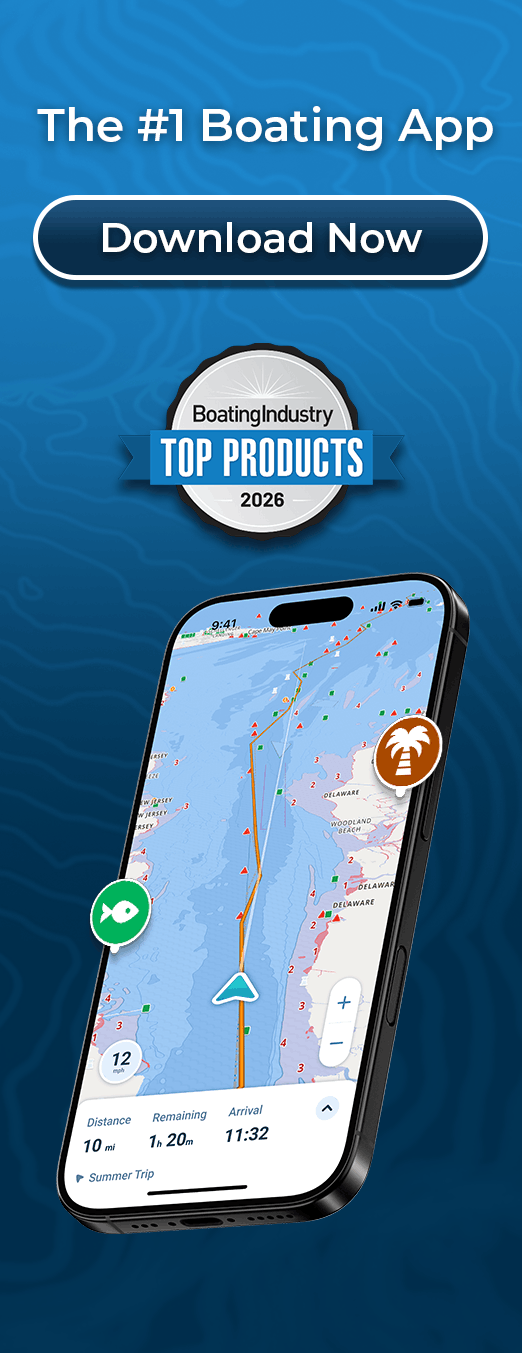
Manual Routing shows the total distance and estimated travel time of the planned line, so you know how much open water the crossing involves, and the forecast is available while you plan the route. Marine weather alerts are shown in the app.
A practical order for the decision is to check the return hours first, because a forecast build in wind or gusts can matter most on the way back, then confirm the outbound hours, then check tide times if the crossing ends on tidal water. If the lighter hours do not cover both legs, the usual options are an earlier start, a shorter crossing or another day.
The wind overlay is based on forecast data and is not a guarantee of conditions at every moment. Wavve’s weather is not a substitute for official weather warnings or for watching conditions on the water. Forecast updates require a connection, so check the forecast the evening before and again at the launch while the phone still has signal, and compare it with what you can see on the water before you set out.