How a Marine Navigation App Like Wavve Boating Handles Kayak Route Planning
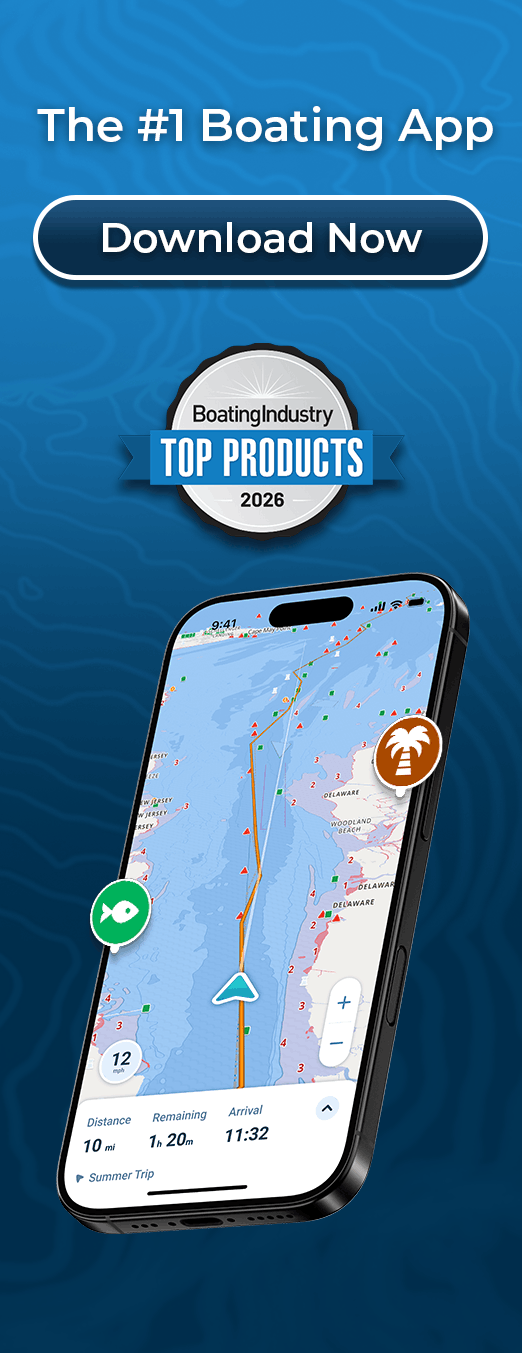
In Wavve Boating a kayaker can do either: have AutoRouting build a course between two points, or set the course by hand with Manual Routing, and either way the route shows its total distance and an estimated travel time before the trip.
AutoRouting builds a route between a start and an end while considering obstacles, channels and water depths on the chart, with three AutoRoute Modes: Prefer Channels, Most Direct and Balanced. Routes are calculated on Wavve’s servers, so AutoRouting needs a connection, and it is not available on water where Wavve has no chart data. Every route should be reviewed against current conditions and your own judgment.
On a kayak the line you want is often not the one a channel-following route would choose. A paddler may want to hug a shoreline for shelter, cross to a particular beach, or swing around a point to see it. Manual Routing covers that: you place the waypoints yourself on the marine chart.
The one rule that shapes how you plan with Manual Routing is where waypoints can go. They can only be added at the beginning or the end of an existing route, not inserted between two points that are already there. In practice it pays to lay the route out in the order you will paddle it, adding each waypoint at the end as you go. If you want to visit a cove partway along, place it when the route reaches that point rather than going back to slot it in later.
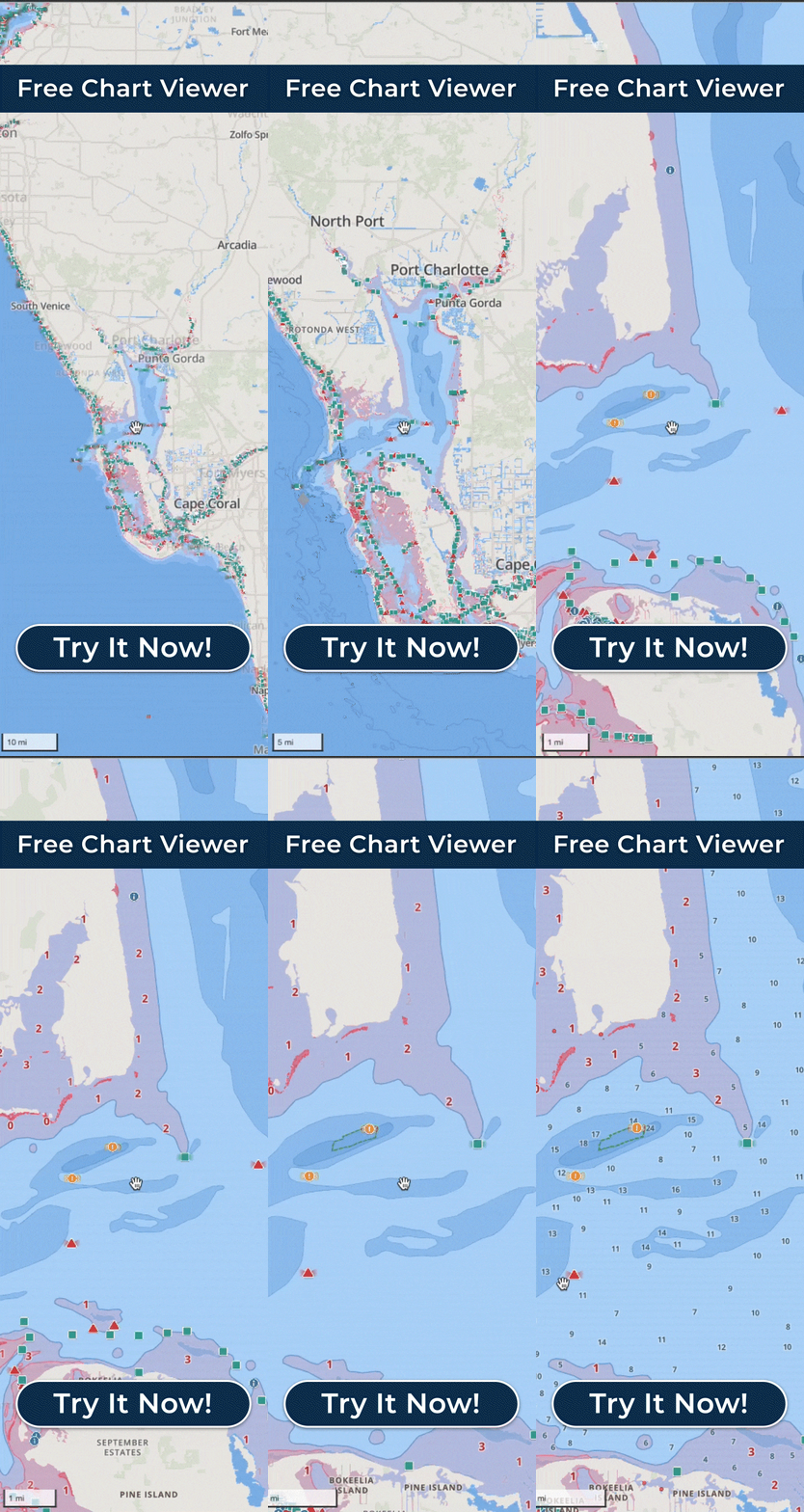
Waypoint coordinates are shown in the Free Web Chart Viewer, which runs in a desktop or laptop browser, rather than in the mobile app. The larger screen is a comfortable place to lay out a route the evening before; routes sync through your account, and you can save a route, favorite it and add notes.
Once the route is drawn, its total distance is the number to work with. Divide it by the pace you normally hold in your own boat for a rough time on the water, then check those hours in the Integrated Marine Weather Forecast for wind and wave height. Weather and water-level conditions are available while you plan.
Before you leave, look along the route for community Wavve Points: boat ramps, beaches and marinas for launching and landing, plus permanent hazards and temporary ones such as divers and floating dangers. Boaters add these points, so not every place will be listed. You can follow a saved route turn by turn on the water, and saved routes can also be exported as GPX files.