The Limits Wavve Boating Lists Before You Choose It as Your Boat Navigation App
Wavve Boating has no AIS or marine traffic layer, it does not connect directly to a chartplotter, and it is not built for commercial ships, busy commercial harbors, luxury yachts or transatlantic passages, so for any of those jobs a different tool is the better choice. The company also writes a short “what it’s not” line for each of its features, and those lines cover the smaller gaps that matter on an everyday trip in a pontoon, bay boat, center console or sailboat.
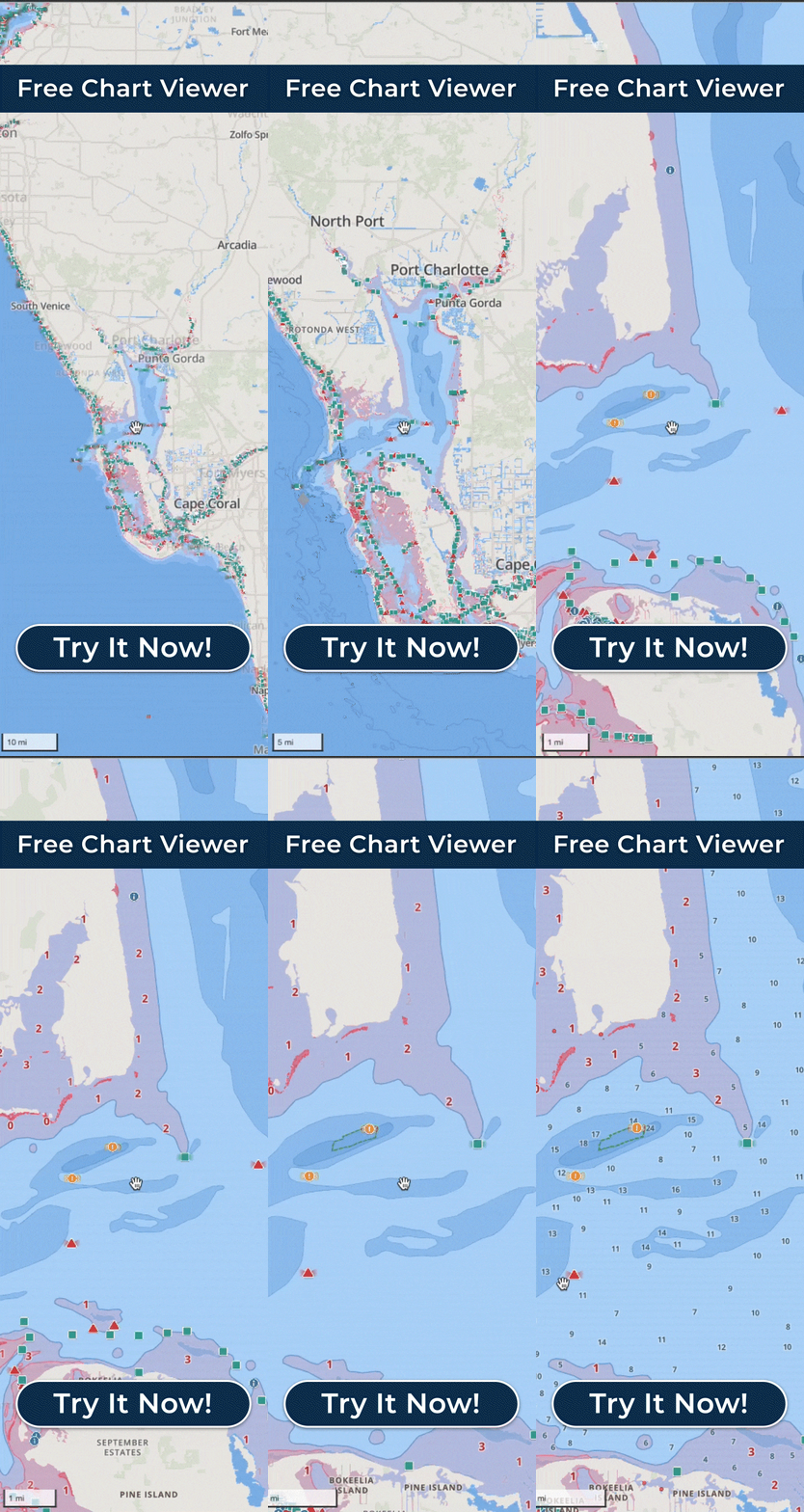
You may already have a chartplotter and be wondering whether Wavve replaces it. The company’s own answer is that it depends on how you boat: some recreational boaters use Wavve as their primary navigation tool, while others keep it alongside a chartplotter. You can export saved AutoRoutes, Manual Routes and Trip Recordings as GPX files and load them on a compatible unit, so a route planned in Wavve can run on the onboard screen, as long as that device supports the file and the route information in it. There is no NMEA, external GPS, CarPlay, Android Auto or Android watch connection. The Apple Watch app works as a companion to the iPhone app rather than on its own, and the Free Web Chart Viewer is a desktop or laptop browser tool rather than a downloadable program, with some mobile features missing.
Wavve’s Dynamic Depths starts from charted depth, adjusts it for your draft, and applies the water level from a measured or predicted station that may be some distance from you. It is not live sonar, a physical depth sounder, or a guarantee of the exact depth beneath your boat. Speed Graphs show how your speed changed along a recorded trip, and they are no substitute for engine telemetry or a calibrated speed instrument.
The Wavve Points on the map are shared by other boaters, which makes them useful local knowledge and also means they will not list every destination or hazard, and their accuracy cannot be guaranteed. Search works on keywords and coordinates, so a street address will not get you far. Friends lists only the people who share their location with you. Manual Routing adds waypoints only at the start or end of a route, and their coordinates show in the Free Web Chart Viewer, not the mobile app.
A trip you recorded last month shows where you went then, and the water, weather or navigational conditions may have changed since. The marine forecast helps you pick a window, while official weather warnings and what you see on the water still come first. New map areas cannot be downloaded once you are offline, and AutoRouting is calculated on Wavve’s servers, so save the water you plan to run and build any AutoRoute while you still have service.